Vidaya
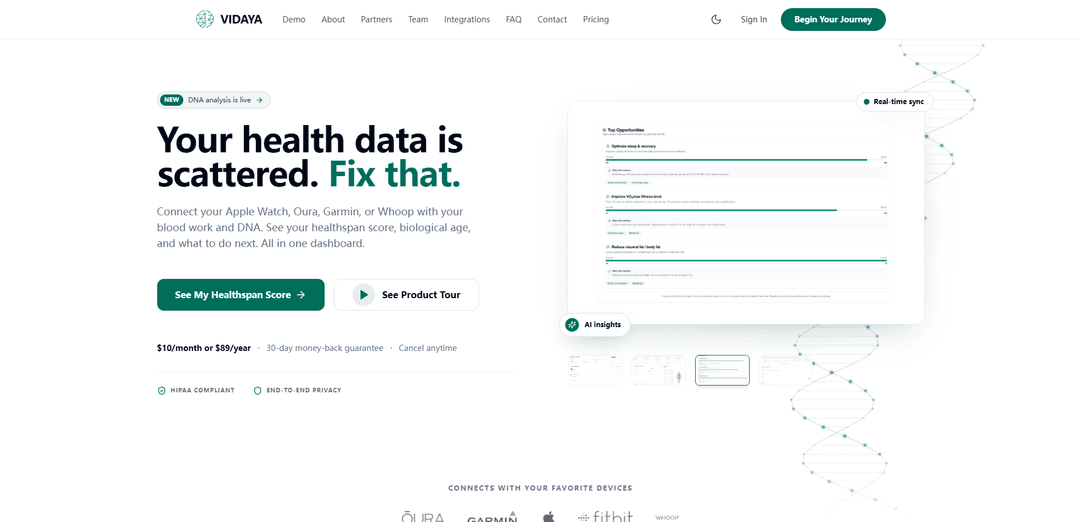
Vidaya is an AI-powered longevity and wellness app that unifies wearables, bloodwork, and DNA into one secure dashboard with healthspan scoring, biological age tracking, and Vaya Chat insights.
https://vidaya.ai/?ref=producthunt
Product Information
Updated:Aug 15, 2026
What is Vidaya
Vidaya is a health optimization platform designed to bring all of your key wellness data into a single, easy-to-understand view. Built for longevity-focused users, it connects popular wearables (like Apple Watch, Oura, Garmin, Whoop, and more) alongside lab results and DNA files (e.g., 23andMe) to help you understand trends such as recovery, metabolic health, sleep, and overall health trajectory. The product emphasizes privacy and security, positioning itself as HIPAA-compliant with end-to-end encryption, while translating complex health signals into clear, actionable insights.
Key Features of Vidaya
Vidaya is an AI-powered longitudinal health intelligence platform focused on longevity optimization. It consolidates scattered health data—wearables (e.g., Apple Watch, Oura, Garmin, Whoop), lab work/blood biomarkers, CGM glucose data, and DNA files (e.g., 23andMe)—into a single dashboard that calculates metrics like healthspan score and biological age, surfaces trends over time, and provides plain-English insights. Users can also chat with Vidaya’s AI (“Vaya”) about their data 24/7, while the platform emphasizes privacy with HIPAA-aligned handling and end-to-end encryption plus data export/deletion controls.
Unified health data dashboard: Connects multiple data sources (wearables, labs, DNA, and more) so nothing stays siloed, presenting everything in one place for easier tracking and interpretation.
Healthspan score & trend tracking: Provides a single score to show how your health is trending over time, helping you track whether lifestyle changes are moving you in the right direction.
Biological age insights: Estimates how old your body appears physiologically (vs. chronological age) and helps contextualize improvement or decline across time.
Glucose & metabolic decoding: Incorporates CGM and blood markers and translates results into plain English to support metabolic awareness and decision-making.
Sleep & recovery analytics: Analyzes sleep stages, HRV, and readiness/recovery signals from connected devices to highlight recovery patterns and changes.
DNA insights + Vaya AI chat: Imports genetic data (e.g., 23andMe) to surface traits/risks and enables 24/7 Q&A via an AI chat interface grounded in your connected health data.
Use Cases of Vidaya
Personal longevity optimization: Individuals can centralize wearables, labs, CGM, and DNA to monitor biological age/healthspan trends and identify what habits correlate with better outcomes.
Fitness & recovery planning: Athletes and active users can use sleep stages, HRV, and readiness trends to adjust training load, recovery routines, and lifestyle factors.
Metabolic health coaching support: Users tracking glucose (CGM) and biomarkers can interpret patterns (e.g., meals vs. glucose response) and use AI explanations to guide healthier routines.
Preventive health monitoring between checkups: People who do periodic bloodwork can track changes over time in a single dashboard, making it easier to notice shifts and discuss them with clinicians.
Data-driven wellness programs (early-stage/consumer): Wellness communities or programs can encourage participants to use a single tool for consistent measurement (sleep, recovery, biomarkers) and behavior change tracking—while keeping user data under user control.
Pros
All-in-one aggregation of wearables, lab work, CGM, and DNA reduces fragmentation and improves longitudinal visibility.
AI-driven, plain-English insights and chat make complex biomarker and wearable data more accessible.
Strong privacy positioning (HIPAA-aligned handling, end-to-end encryption, export/delete controls).
Cons
Insights are informational and not medical advice; users still need clinicians for diagnosis/treatment decisions.
Usefulness depends on having compatible devices/data sources and regularly syncing/adding labs.
Biological age/healthspan scoring methodologies can vary by product and may not map cleanly to clinical outcomes for every user.
How to Use Vidaya
1) Create your Vidaya account: Go to https://vidaya.ai/ and select the sign-up option (e.g., “Start Your Health Journey”). Complete registration to access your personal dashboard.
2) Open your health dashboard: After signing in, navigate to your main dashboard where Vidaya centralizes your health data (wearables, labs, DNA) into one view.
3) Connect your wearable devices: In the integrations area, connect supported wearables (e.g., Apple Watch, Oura, Garmin, Whoop, Fitbit). Authorize permissions so Vidaya can sync your metrics (sleep, recovery, HRV, readiness, etc.) in real time.
4) Add bloodwork and lab results: Upload or connect your lab/bloodwork data so Vidaya can interpret biomarkers (including metabolic and glucose-related markers) alongside your wearable trends.
5) Import your DNA file (optional, if you have one): If you have a 23andMe file, use the DNA analysis feature to upload/import it. Vidaya will generate DNA insights such as genetic risks and traits.
6) Confirm your data sources are syncing: Check the data sources/syncing status to ensure wearables, labs, and DNA are connected. Vidaya is designed to keep data from staying in silos by unifying it in one place.
7) Review your key summary metrics: Use the dashboard to view core outputs like your Healthspan Score (trend over time) and Biological Age (how old your body acts vs. your birthday).
8) Explore category insights (sleep, recovery, metabolic, glucose): Open the relevant sections to see plain-English interpretations of sleep stages, HRV, daily readiness, and metabolic/glucose insights derived from CGM and blood markers (if connected).
9) Use Vaya AI Chat to ask questions about your data: Open Vaya Chat and ask questions about your trends, correlations, and what may be influencing changes (e.g., recovery up/down, sleep shifts, biomarker movement). Use it as a 24/7 interface to your unified dataset.
10) Track trends over time and look for correlations: Use Vidaya’s longitudinal views to monitor how metrics change across weeks/months and identify patterns that single readings won’t show (e.g., recovery trending up 12% this month).
11) Use the Interactive Demo (optional) to learn the interface: If you want to explore without logging in (or to understand the layout), use the site’s Interactive Demo to click through a sample dashboard experience.
12) Manage privacy and data ownership controls: Review the security/privacy posture (HIPAA-aligned handling, end-to-end encryption/AES-256). Use account controls to export your data or delete it at any time.
13) Continue iterating as new data arrives: Keep devices connected and periodically add new labs/DNA updates. Vidaya will continue aggregating and cross-referencing sources to update insights and trends as your dataset grows.
Vidaya FAQs
Vidaya is an AI-powered health app focused on longevity and wellness that unifies your wearable data, bloodwork, and DNA into one dashboard and provides AI-driven insights.
Vidaya Video
Popular Articles

Vosko AI: Localize and Dub Videos for Global Audiences
Oct 15, 2026

Atoms: A Multi-Agent AI Platform That Transforms Ideas into Launch-Ready Products
Oct 13, 2026

Nano Banana SBTI: What It Is, How It Works, and How to Use It in 2026
Apr 15, 2026

Atoms Review — The AI Product Builder Redefining Digital Creation in 2026
Apr 10, 2026
Latest AI Tools Similar to Vidaya
DocAI
DocAI is an AI-powered platform that offers intelligent document processing, medical consultation analysis, and personalized healthcare solutions through advanced machine learning technologies.
Nutrecity
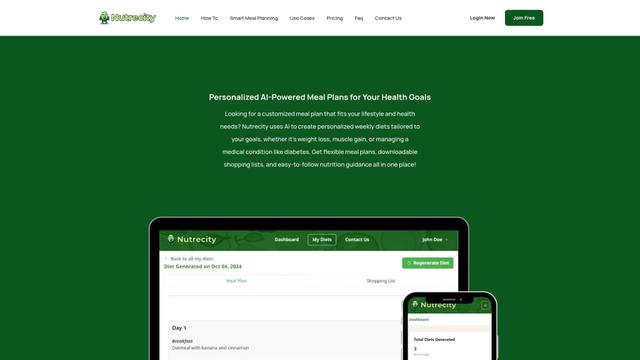
Nutrecity is an AI-powered meal planning platform that creates personalized nutrition plans tailored to individual health goals, dietary preferences, and restrictions while providing comprehensive nutritional tracking and reporting.
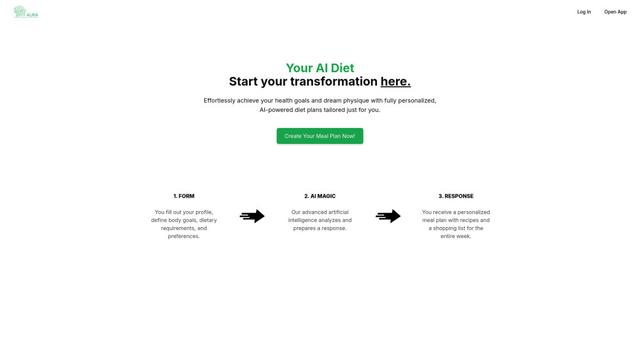
Fit Aura
Fit Aura is an AI-powered diet and nutrition platform that creates personalized meal plans, generates recipes, and helps track fitness progress for achieving health goals.
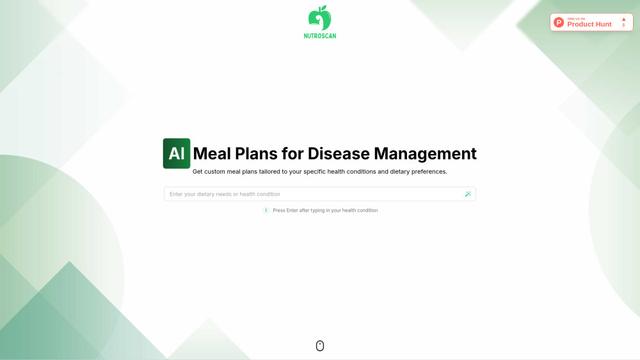
Nutroscan
Nutroscan is an AI-powered meal planning platform that generates personalized nutrition plans based on individual health conditions, dietary preferences, and nutritional needs.
Popular AI Tools Like Vidaya
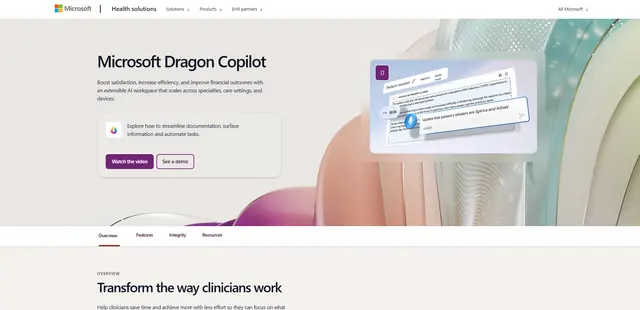
Microsoft Dragon Copilot
Microsoft Dragon Copilot is an AI-powered clinical workflow assistant that combines natural language voice dictation, ambient listening capabilities, and generative AI to streamline documentation, surface information, and automate tasks across healthcare settings.
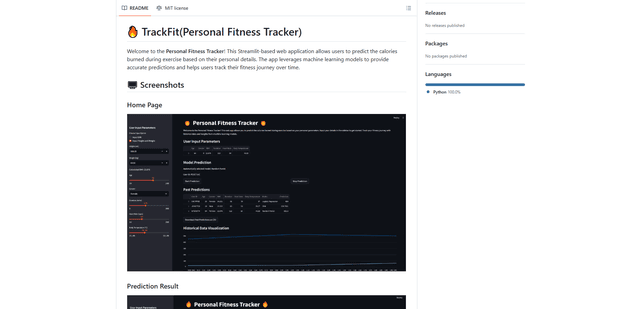
TrackFit
TrackFit is a comprehensive AI-powered fitness tracking system that combines smartwatch sensor data, machine learning models, and personalized analytics to help users monitor workouts, track progress, and improve exercise form in real-time.
HealthyAI - Nutrition Scanner
FreemiumHealthcare
HealthyAI is an AI-powered nutrition scanner app that helps users make healthier food choices by providing instant ingredient analysis, nutritional breakdowns, and personalized recommendations through barcode scanning and photo recognition technology.
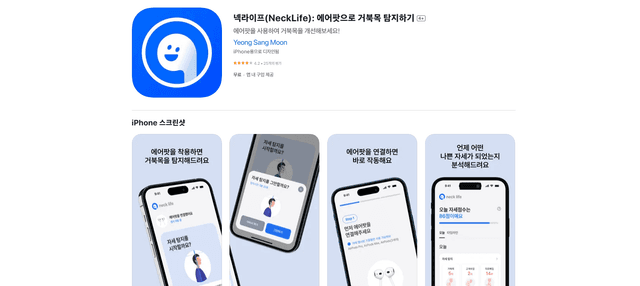
Neck-Life
FreemiumHealthcare
Neck-Life is an innovative app that uses AirPods sensors to monitor neck posture in real-time and helps prevent 'tech neck' through timely alerts and personalized settings.