Veo Online
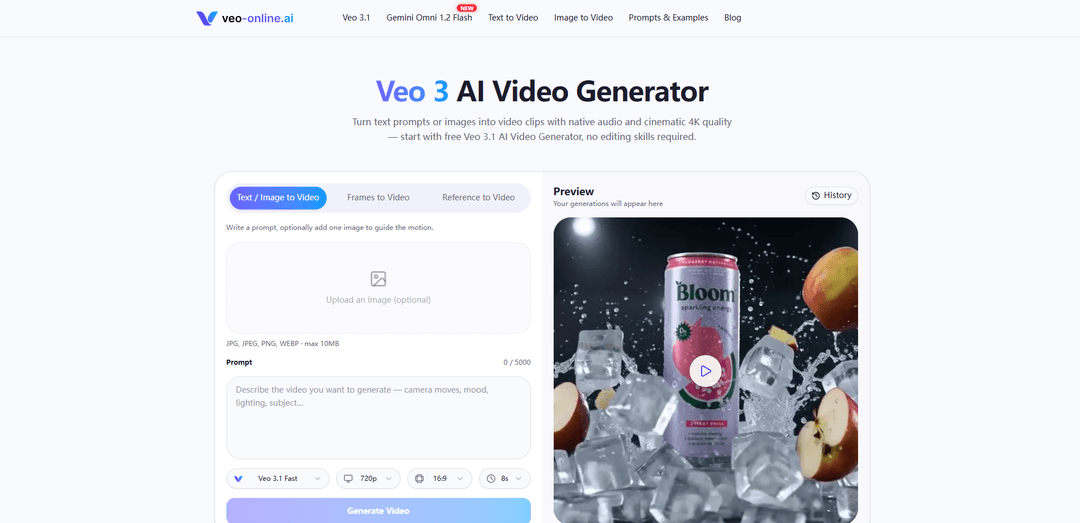
Veo Online is an AI video generator that turns text and images into short clips with cinematic controls, reference inputs, and native audio.
https://veo-online.ai/?utm_source=aipure
Product Information
Updated:Nov 16, 2026
What is Veo Online
Veo Online is a browser-based Veo 3 AI video generator that turns a text prompt or a single image into a short cinematic clip with native audio. Pick a model, describe the scene, set duration, aspect ratio and resolution, then generate and download.It supports both text-to-video and image-to-video workflows in one workspace. Upload a photo, product shot or character design and the model adds motion while keeping faces, lighting and style consistent across shots. Veo 3 also generates dialogue, sound effects and ambient audio in the same pass, so there is no separate voice or sound step.
Key Features of Veo Online
Veo Online is a web-based AI video generator that uses Veo models to create short clips from text, images, frames, or reference images. It supports cinematic scenes, product animations, character dialogue, and vertical social videos, with options for generated audio and downloadable output.
Text-to-video and image-to-video: Generate clips from written scene descriptions or animate existing photos, product shots, and concept art.
Native audio generation: Create dialogue, sound effects, and ambient sound alongside the video with supported models.
Reference and frame controls: Use reference images or first and last frames to guide characters, scenes, and transitions, depending on the selected model.
Multiple Veo models: Choose from Veo 3.1 Fast, Quality, and Lite, as well as Veo 3 and Veo 2, for different workflows and creative needs.
Output controls and prompt library: Choose available aspect ratios, durations, and resolutions, and use example prompts as starting points.
Use Cases of Veo Online
Film and storytelling: Visualize short scenes, trailers, mood pieces, and concepts using prompts that specify action, atmosphere, and camera movement.
E-commerce and advertising: Animate product photos or generate short product reveals and lifestyle clips for promotional campaigns.
Social media content: Create vertical video concepts for TikTok, Instagram Reels, and YouTube Shorts.
Character and dialogue scenes: Develop short character-driven clips with spoken lines, ambient sound, and visual references.
Creative prototyping: Test visual directions and generate variations before committing to a final concept or production.
Pros
Supports both text and image-based video creation.
Offers multiple models and reference controls for different workflows.
Can generate audio alongside video with supported models.
Includes example prompts to help users get started.
Cons
Output controls and input options vary by model.
Generated clips may need multiple attempts to achieve the desired motion or character consistency.
Access, pricing, and generation limits may vary.
How to Use Veo Online
Open Veo Online: Visit https://veo-online.ai/ and open the video generator.
Choose a model and input mode: Select a Veo model, then choose text, an image, frames, or reference images from the options available for that model.
Add your prompt or images: Describe the subject, setting, action, visual style, and camera movement. If using an image or reference, upload it and describe how you want it animated.
Specify audio: For a model that supports native audio, describe any dialogue, ambient sounds, or sound effects you want.
Choose video settings: Select the available duration, aspect ratio, and resolution. For vertical social videos, choose 9:16 if available.
Generate and review: Generate the clip and check the motion, appearance, and audio. Adjust your prompt or settings and generate another version if needed.
Download your video: Once you are happy with the result, download the finished clip to your device.
Veo Online FAQs
Veo Online is a web-based video generator that offers access to Veo models for creating short video clips from text or images.
Popular Articles

Proferex: A Cloud-Based Ad Tracking and Campaign Optimization Platform
Nov 4, 2026

How to Create Viral Talking Baby Podcast Videos with AI: Step-by-Step Guide
Nov 2, 2026
Vosko AI: Localize and Dub Videos for Global Audiences
Oct 15, 2026

Atoms: A Multi-Agent AI Platform That Transforms Ideas into Launch-Ready Products
Oct 13, 2026
Latest AI Tools Similar to Veo Online

Loud Fame
Loud Fame is an AI-powered video transformation tool that allows users to convert regular videos into anime-style animations and create AI-generated celebrity talking videos.
BizBoom.ai
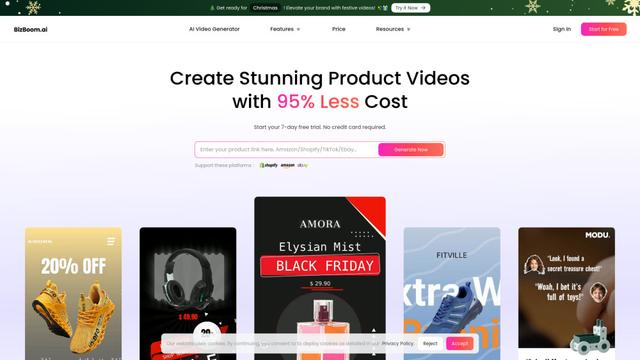
BizBoom.ai is an AI-powered platform that automatically generates professional product videos from product links and images with 95% less cost.
EzVideos
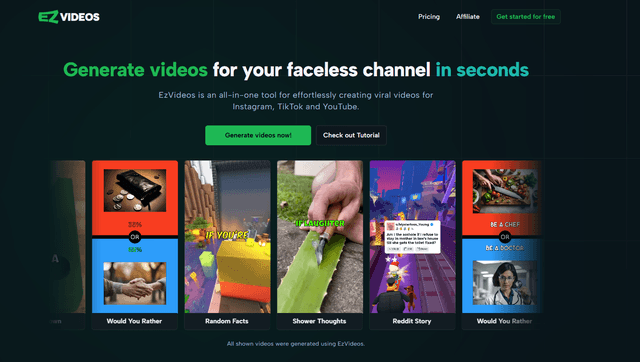
EzVideos is an all-in-one video creation tool that helps users generate viral videos for social media platforms like Instagram, TikTok, and YouTube with automated editing features and built-in resources.
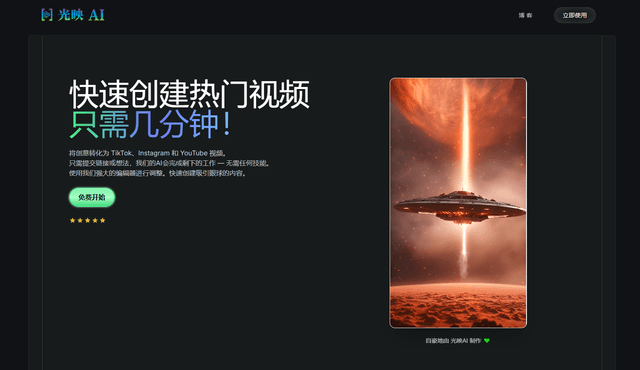
Illuminix
Illuminix is an AI-powered platform that empowers businesses with autonomous hyper-experts and specialized tools for automated business processes, data management, and video content creation.
Popular AI Tools Like Veo Online
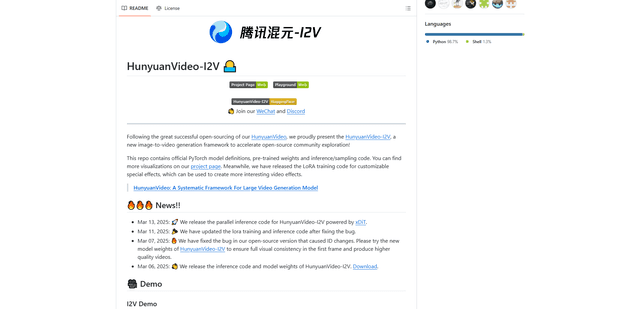
HunyuanVideo-I2V
HunyuanVideo-I2V is an open-source AI framework developed by Tencent that transforms static images into high-quality, dynamic videos with customizable motion effects and exceptional visual consistency.
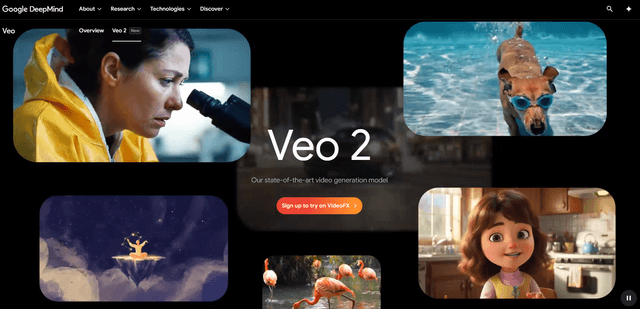
Google Veo 2
Veo 2 is Google DeepMind's state-of-the-art AI video generation model that can create high-quality videos up to 4K resolution with realistic motion, extensive camera controls, and improved physics simulation from text prompts.
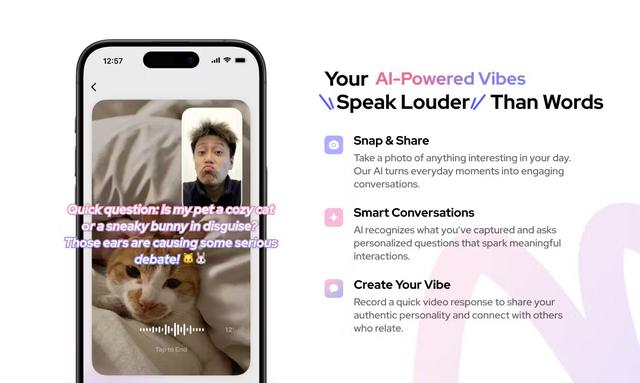
Vibing
Vibing is an AI-powered dating app that helps users share authentic moments through video stories and make genuine connections based on personality matching and interactive features.
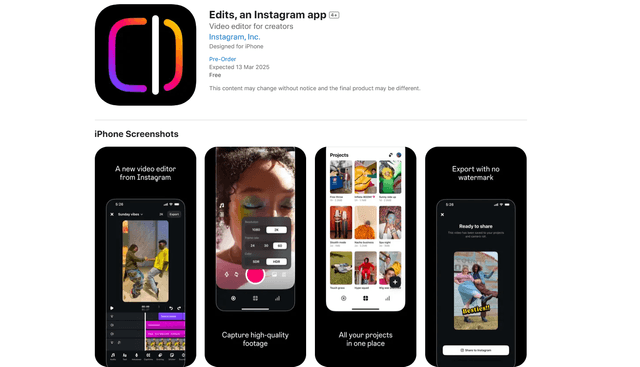
Edits, an Instagram app
Edits is Instagram's free video creation app that provides creators with professional editing tools, AI features, and analytics capabilities to create high-quality videos directly from their phones.