
unquestion
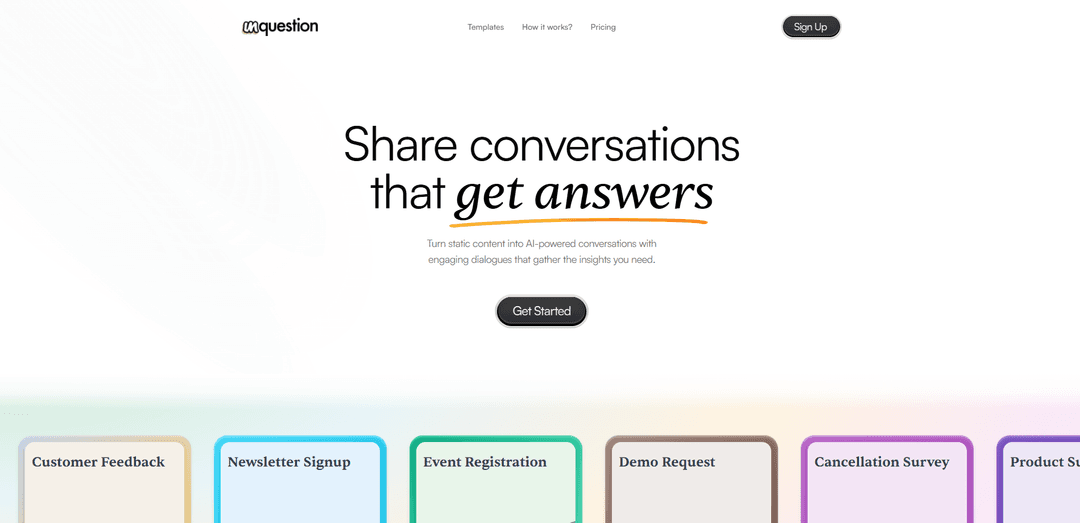
Unquestion turns static forms and pages into AI-powered, friendly conversations you can build with drag-and-drop questions and export as clean, structured results (e.g., CSV) instead of messy chat logs.
https://www.unquestion.ai/?ref=producthunt
Product Information
Updated:Aug 8, 2026
What is unquestion
Unquestion is a tool for creating and sharing interactive AI conversations that replace traditional static forms and landing pages. Instead of asking users to fill out rigid questionnaires, it guides them through natural, engaging dialogues designed to collect the insights you need. It supports common use cases such as customer feedback, newsletter signups, event registrations, demo requests, cancellation surveys, product and feature surveys, waitlists, and customer support—helping teams capture higher-quality responses in a more conversational experience.
Key Features of unquestion
Unquestion is a tool for turning static forms and pages into AI-powered, interactive conversations that keep users engaged while collecting structured, exportable insights. You can build conversations by arranging questions via drag-and-drop, deploy them for common workflows (like feedback, signups, and surveys), and then view responses in clean tables with real-time tracking for completed and partial submissions, with one-click CSV export for analysis.
AI-powered conversational forms: Replaces static pages/forms with friendly, natural dialogues that encourage users to keep interacting while answering questions.
Drag-and-drop conversation builder: Create and arrange questions easily using a visual editor, enabling quick setup without heavy technical work.
Templates for common workflows: Provides ready-made starting points such as Customer Feedback, Newsletter Signup, Event Registration, Demo Request, Cancellation Survey, Product/Feature Survey, Waitlist Signup, and Customer Support.
Structured responses in tables: Organizes answers into clean, structured tables rather than long chat logs, making results easier to review and act on.
Real-time response tracking: Gives clear visibility into both completed and partial responses as they come in.
One-click CSV export: Lets you quickly download collected results as CSV for reporting, analytics, or importing into other tools.
Use Cases of unquestion
SaaS product feedback and feature requests: Collect actionable user feedback and feature ideas through guided conversations, then review results in structured tables for prioritization.
Marketing lead capture and demo requests: Replace static lead forms with conversational qualification flows for demo requests, improving engagement and capturing richer context.
Event registration and newsletter signup: Use conversational signup flows to increase completion rates and gather additional preferences (e.g., topics of interest) in a natural way.
Customer support intake: Guide users through issue reporting with a conversational assistant that collects the right details upfront for faster resolution.
Churn/cancellation surveys: Run cancellation conversations that uncover reasons for churn and collect structured retention insights that are easy to analyze.
Waitlist and early-access programs: Capture waitlist signups while gathering segmentation data (use case, company size, urgency) to prioritize outreach.
Pros
More engaging than static forms, potentially improving completion rates and response quality
Structured, table-based outputs simplify review and downstream analysis versus chat transcripts
Fast setup via drag-and-drop builder and workflow templates
Operational visibility with real-time tracking plus easy CSV export
Cons
Conversational flows may be unnecessary for very simple data capture (could add friction vs a short form)
Effectiveness depends on well-designed question flows; poor conversation design can reduce data quality
CSV export is helpful, but deeper integrations/workflows are not specified in the provided sources
How to Use unquestion
1) Open unquestion and start a new conversation: Go to https://www.unquestion.ai/ and click the call-to-action to create your first conversation (the site promotes starting for free). This takes you into the conversation builder.
2) Choose a template (optional): If you want a head start, open the Templates section and pick a use case such as Customer Feedback, Newsletter Signup, Event Registration, Demo Request, Cancellation Survey, Product Survey, Feature Request, Waitlist Signup, or Customer Support.
3) Build your flow by adding questions: In the builder, create your AI conversation by adding questions and arranging them in the order you want (the product highlights a drag-and-drop workflow).
4) Arrange and refine with drag & drop: Reorder and structure the conversation by dragging and dropping questions until the dialogue matches the experience you want users to have.
5) Make the conversation feel natural and engaging: Adjust the wording of your prompts/questions so the interaction stays friendly and conversational, aligning with the product’s goal of “natural AI conversations” that keep people interacting.
6) Publish/share the conversation: Once your questions are set, share the conversation so people can respond (the platform is positioned around “Share conversations that engage”).
7) Monitor responses in real time: Track completed and partial responses as they come in using the platform’s real-time visibility features.
8) Review structured answers in tables: Instead of reading long chat logs, review results organized as structured answers in clean tables for easier analysis.
9) Export results to CSV: When you’re ready to analyze or share data elsewhere, download/export your results as a CSV with one click.
unquestion FAQs
Unquestion is a tool for creating and sharing AI-powered conversations that replace static pages with engaging dialogues to gather insights.
Popular Articles

Vosko AI: Localize and Dub Videos for Global Audiences
Oct 15, 2026

Atoms: A Multi-Agent AI Platform That Transforms Ideas into Launch-Ready Products
Oct 13, 2026

Nano Banana SBTI: What It Is, How It Works, and How to Use It in 2026
Apr 15, 2026

Atoms Review — The AI Product Builder Redefining Digital Creation in 2026
Apr 10, 2026
Latest AI Tools Similar to unquestion
Folderr
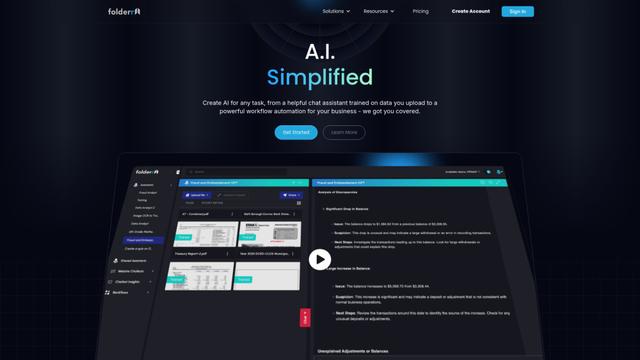
Folderr is a comprehensive AI platform that enables users to create custom AI assistants by uploading unlimited files, integrating with multiple language models, and automating workflows through a user-friendly interface.
Peache.ai
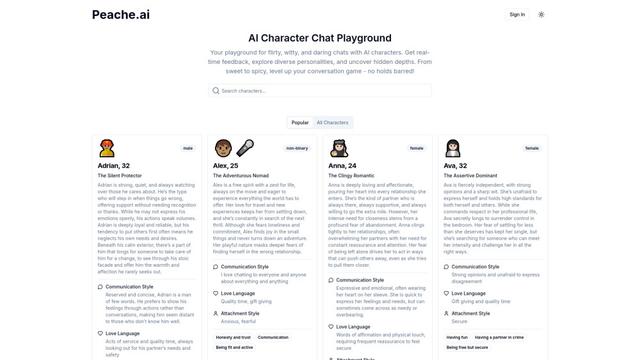
Peache.ai is an AI character chat playground that enables users to engage in flirty, witty, and daring conversations with diverse AI personalities through real-time interactions.

TalkPersona
TalkPersona is an AI-powered video chatbot that provides real-time human-like conversation through a virtual talking face with natural voice and lip-sync capabilities.
Thaly AI
Thaly AI is an AI-powered sales assistant that automates customer conversations and lead qualification to help businesses scale their sales operations while saving time.
Popular AI Tools Like unquestion

GPT‑5.5 | ChatGPT Official
GPT‑5.5 in ChatGPT is OpenAI’s latest work-focused model designed to understand complex goals, use tools effectively, check its work, and carry multi-step tasks (coding, research, documents, spreadsheets) through to completion with stronger safeguards.
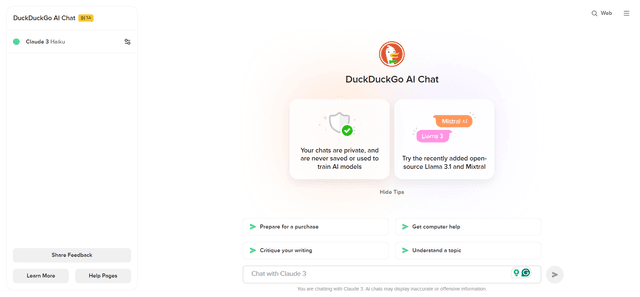
DuckDuckGo AI Chat
DuckDuckGo AI Chat is a free, anonymous way to access popular AI chatbots like GPT-3.5, Claude, and others while preserving user privacy.

Arch
Arch is an intelligent Layer 7 gateway built on Envoy Proxy that provides secure handling, robust observability, and seamless integration of prompts with APIs for building fast, robust, and personalized AI agents.
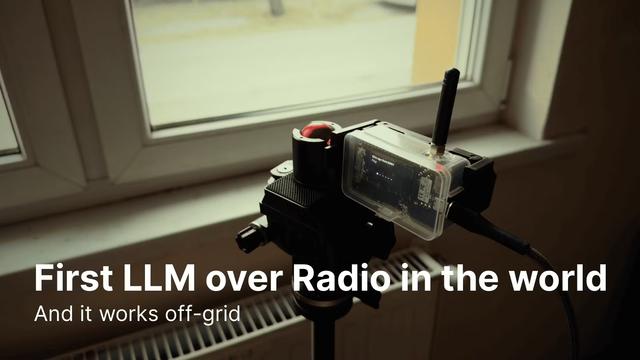
Off-grid LLM over Radio
A platform that integrates Large Language Models (LLMs) with Meshtastic mesh communication networks to enable off-grid AI interactions and automated task execution through radio communication.