
Meet Warren
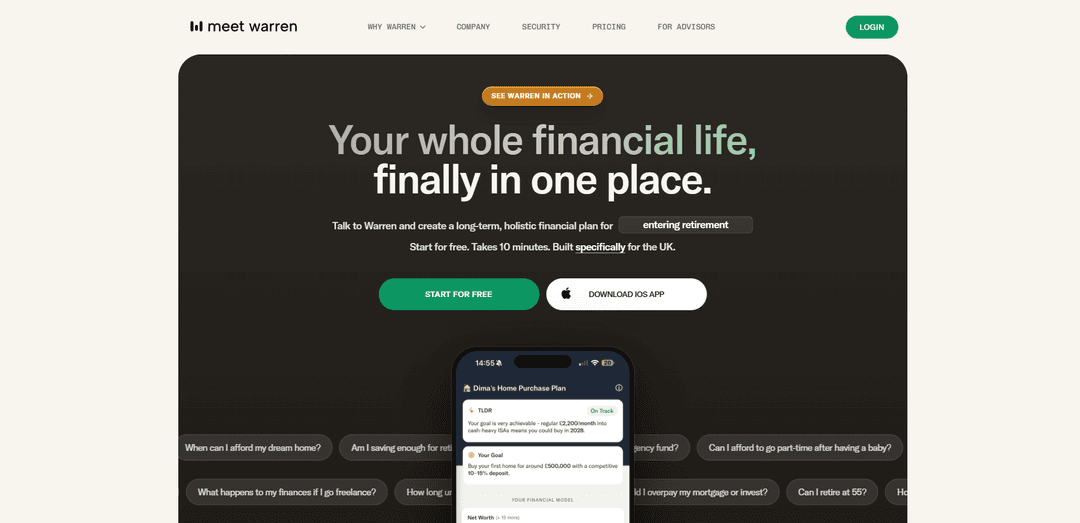
Meet Warren is a UK-focused AI financial planning tool that uses voice/chat, persistent memory, and scenario modelling to help you organise your finances, visualise goals, and explore “what-if” decisions with a human-verified UK knowledge base.
https://meetwarren.co.uk/?ref=producthunt
Product Information
Updated:Jun 16, 2026
What is Meet Warren
Meet Warren is an AI personal finance planning app designed to help people build a long-term financial plan without jargon or pressure. Built specifically for the UK, it helps you organise your financial picture, model life scenarios (like buying a home, going freelance, or retirement drawdown), and keep an ongoing overview of your goals and progress. Warren is positioned as a decision-support and education tool rather than a regulated adviser: it does not provide financial advice and is not authorised or supervised by the FCA. It’s available 24/7 via a voice-first experience and a visual dashboard, and you can choose how much information to share without connecting bank accounts.
Key Features of Meet Warren
Meet Warren is a UK-specific AI financial planning tool that helps you organise your finances, build a persistent long-term plan, and explore “what-if” scenarios via a simple voice and visual experience. It gathers your goals and financial details through a short, judgement-free conversation, then generates projections, dashboards, and actionable next steps. Warren is positioned as decision-support (not regulated advice), grounded in a curated UK knowledge base and designed to keep plans updated as life changes, without requiring bank account linking.
Voice-first plan creation: Starts with a ~10-minute, judgement-free voice conversation that captures your situation and goals with minimal prep, then turns it into a structured financial plan.
Scenario modelling (“what-if” analysis): Lets you test choices like mortgage overpayments vs investing, going freelance, career breaks, buying property, or retiring earlier, and see how they impact projections.
Persistent memory & ongoing context: Retains your financial context and builds a persistent overview so future conversations and updates are based on your actual plan, not just the latest prompt.
UK-specific, human-verified knowledge base: Built specifically for the UK and grounded in a curated knowledge base (including thousands of regulation facts sourced from gov.uk) to reduce UK-rule errors common in generic chatbots.
Visual dashboard, timelines, and goal tracking: Provides visualisations like financial timelines, progress tracking, milestones, and an action plan to make long-term goals easier to understand and follow.
Privacy-conscious setup (no account linking required): Doesn’t require connecting bank accounts; you control what you share, with data stored securely using industry-standard practices.
Use Cases of Meet Warren
Personal financial planning for individuals and couples: Create a holistic plan across savings, pensions, ISAs, housing goals, and emergency funds, then adjust assumptions as circumstances change.
Home purchase and mortgage decision support: Model deposit timelines, affordability, and trade-offs (e.g., bigger house vs faster purchase), and identify practical steps like ring-fencing cash and timing a mortgage offer.
Career change and income volatility planning: Explore impacts of freelancing, part-time work after having a baby, or taking a career break, using scenario projections to stress-test cashflow and goals.
Retirement and financial independence tracking: Assess whether you’re saving enough, estimate timelines to retire (including earlier retirement targets like 55), and compare pathways via contribution/return assumptions.
Financial literacy and self-serve education: Use conversational explanations of concepts (e.g., ISAs, fiscal drag, budgeting vs planning) while tying learning directly to your own plan and numbers.
Employer financial wellbeing (workplace support): As a scalable planning workspace, it can support employee financial wellbeing initiatives by helping staff build clarity, goals, and actionable steps without 1:1 adviser time.
Pros
Built for UK context with a curated knowledge base, reducing risk of generic/non-UK guidance.
Fast onboarding via voice plus strong scenario modelling and visual planning outputs.
Doesn’t require bank connections; user-controlled data sharing and security emphasis.
Persistent context/memory helps avoid repeating information and supports ongoing planning.
Cons
Not regulated financial advice; users still need to make decisions and may need an IFA for suitability/recommendations.
Projection accuracy depends on user inputs and assumptions; outcomes aren’t guaranteed.
UK-only focus limits usefulness for non-UK users or cross-border financial situations.
Some advanced capabilities (e.g., unlimited conversations, file uploads) are tied to paid tiers.
How to Use Meet Warren
1) Start for free (web or iOS): Go to https://meetwarren.co.uk/register to create an account and start a free Basic/Lite plan, or download the iOS app from the App Store (Meet Warren | Financial Plans). No credit card is required for the free plan.
2) Begin the initial setup conversation: Kick off the ~10-minute, judgement-free voice conversation with Warren. You can speak naturally about your situation and what you want to achieve—no prep needed.
3) Share the financial details you’re comfortable sharing: Provide as much or as little information as you want. More accurate inputs produce more relevant scenarios. Warren does not require you to connect bank accounts.
4) Explain your goals and key questions: Tell Warren what you’re planning for (e.g., buying a home, retirement, emergency fund, going part-time, freelancing, paying off student loans). Warren will prompt you with questions to fill gaps and clarify priorities.
5) Review your generated plan and model: After the conversation, Warren turns your inputs into a long-term financial plan with visualisations, a tailored financial model, and “top tips”/actionable steps.
6) Explore “what-if” scenarios: Use Warren to model different choices and pathways (e.g., bigger house vs base plan, mortgage overpayments vs investing, changing savings rate). Ask questions in chat or voice to see how decisions could shape your future.
7) Track milestones and progress: Use the dashboard-style plan view to see goal tracking and timelines (e.g., target dates for house purchase, starting a savings goal, reaching a savings target).
8) Update your plan when life changes: Change your details or assumptions at any time (income, contributions, goals, timelines). Warren refreshes projections based on the new information you provide.
9) Use Warren for ongoing support and explanations: Ask Warren to explain concepts in plain English and help you think through decisions. Warren is designed to provide information and modelling (not regulated financial advice or product recommendations).
10) Stay informed with proactive check-ins and briefings: As you continue using Warren, it can proactively check in and surface relevant updates (e.g., changes like rate movements) and reflect them in your scenario modelling.
11) Manage privacy and data controls: Your data is stored securely using industry-standard encryption and is not shared with third parties. You can request deletion of your data at any time via Meet Warren.
12) Upgrade if you need more capability: If you want more powerful modelling, file uploads, and unlimited conversations, upgrade from the free Basic/Lite plan to Pro (per Meet Warren’s pricing page).
Meet Warren FAQs
Anyone who wants a clearer picture of their finances without spending hours building one themselves. It’s designed to help people get clarity and organisation around their money, from those just starting out to late‑career professionals.
Meet Warren Video
Popular Articles

Vosko AI: Localize and Dub Videos for Global Audiences
Oct 15, 2026

Atoms: A Multi-Agent AI Platform That Transforms Ideas into Launch-Ready Products
Oct 13, 2026

Nano Banana SBTI: What It Is, How It Works, and How to Use It in 2026
Apr 15, 2026

Atoms Review — The AI Product Builder Redefining Digital Creation in 2026
Apr 10, 2026
Latest AI Tools Similar to Meet Warren

MarketYap!
MarketYap! is an AI-powered investment news aggregation platform that simplifies stock research by gathering and summarizing articles from multiple reputable sources.
Feetr.io
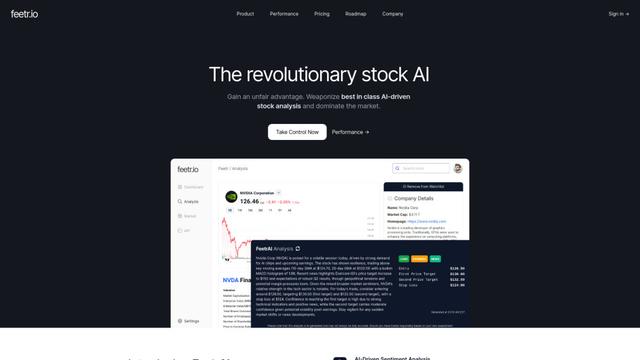
Feetr.io is an AI-powered stock analysis platform that leverages machine learning, social media analytics, and real-time market data to identify potential stock movements before they go mainstream.

ML Alpha
ML Alpha is an AI-driven investment platform that combines machine learning algorithms with community-powered portfolio insights to help investors make data-driven investment decisions in the US stock market.
TradingAPI.rest
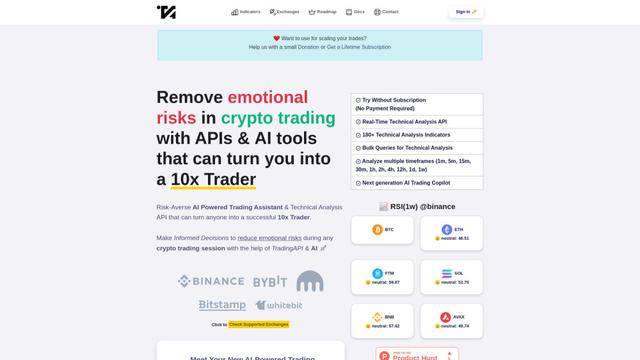
TradingAPI.rest is a comprehensive trading platform that provides Technical Analysis API and AI-Powered Trading Assistant to help traders make data-driven decisions through real-time market analysis, 180+ technical indicators, and natural language insights.
Popular AI Tools Like Meet Warren

MacroMicro
MacroMicro is a comprehensive macro analytics platform that combines technology and research expertise to empower investors with data-driven insights into global market trends.

StockStory
StockStory is an AI-powered stock research and investment advice platform that aims to help individual investors beat the market.

Composer
Composer is an AI-powered trading platform and investment app that allows users to create, backtest, and execute trading strategies using a no-code interface.

ChainGPT
ChainGPT is a cutting-edge AI platform that integrates blockchain and crypto technology to provide advanced tools and utilities for users.