
UGCVideo.ai
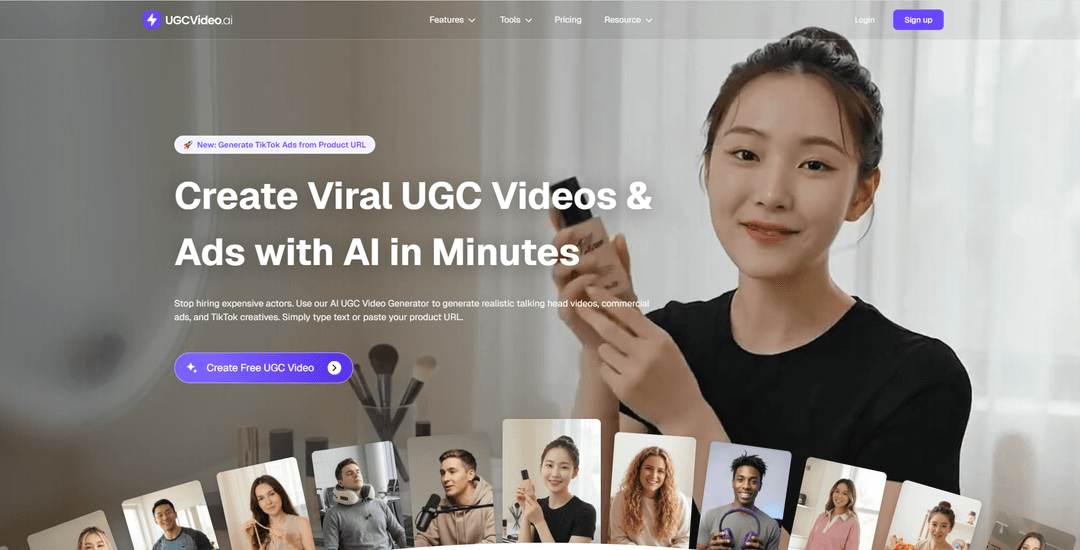
UGCVideo.ai is an AI UGC video and ad generator that turns scripts or product URLs into realistic, UGC-style talking-head ads using lifelike avatars, lip-sync, gestures, templates, and realism controls like skin texture and imperfections.
https://www.ugcvideo.ai/?utm_source=aipure
Product Information
Updated:May 9, 2026
What is UGCVideo.ai
UGCVideo.ai is a powerful AI UGC Video Generator that allows brands and creators to produce high-performing, authentic-looking video ads in minutes. Instead of dealing with cameras, lighting, and complex editing software, you simply input your script, select a lifelike AI avatar, and let the platform do the rest. It generates professional, scroll-stopping videos with natural voiceovers and perfect lip-syncing.
Key Features of UGCVideo.ai
UGCVideo.ai is an AI avatar and UGC video ad generator that helps marketers create realistic, UGC-style talking-head ads and TikTok/Reels creatives in minutes by typing a script or pasting a product URL. It combines an avatar/influencer generator, lip-sync and gesture animation, multi-scenario ad templates, and centralized asset management to speed up creative testing and production for e-commerce and performance marketing teams—aiming for more “real” human imperfections (skin texture/pores/blemishes) so ads feel less synthetic.
Script/URL-to-UGC video generation: Turn a written script or a pasted product link into a ready-to-post UGC-style video ad, optimized for short-form platforms like TikTok, Instagram, and Facebook.
AI avatar & influencer creation: Create high-fidelity digital humans/virtual influencers from a description or image, usable as brand spokespersons across campaigns.
Natural lip-sync, gestures, and expression control: Animate talking avatars with synced speech plus expressive facial motion and body gestures to increase on-camera realism and engagement.
“Real imperfections” realism controls: Adjust skin texture, pores, blemishes, tired eyes/dark circles, and other natural details to avoid overly smooth, plastic-looking AI faces and improve relatability.
Avatar & template library for fast production: Access 100+ ready-to-use digital humans and proven viral layouts/templates to quickly produce multiple creative variations.
Centralized asset management & workflow: Manage creators/avatars, videos, and assets in one workspace, track usage/limits, and scale output by upgrading plans.
Use Cases of UGCVideo.ai
E-commerce product ads (TikTok/Reels/Meta): Generate talking-head UGC ads from product URLs to quickly test hooks, angles, and offers without hiring creators or filming.
Beauty & skincare marketing: Create relatable spokesperson videos with realistic skin texture/redness/blemishes to better match real customer appearance and build trust.
Men’s grooming and lifestyle campaigns: Produce rugged, textured, natural-looking influencer ads tailored to masculine aesthetics and product positioning.
Supplement and wellness promotions: Use “everyday consumer” looks (e.g., tired eyes/dark circles) and testimonial-style scripts to create non-salesy, trust-building creatives.
Creative testing for agencies and performance teams: Scale variations of avatars, scripts, and templates to iterate rapidly on ad concepts, pacing, and storytelling for conversion.
Competitor-style/viral format replication: Recreate winning TikTok/Instagram UGC ad structures to match proven pacing and narrative patterns while swapping in your product messaging.
Pros
Fast production workflow (script or product URL to video in minutes) for rapid iteration.
Strong focus on UGC realism (imperfection/skin texture controls) to reduce “AI-looking” creatives.
Includes both avatar creation and a template library, enabling scalable variation testing.
Cons
Free plan shows 0 credits/month, so meaningful generation may require a paid plan.
Best fit appears to be short-form ad creatives; may be less suitable for long-form or cinematic video needs.
Realism controls and template choices may still require experimentation to avoid repetitive, templated outputs.
How to Use UGCVideo.ai
1) Sign up / log in: Go to https://www.ugcvideo.ai/ and click “Sign up” (or “Login”). After logging in, you’ll land in the creation workspace (e.g., “Start Creating Now” / “Create Free UGC Video”).
2) Choose what you want to create (UGC video or avatar/influencer): From the dashboard, pick the relevant tool/feature: use “AI UGC Video Generator / Create Video” to make an ad, or “AI Avatar Generator / Create Influencer” to generate a digital spokesperson/virtual influencer first.
3) Select an avatar (or create one): Open the “Avatar & Template” / “Avatar Library” and select a ready-to-use digital human, or generate a new influencer/avatar using a description or an image (the site highlights “One-Click Influencer Creation” and “Start with Description”).
4) Pick a UGC template/layout: Choose a proven short-form UGC layout/template designed for TikTok/Reels-style ads (the site promotes “100+ ready-to-use digital humans and proven viral layouts” and a “Massive Template & Influencer Library”).
5) Provide your content input (script or product URL): In the UGC video creation flow, either (a) type/paste your script, (b) use the AI script writer, or (c) paste a product URL (the homepage highlights “Generate TikTok Ads from Product URL” and “Simply type text or paste your product URL”).
6) Customize voice, language, and on-screen settings: Adjust the delivery to match your audience: choose voice options, set language, and configure subtitles/captions if available in your chosen template. The site explicitly mentions customizing “voice” and “language.”
7) Add motion: lip-sync and gestures: Enable “Lip-Sync / Gesture” features to make the avatar feel more natural. Use “AI Talking Avatar” for expressive facial motion and “AI Motion & Expression” for body movements/viral gestures.
8) Increase realism with ‘real imperfections’ (optional): If you want the ad to look less synthetic, use the platform’s realism controls (e.g., skin texture/imperfection settings). The site recommends adding natural pores/blemishes for more authentic UGC-style trust.
9) Generate/render the video: Click the generate action in the creation flow. UGCVideo.ai will render the video automatically (the site states videos are generated “in minutes”).
10) Download/export your finished MP4: After rendering completes, download the output (the site’s 3-step section says “Generate & Download” and “Download MP4”).
11) Publish to your ad channels: Upload the exported video to TikTok, Instagram Reels, or Meta Ads. The site positions the output as “ready-to-post ads” for TikTok/Meta.
12) Manage assets and scale production (optional): Use the centralized workspace to manage creators/avatars, videos, and assets. To scale output, upgrade your plan for more monthly credits (Starter/Pro/Business tiers shown on the pricing section).
UGCVideo.ai FAQs
UGCVideo.ai is an AI avatar and UGC video/ad generator that lets you create realistic talking-head UGC-style videos and ad creatives by typing a script or pasting a product URL.
Popular Articles

Vosko AI: Localize and Dub Videos for Global Audiences
Oct 15, 2026

Atoms: A Multi-Agent AI Platform That Transforms Ideas into Launch-Ready Products
Oct 13, 2026

Nano Banana SBTI: What It Is, How It Works, and How to Use It in 2026
Apr 15, 2026

Atoms Review — The AI Product Builder Redefining Digital Creation in 2026
Apr 10, 2026
Latest AI Tools Similar to UGCVideo.ai

VidMax
VidMax is an AI-powered video creation platform that helps users create faceless viral videos with automated posting capabilities across social media platforms.
It's Forever
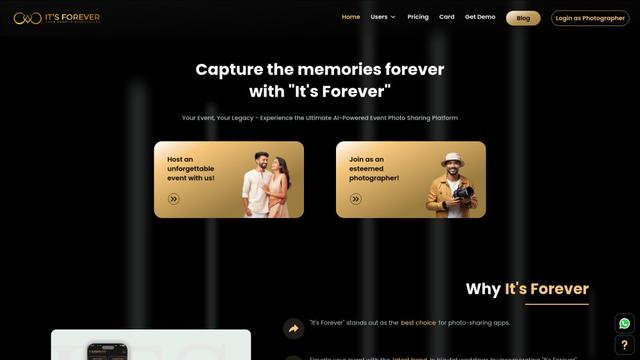
It's Forever is an AI-powered event photo sharing platform that allows guests to easily capture, upload, and relive memories from celebrations.
MakeUGC
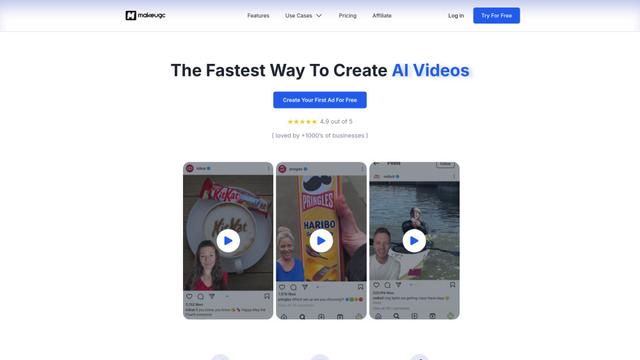
MakeUGC is an AI-powered platform that enables businesses to quickly create high-quality user-generated content (UGC) videos for marketing purposes.

Influme
Influme is an AI-powered platform that helps brands find, compare, and contact UGC (User-Generated Content) creators for marketing campaigns.
Popular AI Tools Like UGCVideo.ai
Shorty
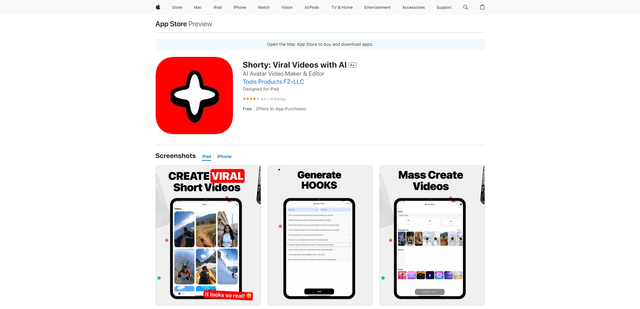
Shorty is an AI-powered video creation tool that helps businesses and creators generate professional TikTok, Instagram Reels and YouTube Shorts using AI avatars, voiceovers and templates in seconds.
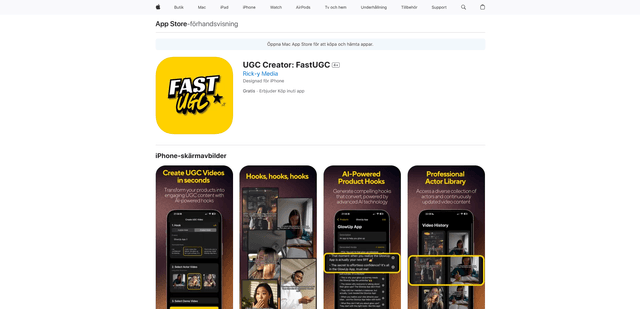
UGC Creator: FastUGC
UGC Creator: FastUGC is an AI-powered mobile app that helps create professional user-generated content (UGC) videos in minutes by combining AI-generated hooks with professional actor videos.
MakeUGC
MakeUGC is an AI-powered platform that enables businesses to quickly create high-quality user-generated content (UGC) videos for marketing purposes.
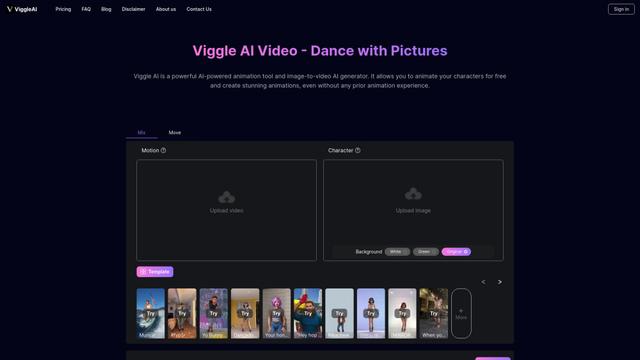
Viggle AI
Viggle AI is an innovative AI-powered animation tool that transforms static images into dynamic videos with customizable movements and animations.