UGCLive
AI video app for UGC creators, TikTok Shop affiliates and brands: our AI makes vertical UGC videos with an AI creator or your own AI twin, from a topic, a script or a TikTok Shop product link. Browser editor with AI edit, captions and hook versions; 38 free creator tools. Freemium: Pro $20/mo, Studio $50/mo, Max $100/mo.
https://ugc.live/?utm_source=aipure
Product Information
Updated:Oct 29, 2026
What is UGCLive
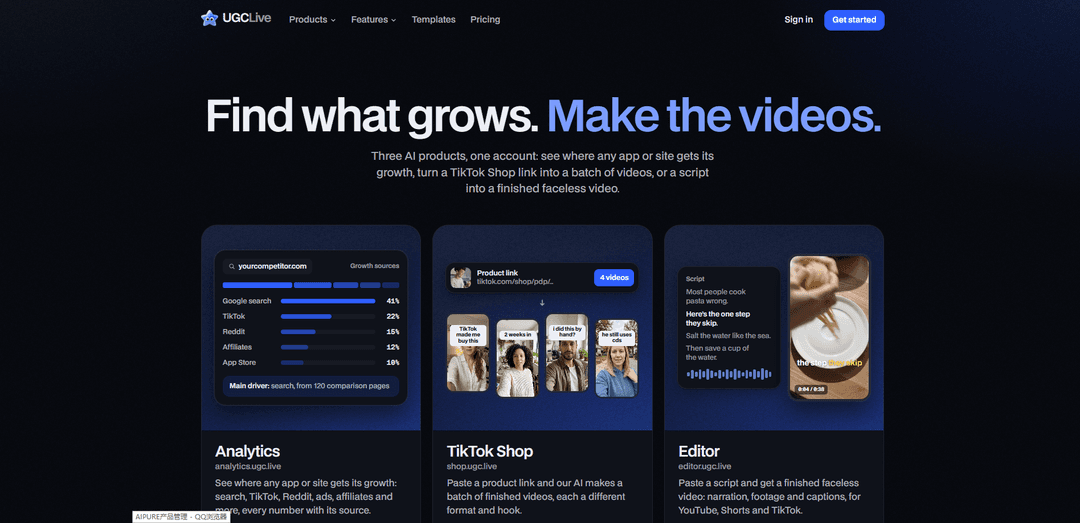
UGCLive provides three connected AI tools designed to help creators, marketers, and businesses identify growth opportunities and produce short-form video content. Its Analytics product analyzes where an app or website gains traffic and visibility, including sources such as search, TikTok, Reddit, ads, affiliates, and app stores. Its TikTok Shop and Editor products help turn product links or written scripts into ready-to-use videos for platforms such as TikTok, YouTube Shorts, and other social channels. The platform offers a single account and shared subscription credits across its products.
Key Features of UGCLive
UGCLive is a web-based suite of three AI products under one account: Analytics identifies where an app or website gains traffic and growth; TikTok Shop turns a product link into batches of UGC-style videos with varied formats and hooks; and Editor converts a written script into a finished faceless video with narration, footage, and captions. The shared account, subscription, and credit system is designed to help marketers and creators research growth opportunities and produce short-form video content efficiently.
Growth-source analytics: Analytics examines where an app or website gets growth, including Google search, TikTok, Reddit, ads, affiliates, and app-store channels, with sourced metrics.
TikTok Shop video generation: Users can paste a TikTok Shop product link to generate a batch of finished videos with different hooks, formats, and creative angles.
Script-to-video editor: Editor transforms a script into a faceless video by assembling narration, footage, and captions for platforms such as YouTube, Shorts, and TikTok.
Unified account and credits: One UGCLive login works across Analytics, TikTok Shop, and Editor, while a single subscription and credit balance supports usage across the products.
Browser-based workflow: The products and supporting free tools, guides, comparisons, and blog resources are available on the web without requiring a separate installation.
Use Cases of UGCLive
Competitive growth research: SaaS teams, app marketers, and founders can analyze competitors' growth channels to identify opportunities in search, social media, affiliate marketing, or paid acquisition.
TikTok Shop product promotion: E-commerce sellers can create multiple UGC-style product video concepts from one product link, helping them test hooks and formats for TikTok Shop campaigns.
Short-form social content production: Creators and marketing teams can turn scripts into captioned videos for TikTok, YouTube Shorts, and other vertical-video channels without filming on camera.
Content testing for paid campaigns: Performance marketers can generate several creative variations to test messaging, opening hooks, and video formats before scaling advertising spend.
Faceless educational or promotional videos: Publishers, educators, and small businesses can convert how-to scripts, product explainers, or promotional copy into narrated videos with supporting footage.
Pros
Combines growth research and AI video creation in a single product ecosystem.
Provides a streamlined workflow through one account, plan, and credit balance across all three tools.
Supports rapid production of multiple product-video variations for testing different hooks and formats.
Browser-based access makes the tools convenient for creators and marketing teams.
Cons
The editor is positioned around faceless videos, which may not suit brands that require original on-camera talent or creator-led content.
Generated video quality and effectiveness will still depend on the product input, script, creative direction, and platform-specific strategy.
Subscription pricing and shared credits may be less suitable for users with very occasional or low-volume needs.
The official information emphasizes TikTok Shop and short-form video, so users needing broad enterprise campaign management or live-streaming capabilities may need additional tools.
How to Use UGCLive
Open UGCLive: Go to https://ugc.live/ in a web browser. UGCLive works on the web; Android users can use it in their browser at https://ugc.live/app.
Create an account or sign in: Create a UGCLive account or sign in. One account provides access to all three UGCLive products: Analytics, TikTok Shop, and Editor.
Choose the product for your goal: From the UGCLive homepage, select Analytics to research growth sources, TikTok Shop to generate product-focused video batches from a product link, or Editor to turn a script into a faceless video.
Use Analytics to research growth: Open https://analytics.ugc.live/ and enter the app or website you want to analyze. Review reported growth channels such as Google search, TikTok, Reddit, ads, affiliates, and app stores. Use the cited data to identify the main growth drivers and content opportunities.
Use TikTok Shop to make product videos: Open https://shop.ugc.live/ and paste a TikTok Shop product link. Let the AI generate a batch of finished videos with different hooks and formats, then review the outputs and choose the versions you want to use.
Use Editor to create a faceless video from a script: Open https://editor.ugc.live/ and paste your script. For example, provide a hook, key points, and call to action. The Editor creates a finished video with narration, footage, and captions suitable for YouTube, Shorts, or TikTok.
Review and refine the generated video: Check that the hook, narration, captions, visuals, and product details are accurate and aligned with your intended audience. Adjust your source script or generate additional variations if needed.
Export and publish your content: Download or publish the finalized video through your preferred social-media workflow. Use the analytics findings and different video-hook versions to test which content performs best.
Manage credits and subscription: Use the same account and shared credits across all UGCLive products. Plans listed on the site include Pro, Studio, and Max, with monthly and annual billing options; subscriptions are purchased on the web by card and can be cancelled at any time.
UGCLive FAQs
UGCLive is an AI content platform with three connected products: Analytics, which identifies where an app or site gets growth; TikTok Shop, which turns a product link into batches of video concepts; and Editor, which turns a script into a finished faceless video.
Popular Articles

Vosko AI: Localize and Dub Videos for Global Audiences
Oct 15, 2026

Atoms: A Multi-Agent AI Platform That Transforms Ideas into Launch-Ready Products
Oct 13, 2026

Nano Banana SBTI: What It Is, How It Works, and How to Use It in 2026
Apr 15, 2026

Atoms Review — The AI Product Builder Redefining Digital Creation in 2026
Apr 10, 2026
Latest AI Tools Similar to UGCLive

VidMax
VidMax is an AI-powered video creation platform that helps users create faceless viral videos with automated posting capabilities across social media platforms.

It's Forever
It's Forever is an AI-powered event photo sharing platform that allows guests to easily capture, upload, and relive memories from celebrations.
MakeUGC
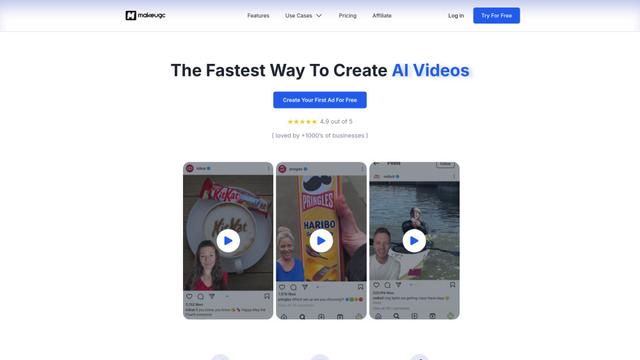
MakeUGC is an AI-powered platform that enables businesses to quickly create high-quality user-generated content (UGC) videos for marketing purposes.
Influme
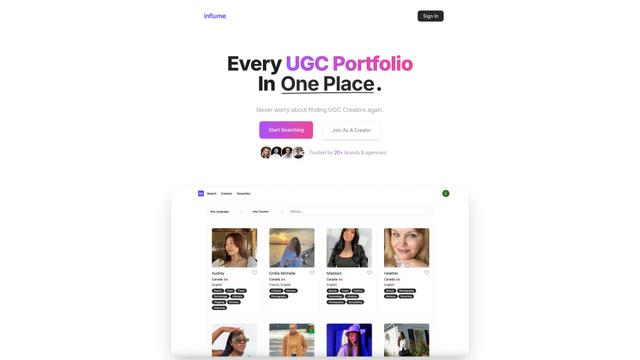
Influme is an AI-powered platform that helps brands find, compare, and contact UGC (User-Generated Content) creators for marketing campaigns.
Popular AI Tools Like UGCLive
Shorty
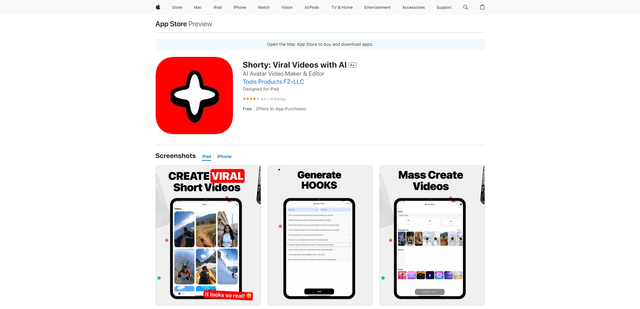
Shorty is an AI-powered video creation tool that helps businesses and creators generate professional TikTok, Instagram Reels and YouTube Shorts using AI avatars, voiceovers and templates in seconds.
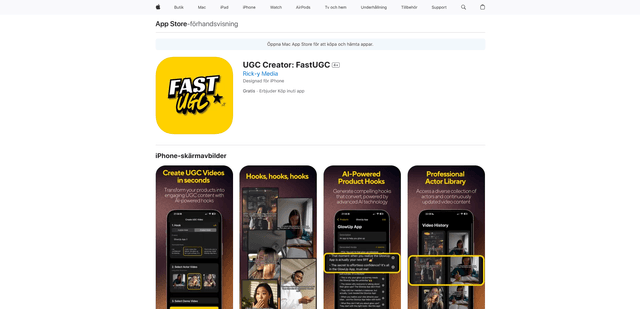
UGC Creator: FastUGC
UGC Creator: FastUGC is an AI-powered mobile app that helps create professional user-generated content (UGC) videos in minutes by combining AI-generated hooks with professional actor videos.
MakeUGC
MakeUGC is an AI-powered platform that enables businesses to quickly create high-quality user-generated content (UGC) videos for marketing purposes.
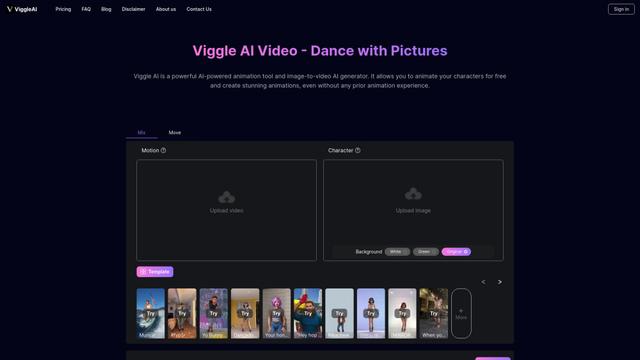
Viggle AI
Viggle AI is an innovative AI-powered animation tool that transforms static images into dynamic videos with customizable movements and animations.