Try OC Maker
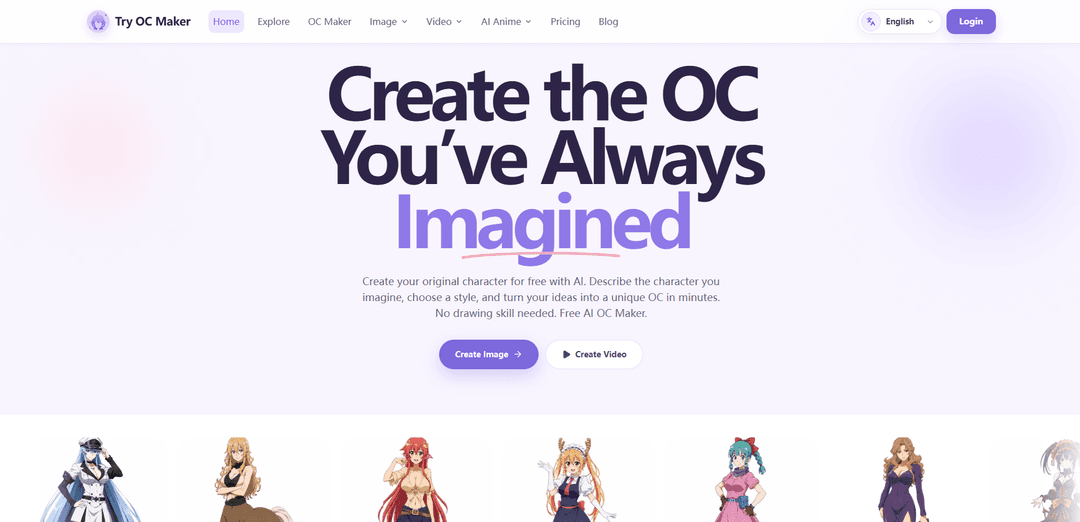
Try OC Maker is an AI-powered OC maker and image generator designed for creating original characters from text prompts and reference images. It helps artists, writers, gamers, and character creators quickly turn character ideas into finished visual concepts without needing advanced drawing skills.
https://tryocmaker.com/?utm_source=aipure
Product Information
Updated:Oct 26, 2026
What is Try OC Maker
Try OC Maker is an online AI tool by Lantiva LLC for creating original characters without requiring drawing skills. It is designed for anime fans, roleplayers, writers, game teams, and other creators who want to visualize an OC from a simple idea or an existing image. Users can generate full-body concepts, avatars, character references, story art, and themed designs in styles including anime, cartoon, fantasy, game-inspired, 3D, and realistic. The platform also includes dedicated tools for AI image generation, image editing, image-to-image creation, manga and comic generation, and AI animation.
Key Features of Try OC Maker
Try OC Maker is an AI-powered character-creation platform that turns text prompts and reference images into original characters, especially anime-inspired OCs. Users can customize facial features, hairstyles, outfits, colors, accessories, poses, expressions, backgrounds, and full-body designs; generate variations in multiple visual styles; use reference images to improve character consistency; edit generated images; and animate finished OC artwork into short videos.
Prompt and reference-image generation: Create original characters from a written description or upload a selfie, sketch, existing OC image, or outfit reference to guide the result.
Detailed character customization: Define visual elements such as face, hair, eyes, body build, clothing, signature colors, accessories, weapons, expressions, poses, and backgrounds.
Character consistency tools: Reuse core prompts or reference images to preserve recognizable details—including face, hairstyle, colors, and signature outfits—while exploring new poses, scenes, expressions, or clothing.
Multiple styles and formats: Generate characters in anime, 2D cartoon, 3D, fantasy, game-art, and realistic styles, with image ratios such as 1:1, 4:3, and 4:5.
Character sheets and image refinement: Create full-body concepts, front and side views, expression sheets, and weapon designs, then use image editing to adjust details or replace backgrounds.
Image-to-video animation: Turn a completed OC image into a short animated clip with pose motion, facial movement, camera moves, action scenes, and story-oriented video effects.
Use Cases of Try OC Maker
Roleplay and fan-fiction avatars: Design recognizable profile images and full-body references for original roleplay characters, fan stories, and online communities.
Indie game concept development: Rapidly visualize heroes, villains, NPCs, costumes, and alternate character directions before committing to detailed production artwork.
Character sheets for writers and artists: Build visual references with consistent outfits, poses, expressions, color palettes, and props to support comics, novels, webtoons, and collaborative art projects.
Social-media and creator content: Create OC portraits, scene art, posters, and short animated clips for social posts, edits, character reveals, and personal branding.
Fandom-inspired OC exploration: Develop original characters inspired by familiar genre or fandom aesthetics, such as anime, fantasy, game, cartoon, and specialized OC-maker themes.
Creative ideation without drawing skills: Help beginners, hobbyists, and storytellers test hairstyles, accessories, outfits, poses, and color combinations when they have an idea but cannot draw it themselves.
Pros
Combines text-to-image, reference-guided generation, editing, and animation in one character-focused workflow.
Offers extensive controls for character appearance, pose, expression, style, background, and output framing.
Supports iterative design and attempts to retain a character's identity across variations.
Useful for both quick avatars and more structured outputs such as full-body concepts and character sheets.
Cons
Character consistency is not guaranteed; the platform notes that smaller details may still change across generations.
High-quality, repeatable results depend on detailed prompts and clear reference images.
Commercial use requires users to review the platform license, applicable laws, and potential copyright concerns.
Generated art may require manual review or editing before use in polished professional projects.
How to Use Try OC Maker
Open Try OC Maker: Go to https://tryocmaker.com/ and select “Create Image,” “OC Maker,” or visit https://tryocmaker.com/oc-maker. Sign in or create an account if prompted; new users may receive free credits.
Choose how to begin: Start with a written character idea, use the guided Builder to select traits step by step, or upload a clear reference image of your existing OC, sketch, avatar, or outfit.
Describe the core character: Enter the essentials first: character type, age group, body build, skin tone, face, hair color and style, eye color, and defining features such as scars, horns, glasses, or freckles.
Add outfit and accessory details: Specify clothing layers, colors, materials, footwear, jewelry, weapons, support gear, or signature items. Repeat especially important traits so they are more likely to remain consistent across generations.
Set expression, pose, and framing: Choose or describe the character’s expression and pose, such as smiling, calm, battle stance, sitting, running, or holding a weapon. For a complete design, use terms like “full body,” “head to toe,” “centered,” and “visible feet.”
Choose art style and background: Select a style such as anime, manga, 2D cartoon, 3D, fantasy, game art, or realistic. Choose a white background for a clean reference image or describe a setting for a story scene.
Select image format and model: Pick an aspect ratio that fits the intended use, such as 1:1 for avatars, 4:5 for social posts, or 4:3 for wider scenes. If available, select an image model based on the type of look you want.
Generate the OC image: Review the prompt and settings, check the credit cost shown by the generation button, then select “Generate Character” or the equivalent generate option. Wait for the image to be created.
Review and refine: Compare the result with your concept. Adjust the prompt to fix details such as hairstyle, colors, outfit, expression, or pose, then generate another version. Small, specific changes work best when refining a design.
Keep the character consistent: For additional outfits, poses, or scenes, reuse the same core prompt and upload the strongest prior result as a reference image. Change only the requested element, such as “same character, wearing travel clothes, standing in a forest.”
Create character sheets or variations: Use prompts such as “full-body character sheet,” “front view,” “side view,” “expression sheet,” or “weapon design.” Create separate images for body views and expressions if a single image is too crowded.
Download or animate the finished OC: Download the final image for profiles, art references, stories, or roleplay. To make a short video, open the AI Animation Generator, upload the OC image, describe desired motion—such as blinking, smiling, turning, walking, or camera movement—and generate the animation.
Try OC Maker FAQs
Try OC Maker is an AI character-creation platform for making original characters from text prompts or reference images. It supports character details such as faces, hairstyles, outfits, expressions, accessories, poses, colors, backgrounds, and full-body designs.
Popular Articles

Vosko AI: Localize and Dub Videos for Global Audiences
Oct 15, 2026

Atoms: A Multi-Agent AI Platform That Transforms Ideas into Launch-Ready Products
Oct 13, 2026

Nano Banana SBTI: What It Is, How It Works, and How to Use It in 2026
Apr 15, 2026

Atoms Review — The AI Product Builder Redefining Digital Creation in 2026
Apr 10, 2026
Latest AI Tools Similar to Try OC Maker
Peache.ai
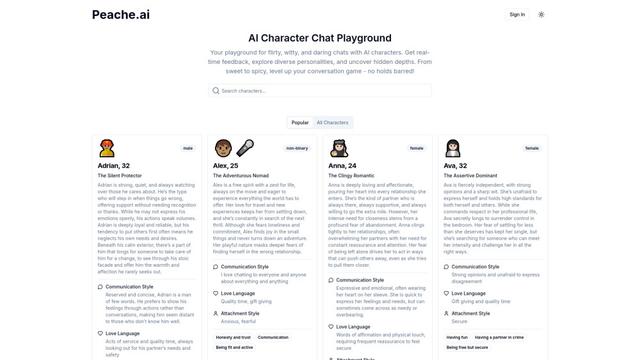
Peache.ai is an AI character chat playground that enables users to engage in flirty, witty, and daring conversations with diverse AI personalities through real-time interactions.

Simba
Simba is an iconic animated lion character and protagonist of Disney's The Lion King, who grows from a carefree cub to the rightful king of Pride Rock after overcoming challenges and embracing his responsibilities.
NSFWChatAI
NSFWChatAI is an uncensored AI chat platform that enables users to engage in immersive, unrestricted conversations with diverse NSFW characters.
Rubii
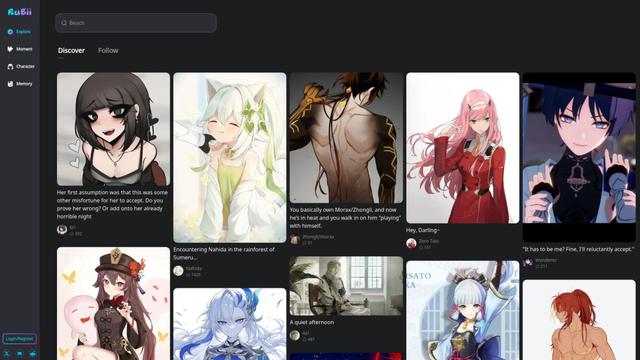
Rubii is an AI-powered platform for creating and interacting with virtual characters, generating content, and exploring fan-made stories and artwork.
Popular AI Tools Like Try OC Maker
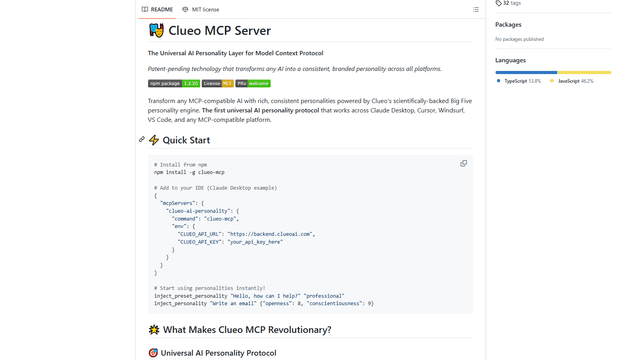
ClueoMCP
ClueoMCP is a universal AI personality layer that transforms any AI into a consistent, branded personality across all platforms using patent-pending technology and scientifically-backed Big Five personality traits.
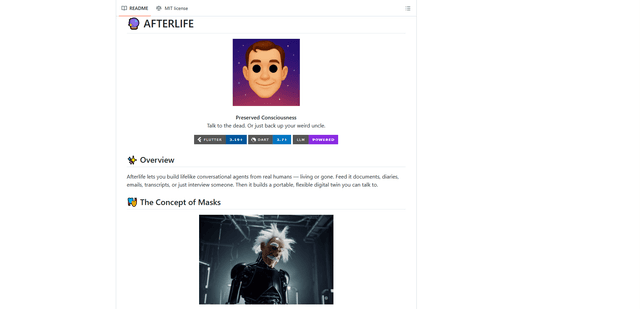
Afterlife AI
Afterlife is an open-source platform that creates personalized AI avatars through an interview process, allowing users to chat with digital twins of historical figures or preserve the communication patterns of loved ones through an ethical and transparent approach.
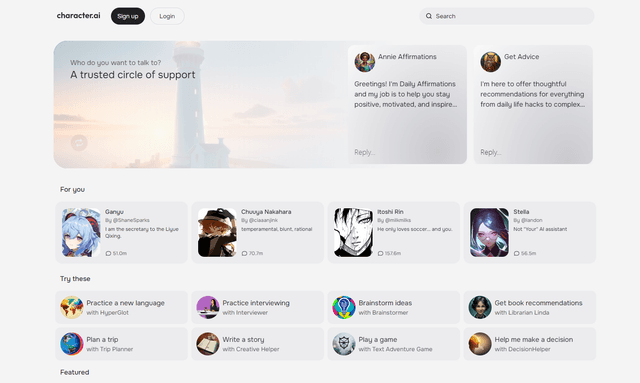
Character.ai
Character.ai is an innovative AI chatbot platform that allows users to create, customize, and interact with a wide variety of AI characters for entertainment, learning, and creative purposes.
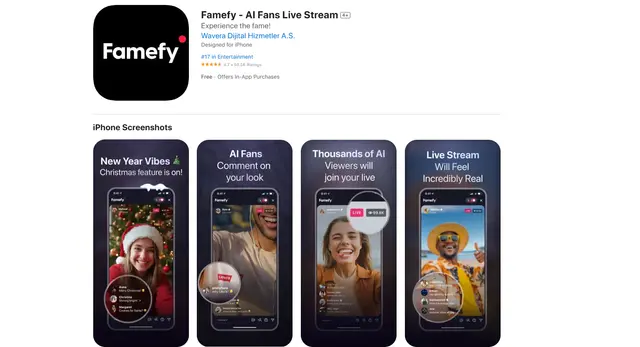
Famefy
Famefy is an AI-powered live streaming platform that lets users experience virtual stardom by interacting with AI-generated fans who provide real-time engagement and feedback.