
Thumbs.ai
Thumbs.ai is an AI-powered YouTube thumbnail maker that generates and recreates high-CTR thumbnails from text or images, with style cloning, face/expression tools, pro effects, bulk A/B variations, and an AI CTR rater.
https://www.thumbs.ai/?utm_source=aipure

Product Information
Updated:May 21, 2026
What is Thumbs.ai
Thumbs.ai is an AI YouTube thumbnail design suite built to help creators produce click-worthy thumbnails in seconds without needing advanced design skills. It supports creating thumbnails from a simple text prompt (like a video title or concept) or remaking an existing thumbnail by uploading an image or pasting a YouTube link to generate fresh variations. Positioned as a time- and cost-saving alternative to manual design workflows, it combines automated generation with creator-focused tools such as templates, style cloning, and quality enhancements aimed at improving consistency and performance on YouTube and beyond.
Key Features of Thumbs.ai
Thumbs.ai is an AI-powered YouTube thumbnail creation suite that generates high-CTR thumbnails in seconds from text prompts or existing images/YouTube links. It includes tools to recreate and remix thumbnails, clone the visual style of top channels, generate or modify face expressions for stronger emotional hooks, apply professional design effects, and produce multiple variations for A/B testing—plus a CTR scoring/analyzer to predict performance before publishing.
Text-to-Thumbnail generation: Create ready-to-upload thumbnail concepts from a simple prompt/video title—designed for fast iteration without design skills.
Recreate/Remix from link or image: Upload an existing thumbnail or paste a YouTube link to generate unique variations while keeping the core idea and improving visual impact.
Channel style cloning: Analyze a channel (e.g., latest uploads) to replicate its “visual DNA,” helping creators maintain consistency or adopt proven clickbait layouts.
AI face & expression generator (Expression Lab): Swap faces and generate viral expressions (shock, laugh, suspense, etc.) with fine-tuning controls to maximize emotional appeal.
A/B batch generation: Generate 10+ thumbnail variations at once to test different hooks, layouts, and text treatments for better CTR outcomes.
CTR rater + pro effects/templates: Get an AI score predicting thumbnail performance, and enhance designs with a template library and 20+ effects (e.g., Glow Halo, 3D Pop, Neon Glitch).
Use Cases of Thumbs.ai
YouTube creators scaling weekly uploads: Rapidly generate multiple thumbnail options per video, keep branding consistent, and use CTR scoring to choose the strongest candidate before publishing.
Gaming and entertainment “clickbait-style” packaging: Clone high-performing styles, add arrows/effects, and use expressive face edits to increase curiosity and clicks in competitive niches.
Marketing teams managing multiple channels: Standardize thumbnail look across brands, run batch variation testing, and streamline production with downloadable assets and templates.
Short-form repurposing (Shorts/Reels/TikTok): Create or adapt covers/thumbnails for different platforms while maintaining a consistent visual identity across social media.
Educators and course publishers: Generate clean, readable thumbnails with strong typography for tutorials/lectures, and preview mobile-friendly designs before posting.
Agencies and freelancers delivering creatives faster: Produce high-volume thumbnail sets (including 4K output on paid tiers) and iterate quickly with style references and batch generation.
Pros
Fast thumbnail creation from text or existing assets, reducing design time significantly
Strong performance-oriented tooling (style cloning, A/B batches, CTR rater/analyzer)
Useful engagement boosters like face swap/expression generation and pro effects/templates
Cons
Free plan is limited (trial credits) and includes watermarks; meaningful usage requires a subscription
AI outputs may still need manual tweaks or regeneration to reach perfect, brand-safe results
Style cloning and “competitor-inspired” aesthetics can risk sameness unless customized
How to Use Thumbs.ai
1) Open Thumbs.ai and sign up / log in: Go to https://www.thumbs.ai/ and click “Start for free” (or “Login”). Create an account to access the generator and your trial credits.
2) Choose your workflow: Create from text or Recreate from an image/link: From the site navigation (Features/Explore), pick either “Text to Thumbnail” to generate from a prompt/title, or “Recreate Thumbnail” to generate variations from an existing thumbnail image or a YouTube link.
3) Text-to-Thumbnail: enter your video title or concept: Open “Text to Thumbnail” and type a short description or your video title (e.g., the core topic + vibe). Submit to generate multiple thumbnail options quickly.
4) Image/Link-to-Thumbnail: upload a thumbnail or paste a YouTube URL: Open “Recreate Thumbnail,” then upload a thumbnail image or paste a YouTube link to reimagine the cover and create unique variations based on the original.
5) Generate multiple variations for A/B testing: Use the “A/B Test Batch” (bulk generation) capability to create 10+ variations at once so you can compare different concepts and pick the strongest performer.
6) Clone a channel style (optional): Use “Clone Channel Style” to replicate the visual DNA of a creator/channel. The tool can analyze a channel’s latest covers (e.g., recent uploads) to help you match a consistent look.
7) Apply Pro Design Effects (optional): Enhance impact with one-click effects from the Pro Styles library (e.g., Glow Halo, 3D Pop-Out, Neon Glitch) to make the thumbnail more eye-catching.
8) Add or enhance faces and expressions (optional): Use the “AI Face Expression Generator” and “Expression Lab” to generate or fine-tune reactions (shock, joy, suspense, etc.) and strengthen the emotional hook.
9) Use AI Face Swap (optional): If needed, use “AI Face Swap” to place your face into a new scenario/pose for a more clickable, story-driven thumbnail concept.
10) Check predicted performance with CTR Rater (optional): Run your candidate thumbnails through “CTR Rater” to get an AI score before uploading, then iterate on the best-scoring options.
11) Pick a template (optional): Browse the “Template Library” for viral-ready layouts, then add your photo/text to quickly produce a consistent, on-brand thumbnail.
12) Download and upload to YouTube: Export your chosen thumbnail and upload it to your YouTube video. Note: the Free plan includes a watermark; upgrading removes the watermark and increases monthly credits.
13) Upgrade if you need more credits or higher quality: Go to “Pricing” to choose a plan (Free, Premium, Ultimate, Master). Paid tiers offer more monthly credits, no watermark, and (on higher tiers) priority queue and advanced quality model access.
Thumbs.ai FAQs
Thumbs.ai is an AI YouTube thumbnail maker that generates “high-CTR” thumbnail designs from text prompts or from uploaded images/YouTube links, aiming to help creators produce click-optimized thumbnails quickly.
Popular Articles

Atoms: A Multi-Agent AI Platform That Transforms Ideas into Launch-Ready Products
May 22, 2026

Nano Banana SBTI: What It Is, How It Works, and How to Use It in 2026
Apr 15, 2026

Atoms Review — The AI Product Builder Redefining Digital Creation in 2026
Apr 10, 2026

Kilo Claw: How to Deploy and Use a True "Do‑It‑For‑You" AI Agent(2026 Update)
Apr 3, 2026
Latest AI Tools Similar to Thumbs.ai
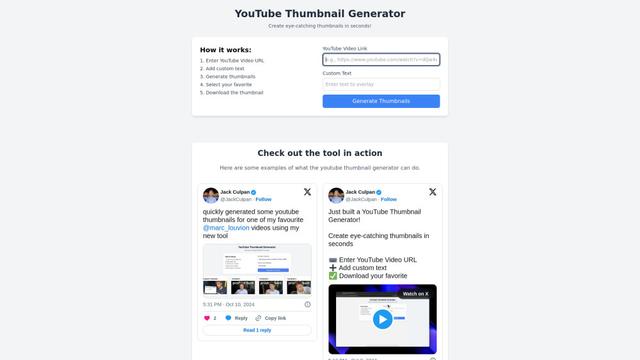
GenerateThumbnails.com
GenerateThumbnails.com is a free online tool that helps users create professional-looking YouTube thumbnails with customizable text, fonts, and AI-powered features to boost video engagement.
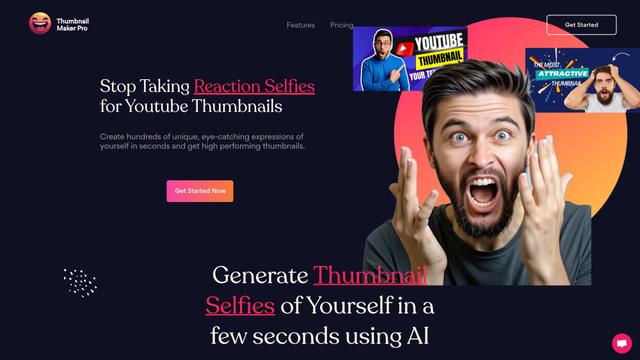
Thumbnail Maker Pro
Thumbnail Maker Pro is an AI-powered tool that generates customized reaction selfies and expressions for YouTube thumbnails in seconds, helping content creators create eye-catching video previews without the need for manual photo shoots.
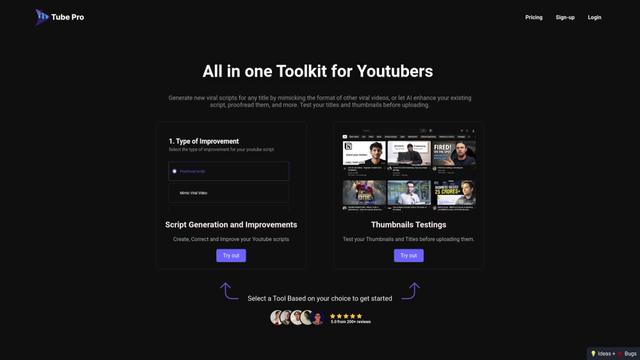
Tube Pro
Tube Pro is an all-in-one AI-powered YouTube content creation tool that helps creators generate viral scripts, test thumbnails, and optimize their content without showing their face.
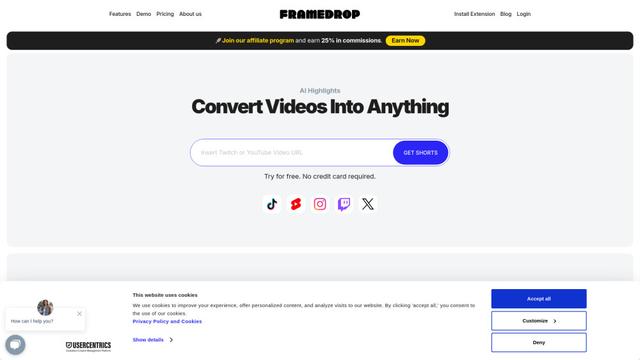
Framedrop
Framedrop is an AI-powered tool that automatically finds highlights in long-form video content and turns them into short-form videos for social media.
Popular AI Tools Like Thumbs.ai

Pikzels
Pikzels is an AI-powered thumbnail generator that creates high-quality YouTube thumbnails in seconds based on user prompts.
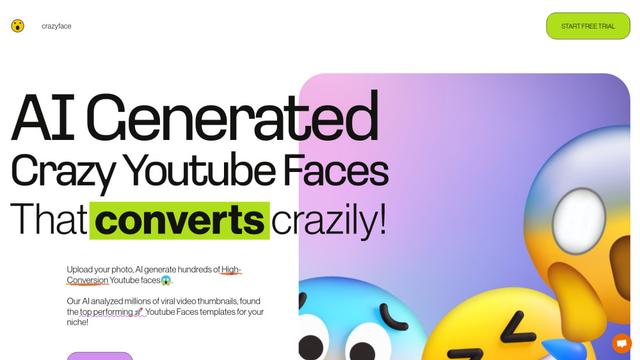
CrazyFace
CrazyFace is an AI-powered tool that generates high-converting YouTube thumbnail faces from user photos to boost video engagement.
Framedrop
Framedrop is an AI-powered tool that automatically finds highlights in long-form video content and turns them into short-form videos for social media.
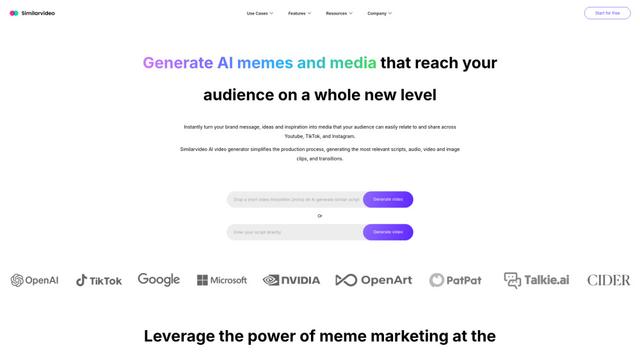
SimilarVideo.ai
SimilarVideo.ai is an AI-powered video generator that creates engaging marketing videos for TikTok and YouTube Shorts 10x faster by leveraging popular internet media and memes.