
Thumbfa.st
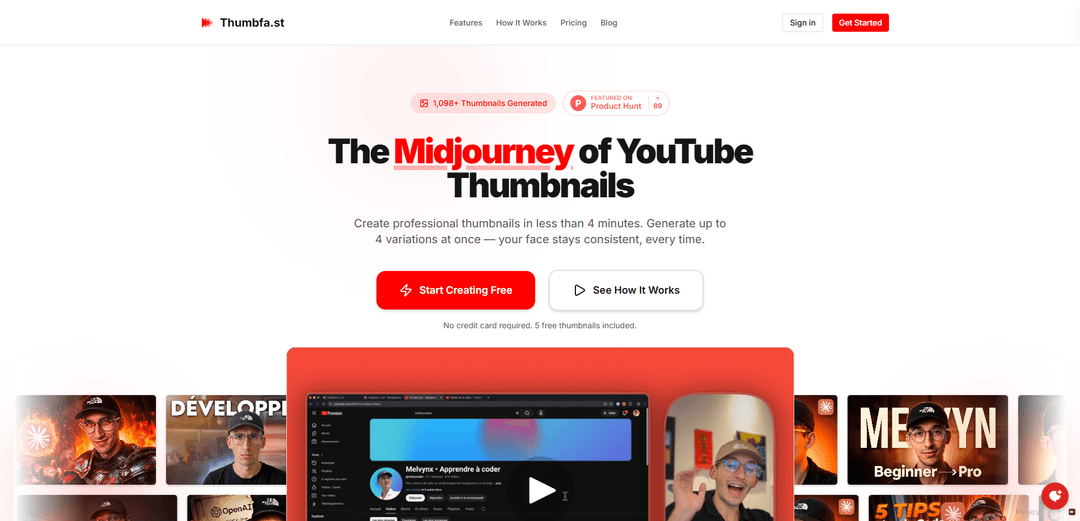
Thumbfa.st is an AI-powered YouTube thumbnail generator that creates professional thumbnails in under 4 minutes with consistent face recognition and multiple style variations.
https://thumbfa.st/?ref=producthunt
Product Information
Updated:Feb 8, 2026
What is Thumbfa.st
Thumbfa.st is a specialized AI thumbnail designer built specifically for YouTube creators who want professional-looking thumbnails without graphic design expertise. It positions itself as the 'Midjourney of YouTube Thumbnails' and offers a solution to the time-consuming process of thumbnail creation. The platform allows creators to generate high-quality thumbnails that maintain consistent personal branding while offering the flexibility to match any desired style or composition.
Key Features of Thumbfa.st
Thumbfa.st is an AI-powered tool specifically designed for YouTube creators to generate professional thumbnails quickly and consistently. It allows users to upload their photos once and maintain consistent likeness across thumbnails, steal styles from existing YouTube thumbnails, generate multiple variations simultaneously, and create professional-looking thumbnails in under 60 seconds without requiring design skills.
AI Style Replication: Upload any YouTube thumbnail as inspiration and the AI captures its style, composition, and vibe to recreate it with your face and message
Consistent Face Recognition: Upload photos once to create a Person profile that maintains exact likeness across all future thumbnails generated
Multi-Variation Generation: Generate up to 4 thumbnail variations simultaneously with one click for A/B testing before publishing
Built-in Pixelate Tools: Bypass AI policy restrictions by pixelating faces or sensitive areas directly in the editor
Use Cases of Thumbfa.st
YouTube Content Creators: Quickly generate professional thumbnails that maintain brand consistency across all videos
Digital Marketing Agencies: Create multiple thumbnail variations for client YouTube channels while maintaining their brand identity
Online Course Creators: Generate consistent, engaging thumbnails for course video content without graphic design skills
Pros
Significantly reduces thumbnail creation time from hours to minutes
Maintains consistent brand identity across all thumbnails
No graphic design skills required
Allows easy A/B testing with multiple variations
Cons
Limited to YouTube thumbnail format only
Requires credit-based subscription for full features
May face AI policy restrictions requiring workarounds
How to Use Thumbfa.st
Step 1: Set Up Your Creative Assets: Upload your face photos to create a Person profile and paste YouTube URLs of thumbnails you want to use as inspiration. These assets can be reused for future thumbnails.
Step 2: Write Your Thumbnail Description: Write a simple prompt describing what you want in your thumbnail. Select your Person profile, choose an Inspiration thumbnail for style guidance, and select how many variations you want to generate (1-4).
Step 3: Generate Thumbnails: Click the generate button and let the AI create your thumbnails based on your inputs. This typically takes under 60 seconds.
Step 4: Preview and Select: Review the generated thumbnail variations side by side. Each variation maintains your consistent likeness from your Person profile.
Step 5: Download and Upload: Download your chosen thumbnail as a high-quality PNG file at YouTube's exact 1280x720 resolution. Upload it directly to YouTube Studio without any adjustments needed.
Optional Step: Use Pixelate Tool: If AI policy blocks your generation due to face restrictions, use the built-in pixelate tool to blur sensitive areas and regenerate the thumbnail.
Thumbfa.st FAQs
Thumbfa.st is an AI-powered thumbnail generator specifically built for YouTube creators to create professional thumbnails quickly without design skills. It allows you to generate up to 4 thumbnail variations at once while maintaining consistent face appearance across thumbnails.
Thumbfa.st Video
Popular Articles

Vosko AI: Localize and Dub Videos for Global Audiences
Oct 15, 2026

Atoms: A Multi-Agent AI Platform That Transforms Ideas into Launch-Ready Products
Oct 13, 2026

Nano Banana SBTI: What It Is, How It Works, and How to Use It in 2026
Apr 15, 2026

Atoms Review — The AI Product Builder Redefining Digital Creation in 2026
Apr 10, 2026
Latest AI Tools Similar to Thumbfa.st
GenerateThumbnails.com
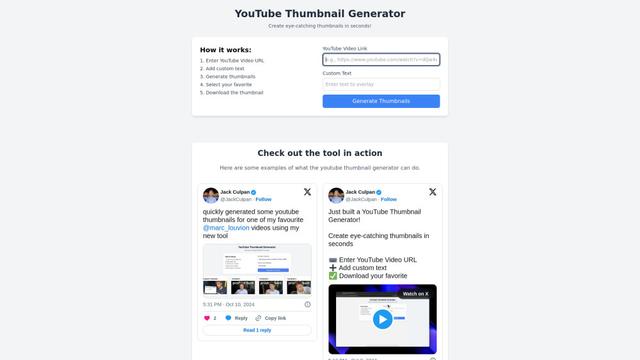
GenerateThumbnails.com is a free online tool that helps users create professional-looking YouTube thumbnails with customizable text, fonts, and AI-powered features to boost video engagement.
Thumbnail Maker Pro
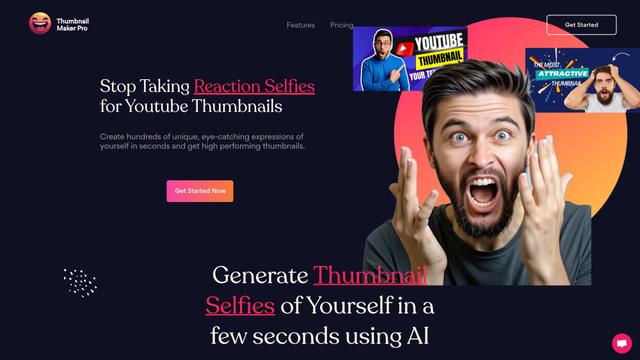
Thumbnail Maker Pro is an AI-powered tool that generates customized reaction selfies and expressions for YouTube thumbnails in seconds, helping content creators create eye-catching video previews without the need for manual photo shoots.
Tube Pro
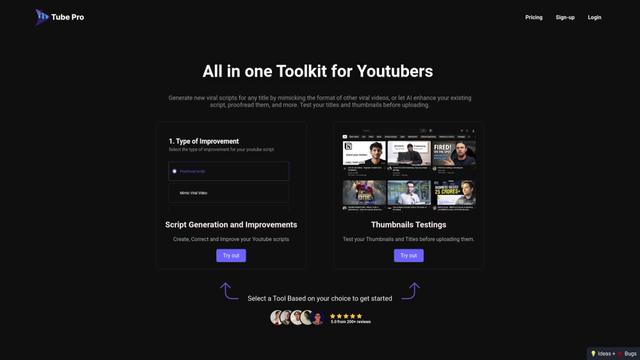
Tube Pro is an all-in-one AI-powered YouTube content creation tool that helps creators generate viral scripts, test thumbnails, and optimize their content without showing their face.
Framedrop
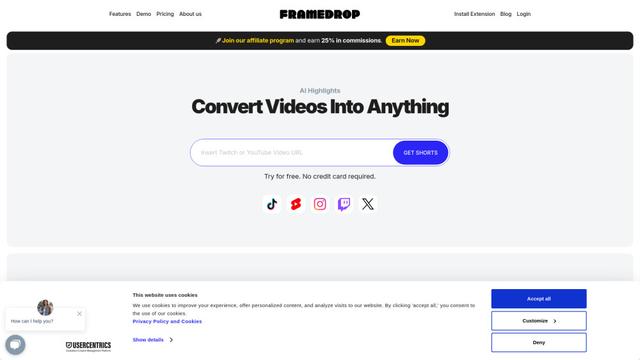
Framedrop is an AI-powered tool that automatically finds highlights in long-form video content and turns them into short-form videos for social media.
Popular AI Tools Like Thumbfa.st
Pikzels
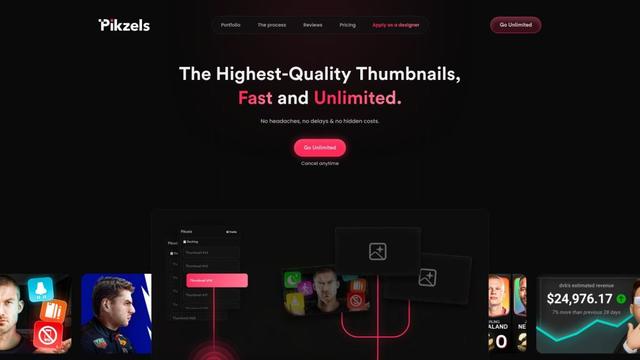
Pikzels is an AI-powered thumbnail generator that creates high-quality YouTube thumbnails in seconds based on user prompts.
CrazyFace
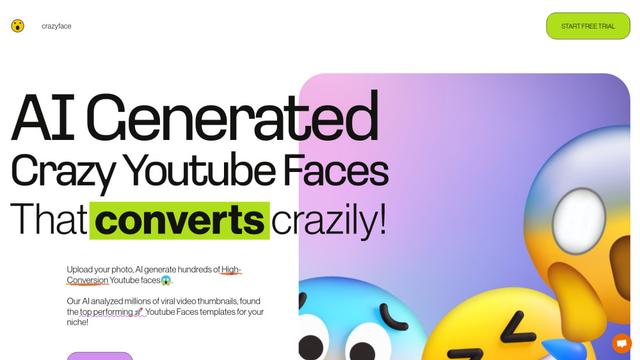
CrazyFace is an AI-powered tool that generates high-converting YouTube thumbnail faces from user photos to boost video engagement.
Framedrop
Framedrop is an AI-powered tool that automatically finds highlights in long-form video content and turns them into short-form videos for social media.
SimilarVideo.ai
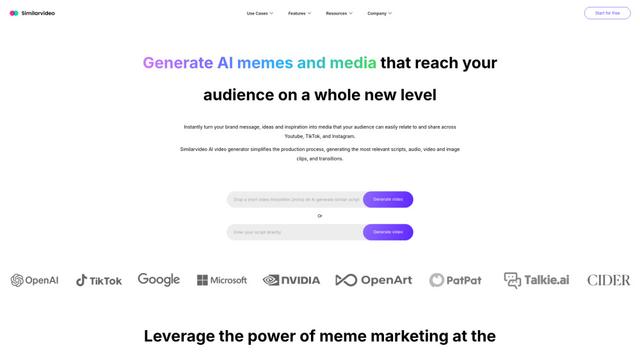
SimilarVideo.ai is an AI-powered video generator that creates engaging marketing videos for TikTok and YouTube Shorts 10x faster by leveraging popular internet media and memes.