TattooJinn
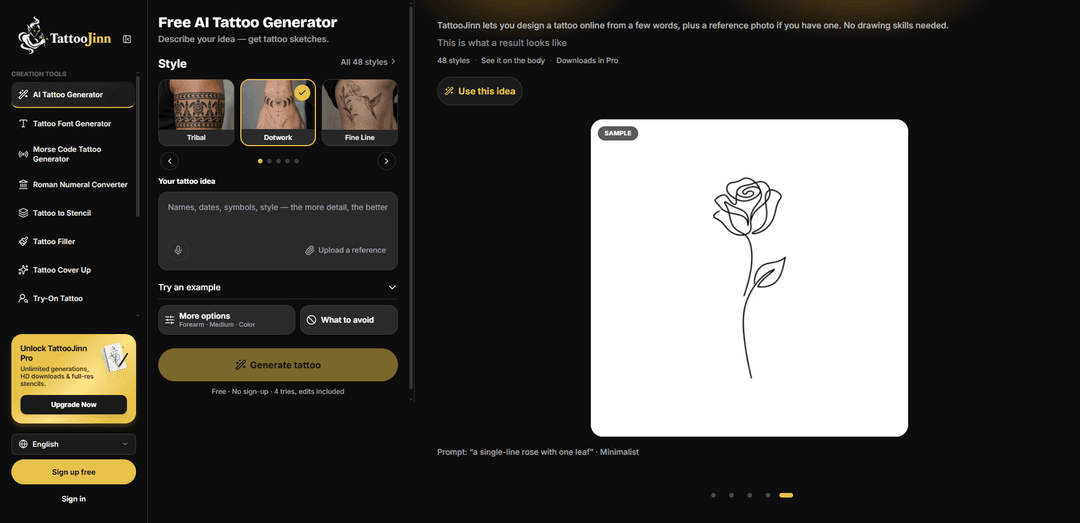
TattooJinn is a browser-based AI tattoo design platform that turns text ideas and optional reference images into customizable tattoo concepts across 48 styles, with placement previews, iterative edits, stencil creation, and try-on tools.
https://tattoojinn.com/?utm_source=aipure
Product Information
Updated:Oct 27, 2026
What is TattooJinn
TattooJinn is an online tattoo-design tool built to help people develop tattoo ideas before visiting an artist. Users can describe an idea in everyday language, such as a subject, preferred details, size, color direction, and intended body placement, then generate tattoo sketches without needing drawing skills. The platform supports 48 tattoo styles, including Fine Line, Blackwork, Japanese, Realism, Dotwork, Neo-Traditional, Geometric, Watercolor, and Tribal. It also offers related tools for tattoo fonts, Morse-code and Roman-numeral designs, gap fillers, cover-ups, and photo-to-stencil conversion. TattooJinn is intended to provide first-draft concepts that a professional tattoo artist can adapt into a final tattoo.
Key Features of TattooJinn
TattooJinn is a browser-based AI tattoo design tool for turning text prompts and optional reference images into tattoo concepts. It supports 48 tattoo styles, placement-aware previews, iterative text or brush-based edits with version history, and tools for stencils, cover-ups, fillers, lettering, and try-ons. It is designed primarily for generating first-draft concepts that tattoo artists can refine into final, body-specific designs.
AI tattoo concept generation: Creates tattoo sketch concepts from a written idea, with optional image or sketch references to guide the subject, composition, and overall look.
48 tattoo styles: Offers a broad style library including Fine Line, Dotwork, Realism, Japanese, Blackwork, Neo-Traditional, Chicano, Geometric, Watercolor, and Tribal.
Placement-aware previews: Lets users select body placement and size, then preview generated work on a body image; a separate Try-On tool supports previews using a photo of the user's own skin.
Iterative editing and version history: Users can refine a result by describing changes or painting over areas with a brush, while each revision is saved as a separate version for comparison.
Tattoo-to-stencil conversion: Converts tattoo artwork or images into clean draft line art suitable for discussing a stencil direction with a tattoo artist.
Specialized tattoo utilities: Includes tools for tattoo lettering and fonts, Morse code and Roman numerals, tattoo fillers for gaps, and cover-up concepts for existing ink.
Use Cases of TattooJinn
First-tattoo planning: People considering a first tattoo can test subjects, styles, sizes, and placements before booking an artist consultation.
Artist consultation preparation: Clients can bring several AI-generated directions, visual references, and draft stencils to help communicate their preferences more clearly to an artist.
Custom cover-up exploration: People with unwanted or faded tattoos can upload a photo and explore preliminary cover-up or rework concepts before consulting a specialist.
Patchwork and sleeve gap filling: Collectors with existing tattoos can use the Tattoo Filler tool to generate concepts that connect or fill open spaces between pieces.
Lettering and memorial tattoo concepts: Users can create ideas for names, dates, short quotes, Roman numerals, or Morse code designs in tattoo-oriented font styles.
Studio and portfolio ideation: Tattoo artists and studios can use it as a fast ideation aid for discussing alternative visual directions with clients, while retaining artistic control over the final design.
Pros
Purpose-built tattoo workflow with style selection, placement context, body previews, and stencil support rather than generic image generation.
Supports iterative refinement through text instructions, brush edits, and saved version history.
Provides a large range of tattoo styles plus focused tools for cover-ups, fillers, lettering, and try-ons.
Offers free initial generations without requiring sign-up.
Cons
Generated designs are best used as preliminary concepts; a professional tattoo artist still needs to adapt the final design for anatomy, longevity, and tattooability.
Free access is limited by generation tries, while unlimited generations, HD downloads, and full-resolution stencils require Pro.
Body previews and try-on images are visual approximations and may not accurately reflect the final tattoo's appearance on skin.
AI output may require multiple iterations to achieve a clear, original, and technically practical tattoo design.
How to Use TattooJinn
Open TattooJinn: Go to https://tattoojinn.com/ and open the Free AI Tattoo Generator. You can start without an account; creating a free account lets you keep projects and access more generations.
Describe your tattoo idea: Enter a clear prompt in the tattoo idea box. Include the main subject and one or two important details, such as "a small snake wrapped around a rose, with thorns." If you only have a broad theme, such as "ocean," you can also use the AI Idea Generator for written concept suggestions.
Optionally upload a reference: Upload a PNG, JPG, or WEBP image up to 10 MB if you have a photo, sketch, or layout reference. TattooJinn uses it as inspiration rather than making an exact copy. Use Tattoo to Stencil instead if you need line art based directly on an existing image.
Choose a tattoo style: Select one of TattooJinn's available styles, such as Fine Line, Dotwork, Blackwork, Japanese, Realism, Neo-Trad, Geometric, Watercolor, Mandala, Chicano, or Minimalist. Try the same idea in multiple styles to compare directions.
Set placement, size, and color: Choose the intended body placement, such as forearm, shoulder, wrist, ankle, ribs, or spine. Then select a size option and choose black and grey, color, or an undecided color direction. Placement helps shape the composition for that area.
Add anything to avoid: Use the "What to avoid" field to exclude unwanted details, motifs, colors, or visual qualities. This helps keep the generated concept closer to your preferences.
Generate tattoo concepts: Select "Generate tattoo." Each try produces a set of tattoo design options. TattooJinn provides limited free tries for guest users; account and Pro options provide additional access according to the current pricing terms.
Review the body-placement preview: Inspect the generated design on TattooJinn's stock body image for your selected placement. Use this preview to judge scale, orientation, flow, and whether the design fits the area.
Refine the design: Make one change at a time for easier comparison. You can alter the prompt, switch styles, change placement, or request a specific change in words. You can also paint over an area with the editing brush. Each edit is saved as a new version.
Save and compare versions: Review your generated versions in My Projects and keep the concepts you prefer. Sign up for a free account to retain projects long term; guest projects are retained for a limited period.
Try the tattoo on your own skin: Open Try-On Tattoo and upload a photo of the relevant body area to preview the design on your own skin. Treat this as a placement and sizing preview, not an exact prediction of healed ink.
Create a draft stencil if needed: When you have a favorite concept, open Tattoo to Stencil to convert it into clean line art for consultation. Creating a stencil uses a try and should be treated as a draft rather than a final production stencil.
Bring the concept to a tattoo artist: Show the design, reference images, preferred versions, and placement preview to a professional tattoo artist. Ask them to adapt the artwork for your anatomy, tattoo size, skin, line weight, detail level, and long-term aging before making the final stencil.
TattooJinn FAQs
TattooJinn is a browser-based AI tattoo design tool. Users describe a tattoo idea, optionally upload a reference image, choose a tattoo style and body placement, and receive AI-generated tattoo design drafts.
Popular Articles

Vosko AI: Localize and Dub Videos for Global Audiences
Oct 15, 2026

Atoms: A Multi-Agent AI Platform That Transforms Ideas into Launch-Ready Products
Oct 13, 2026

Nano Banana SBTI: What It Is, How It Works, and How to Use It in 2026
Apr 15, 2026

Atoms Review — The AI Product Builder Redefining Digital Creation in 2026
Apr 10, 2026
Latest AI Tools Similar to TattooJinn
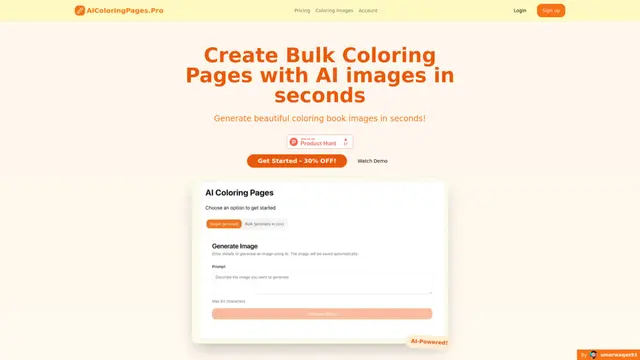
AIColoringPages
AIColoringPages is an AI-powered coloring page generator that transforms text prompts into high-quality, printable coloring pages within seconds using cutting-edge Stable Diffusion XL technology.
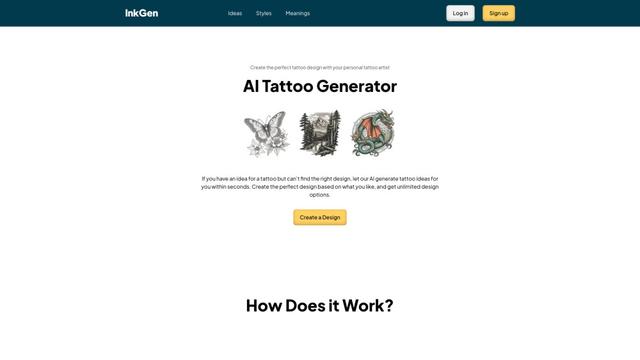
InkGen
InkGen is an AI-powered tattoo generator that creates unique, customized tattoo designs based on user input.
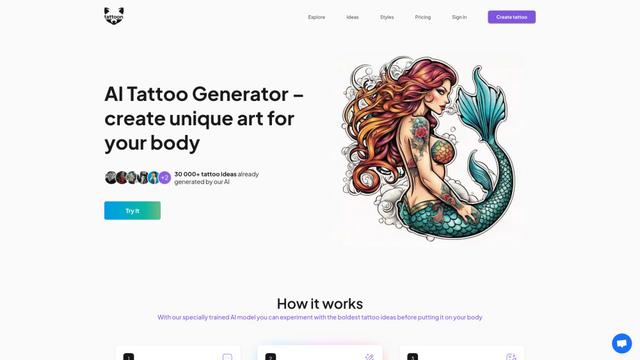
Tattoon.ai
Tattoon.ai is a cutting-edge AI-powered tattoo generator that creates custom tattoo designs based on user preferences and ideas.
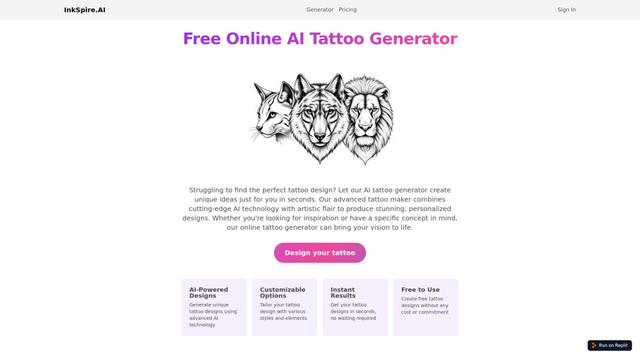
Inkspire.AI
Inkspire.AI is a free online AI tattoo generator that helps design custom tattoos using artificial intelligence.
Popular AI Tools Like TattooJinn
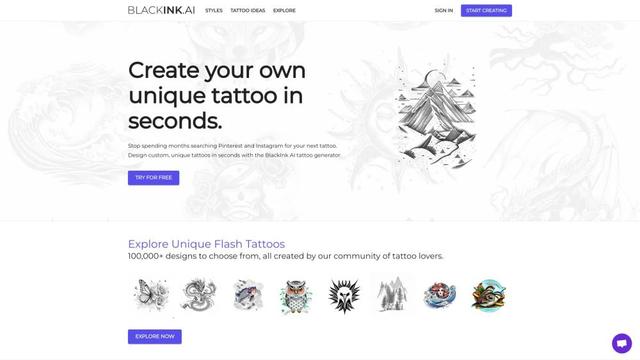
BlackInk
BlackInk AI is an innovative AI-powered tattoo design tool that allows users to create unique, custom tattoos in seconds.

AiTattoo Ink
AiTattoo Ink is an AI-powered tattoo design generator that creates unique, customized tattoo ideas in seconds based on user preferences.
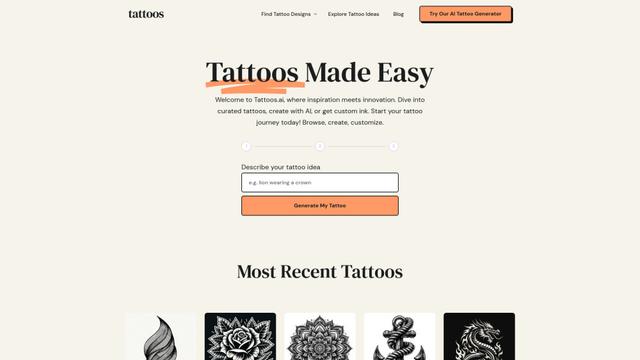
Tattoos.ai
Tattoos.ai is an AI-powered platform that helps users find, create, and customize unique tattoo designs through curated galleries, an AI generator, and personalized options.
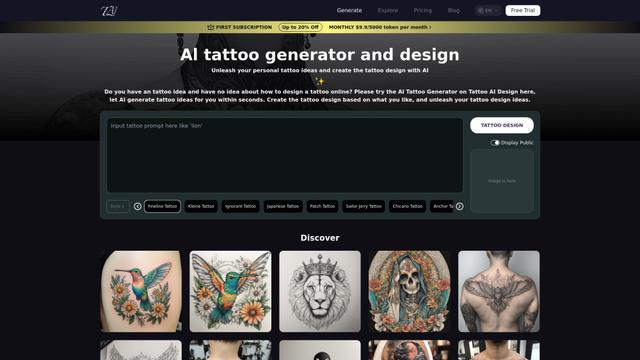
Tattoo AI Design
Tattoo AI Design is a free online AI-powered tool that generates unique and customizable tattoo designs based on user input.