
SocialKaptan
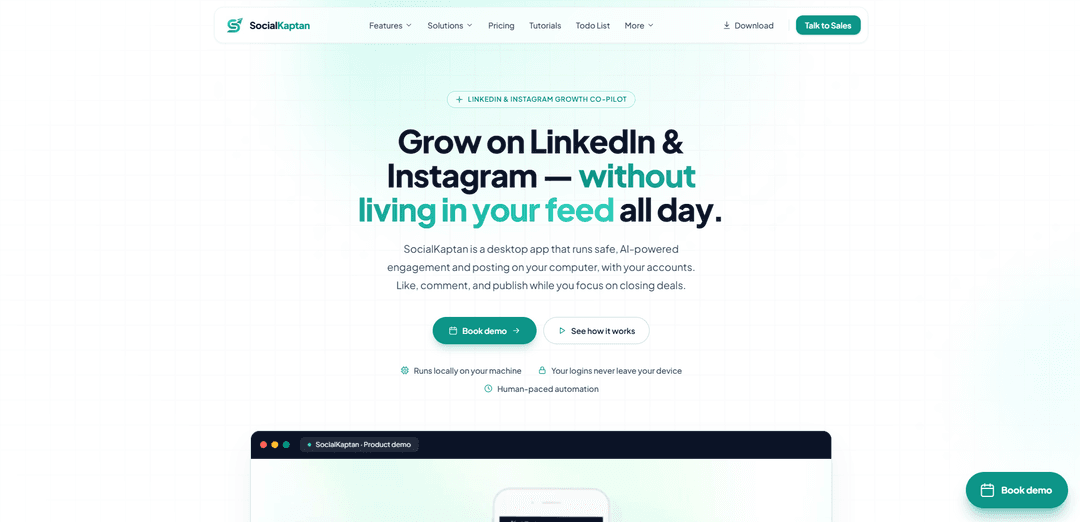
SocialKaptan is a local desktop app for LinkedIn and Instagram that automates human-paced AI engagement, warm outreach (engage → connect → DM), and content publishing from your own computer and browser session.
https://www.socialkaptan.com/?ref=producthunt
Product Information
Updated:Aug 8, 2026
What is SocialKaptan
SocialKaptan is an AI-powered “growth co-pilot” for LinkedIn and Instagram designed to help founders, sales teams, marketers, and agencies stay consistently active without spending hours a day on social platforms. Unlike cloud-based automation tools that require remote logins and can feel risky, SocialKaptan runs directly on your Mac or Windows machine in your own Chrome session—so your account access stays on your device. It combines engagement (likes and thoughtful comments), warm networking workflows, and post creation/publishing into one desktop application with transparent logs and safety controls.
Key Features of SocialKaptan
SocialKaptan is a desktop app that automates LinkedIn and Instagram engagement and posting using AI, running locally in your own Chrome session so your logins stay on your device. It helps you find relevant posts and people, like and comment with thoughtful AI replies, publish from a content queue (with an auto-scheduler on higher tiers), and run a warm outreach sequence (engage → connect → wait → DM → one follow-up) with human-paced limits and real-time activity logs for transparency and safety.
Local, on-device automation: Runs on your own computer inside your own Chrome session—designed to avoid shared cloud logins/IPs and keep account credentials off external servers.
AI-powered commenting & engagement: Finds relevant conversations and automates likes and “thoughtful” AI replies on LinkedIn and Instagram, with daily caps and human-like pacing; includes a preview mode so you can review tone before posting.
Warm LinkedIn networking workflow: Automates a relationship-first sequence: engage with a post, send a short no-pitch connection note, engage again, wait ~2 days after acceptance, then send a personalized opening DM plus one soft follow-up.
AI post generation (captions + images): Drafts LinkedIn and Instagram posts to help maintain a consistent publishing rhythm and reduce “blank page” time.
Content queue & Auto-Scheduler (Pro+): Queue topics once and let the scheduler publish while you work (available on higher plans), while Starter supports manual approval/publishing.
Transparency & safety controls: Provides live activity logs, bot history, daily limits, and stop/monitor controls so you can see exactly what the automation is doing in real time.
Use Cases of SocialKaptan
B2B founders building pipeline visibility: Stay consistently active in buyer conversations (comments, likes, posts) while focusing on sales calls and product—without spending hours scrolling daily.
Sales teams doing warm outbound on LinkedIn: Run scalable, human-paced outreach that starts with engagement and context before connecting and DMing—useful for SDR/AE teams targeting specific ICP keywords or profile lists.
Content marketers maintaining a steady cadence: Use AI post drafting plus scheduling/queueing to keep LinkedIn and Instagram active, while also engaging with relevant threads to increase distribution.
Agencies managing multiple client brands: Use higher device licenses and higher daily limits (Agency tier) to run engagement, posting, and outreach loops across multiple client machines with visibility into activity.
Teams avoiding cloud-bot account risk: For organizations concerned about shared IP/session risks of cloud automation, the local desktop model keeps control on the user’s device and browser session.
Pros
Runs locally in your own browser session, keeping logins on-device and reducing reliance on shared cloud infrastructure.
Combines engagement + posting + warm outreach in one workflow (not just a scheduler).
Human-paced daily limits and real-time logs/controls support safer, more transparent automation.
Cons
Requires a desktop machine/session to run (not a fully hands-off cloud service).
Some capabilities (e.g., Auto-Scheduler and higher outreach capacity) are gated behind higher-tier plans.
Automation on social platforms can still carry platform-policy/account-risk considerations even with pacing and limits.
How to Use SocialKaptan
1) Install the SocialKaptan desktop app: Download and install SocialKaptan on your computer (Mac or Windows). SocialKaptan runs locally on your machine and uses your own Chrome session.
2) Activate your license: Open the desktop app and paste your license key to activate SocialKaptan.
3) Connect your accounts (log in once, locally): Log into LinkedIn (and Instagram if you plan to use it) in your own browser session on your machine. Your sessions stay on your device and do not leave it.
4) Configure your bots (targets + style): Set up what SocialKaptan should engage with by configuring keywords and/or hashtags. Add your product info and choose the comment style/tone you want per bot so replies stay consistent with your brand.
5) Choose what you want to run (Engage, Network, Publish): Pick the workflow you need: (a) engagement (find relevant posts, like, comment), (b) warm outreach via the LinkedIn Networking Bot (engage → connect → DM), and/or (c) publishing from a content queue (Auto-Scheduler on Pro+).
6) Use Preview / “Don’t submit” mode before going live: Before posting anything publicly, run a test using “Don’t submit” mode to see exactly what the bot would post. This helps you verify tone and content before enabling automation.
7) Start a bot run and monitor it in real time: Start the selected bot and watch the live activity log and bot history for full transparency. You can see actions as they happen and stop the bot at any time.
8) Run in daily mode for consistent, human-paced engagement: Enable daily mode so SocialKaptan continues engagement in the background while you work. It uses human-paced timing and daily caps (based on your plan) to reduce risk.
9) Run the LinkedIn Networking Bot (warm outreach sequence): Set targets by keyword people search or paste specific linkedin.com/in/... profile links. SocialKaptan then runs the sequence at a human pace: comment on one post for context → send a short no-pitch connection note → engage with 1–2 more posts → wait ~2 days after acceptance → send a personalized opening DM (specific observation + open question) → send exactly one soft follow-up if no reply, then stop.
10) Create posts with the AI Post Generator: Use the AI Post Generator to draft LinkedIn and Instagram posts (captions; and images where supported). On Starter, you approve and publish manually; on Pro+ you can queue topics for Auto-Scheduler to publish.
11) Use Auto-Scheduler (Pro and above): If you’re on Pro or Agency, add topics to your content queue and let Auto-Scheduler publish while you work. Posting volume is limited by your plan’s daily caps.
12) Track usage and stay within limits: Keep an eye on your plan limits (daily likes/comments, posting caps, and AI credits). Limits reset daily; AI credits renew each license month.
13) Scale across devices/teams (Pro/Agency): If you need multiple machines, use the device licenses included in your plan (Pro includes 2; Agency includes 5). Each license corresponds to one active device.
SocialKaptan FAQs
SocialKaptan is a desktop app that automates LinkedIn and Instagram engagement and posting. It can find relevant posts, like and comment with AI assistance, run a warm outreach sequence (engage → connect → DM), and publish from a content queue.
SocialKaptan Video
Popular Articles

Vosko AI: Localize and Dub Videos for Global Audiences
Oct 15, 2026

Atoms: A Multi-Agent AI Platform That Transforms Ideas into Launch-Ready Products
Oct 13, 2026

Nano Banana SBTI: What It Is, How It Works, and How to Use It in 2026
Apr 15, 2026

Atoms Review — The AI Product Builder Redefining Digital Creation in 2026
Apr 10, 2026
Latest AI Tools Similar to SocialKaptan
AIFluencerPro
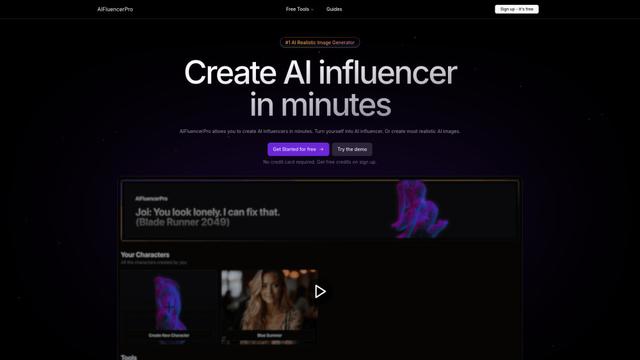
AIFluencerPro is an AI-powered platform that allows users to create photorealistic AI influencers and generate high-quality AI images in minutes using advanced generative AI technology.
Lynklet
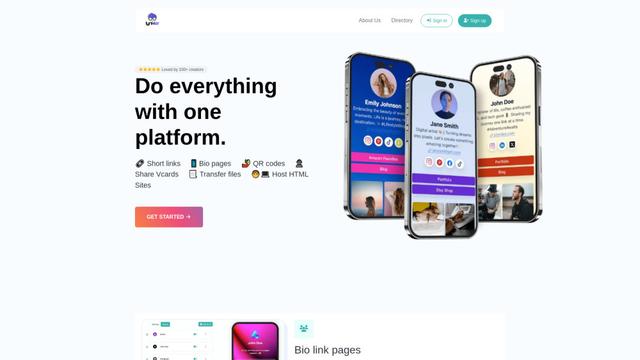
Lynklet is an all-in-one social tool platform that combines bio link pages, URL shortening, QR code generation, digital business cards, and file hosting capabilities in one comprehensive solution.
Re-Engage
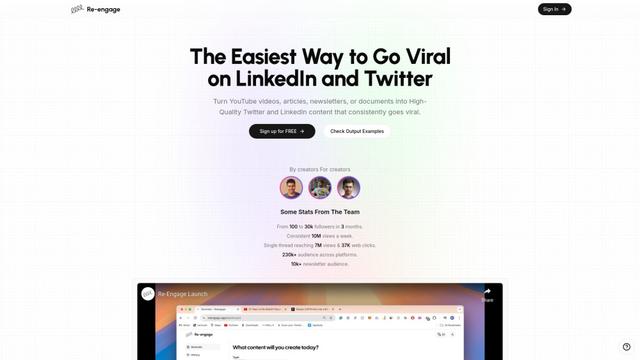
Re-Engage is an innovative content repurposing tool that transforms YouTube videos, articles, newsletters, and documents into high-performing social media content optimized for Twitter and LinkedIn virality.

Trump Donald
Trump Donald is a unique political fundraising platform that lets users send physical letters to Mar-a-Lago while making donations to organizations working to defeat Donald Trump.
Popular AI Tools Like SocialKaptan
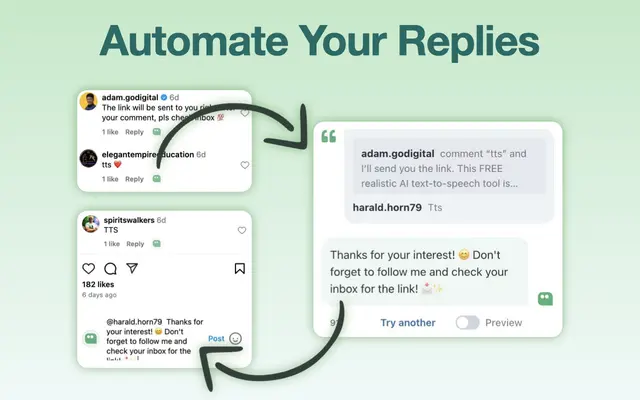
AI Reply Generator - social24
AI Reply Generator - Social24 is a browser extension that helps users generate smart, personalized AI replies for multiple social media platforms including Instagram, Facebook, TikTok, YouTube, and LinkedIn with custom prompt templates and seamless integration.
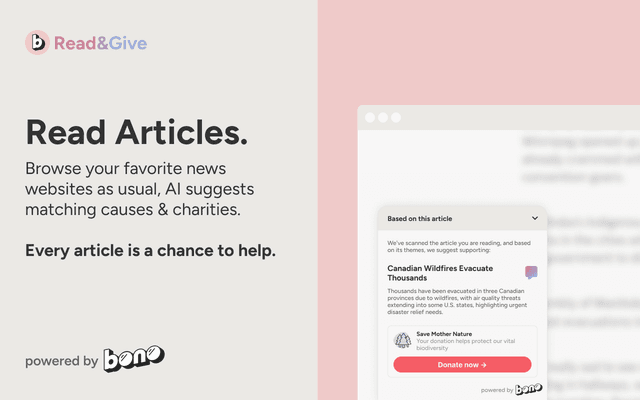
Read & Give by Bono
Read & Give by Bono is a Chrome extension that uses AI to analyze news content and suggests relevant charitable donation opportunities based on the articles you read.
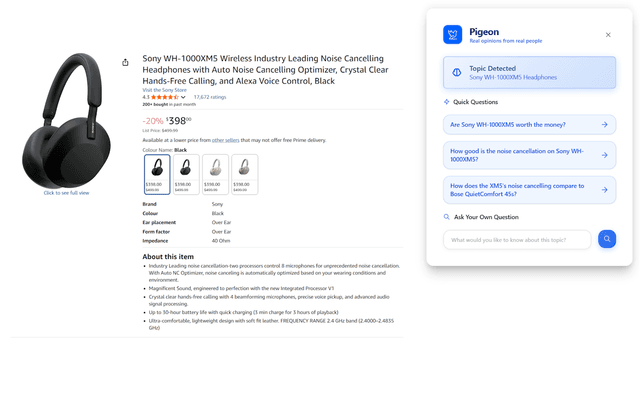
Pigeon
Pigeon is a lightweight Chrome extension that helps users discover and analyze real user opinions from Reddit discussions about any webpage they're browsing.
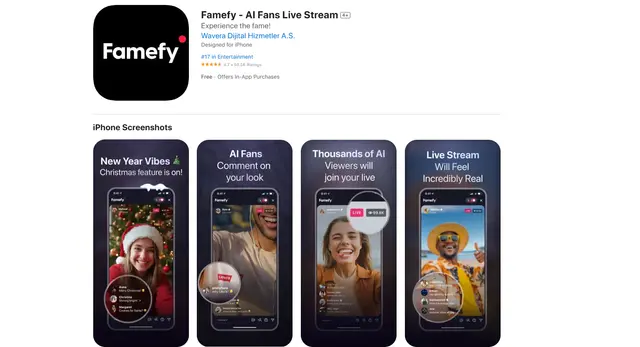
Famefy
Famefy is an AI-powered live streaming platform that lets users experience virtual stardom by interacting with AI-generated fans who provide real-time engagement and feedback.