
Skippr AI
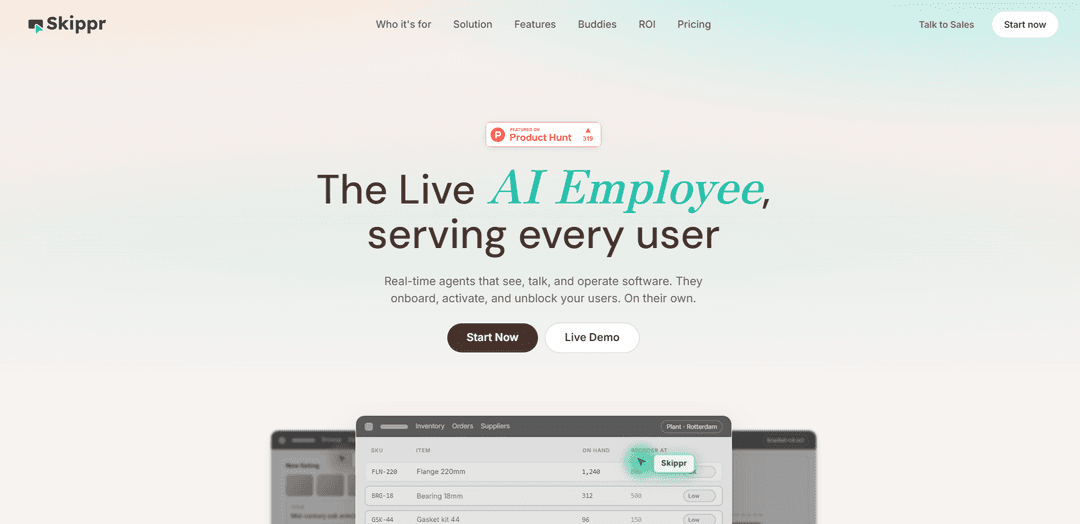
Skippr AI is a real-time multimodal agent platform that can see, talk, and operate software to run live demos, onboarding, training, and support—either embedded in-app with minimal code or via a meeting link.
https://skippr.ai/?ref=producthunt
Product Information
Updated:Aug 8, 2026
What is Skippr AI
Skippr AI provides “live AI employees” (agents) that interact with software the way a human specialist would: speaking with users, understanding what’s on screen, and taking actions to complete flows. It’s designed for AI-native teams to improve user activation and adoption, reduce support load, and enable customer-facing teams (CSMs, solution engineers, SDRs) with instant, in-context product help. Skippr can be deployed across multiple surfaces—inside your product as an embeddable widget, in live video calls, or across internal tools—so the same agent can assist customers and employees wherever they work.
Key Features of Skippr AI
Skippr AI is a platform for real-time “live AI employees” that can see, talk, and operate software to onboard, demo, support, and train users and teams. It can be embedded into a product with minimal code, run across multiple surfaces (in-app widget, browser/extension, and even customer video calls), and uses built-in browser automation plus persistent session agenda/memory to complete workflows end-to-end. Skippr also offers AI product-expert style reviews (design, copy, accessibility/compliance, conversion) with shareable reports and integrations (e.g., Jira/Linear) and can pass context to coding agents via MCP so feedback can be implemented faster.
Real-time voice agents that act on software: Agents can see the UI, speak with users, and execute flows via built-in browser automation to unblock users and complete tasks, not just answer questions.
Embeddable in-product “Buddy” interface: An always-on in-app agent users can summon, drag around, and dismiss; designed for onboarding, activation, demos, and self-serve support with quick embedding ("2 lines of code").
Omnichannel deployment (app, tools, meetings): The same agent can run inside your product, across internal tools, or join customer video calls to demo features and support sales/CS in real time.
Session builder + structured templates: Supports short expert sessions and longer structured sessions, with templates for onboarding, demos, training, simulations, and support to standardize outcomes.
Product expert reviews (UX, copy, accessibility, compliance): Agents audit screens and flows for UX best practices, brand/copy consistency, WCAG accessibility, and privacy/regulatory risk (e.g., GDPR/CCPA), and suggest improvements and variations.
Shareable reports + workflow integrations (MCP, Jira/Linear): Generates shareable review links and can create tickets; passes product context via MCP to coding tools (e.g., Cursor/Claude Code) to accelerate implementation of recommendations.
Use Cases of Skippr AI
SaaS customer onboarding and activation: Embed Skippr in-app to guide new users through setup, demonstrate key features, and drive feature adoption while reducing support load.
Sales engineering and live product demos: Have Skippr join customer calls to run live flows, answer product questions instantly, and support SDR/SE teams to improve demo-to-deal conversion.
Customer support and self-serve troubleshooting: Provide an always-available voice agent that can reproduce issues on-screen, guide users through fixes, and complete routine tasks without human intervention.
Internal enablement for AI-native tool stacks: Onboard and reskill employees across multiple tools by actively training them, switching between systems, and moving information across workflows.
Pre-ship product QA for design/copy/accessibility: Use the browser/extension review agent to catch UX, content, and WCAG issues on localhost, production, or Figma; generate reports and tickets for teams.
Conversion optimization and experimentation: Identify conversion opportunities, recommend A/B tests, and propose UI/copy variations to optimize acquisition and retention.
Pros
Action-oriented agents: can operate software and run real flows, not just chat.
Flexible deployment: works in-product, across internal tools, and even in live customer meetings.
Strong product-quality layer: UX/copy/accessibility/compliance reviews with shareable reports and ticketing.
Build-to-implement loop: MCP integration helps translate critique into code changes faster.
Cons
Usage-based credit model can make costs less predictable for high-volume or complex sessions.
Requires setup of knowledge base/integrations to achieve best accuracy and task completion.
Browser automation and live actions may be sensitive to UI changes or complex edge cases in some apps.
How to Use Skippr AI
1) Choose your primary use case (where Skippr will create value first): Pick one of the core scenarios Skippr is built for: (a) in-app onboarding + activation for your customers, (b) live demos + instant answers for customer-facing teams (CSMs/SEs/SDRs/CX), or (c) internal onboarding/reskilling on your AI-native tool stack. This choice determines the session type, agent template, and success metrics you’ll track (activation, conversion, adoption, support load, demo-to-deal win rate).
2) Start a self-serve setup and create your first agent: Go to skippr.ai and start the self-serve flow to “spin up an agent in minutes.” You can begin with the free trial (noted as 200 free credits, no card required in the sources). Name the agent and decide whether it will be customer-facing (embedded in your product) or team-facing (used across internal tools or in meetings).
3) Train the agent on your knowledge and style it to your brand: Provide your Customer Content (e.g., product documentation, knowledge base documents, configuration, prompts, branding assets). Configure brand styling so the agent matches your product voice and look. This is the foundation for “real product knowledge” and consistent answers during onboarding, demos, and support.
4) Pick an agent template and define the session structure: Select a template aligned to your goal: Onboarding, Demo, Training, Simulation, or Support. Then configure the session format: Instant Expert (short session up to ~10 minutes) or Structured Sessions (longer sessions up to ~30/45/60 minutes depending on plan). Use the Session Builder to define the agenda, what the agent should accomplish, and what ‘done’ looks like.
5) Decide the surface: embed in-app, share a meeting link, or run across team tools: Skippr is designed as “one agent, every surface.” Choose how users will access it: (a) embed it inside your product so every user gets an always-on voice agent, (b) share a meeting link so it can join a call and demo features live, or (c) deploy it across your team’s tools for internal enablement and training.
6) Embed Skippr in your product (in-app buddy widget): Use the embeddable module/SDK to add Skippr to your app (the sources state it can be embedded with “2 lines of code”). After embedding, verify the in-app experience: users can open the widget, talk to the agent, drag the buddy on-screen, and dismiss it when done. Confirm it appears on the right pages/flows where onboarding and activation happen.
7) Run a live onboarding or demo session and let the agent operate software: Start a real session and test the core promise: the agent can “see, talk, and operate software,” using built-in browser automation to guide users through real flows. Validate that it can answer product questions, demonstrate features, and unblock users without human intervention.
8) Use Skippr for customer-facing teams during sales/support calls: Have an SDR/SE/CSM invite Skippr to a customer call via a meeting link. Use it to demo features in real time, provide instant product answers, and run flows live in the app while the human stays focused on the conversation. This is intended to increase deal wins and reduce time spent on repetitive walkthroughs.
9) Enable internal onboarding and reskilling on your AI-native stack: Deploy the same agent internally to train employees on your toolchain. Configure it to switch between tools and move information across systems as part of guided training sessions, so new hires and existing team members can learn workflows hands-on.
10) (Optional) Use Skippr’s product review capabilities to catch issues before shipping: If you use Skippr’s review-oriented products/agents (e.g., Mentor/Finesse mentioned in the sources), run analyses on Localhost/Production and/or via the Chrome extension or web-based screen sharing. These agents can identify UX, copy, accessibility (WCAG), and compliance risks (GDPR/CCPA), then generate actionable suggestions.
11) Export feedback into your workflow and assign fixes: Connect Skippr to your workflow so feedback becomes tasks automatically (sources mention ticketing to tools like Linear/Jira and syncing with coding agents via MCP). Use shareable reports for stakeholders, then assign issues to engineers or coding agents for implementation.
12) Review captured content and manage what’s stored/shared: If using Mentor-style analyses, understand what may be stored: screenshots, relevant DOM fragments, URLs/metadata, and screen-shared content can be saved in your project for reports and history. Control whether to share or export these artifacts outside your workspace.
13) Monitor usage credits and choose a plan based on session needs: Skippr pricing is usage-based (credits consumed per session; heavier sessions cost more). Start on Free/Lite/Scaleup for core features, then move to Growth/Enterprise for expanded capabilities and bespoke limits. Track which session types (short vs structured) drive the best outcomes for your users and team.
14) Iterate: refine knowledge, session flows, and placement to improve outcomes: Continuously update the knowledge base digest, tighten onboarding/demo scripts in the Session Builder, and reposition the in-app buddy on the highest-impact screens. The goal is to lift onboarding completion, feature adoption, trial-to-paid conversion, and reduce support load—often measurable as early as the first week per the sources.
Skippr AI FAQs
Skippr AI provides real-time agents that can see, talk, and operate software to onboard, activate, and unblock users autonomously.
Skippr AI Video
Popular Articles

Atoms: A Multi-Agent AI Platform That Transforms Ideas into Launch-Ready Products
May 22, 2026

Nano Banana SBTI: What It Is, How It Works, and How to Use It in 2026
Apr 15, 2026

Atoms Review — The AI Product Builder Redefining Digital Creation in 2026
Apr 10, 2026
Kilo Claw: How to Deploy and Use a True "Do‑It‑For‑You" AI Agent(2026 Update)
Apr 3, 2026
Latest AI Tools Similar to Skippr AI
Folderr
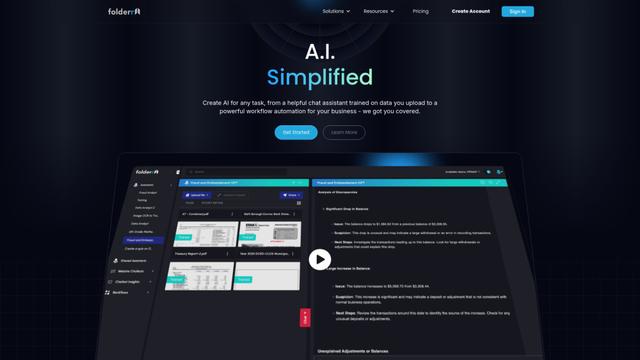
Folderr is a comprehensive AI platform that enables users to create custom AI assistants by uploading unlimited files, integrating with multiple language models, and automating workflows through a user-friendly interface.
Peache.ai
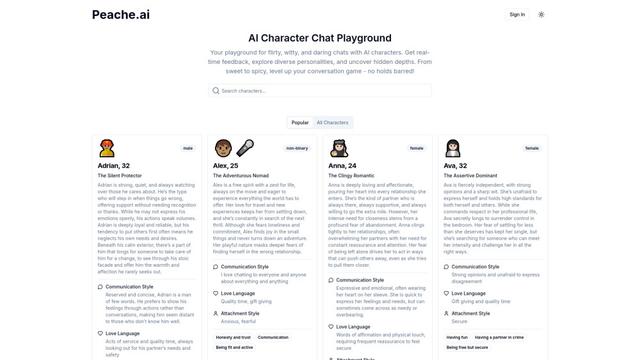
Peache.ai is an AI character chat playground that enables users to engage in flirty, witty, and daring conversations with diverse AI personalities through real-time interactions.

TalkPersona
TalkPersona is an AI-powered video chatbot that provides real-time human-like conversation through a virtual talking face with natural voice and lip-sync capabilities.
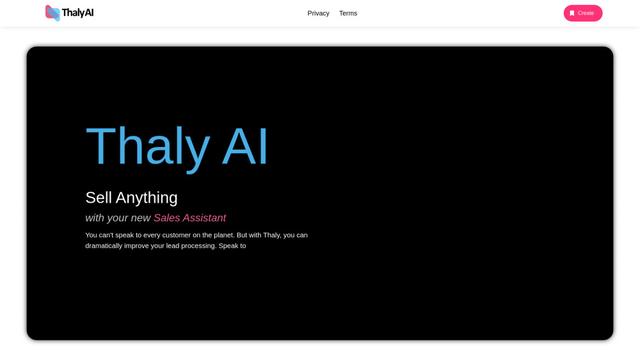
Thaly AI
Thaly AI is an AI-powered sales assistant that automates customer conversations and lead qualification to help businesses scale their sales operations while saving time.
Popular AI Tools Like Skippr AI
GPT‑5.5 | ChatGPT Official
GPT‑5.5 in ChatGPT is OpenAI’s latest work-focused model designed to understand complex goals, use tools effectively, check its work, and carry multi-step tasks (coding, research, documents, spreadsheets) through to completion with stronger safeguards.
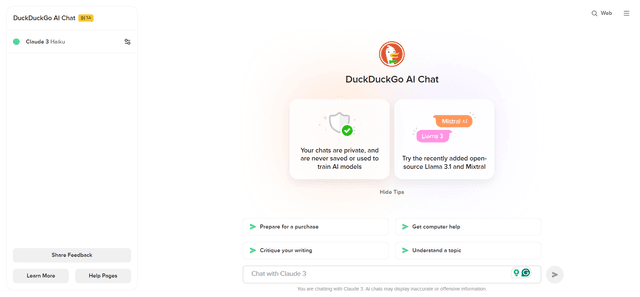
DuckDuckGo AI Chat
DuckDuckGo AI Chat is a free, anonymous way to access popular AI chatbots like GPT-3.5, Claude, and others while preserving user privacy.

Arch
Arch is an intelligent Layer 7 gateway built on Envoy Proxy that provides secure handling, robust observability, and seamless integration of prompts with APIs for building fast, robust, and personalized AI agents.
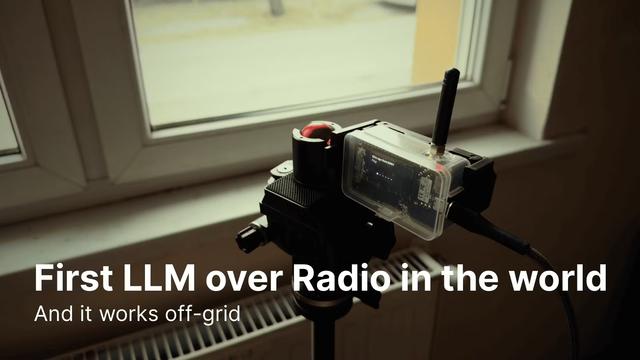
Off-grid LLM over Radio
A platform that integrates Large Language Models (LLMs) with Meshtastic mesh communication networks to enable off-grid AI interactions and automated task execution through radio communication.