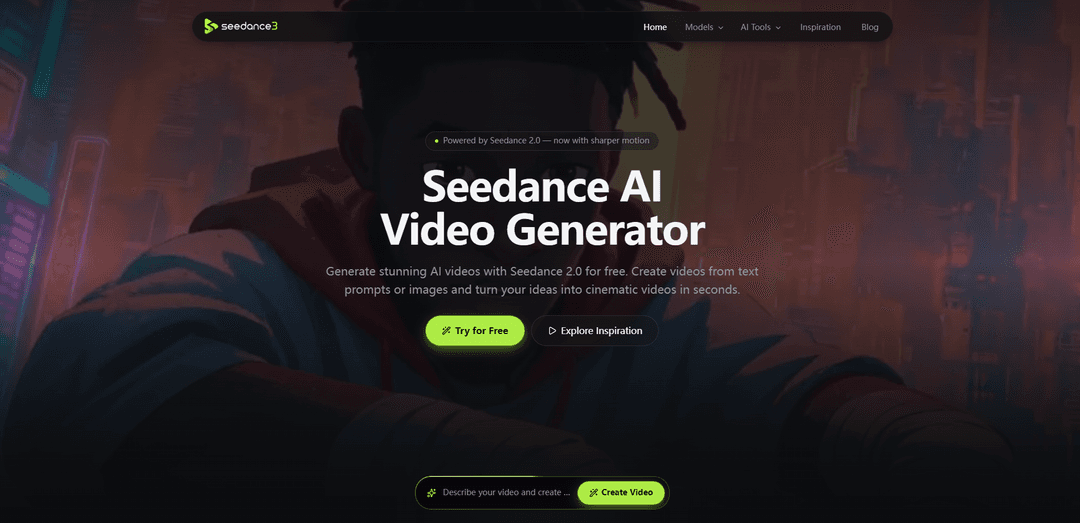
Seedance AI Video Generator
Free Seedance AI video generator with daily generations. Explore AI video creations, copy prompts for inspiration, and create cinematic videos online.
https://seedance3.tools/?utm_source=aipure
Product Information
Updated:Aug 11, 2026
What is Seedance AI Video Generator
Seedance AI Video Generator is an online “video factory” designed to turn simple ideas into professional-looking AI videos in minutes. Powered by the Seedance 2.0 engine, it supports text-to-video and image-to-video creation, enabling creators, marketers, and teams to generate cinematic scenes, product showcases, avatar-led clips, and short-form social content without traditional filming. The platform emphasizes high-fidelity visuals, natural-looking motion, and fast iteration, with free daily generations and a straightforward prompt-to-preview workflow.
Key Features of Seedance AI Video Generator
Seedance AI Video Generator is an AI video creation tool (powered by Seedance 2.0) that lets you generate cinematic videos from text prompts and multimodal references such as images, existing videos, or audio. It emphasizes smooth motion, realistic animation, dynamic camera movement, and strong prompt understanding to quickly turn ideas or assets into polished, downloadable clips. The platform supports flexible settings (e.g., aspect ratio and duration), encourages rapid iteration through preview-and-refine workflows, and offers free daily generations with no login required for quick testing and experimentation.
Text-to-video & image-to-video generation: Create videos directly from plain-language prompts or animate a single image into a moving scene, making it easy to go from concept or asset to video output in minutes.
Multimodal reference inputs: Upload reference images, videos, or audio to better anchor the look, motion, or performance of the generated video and build richer visual stories.
Cinematic motion & camera movement: Designed to produce movie-like results with smoother motion, dynamic camera moves, cinematic lighting, and detailed visuals for a more professional feel.
Smart prompt understanding: Interprets scene descriptions, actions, camera directions, and stylistic cues to improve prompt-following and reduce the need for complex prompt engineering.
Fast preview, refine, and download workflow: Generate, preview results, adjust prompts/settings, and regenerate variants quickly—then download the final output when satisfied.
Free daily access without sign-up: Includes free daily generations and no-login access, lowering the barrier to experimentation before committing to heavier usage.
Use Cases of Seedance AI Video Generator
E-commerce product showcases: Turn a single product image into a cinematic marketing clip for product pages, ads, and launches without expensive filming or studio setups.
Social short-form content (Reels/TikTok/Shorts): Rapidly produce scroll-stopping short videos for social platforms, including faceless content, trend-style clips, and quick storytelling formats.
Brand promos and campaign creatives: Generate promotional videos, variations for A/B testing, and platform-specific edits by iterating prompts and settings quickly.
AI avatar presenters & customer education: Create avatar-led or virtual ambassador-style videos for explainers, onboarding, and campaign messaging, including expressive facial animation and synchronized speech when using audio references.
Storyboarding and pre-visualization for film/creative projects: Prototype trailer-like scenes, concept sequences, and narrative snippets with cinematic lighting and camera direction for faster creative iteration.
Animating artwork and illustrations: Bring static illustrations, concept art, portraits, or character designs to life with realistic movement while aiming to keep style consistent.
Pros
Multimodal inputs (text, image, video, audio) support more directed results than text-only workflows
Cinematic look with smooth motion and camera movement geared toward professional-feeling outputs
Fast iterate-and-download workflow makes it practical for creators and marketing teams
Free daily generations with no sign-up lowers friction for testing and learning
Cons
Free daily quota can limit sustained production without upgrading or returning later
Output quality and prompt-following can still vary by prompt complexity and reference quality, requiring multiple iterations
Best results may depend on learning effective prompting and choosing the right settings (duration/aspect ratio) for the platform
How to Use Seedance AI Video Generator
1. Open the Seedance AI Video Generator: Go to https://seedance3.tools/ to access the online Seedance AI Video Generator.
2. Choose a Seedance model: Select the best Seedance model for your project (e.g., cinematic storytelling, marketing content, or short-form social videos). The site is powered by Seedance 2.0 for sharper motion.
3. Decide your creation mode (input type): Pick how you want to generate the video: text-to-video (type a prompt) or image-to-video (upload an image). Seedance 2.0 also supports multimodal inputs such as reference images, existing videos, or audio (where available).
4. Add your inputs: Enter a text prompt and/or upload reference media (images, video, or audio). Include details like scene, subject, action, lighting, and camera movement to help the model follow your intent.
5. Customize generation settings: Set options such as aspect ratio, duration, and any other available controls before generating.
6. Generate the video: Click the Generate button to create your AI video. The tool will produce a preview you can review.
7. Preview and download: Watch the generated result, then download it if it meets your needs.
8. Refine and regenerate (iterate): If you want improvements, adjust your prompt and/or references and generate again. Use the free daily generations to test variations.
9. Use inspiration examples to improve prompts (optional): Browse trending examples and copy proven prompts from the Inspiration page (https://seedance3.tools/inspiration) to learn styles and prompt structures that work well.
Seedance AI Video Generator FAQs
Seedance AI Video Generator is an AI tool that creates short, cinematic videos from text prompts or reference inputs (such as images, video clips, and sometimes audio), designed for smoother motion, stronger prompt following, and multi-shot storytelling with better continuity.
Popular Articles

Vosko AI: Localize and Dub Videos for Global Audiences
Oct 15, 2026

Atoms: A Multi-Agent AI Platform That Transforms Ideas into Launch-Ready Products
Oct 13, 2026

Nano Banana SBTI: What It Is, How It Works, and How to Use It in 2026
Apr 15, 2026

Atoms Review — The AI Product Builder Redefining Digital Creation in 2026
Apr 10, 2026
Latest AI Tools Similar to Seedance AI Video Generator
Loud Fame
Loud Fame is an AI-powered video transformation tool that allows users to convert regular videos into anime-style animations and create AI-generated celebrity talking videos.
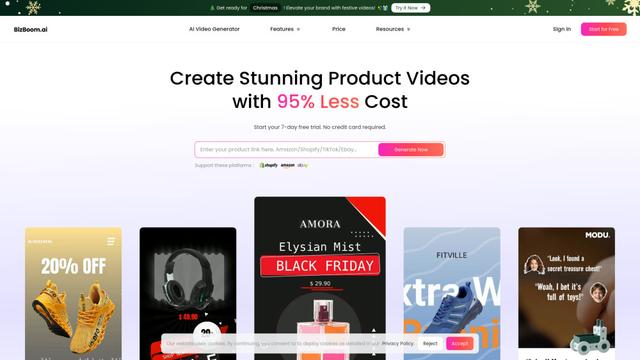
BizBoom.ai
BizBoom.ai is an AI-powered platform that automatically generates professional product videos from product links and images with 95% less cost.

EzVideos
EzVideos is an all-in-one video creation tool that helps users generate viral videos for social media platforms like Instagram, TikTok, and YouTube with automated editing features and built-in resources.
Illuminix
Illuminix is an AI-powered platform that empowers businesses with autonomous hyper-experts and specialized tools for automated business processes, data management, and video content creation.
Popular AI Tools Like Seedance AI Video Generator
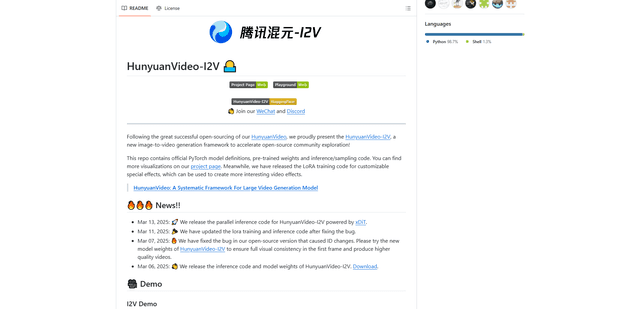
HunyuanVideo-I2V
HunyuanVideo-I2V is an open-source AI framework developed by Tencent that transforms static images into high-quality, dynamic videos with customizable motion effects and exceptional visual consistency.
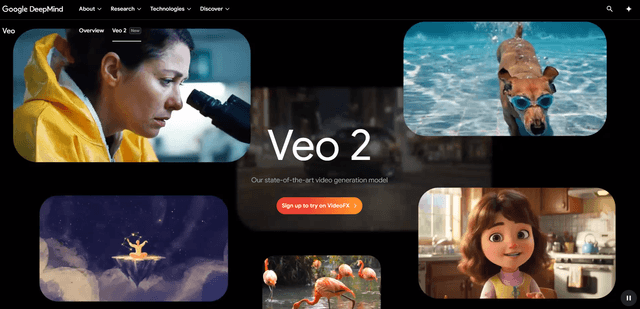
Google Veo 2
Veo 2 is Google DeepMind's state-of-the-art AI video generation model that can create high-quality videos up to 4K resolution with realistic motion, extensive camera controls, and improved physics simulation from text prompts.

Vibing
Vibing is an AI-powered dating app that helps users share authentic moments through video stories and make genuine connections based on personality matching and interactive features.
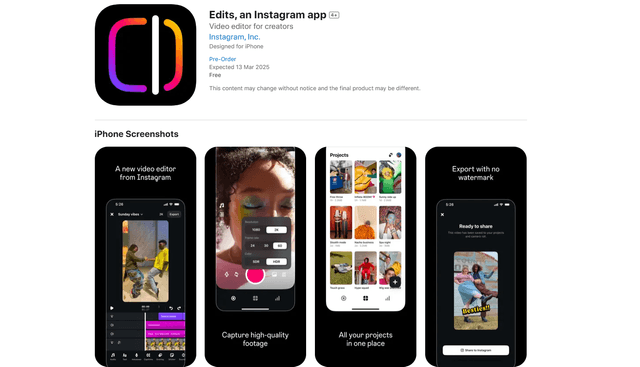
Edits, an Instagram app
Edits is Instagram's free video creation app that provides creators with professional editing tools, AI features, and analytics capabilities to create high-quality videos directly from their phones.