Seedance 3.0
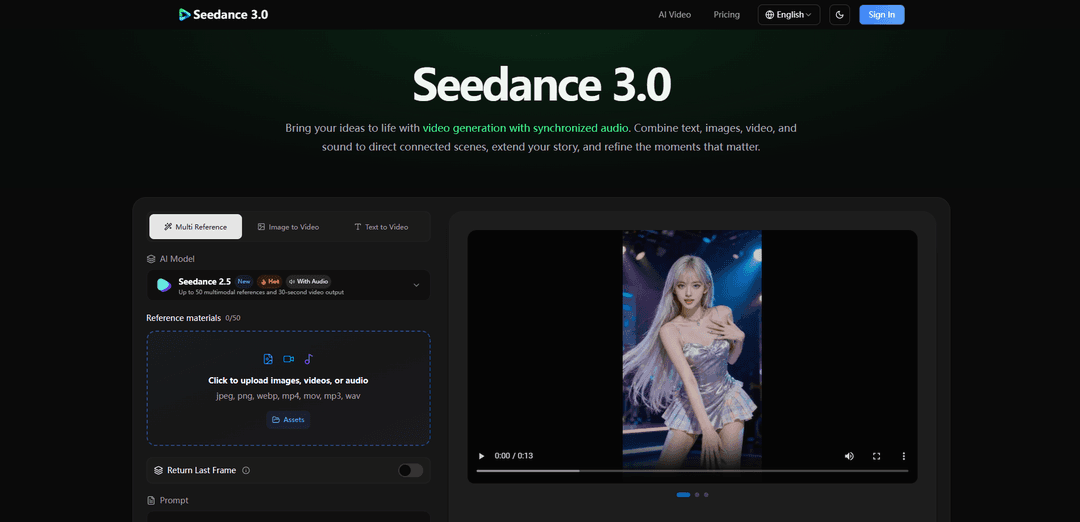
Seedance 3.0 is a multimodal AI video creation platform that turns text plus image/video/audio references into cinematic, multi-shot videos with synchronized sound, character consistency, camera control, and story extension.
https://seedance3ai.ai/?utm_source=aipure
Product Information
Updated:Sep 28, 2026
What is Seedance 3.0
Seedance 3.0 provides a flexible environment for creators who want more than basic text-to-video generation. By understanding text alongside visual and audio references, Seedance 3.0 can coordinate subjects, scenes, movement, visual style, and sound within the same creative process. Its stronger control over storytelling and cinematic direction makes complex video concepts easier to explore and refine.
Key Features of Seedance 3.0
Seedance 3.0 is a multimodal AI video creation platform that turns text prompts plus image, video, and audio references into connected cinematic scenes with synchronized sound. It emphasizes narrative continuity and creative control—helping creators maintain consistent characters, props, lighting, and style across shots, while also guiding motion and camera language via references. You can generate up to ~30 seconds per generation and then extend the story through multi-round continuation, iterating with prompt and reference refinements to build longer, cohesive audiovisual sequences.
Multimodal reference control: Combine text with image, video, and audio references (up to ~30 images, 10 video clips, 10 audio clips depending on mode) to steer characters, settings, style, motion, and sound using plain-language instructions.
Connected multi-shot narratives: Generates sequences that include shot changes and scene transitions, aiming for richer storytelling rather than isolated clips, with pacing and action guided by your direction.
Synchronized audio generation: Creates voices, ambience, and sound effects alongside visuals so audio belongs to the scene; audio references can guide vocal character, mood, and rhythm.
Consistency across scenes: Helps carry character appearance, clothing, props, color palette, lighting, and even voice across connected shots for continuity in stories, product demos, or multi-character scenes.
Cinematic motion & camera intent: Uses video references and camera-direction prompting to influence choreography, staging, and camera movement (e.g., tracking shots, push-ins, reveals) with a more film-like feel.
Video extension & iterative refinement: Extend an existing generated clip into new scenes via multi-round continuation, or regenerate variations by adjusting prompts, references, and settings (note: not timeline-based editing).
Use Cases of Seedance 3.0
Advertising & marketing creatives: Turn product references and a campaign brief into ad concepts, exploring different hooks, settings, and camera angles to produce multiple creative variations quickly.
Education & training visuals: Create visual explanations for lessons, tutorials, and step-by-step demos by combining reference materials with narrated or scene-matched audio.
Short films & creative storytelling: Develop connected scenes with consistent characters and tone—building a beginning, turning point, and resolution—then extend sequences to continue the narrative.
Social media content production: Generate Reel/TikTok/Shorts-style videos with a clear hook and cohesive visual style, iterating rapidly to match trends or test formats.
Motion, dance, and action pre-visualization: Use movement references to plan choreography and camera blocking before live production, exploring pacing and shot language with synchronized sound.
Architecture & real estate visualization: Create room reveals, property tours, and atmospheric design concepts from references, presenting spaces with cinematic motion and scene-appropriate audio.
Pros
Multimodal inputs (text + image/video/audio references) enable strong creative steering for both visuals and sound.
Native synchronized audio generation reduces the need for separate sound design for early drafts and concept videos.
Designed for continuity: supports consistent characters, props, and style across connected shots and extensions.
Watermark-free outputs and includes commercial-use licensing on paid plans (per provided pricing/FAQ).
Cons
Single generation length is limited (up to ~30 seconds per pass); longer content requires multi-round extension.
No timeline-based editor inside the product—final trimming/assembly typically requires an external video editor.
NSFW/adult content is not supported; safety filters may block certain prompts or uploads.
How to Use Seedance 3.0
1. Sign in and open the Seedance 3.0 generator: Go to https://seedance3ai.ai/, sign in, then open the video generator (“Create with Seedance 3.0” / “Start Your First Video”).
2. Choose a plan or credits (if required): Select a subscription plan or a one-time credit pack so you can generate videos. Credits are used per generation, and the generator will show the cost before you submit.
3. Select a model and generation mode: In the generator, pick the Seedance model/version and the mode available to you. The selected model/mode affects upload limits, duration, resolution, and other settings.
4. Prepare your idea and gather references: Decide what you want to make (ad, short film, lesson, social clip, choreography test, etc.). Collect any references that define your characters, setting, motion, and sound: text prompt plus optional images, video clips, and audio.
5. Upload multimodal references (optional but recommended): Add your assets to guide the generation. Seedance 3.0 supports multimodal referencing (up to 30 images, 10 video clips, and 10 audio clips in a single request, depending on the model/mode).
6. Assign roles to each reference in your prompt: In plain language, specify what each reference should control (e.g., character appearance/clothing, props, location, color palette/lighting, camera framing, motion/choreography, voice style, ambience, rhythm). Clear role descriptions improve consistency across shots.
7. Write the scene direction in plain language: Describe the subject, action, and story beats, including camera direction (e.g., tracking shot, push-in, reveal), staging, and lighting/mood. Seedance 3.0 is designed to interpret everyday scene descriptions (camera angles, lighting, action) into cinematic motion.
8. Configure output settings (duration, aspect ratio, resolution, audio): Set the available options shown in the generator. Seedance 3.0 can generate up to ~30 seconds of video and synchronized audio in one generation; available resolution/aspect ratio/duration options depend on the model and mode.
9. Generate your first video (with synchronized sound): Submit the prompt and references. Seedance 3.0 generates video with audio (voices, ambience, and sound effects) as part of joint audio-video generation. If you provided audio references, they can guide vocal character, mood, and rhythm.
10. Review for continuity and intent: Check whether character details, clothing, props, lighting, and style remain consistent across connected shots, and whether camera motion and pacing match your direction. Note any moments to refine.
11. Refine by iterating on prompt, references, or settings: If something is off, adjust your prompt (more specific camera/action notes), swap or add references, and regenerate. Seedance 3.0 supports iterative workflows: generate, review, and refine until the clip matches your intent.
12. Extend the story with multi-round continuation: To go beyond a single generation, use video extension to continue an existing clip with new action and connected scenes. Describe what happens next and keep the same references (or add new ones) to carry forward characters, setting, and audiovisual style.
13. Rework content using video extension/edit-style changes (prompted edits): If you need changes to visuals or audio, describe the modifications you want and use references to guide the new result. Seedance 3.0 supports extension and rework via prompting (it does not provide timeline-based editing inside the tool).
14. Export and finish in a separate editor (optional): Download the generated video (the platform states outputs are watermark-free). For trimming, arranging multiple clips, or timeline edits, use a separate video editor as needed.
Seedance 3.0 FAQs
Seedance 3.0 is an AI video creation experience that turns text prompts plus image, video, and audio references into cinematic video with synchronized sound, designed for connected scenes and longer storytelling workflows.
Popular Articles

Vosko AI: Localize and Dub Videos for Global Audiences
Oct 15, 2026

Atoms: A Multi-Agent AI Platform That Transforms Ideas into Launch-Ready Products
Oct 13, 2026

Nano Banana SBTI: What It Is, How It Works, and How to Use It in 2026
Apr 15, 2026

Atoms Review — The AI Product Builder Redefining Digital Creation in 2026
Apr 10, 2026
Latest AI Tools Similar to Seedance 3.0
Loud Fame
Loud Fame is an AI-powered video transformation tool that allows users to convert regular videos into anime-style animations and create AI-generated celebrity talking videos.
BizBoom.ai
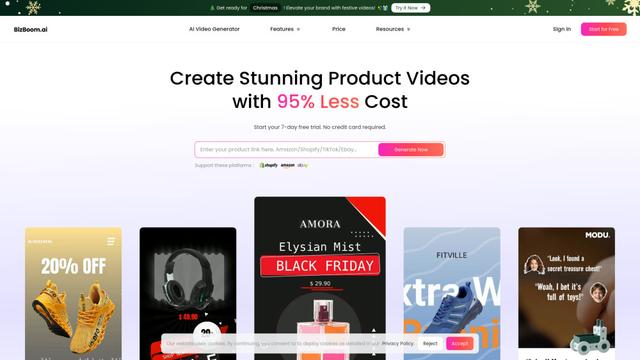
BizBoom.ai is an AI-powered platform that automatically generates professional product videos from product links and images with 95% less cost.

EzVideos
EzVideos is an all-in-one video creation tool that helps users generate viral videos for social media platforms like Instagram, TikTok, and YouTube with automated editing features and built-in resources.
Illuminix
Illuminix is an AI-powered platform that empowers businesses with autonomous hyper-experts and specialized tools for automated business processes, data management, and video content creation.
Popular AI Tools Like Seedance 3.0
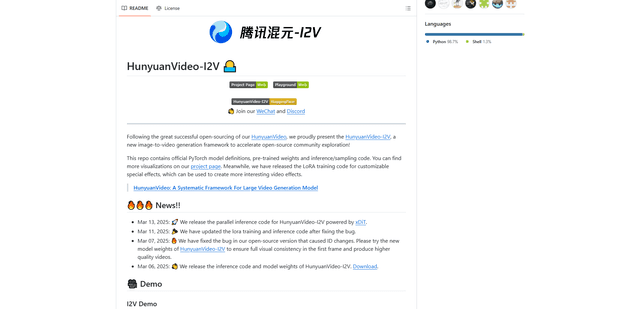
HunyuanVideo-I2V
HunyuanVideo-I2V is an open-source AI framework developed by Tencent that transforms static images into high-quality, dynamic videos with customizable motion effects and exceptional visual consistency.
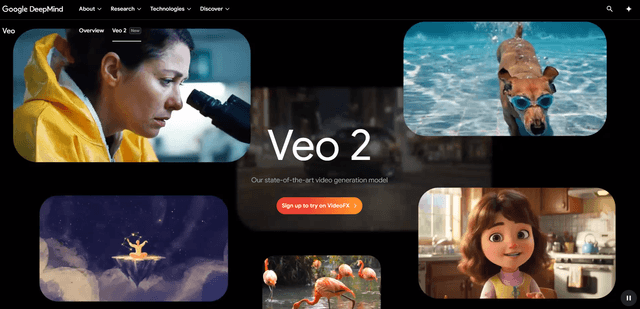
Google Veo 2
Veo 2 is Google DeepMind's state-of-the-art AI video generation model that can create high-quality videos up to 4K resolution with realistic motion, extensive camera controls, and improved physics simulation from text prompts.

Vibing
Vibing is an AI-powered dating app that helps users share authentic moments through video stories and make genuine connections based on personality matching and interactive features.
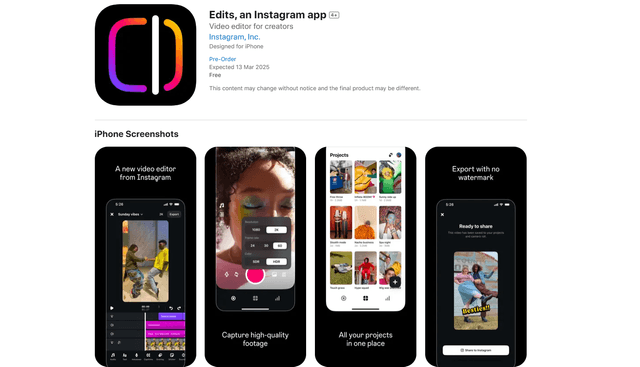
Edits, an Instagram app
Edits is Instagram's free video creation app that provides creators with professional editing tools, AI features, and analytics capabilities to create high-quality videos directly from their phones.