Seedance 2.0
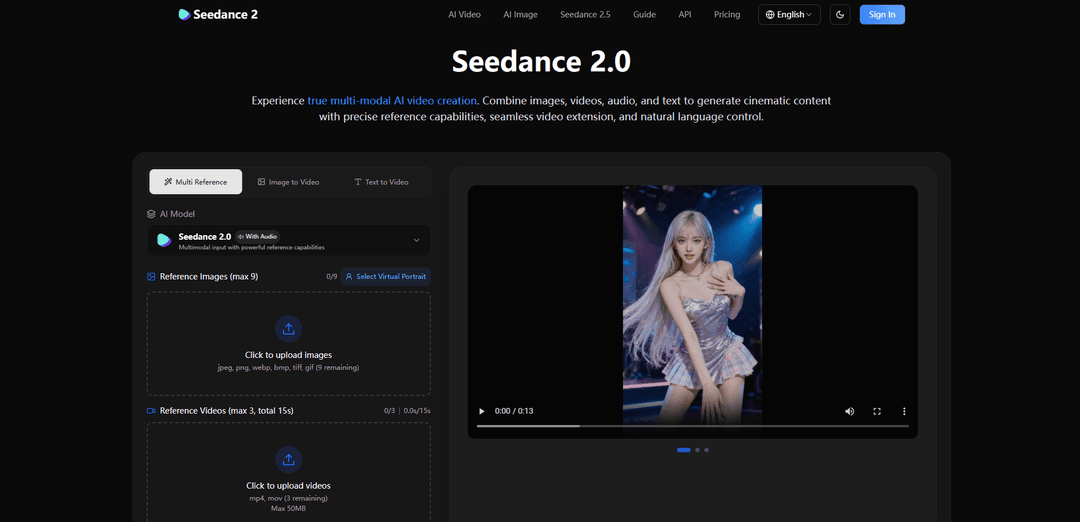
Seedance 2.0 is a multimodal AI video generation model that combines text, images, video, and audio references to create cinematic, highly consistent videos with precise motion/camera replication, editing/extension, and optional native audio generation.
https://seevio.ai/?utm_source=aipure
Product Information
Updated:Aug 3, 2026
What is Seedance 2.0
Seedance 2.0 is a controllable, multi-modal AI video model designed for cinematic video creation and iteration. It supports generating short clips (about 4–15 seconds per shot) in multiple aspect ratios and resolutions (up to 1080p in the standard offering), with features built around using real reference materials—images, videos, and audio—alongside natural-language prompts. In addition to creating new clips from scratch (text-to-video or image-to-video), Seedance 2.0 also emphasizes continuity-friendly workflows such as maintaining character and style consistency, producing watermark-free outputs, and enabling extensions and targeted edits to existing footage.
Key Features of Seedance 2.0
Seedance 2.0 is a multi-modal AI video generation model that combines text with reference images, videos, and audio to create cinematic, controllable clips. It emphasizes high-fidelity referencing (e.g., transferring camera movement, motion/choreography, composition, and style from uploaded materials), strong temporal consistency (faces, clothing, text, lighting, and scene coherence), and practical post-style workflows like video extension and targeted edits. It also supports built-in audio generation (sound effects and background music) and audio/beat syncing, enabling creators to iterate quickly from concept to polished short-form video output.
True multimodal input (text + image + video + audio): Accepts text prompts alongside up to 9 images, 3 reference videos (≤15s total), and 3 audio files (≤15s total), enabling richer control than text-only generation.
Reference-anything prompting with @ tags: Lets you explicitly reference uploaded assets in the prompt (e.g., “use @Image1 as first frame” or “follow the camera move from @Video1”), so the model knows exactly what to transfer (motion, composition, style, etc.).
Precise motion & camera movement replication: Uses reference video to reproduce choreography, action timing, pacing, and cinematic camera moves without requiring overly complex prompt engineering.
Superior visual consistency across frames: Designed to keep character identity and details stable (faces, clothing, small text), reducing drift and flicker across a clip and during refinement/continuation.
Video extension & targeted editing: Supports extending clips forward/backward and making localized changes (add/remove/modify elements or actions) while preserving continuity and the rest of the scene.
Built-in audio generation and beat sync: Can generate context-aware sound effects and background music, and can sync visuals to uploaded audio beats for music/dance-oriented content.
Use Cases of Seedance 2.0
Advertising & marketing creatives: Recreate proven ad formats or template-like motions with your own product/branding, generating consistent, watermark-free promo clips for campaigns and social ads.
Social media short-form production: Rapidly produce Reels/TikTok/Shorts by referencing trending visual styles, transitions, or camera moves while keeping characters and branding consistent.
Film pre-visualization and storyboarding: Prototype shots by referencing film-like camera movement and pacing, testing cinematography, transitions, and effects before committing to production.
Music videos and audio-synced visuals: Generate beat-matched sequences and add fitting sound effects/ambience, useful for dance clips, lyric-driven visuals, and rhythm-based edits.
Education & training content: Turn lesson scripts plus reference imagery/video into engaging animated explanations or demonstrations, helping instructors visualize concepts quickly.
Video editing and continuity workflows: Extend existing footage, merge scenes, or modify specific segments without regenerating everything—useful for creators needing fast iteration and continuity.
Pros
Strong multimodal referencing (text + image/video/audio) for director-like control over motion, camera, and style
High temporal consistency (faces/clothing/text/scene coherence) compared with typical AI video drift
Practical editing capabilities like extension and targeted modifications that support continuity-driven workflows
Built-in audio generation and beat sync for more complete, publish-ready clips
Cons
Reference material limits (e.g., videos total ≤15s; max 12 materials) may constrain complex projects
Short native clip durations (typically 4–15s per generation) can require stitching/iteration for longer stories
Audio cannot be used with text alone; at least one image or video reference is required
Credit usage can increase when including video references because costs consider combined input + output duration
How to Use Seedance 2.0
1) Open Seedance 2.0 on Seevio.ai: Go to https://seevio.ai/ and select the Seedance 2.0 model (Seedance 2.0 With Audio). Choose your workflow: Text-to-Video, Image-to-Video, or Multi-Reference.
2) Upload reference assets (optional but recommended): Add any combination of references to guide the generation: up to 9 images, up to 3 videos (total video duration ≤ 15s), and up to 3 audio files (total audio duration ≤ 15s). Total materials across all types cannot exceed 12.
3) Reference your uploads inside the prompt using @ tags: In the Prompt box, type @ to insert uploaded materials (e.g., @Image1, @Video1, @Audio1). Write plainly how each reference should be used, such as: “Use @Image1 as the first frame; follow @Video1 for pacing and camera moves.”
4) Choose generation settings: Set Resolution (480p/720p/1080p/4K), Duration (Seedance 2.0 supports ~4–15 seconds per generation), and Aspect Ratio (Auto, 16:9, 9:16, 4:3, 3:4, 21:9, 1:1). Optionally enable “Return Last Frame” if you want the final frame returned for continuity workflows.
5) Configure batch generation (optional): If you want multiple variations with the same settings, increase Batch generation (up to 10 videos) to produce several outputs in one run.
6) Generate the video: Click Generate. Seedance 2.0 will create a watermark-free video output based on your prompt and any referenced assets.
7) Iterate with targeted refinements: If you need changes, adjust your prompt to specify what to keep and what to change (e.g., keep character from @Image1, change lighting, modify action). Re-generate to get improved variants.
8) Extend or edit an existing video: To extend a clip, upload the existing video as a reference and set the generation length to the extension length (e.g., extend by 5 seconds → generate 5 seconds). For edits, upload the video and describe the specific modifications (add/remove/replace elements) while preserving the rest.
9) Use audio correctly (when applicable): You can enable built-in audio generation for context-aware sound effects and background music, or upload audio to sync visuals to beats. Note: audio cannot be used with text alone—at least one image or video reference is required.
10) Use the API for programmatic generation (optional): Subscribe to a plan or buy credits, then call the asynchronous API. Create a generation task at POST https://api.seevio.ai/v1/videos/generations with Authorization: Bearer <key> and a JSON body including model (e.g., "seedance-2-0"), optional callback_url, and input fields like prompt, generation_type (text-to-video or image-to-video), duration, aspect_ratio, resolution, generate_audio, watermark, and seed. Retrieve results by polling the task endpoint or receiving the webhook callback.
Seedance 2.0 FAQs
Seedance 2.0 is a multi-modal AI video generation model on Seevio.ai that can generate cinematic videos using text prompts plus optional reference images, videos, and audio. It is designed for controllable creation, including referencing motion, camera movement, characters, scenes, effects, and sound via natural language.
Popular Articles

Vosko AI: Localize and Dub Videos for Global Audiences
Oct 15, 2026

Atoms: A Multi-Agent AI Platform That Transforms Ideas into Launch-Ready Products
Oct 13, 2026

Nano Banana SBTI: What It Is, How It Works, and How to Use It in 2026
Apr 15, 2026

Atoms Review — The AI Product Builder Redefining Digital Creation in 2026
Apr 10, 2026
Latest AI Tools Similar to Seedance 2.0

Loud Fame
Loud Fame is an AI-powered video transformation tool that allows users to convert regular videos into anime-style animations and create AI-generated celebrity talking videos.

BizBoom.ai
BizBoom.ai is an AI-powered platform that automatically generates professional product videos from product links and images with 95% less cost.

EzVideos
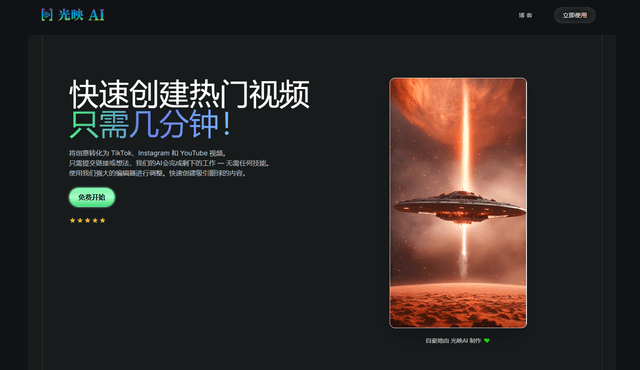
EzVideos is an all-in-one video creation tool that helps users generate viral videos for social media platforms like Instagram, TikTok, and YouTube with automated editing features and built-in resources.
Illuminix
Illuminix is an AI-powered platform that empowers businesses with autonomous hyper-experts and specialized tools for automated business processes, data management, and video content creation.
Popular AI Tools Like Seedance 2.0
HunyuanVideo-I2V
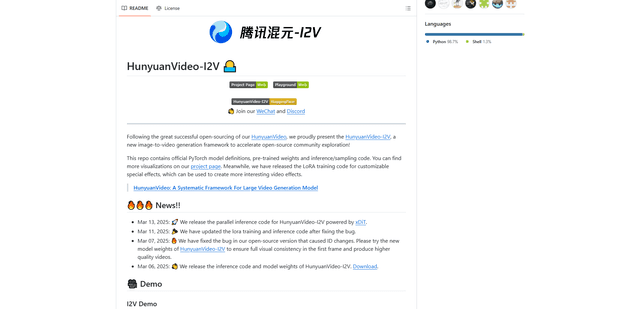
HunyuanVideo-I2V is an open-source AI framework developed by Tencent that transforms static images into high-quality, dynamic videos with customizable motion effects and exceptional visual consistency.
Google Veo 2
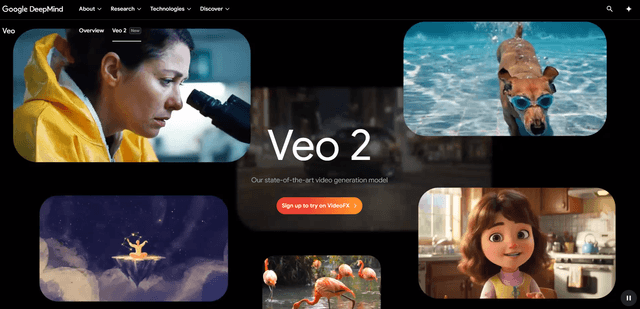
Veo 2 is Google DeepMind's state-of-the-art AI video generation model that can create high-quality videos up to 4K resolution with realistic motion, extensive camera controls, and improved physics simulation from text prompts.

Vibing
Vibing is an AI-powered dating app that helps users share authentic moments through video stories and make genuine connections based on personality matching and interactive features.
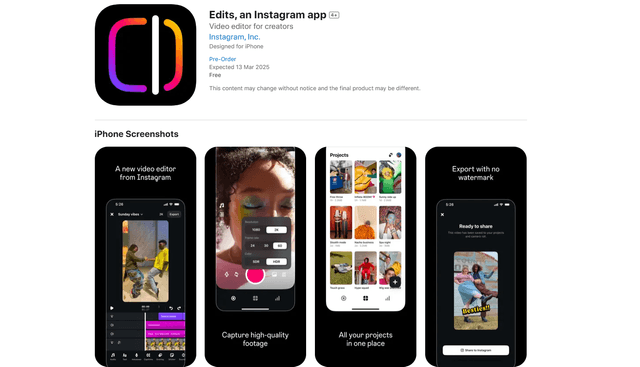
Edits, an Instagram app
Edits is Instagram's free video creation app that provides creators with professional editing tools, AI features, and analytics capabilities to create high-quality videos directly from their phones.