
sales_stack
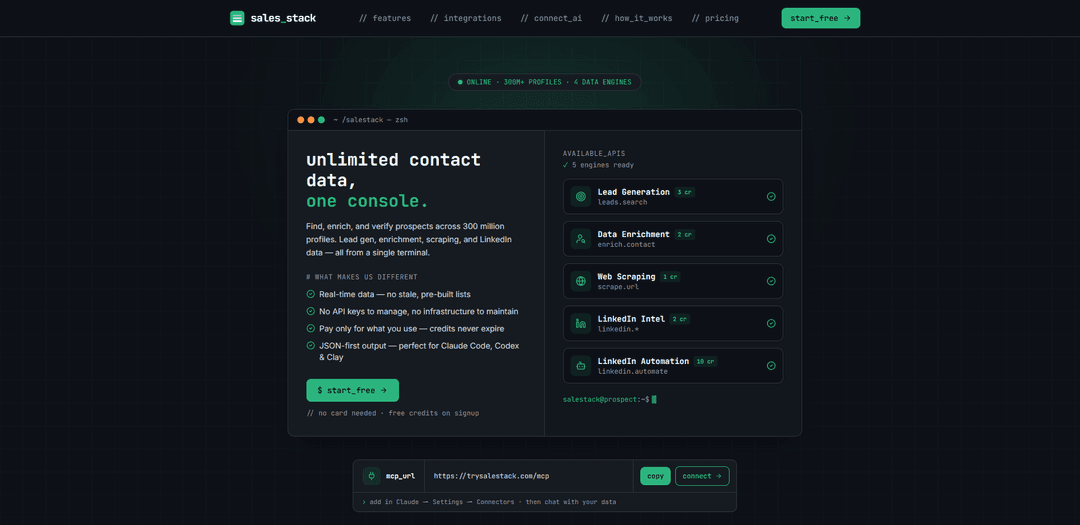
sales_stack is a pay‑as‑you‑go sales intelligence platform that lets you generate leads, enrich contacts, scrape the web, and pull LinkedIn intel/automation from one interface—powered by multiple data engines with no API keys and fast JSON outputs.
https://trysalestack.com/?ref=producthunt
Product Information
Updated:Jul 15, 2026
What is sales_stack
sales_stack is an all-in-one prospecting and sales intelligence tool designed to help revenue teams go from finding leads to taking action without juggling multiple disconnected apps. It provides access to a large indexed profile database (300M+ profiles) and combines core outbound workflows—lead generation, data enrichment, web scraping, and LinkedIn data/automation—into a single product. It’s built to plug into modern AI-enabled workflows via an MCP server or to be used directly through a REST API, returning structured results that are easy to send into CRMs, spreadsheets, or automation tools.
Key Features of sales_stack
Sales Stack is an all-in-one prospecting toolchain that combines lead generation, data enrichment, web scraping, LinkedIn intelligence, and LinkedIn outreach automation in a single interface. It’s designed to be AI-agent friendly: you can connect it as an MCP server (for Claude Code, Codex, and other MCP clients) or use a REST API, then request tasks in plain English and receive clean, structured JSON outputs. With 300M+ indexed profiles, multiple data engines, no API keys required, and fast responses, it helps teams reduce tab-switching and manual data entry while scaling outbound workflows with pay-as-you-go credits.
Lead generation on 300M+ profiles: Search and filter a large contact database by attributes like seniority, industry, and department to quickly build targeted prospect lists.
Data enrichment from partial inputs: Convert minimal identifiers (e.g., partial email or a name) into fuller profiles including role details, contact fields, LinkedIn, and company information.
Web scraping with dynamic rendering: Extract clean markdown or HTML from any URL with proxy support and dynamic rendering options—useful for capturing structured insights from websites.
LinkedIn intelligence (profiles, companies, engagement): Pull LinkedIn profile data, company info, and post engagement signals to inform targeting, personalization, and account research.
LinkedIn outreach automation via your own account: Connect your LinkedIn account to automate profile visits, connection requests, and messaging to operationalize outbound sequences.
Agent-ready integrations (MCP + REST) with JSON output: Connect via MCP (no CLI install, no API keys) or call the REST API; results return as structured JSON for easy routing into CRMs, Clay tables, or downstream automations.
Use Cases of sales_stack
B2B SaaS outbound prospecting at scale: SDRs can find VP-level buyers, enrich missing fields, pull LinkedIn context, and launch connection/message sequences—reducing manual research and data entry.
Recruiting and staffing pipeline building: Talent teams can generate candidate lists by role/seniority, enrich contact details, and use LinkedIn intel to prioritize outreach and improve response rates.
Agency lead sourcing and personalization: Marketing/sales agencies can build niche lists (e.g., eCommerce founders), scrape company sites for positioning cues, and tailor outreach using LinkedIn engagement signals.
Market research and competitive tracking: Analysts can scrape competitor pages and pull company/profile intel to map categories, track messaging changes, and identify key stakeholders.
RevOps enrichment workflows with Clay: Ops teams can feed Sales Stack JSON into Clay for waterfall enrichment and automated list upkeep, improving CRM completeness and routing quality.
AI-assisted prospecting inside developer/agent environments: Teams using Claude Code or Codex can run prospecting and enrichment as agent actions from natural language prompts, accelerating repetitive GTM tasks without manual API wiring.
Pros
All-in-one toolchain (lead gen, enrichment, scraping, LinkedIn intel, automation) reduces tool sprawl and tab switching
MCP connection with no API keys and natural-language control is well-suited for AI agents and automation-heavy workflows
Structured JSON outputs make it easy to integrate into CRMs, Clay, and downstream data pipelines
Pay-as-you-go credits with no subscriptions and non-expiring credits offers flexible cost control
Cons
LinkedIn automation depends on connecting your own account, which may require careful governance and compliance oversight
Credit-based pricing means costs can scale with heavy usage, especially for automation actions
Primarily focused on top-of-funnel data and outreach—teams may still need a CRM and engagement/analytics stack for full lifecycle management
How to Use sales_stack
1) Create an account and get free credits: Go to https://trysalestack.com/ and sign up. Sales Stack includes free credits on signup so you can try lead generation, enrichment, scraping, and LinkedIn tools without adding a card. Sales Stack is pay-as-you-go (credits never expire).
2) Decide how you want to use Sales Stack (MCP or REST API): Choose either (A) MCP server connection for AI-agent workflows (Claude Code, Codex, any MCP client) with no API keys, or (B) direct REST API calls if you’re integrating into your own app or scripts.
3) Connect Sales Stack as an MCP server (recommended for AI agents): In your MCP-compatible client (e.g., Claude Code or Codex), add the Sales Stack MCP server using: `mcp add salestack https://trysalestack.com/mcp`. Then sign in with email + a 6-digit code (no API keys needed).
4) Run lead generation via plain-English prompts (MCP): Ask your agent for the audience you want, e.g., “Find VP-level sales leaders at SaaS companies.” Sales Stack will use its lead generation capability to filter across its indexed profiles (e.g., by seniority, industry, department) and return structured results.
5) Review the structured JSON output and save/export it: Sales Stack returns clean JSON (e.g., a `contacts` array with fields like name, title, email, company, LinkedIn, phone when available). Use this JSON directly in your workflow, export it, or pass it to the next automation step.
6) Enrich partial records (MCP or API): If you only have partial info (like a name or partial email), use Data Enrichment to complete the profile (title, phone, LinkedIn, company). In an agent workflow, ask: “Enrich these contacts with title, phone, LinkedIn, and company.” If using API, call the enrichment endpoint (example shown on the site): `GET https://trysalestack.com/api/v1/[email protected]`.
7) Scrape a website page for clean content (MCP or API): Use Web Scraping to extract clean markdown or HTML from any URL, with proxy + dynamic rendering options. In an agent workflow, ask: “Scrape this URL and return clean markdown.” Use the returned content for research, personalization, or downstream automation.
8) Pull LinkedIn intel (MCP): Use LinkedIn Intel to pull profile data, company info, and post engagement from LinkedIn. In an agent workflow, ask: “Pull LinkedIn intel for these profiles/companies and include engagement signals.”
9) Automate LinkedIn outreach (optional, MCP): If you want automated LinkedIn actions, connect your own LinkedIn account and use LinkedIn Automation to send profile visits, connection requests, and messages. In an agent workflow, ask: “Send connection requests with a short message to this list.” (This consumes more credits per action than other tools.)
10) Integrate results into Clay (optional): If you use Clay, feed Sales Stack JSON into Clay tables for waterfall enrichment, AI-personalized columns, and automated outbound campaigns. Use the Sales Stack API output (JSON) as an input source in Clay.
11) Monitor credit usage and top up as needed: Each capability consumes credits (e.g., lead generation, enrichment, scraping, LinkedIn intel, LinkedIn automation). When you need more, purchase additional credits (pay-as-you-go; no subscriptions; credits don’t expire).
12) Operationalize: move structured data into your CRM/workflow: Take the returned JSON (contacts, enriched fields, scraped notes, LinkedIn signals) and push it into your CRM, outbound sequencing tool, or internal database. Because outputs are structured, you can map fields (name, title, company, email, phone, LinkedIn) into your system with minimal cleanup.
sales_stack FAQs
Sales Stack is a prospecting and sales intelligence tool that combines lead generation, data enrichment, web scraping, LinkedIn intelligence, and LinkedIn automation in one interface. It indexes 300M+ profiles and uses multiple data engines to return structured results.
Popular Articles

Vosko AI: Localize and Dub Videos for Global Audiences
Oct 15, 2026

Atoms: A Multi-Agent AI Platform That Transforms Ideas into Launch-Ready Products
Oct 13, 2026

Nano Banana SBTI: What It Is, How It Works, and How to Use It in 2026
Apr 15, 2026

Atoms Review — The AI Product Builder Redefining Digital Creation in 2026
Apr 10, 2026
Latest AI Tools Similar to sales_stack
Growth-Leads.co
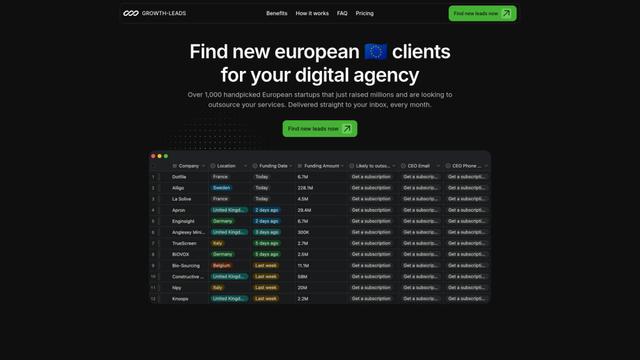
Growth-Leads.co is a lead generation service that provides handpicked lists of newly funded European startups looking to outsource digital services, delivered monthly with verified contact information to help agencies expand into the European market.
Leadsmrt
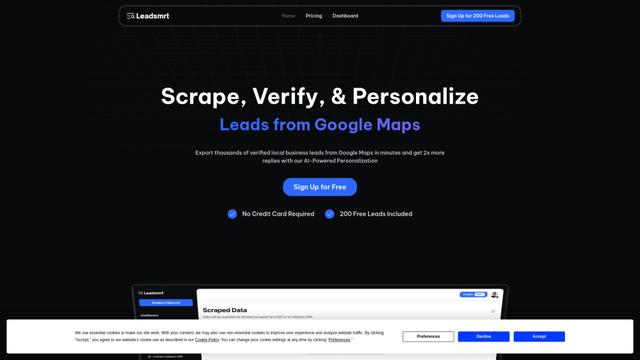
Leadsmrt is a lead generation tool that helps businesses scrape, verify and personalize targeted business leads from Google Maps with AI-powered personalization capabilities.
Beyond AIO
Beyond AIO is an all-in-one AI-powered marketing platform that delivers smart, data-driven insights and solutions through predictive analytics, cross-channel integration, and real-time optimization capabilities.
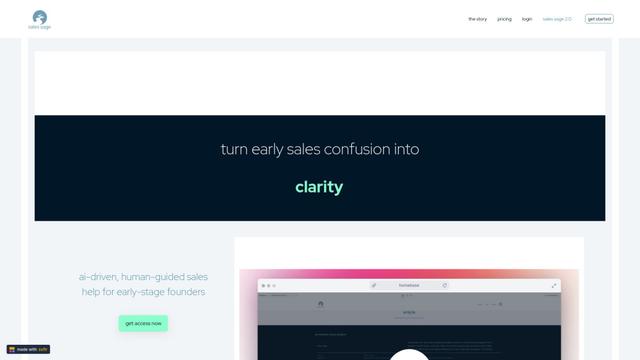
Sales Sage
Sales Sage is an AI-driven CRM and sales management platform that helps businesses optimize their sales processes, track performance, and make data-driven decisions through integrated tools for managing customer relationships, sales pipelines, and business intelligence.
Popular AI Tools Like sales_stack
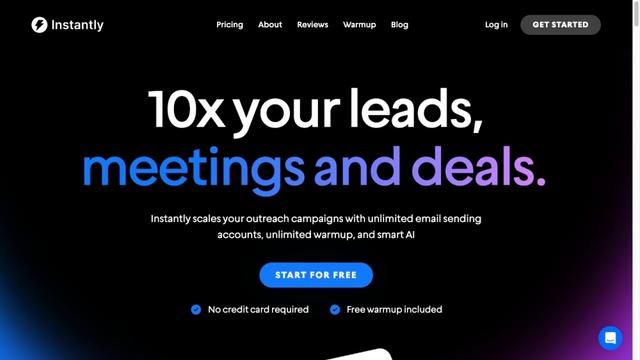
Instantly.ai
Instantly.ai is a comprehensive sales engagement and lead intelligence platform that offers unlimited email accounts, automated outreach, deliverability optimization, and AI-powered features to scale cold email campaigns.
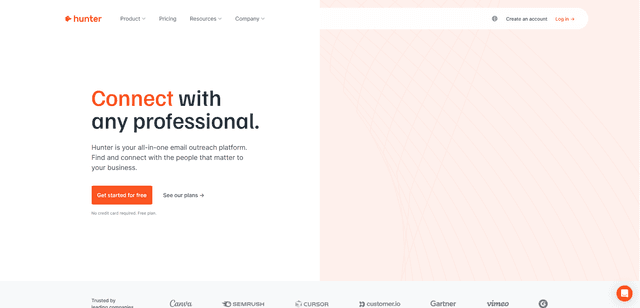
Hunter
Hunter is an all-in-one email outreach platform that helps businesses find verified email addresses, identify relevant prospects, and run cold email campaigns at scale.
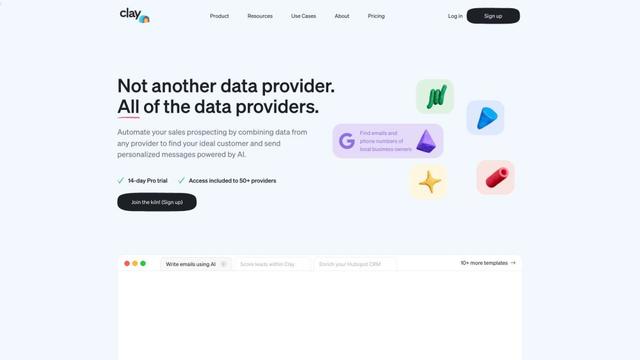
Clay
Clay is a data enrichment and personalized outreach platform that helps go-to-market teams scale their campaigns with AI-powered research and messaging.
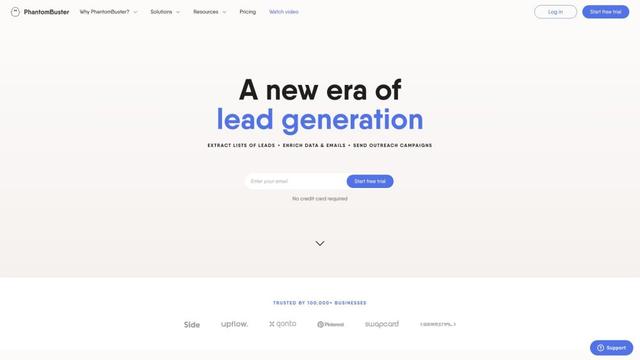
PhantomBuster
PhantomBuster is a powerful cloud-based automation platform that provides over 100 ready-made tools to extract data, enrich leads, and automate outreach campaigns across multiple online platforms.