Ryzio
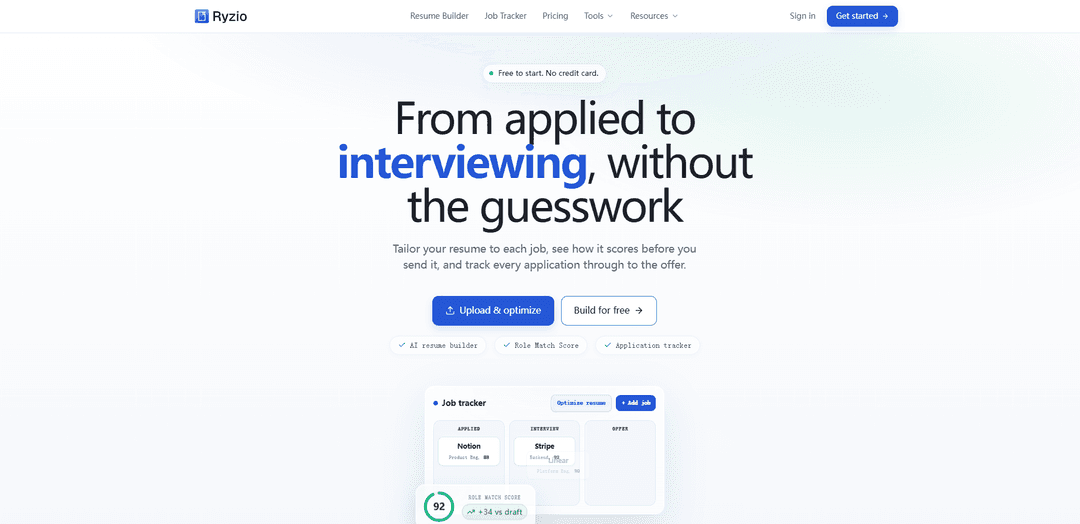
Ryzio is an AI-powered resume builder and job application workspace that scores your resume against a role, optimizes and tailors content for ATS, and tracks applications end-to-end in one board.
https://ryzio.app/?ref=producthunt
Product Information
Updated:Aug 14, 2026
What is Ryzio
Ryzio is a free-to-start AI resume builder and job application tracker designed to help job seekers move from applying to interviewing with less guesswork. It combines ATS-ready resume creation, a Role Match Score that evaluates fit against a job description, AI-assisted rewriting to strengthen bullets and keywords, and an application tracker to manage roles, stages, notes, and follow-ups in one place. Users can start from guided fields or upload an existing draft, preview across multiple templates, and export clean, parser-friendly resumes.
Key Features of Ryzio
Ryzio is an AI-powered, ATS-ready resume builder and job application workspace that helps job seekers go from drafting to interviewing by combining resume creation, job-description comparison with a Role Match Score, AI-assisted tailoring/rewriting, and an integrated application tracker. Users can start from guided fields or upload an existing resume, identify gaps across key sections, optimize bullets and keywords while keeping edits user-controlled, export ATS-safe versions quickly, and manage applications (stages, notes, follow-ups) in one board.
ATS-ready resume builder: Create a clean, parser-friendly resume from guided fields or by uploading a draft; keeps structure optimized for screening systems and fast exports.
Role Match Score (resume vs. job description): Paste a job description to get a consistent match score and clear feedback on strengths, missing keywords, and areas needing improvement before applying.
AI resume optimizer & bullet rewriting: Improves weak bullets into sharper, metric-aware achievements and surfaces gaps while keeping the resume truthful and relevant to the role.
Job-fit tailoring workflow: Uses the job description to prioritize the right skills, keywords, and evidence so each application can be tailored without losing accuracy.
Field coverage review: Checks for completeness across summary, experience, projects, skills, links, and contact details to reduce omissions that hurt screening outcomes.
Application tracker workspace: Tracks roles, stages, notes, and follow-ups on a single board so users always know next steps from applied to offer.
Use Cases of Ryzio
High-volume job searching: Tailor multiple resumes quickly using match scoring and optimization, then track every application and follow-up in one workspace.
Career changers and returners: Upload an existing resume, identify missing sections/keywords for a new target role, and rewrite bullets to better translate transferable skills.
Non-tech professional applications: Use scoring and tailoring for roles in business, design, liberal arts, and other fields where keyword alignment and clear achievements matter.
New graduates building from scratch: Start from guided fields and templates to produce an ATS-safe resume, then improve project/experience bullets to be impact- and metric-oriented.
Targeted applications to competitive employers: Iterate on role-specific keyword alignment and achievement framing to improve fit signals for large employers with structured screening.
Pros
End-to-end workflow (build, score, tailor, track) in one tool rather than separate products
ATS-safe, structured resumes with fast exports and template support
User-controlled AI edits with locked critical fields (e.g., titles, companies, dates, contact) to reduce accidental inaccuracies
Free-to-start model with basic tracking and limited periodic optimization
Cons
Free plan limits AI optimization frequency (e.g., one complete optimization every 30 days); repeated optimization requires Pro
Role Match Score quality depends on the completeness/accuracy of the resume content and the job description provided
Optimized resume and score summary are saved to the dashboard, which may not suit users who want zero server-side storage of derived outputs
How to Use Ryzio
1. Open Ryzio and choose your starting point: Go to https://ryzio.app and pick either “Build for free” (start from guided fields) or “Upload & optimize” (upload an existing resume draft). Ryzio is free to start and does not require a credit card.
2. Build an ATS-ready resume (manual build path): If you choose “Build for free,” fill in the guided fields (e.g., role, skills, experience). Ryzio keeps the resume structure clean and screening-system friendly (ATS-ready).
3. Upload your existing resume (upload path): If you choose “Upload & optimize,” upload your current PDF or DOCX draft. Ryzio processes the original file in memory and discards it after the run (it does not store the uploaded PDF/DOCX).
4. Preview and select a template: Preview your resume using any of the 15 included templates. You can build and preview manually with all templates before downloading.
5. Create a free account to download: When you’re ready to export/download your resume, create a free account. The free plan allows downloading after account creation.
6. Get a Role Match Score for a specific job: Open the scoring tool (“Check my score”), paste the job description, and run the comparison. Ryzio returns a clear Role Match Score and highlights what’s strong vs. what needs work.
7. Optimize and tailor your resume to the job: Use “Optimize resume” to improve bullets, skills, and keywords based on the job description. Ryzio’s AI can rewrite weak bullets and surface gaps while keeping the resume truthful and more relevant.
8. Review and approve AI edits (stay in control): Before applying changes, review every suggested edit. Official titles, company names, dates, and contact details are locked from AI edits, so you maintain control over critical facts.
9. Re-check the score after tailoring: After applying improvements, run the Role Match Score again against the same job description to confirm the resume is better aligned before you apply.
10. Export an ATS-safe resume file: Download/export your updated resume using Ryzio’s fast, ATS-safe exports so the formatting remains parser-friendly for screening systems.
11. Track the job application in the built-in tracker: Add the role to the application tracker board. Save the company, role, stage (e.g., Applied, Interview, Offer), plus notes and follow-ups so you always know the next action.
12. Use free vs. Pro features appropriately: On the free plan, you get unlimited basic job tracking and one complete optimization every 30 days. If you need repeated AI optimization and writing assistance more frequently, upgrade to Pro.
13. Revisit saved results in your dashboard: Your optimized resume and its score summary are saved to your dashboard so you can return to them later, reuse them for new roles, and keep your application workflow organized.
Ryzio FAQs
Ryzio is an AI resume builder and job application workspace that helps you build and tailor ATS-ready resumes, see a Role Match Score against a job description, and track applications on a single board.
Popular Articles

How to Create Viral Talking Baby Podcast Videos with AI: Step-by-Step Guide
Nov 2, 2026

Proferex: A Cloud-Based Ad Tracking and Campaign Optimization Platform
Nov 2, 2026

Vosko AI: Localize and Dub Videos for Global Audiences
Oct 15, 2026

Atoms: A Multi-Agent AI Platform That Transforms Ideas into Launch-Ready Products
Oct 13, 2026
Latest AI Tools Similar to Ryzio
Resumago
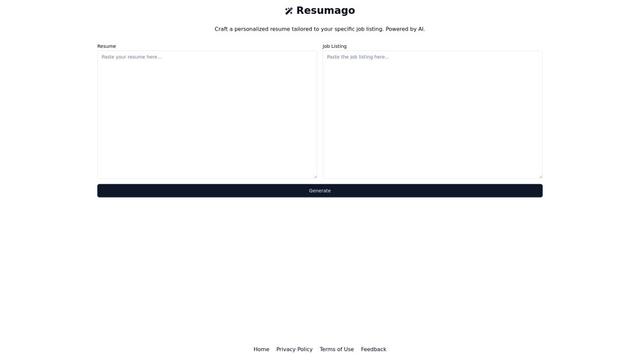
Resumago is an AI-powered resume creation platform that helps users craft personalized resumes tailored specifically to job listings.
Resume Workshop
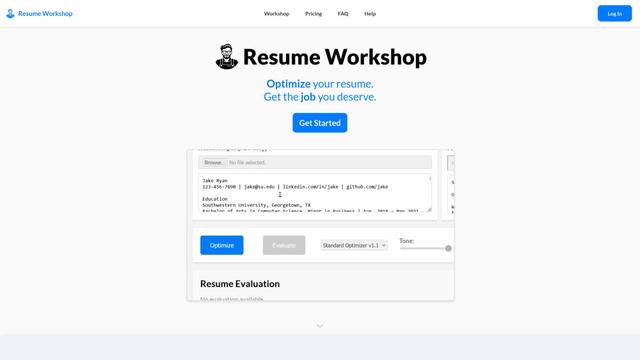
Resume Workshop is an AI-powered resume optimization platform that helps job seekers tailor their resumes with relevant keywords and phrases to match specific job postings.
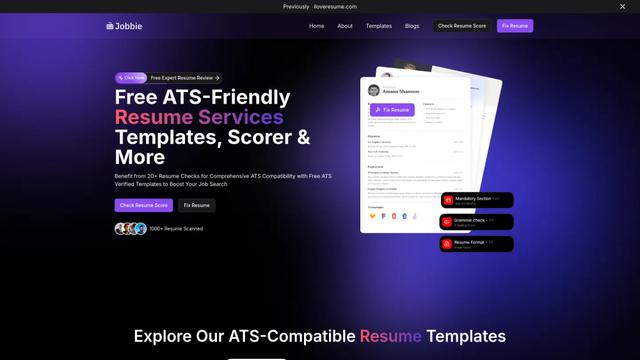
Jobbie
Jobbie is a comprehensive online platform offering free ATS-friendly resume services including resume checking, scoring, templates, and AI-powered optimization tools to help job seekers create professional resumes that pass through Applicant Tracking Systems.
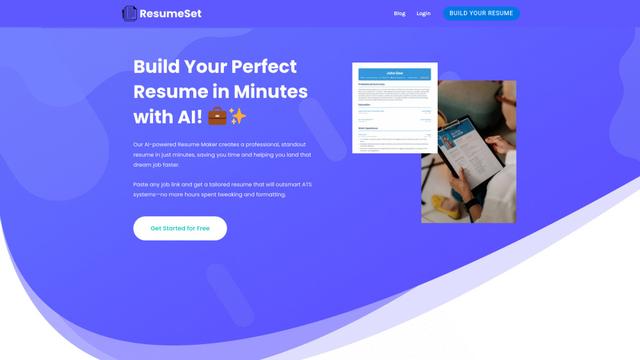
ResumeSet
ResumeSet is a free AI-powered resume builder that creates tailored, ATS-optimized resumes in minutes by transforming any job listing into a professionally formatted resume with no credit card required.
Popular AI Tools Like Ryzio
Resume Worded
Resume Worded is an AI-powered platform that provides instant feedback and optimization for resumes and LinkedIn profiles to help users land more job interviews and opportunities.
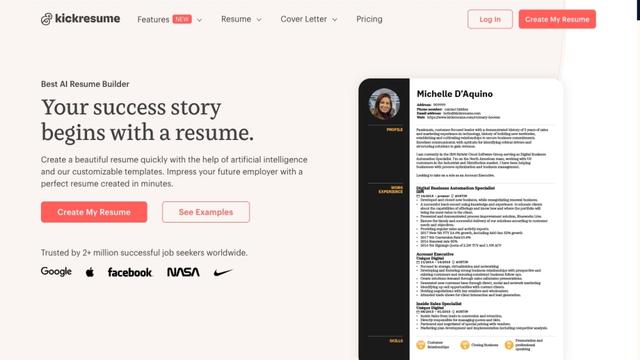
Kickresume
FreemiumResume & Cover Letter
Kickresume is an AI-powered online resume and cover letter builder used by over 5 million job seekers worldwide to create professional, ATS-friendly career documents.
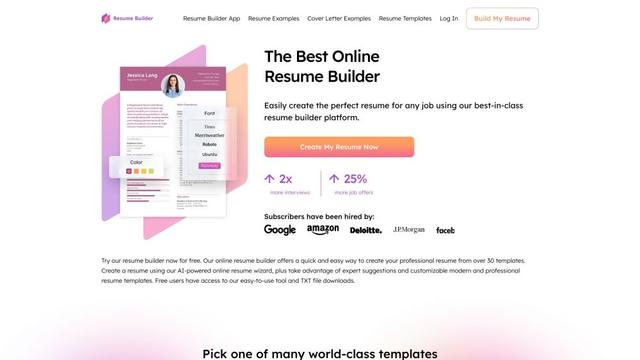
ResumeBuilder.com
ResumeBuilder.com is a free online resume builder with AI-powered tools, professional templates, and expert guidance to help job seekers create winning resumes and cover letters.
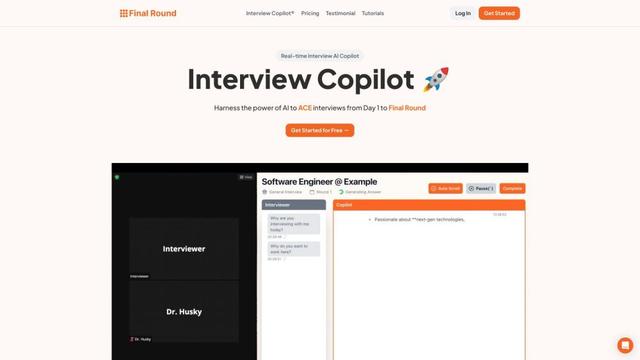
Final Round AI
Final Round AI is an AI-powered interview copilot that provides real-time guidance, transcription, and personalized assistance to help job seekers excel in interviews from initial stages to final rounds.