Revid: Free All-in-One AI Video Creator
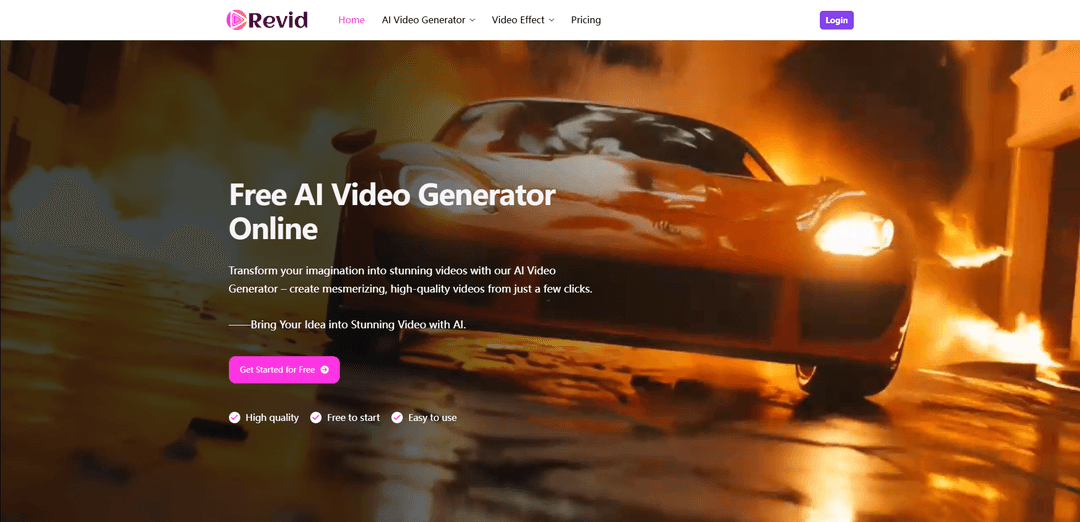
Revid is an AI video creation platform that quickly turns text prompts, images, or reference materials into high-quality videos through features like Text-to-Video, Image-to-Video, and Reference-to-Video.
https://revid.me/?utm_source=aipure
Product Information
Updated:Jul 14, 2026
What is Revid: Free All-in-One AI Video Creator
Revid is a free all-in-one AI video generation platform that helps users create engaging videos with AI. It supports text-to-video and image-to-video generation, allowing users to turn ideas, prompts, and images into dynamic videos. Revid also offers a wide range of AI video effects and creative tools to enhance, transform, and customize videos for different content needs, including social media, marketing, and creative projects.
Key Features of Revid: Free All-in-One AI Video Creator
Revid is a cloud-based AI video creation platform focused on fast, social-ready video production. It can generate videos from text prompts, scripts, URLs, product pages, PDFs, audio, and images, automatically assembling scenes with visuals, voiceover, and subtitles. Key capabilities include Image-to-Video, Text-based generation (including Text-to-Video and Text-to-Image), Reference-to-Video for more controlled outputs, and short-form optimizations for TikTok/Reels/Shorts such as viral-style templates, hooks, and auto-captions. It also offers AI avatars, face swap, music-video generation (including beat-synced videos and link-based audio ingestion), plus editing, publishing/scheduling, and automation options.
Text-to-Video generation: Turn a text prompt or script into an editable video with automatically selected visuals, narration/voiceover options, and subtitles—designed to reduce manual editing effort.
Image-to-Video (Image2Video): Animate static images into dynamic clips with smooth transitions and motion while preserving the original image quality—useful for quick social content and product visuals.
Reference-to-Video control: Create videos based on reference materials (e.g., a specific character/object/scene) to better match a desired look, element, or style versus purely prompt-based generation.
Audio-to-Video + auto captions: Convert audio (e.g., MP3/WAV or supported links) into a video with dynamic, word-by-word captions optimized for silent viewing on social platforms.
Short-form social templates & viral scripting: Uses templates and a hook/script engine trained on high-performing short videos to produce platform-ready vertical content for TikTok, YouTube Shorts, and Instagram Reels.
AI avatars and creative effects: Includes features such as AI talking avatars, face swap, cartoon-style avatars, and an AI movie maker workflow to expand creative formats beyond standard slideshow videos.
Use Cases of Revid: Free All-in-One AI Video Creator
Social media marketing clips: Marketers and small businesses can rapidly create vertical promos, announcements, and ad creatives with captions and voiceover for TikTok/Reels/Shorts.
Explainer and product demo videos: Turn product pages, scripts, or PDFs into concise explainers and demos—useful for landing pages, ecommerce listings, and sales enablement.
Music video creation for artists: Generate beat-synced music videos from songs or audio links to produce multiple visual styles quickly for release promotion and content testing.
Content repurposing from articles/URLs/posts: Convert blogs, news, LinkedIn posts, tweets, or other written content into short videos to expand reach across video-first platforms.
Creator faceless channel production: Creators can scale frequent posting by using templates, automated scripting, stock/AI visuals, and subtitles—reducing the need for on-camera filming.
Agency-style multi-account workflows: Teams managing multiple brands can standardize output with templates and automation/publishing features to produce consistent short-form content at volume.
Pros
Fast, low-skill workflow that can generate publish-ready short-form videos quickly (often in minutes).
Multiple input modes (text, images, audio, URLs, PDFs, references) plus subtitles/voice support for social-first output.
Broad feature set in one platform (generation + editing + captions + templates; some sources also mention scheduling/automation).
Cons
Quality can be inconsistent; outputs may not reliably match character or description and may require review/editing.
Credit-based system can lead to extra spend/usage planning, especially if regenerations are needed.
Some user feedback reports support responsiveness issues and occasional unwanted generations consuming credits.
How to Use Revid: Free All-in-One AI Video Creator
1) Create an account and sign in: Go to Revid, create an account, and log in to access the creation tools (Text-to-Video, Image-to-Video, Reference-to-Video, and other short-form workflows).
2) Choose your starting input type: Pick the workflow that matches what you have: start from a text prompt/script, an image, a reference, or other sources like a URL/product page, audio file, or PDF to turn it into an editable video project.
3) Text-to-Video: enter a prompt or script: Open the Text-to-Video tool and type a clear prompt or paste your script. Keep sentences short and punctuated for more natural voice pacing. You can add bracketed guidance like “[gold dragon - will help the media generation]” (ignored by voice) to steer visuals.
4) (Optional) Format your script to control pacing and scene changes: Use line breaks to encourage new media/scene generation. Add pause tags like “<break time="1.0s" />” to create timed pauses in narration.
5) Image-to-Video: upload a static image: Open Image-to-Video, upload your photo, and let the AI animate it into a dynamic clip with smooth motion and transitions while preserving image quality.
6) Reference-to-Video: provide a reference for precision: Open Reference-to-Video and upload/provide your reference (character/object/scene). Use it to guide the generation toward a specific look or element you want included.
7) Add a link, product page, PDF, or other source: Choose a workflow that accepts URLs or documents, paste the link or upload the file, and let Revid draft a script and assemble visuals/captions based on the source content.
8) Add audio or generate music/voice: In the “Select audio or Generate Music” area, click the upload/drop zone (e.g., “Drop your… or click here to browse files”) to upload your audio (like an MP3), or choose AI-generated voice/music options if available in your workflow.
9) Choose a media style/type for visuals: In customization, click “Choose media type” (often with an info icon). Select the visual approach (e.g., stock videos, AI-generated clips, moving AI images), depending on the tool and your goal.
10) Generate the video: Click Generate. Revid will assemble the video by creating/sourcing visuals, adding voiceover (if selected), and generating subtitles/captions suitable for short-form platforms.
11) Edit in the timeline (editable project): Open the editor timeline to adjust scenes, swap media, refine text, tweak captions/subtitles, and align visuals to beats/sections (especially for music-to-video). Revid is designed to produce an editable project rather than a final-only clip.
12) Customize captions and language (if needed): Use the captioning/subtitle tools to refine readability and timing. If your plan/workflow supports it, select different languages for captions and/or AI voices.
13) Export and publish: Export the final video in the format you need (e.g., vertical for TikTok/Instagram Reels/YouTube Shorts). Use built-in publishing options if available, or download and upload manually.
14) (Optional) Automate recurring content creation: If you need ongoing output, use Revid’s automation features (e.g., auto-mode/worker or integrations) to generate new videos on a schedule from defined sources, then review/edit before publishing.
15) Check commercial usage rights before using for business: Commercial use depends on your plan: Revid indicates free accounts are not allowed for commercial use, while subscribed users can use videos commercially. Confirm your plan status before publishing ads/brand content.
Revid: Free All-in-One AI Video Creator FAQs
Revid is an AI video creation platform that helps you generate editable videos from inputs like text scripts, prompts, images, URLs/articles, audio, PDFs, and more—designed for short-form content (TikTok/Instagram/YouTube Shorts) as well as other video formats using a variety of tools and templates.
Popular Articles

Vosko AI: Localize and Dub Videos for Global Audiences
Oct 15, 2026

Atoms: A Multi-Agent AI Platform That Transforms Ideas into Launch-Ready Products
Oct 13, 2026

Nano Banana SBTI: What It Is, How It Works, and How to Use It in 2026
Apr 15, 2026

Atoms Review — The AI Product Builder Redefining Digital Creation in 2026
Apr 10, 2026
Latest AI Tools Similar to Revid: Free All-in-One AI Video Creator
Loud Fame
Loud Fame is an AI-powered video transformation tool that allows users to convert regular videos into anime-style animations and create AI-generated celebrity talking videos.
BizBoom.ai
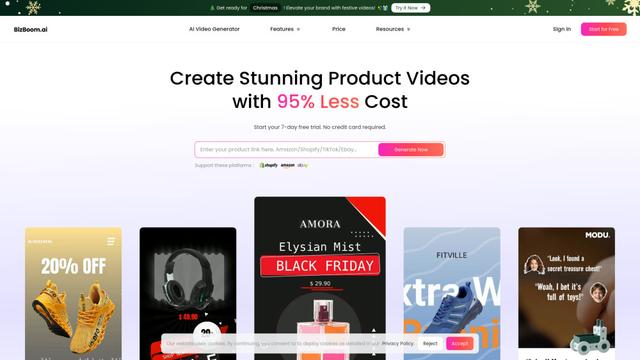
BizBoom.ai is an AI-powered platform that automatically generates professional product videos from product links and images with 95% less cost.

EzVideos
EzVideos is an all-in-one video creation tool that helps users generate viral videos for social media platforms like Instagram, TikTok, and YouTube with automated editing features and built-in resources.
Illuminix
Illuminix is an AI-powered platform that empowers businesses with autonomous hyper-experts and specialized tools for automated business processes, data management, and video content creation.
Popular AI Tools Like Revid: Free All-in-One AI Video Creator
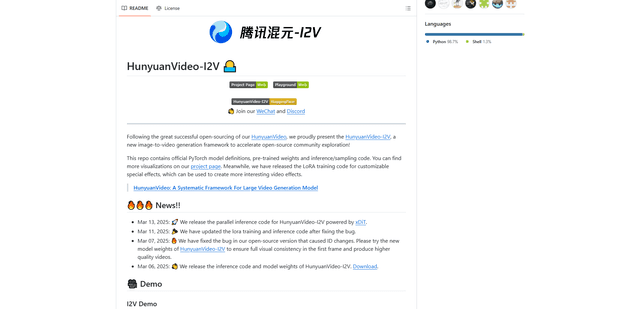
HunyuanVideo-I2V
HunyuanVideo-I2V is an open-source AI framework developed by Tencent that transforms static images into high-quality, dynamic videos with customizable motion effects and exceptional visual consistency.
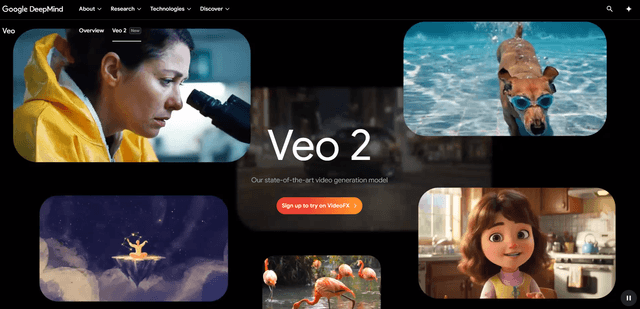
Google Veo 2
Veo 2 is Google DeepMind's state-of-the-art AI video generation model that can create high-quality videos up to 4K resolution with realistic motion, extensive camera controls, and improved physics simulation from text prompts.

Vibing
Vibing is an AI-powered dating app that helps users share authentic moments through video stories and make genuine connections based on personality matching and interactive features.
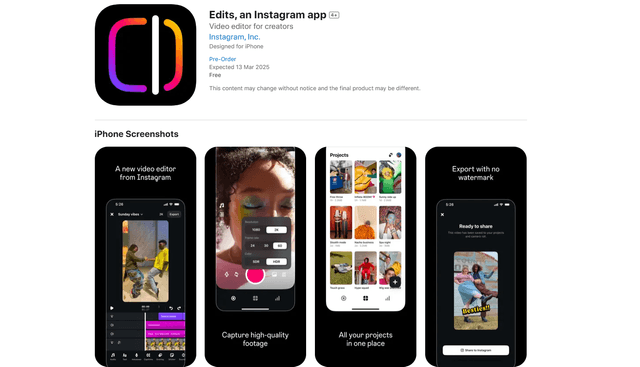
Edits, an Instagram app
Edits is Instagram's free video creation app that provides creators with professional editing tools, AI features, and analytics capabilities to create high-quality videos directly from their phones.