
Referent
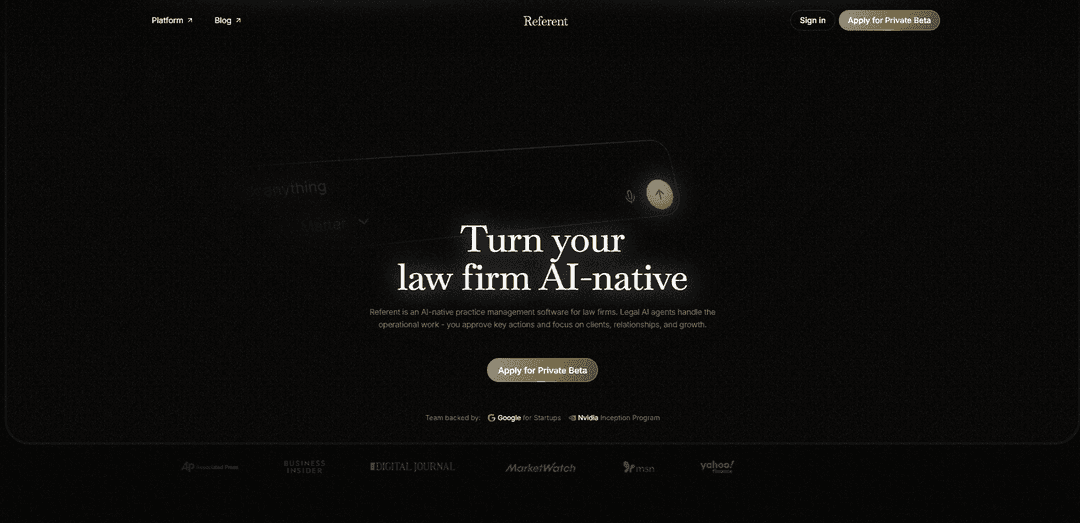
Referent brings AI agents into legal practice management. It helps law firms turn routine operations - CRM, intake, matters, emails, tasks, deadlines, follow-ups, and billing prep - into AI-native workflows, with lawyers approving critical actions.
https://referent.law/?utm_source=aipure
Product Information
Updated:Jul 6, 2026
What is Referent
Referent is an AI-native legal CRM and practice management platform built to help U.S. solo and small law firms operate with modern leverage. Instead of functioning as a passive system of record that waits for manual data entry, Referent is designed as an operations layer where AI agents move routine work forward—turning inquiries into matters, keeping client and matter records current, and organizing communications and files automatically. It emphasizes confidentiality and control: firm data remains private to the workspace, is not used to train AI models, and critical or client-facing actions require a lawyer’s sign-off before anything is sent or finalized.
Key Features of Referent
Referent is an AI-native legal practice management and CRM platform designed around confidentiality and lawyer control. Instead of a blank chatbot workflow, it operates from a firm’s live matter context—clients, emails, documents, deadlines, tasks, and billing—so AI agents can run routine operations (intake, filing, follow-ups, task/deadline creation, billing prep) while the lawyer approves every client-facing or high-risk action. It integrates with Gmail, Google Calendar, and Google Drive with deliberately granted, scoped access; actions are logged in an auditable trail, and the product states it does not train AI models on firm data or sell/monetize client information.
AI agents that run firm operations: Purpose-built agents handle routine operational work—intake, matter setup, task creation, deadline tracking, follow-ups, and billing preparation—so the system moves work forward rather than just answering questions.
Works from live matter context (system of action): Uses the firm’s real workspace data (clients, matters, emails, documents, deadlines, tasks, billing) to generate actionable outputs and update records, reducing copy/paste and manual re-entry typical of generic AI chat tools.
Lawyer-in-the-loop approvals: “AI prepares; the lawyer approves”—client-facing or high-risk actions are staged for review and require explicit sign-off before anything is sent or executed.
Google Workspace integrations (Gmail/Calendar/Drive): Gmail: files correspondence to the correct matter and can send approved replies. Calendar: two-way sync of hearings/meetings/deadlines. Drive: connected documents become searchable inside the relevant matter.
Confidentiality-first data handling: Positioned as built around client trust: data is isolated per firm, access is restricted to authorized members, the product states it never trains AI models on firm data and never sells client information, and synced Google data is deleted upon disconnect.
Audit trail and operational oversight: Every action is recorded and inspectable, supporting defensible workflows for firms that need traceability over operational and client-facing steps.
Use Cases of Referent
Solo law firm intake-to-engagement automation: Convert new inquiries into structured intake, organized matter details, proposals, and payment links—reducing administrative time and missed leads while keeping the lawyer in control of what gets sent.
Small/boutique firm operational scaling: Standardize and automate routine workflows across multiple lawyers—auto-creating tasks, surfacing deadlines, drafting follow-ups for approval, and keeping CRM/matter records current to handle more matters with the same headcount.
Matter-centric email and document organization: Automatically associate incoming emails and connected files to the correct matter, making it easier to maintain a complete case file without manual filing and reducing the risk of lost context.
Deadline and calendar reliability for litigation-heavy practices: Two-way calendar sync plus agent-driven task/deadline tracking helps ensure hearings, meetings, and deadlines are captured and monitored so nothing “lives in only one calendar” or slips through cracks.
Ops layer for larger firms/practice groups: Deploy an auditable AI operations layer across practice groups where actions are logged and approvals are required, supporting oversight and consistency while reducing operational drag.
Pros
AI-native operations focus: agents actually move work forward (intake, filing, tasks, deadlines, follow-ups, billing prep) rather than only assisting with drafting or Q&A.
Strong control model: lawyer approval for critical actions plus an audit trail supports defensible, reviewable workflows.
Deep matter context: reduces manual copy/paste and re-entry by working directly from clients/matters/emails/docs/deadlines already in the workspace.
Google Workspace integrations with scoped, deliberate access and the ability to disconnect services (with deletion of synced data).
Cons
Best fit appears to be firms willing to centralize operations in (or tightly integrate with) Referent; firms wanting a lightweight, standalone chatbot may not benefit as much.
Some key capabilities rely on granting access to Gmail/Calendar/Drive, which may be a blocker for firms with strict IT/security policies or non-Google stacks.
Private beta/selected availability (per source) may limit immediate adoption for firms outside the target segment or timeline.
How to Use Referent
1) Create your Referent workspace: Sign up for Referent and create a firm workspace (your firm’s isolated environment where clients, matters, tasks, emails, files, and logs live).
2) Onboard your firm context (so the AI can work from real data): Bring your existing clients, matters, tasks, and files into Referent so you’re “ready on day one.” Referent supports moving these items from existing tools; during setup you review what will be created in your workspace and confirm the import.
3) Connect Gmail (optional, for email-to-matter filing + approved sending): Connect Google Gmail so Referent can read correspondence, automatically link incoming/outgoing emails to the correct matter, and send replies you write/approve so every email lands in the right case file. You can disconnect anytime; synced Google data is deleted when you disconnect.
4) Connect Google Calendar (optional, for two-way scheduling sync): Connect Google Calendar to sync hearings, meetings, and deadlines both ways so events don’t live in only one calendar and matter timelines stay current.
5) Connect Google Drive (optional, for matter search and document context): Connect Google Drive so Drive documents become searchable inside Referent matters and can be associated with the right client/matter context.
6) Use voice to run routine operations: Instead of manually entering CRM data, tell Referent what needs to happen. Referent’s AI execution layer turns your instruction into operational work (e.g., creating tasks, updating matter records, routing work) while keeping you in control.
7) Run AI client intake (pre-matter workflow): Use Referent’s AI client intake to handle the pre-matter workflow: it collects context, organizes details, prepares the proposal, and sends the payment link—turning an inquiry into an organized, ready-to-engage matter flow.
8) Let agents keep the CRM organized (no manual data entry): Rely on Referent’s legal AI agents to update matter records, create tasks, route work, and keep your legal CRM organized automatically based on your firm’s live matter context.
9) Keep every email and file landing in the right matter: With Google connected (and/or imported data), Referent links emails, files, notes, and call context to the correct matter automatically so your matter record stays complete without manual filing.
10) Review and approve critical actions before anything client-facing happens: Open the staged changes/drafts prepared by agents and approve, edit, or reject them. Referent’s operating rule is: AI prepares; the lawyer approves—especially for client-facing or high-risk actions.
11) Use the audit trail to verify what happened: Check the logged, auditable record of AI actions and changes (what was created/changed/sent and by whom) to maintain oversight and defensibility.
12) Disconnect or delete data when needed: Disconnect Google services at any time (synced Google data is deleted on disconnect). If you delete workspace/account data, Referent’s stated policy is “delete means delete,” with deletion occurring within a defined window except where retention is required by law.
Referent FAQs
Referent is an AI-native platform for lawyers and law firms that combines a legal CRM (clients, matters, tasks, documents, billing) with an AI execution layer. It’s designed to run routine firm operations—like intake, filing, follow-ups, and task creation—while keeping lawyers in control of critical actions.
Official Posts
Loading...Popular Articles

Proferex: A Cloud-Based Ad Tracking and Campaign Optimization Platform
Nov 4, 2026

How to Create Viral Talking Baby Podcast Videos with AI: Step-by-Step Guide
Nov 2, 2026

Vosko AI: Localize and Dub Videos for Global Audiences
Oct 15, 2026

Atoms: A Multi-Agent AI Platform That Transforms Ideas into Launch-Ready Products
Oct 13, 2026
Latest AI Tools Similar to Referent
Sweet Justice AI
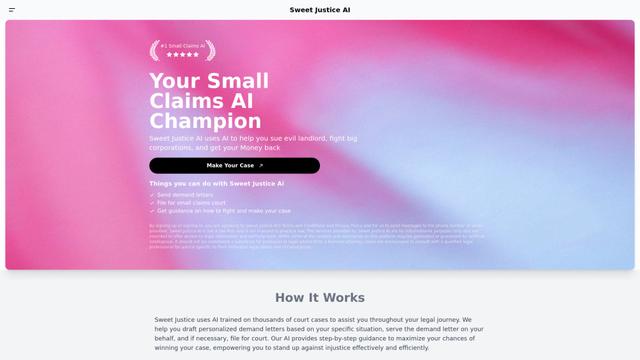
Sweet Justice AI is an AI-powered legal assistance platform that helps individuals fight against landlords, corporations, and unfair practices through automated demand letters, small claims court filings, and step-by-step legal guidance at an affordable price.
Appeal Parking Ticket
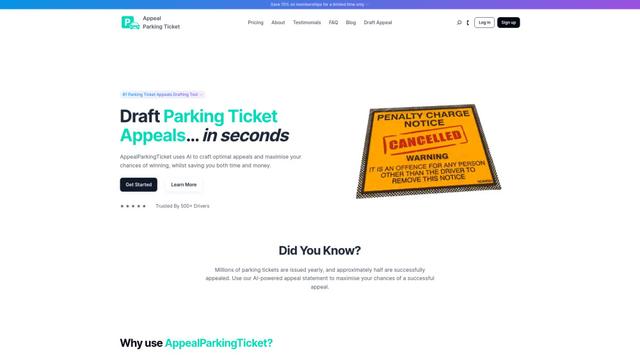
AppealParkingTicket is a specialized online service that helps drivers efficiently contest unfair parking tickets by providing expert guidance and automated appeal letter generation.

LegalTechUp
LegalTechUp is an AI-powered online legal advisor platform from Turkey that provides accessible consumer law consultation services through advanced technologies.
ActionHOA
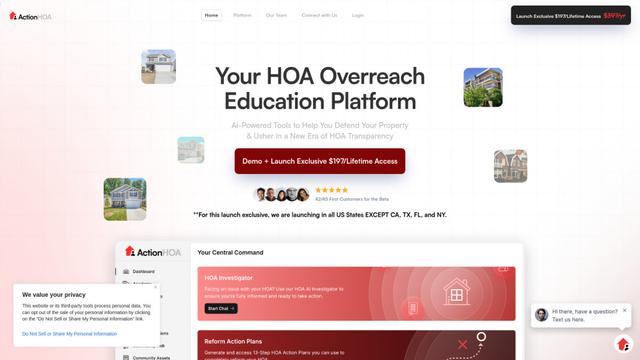
ActionHOA is an AI-powered platform that provides property owners with tools, education, and expert guidance to defend against HOA overreach and promote transparency in community governance.
Popular AI Tools Like Referent
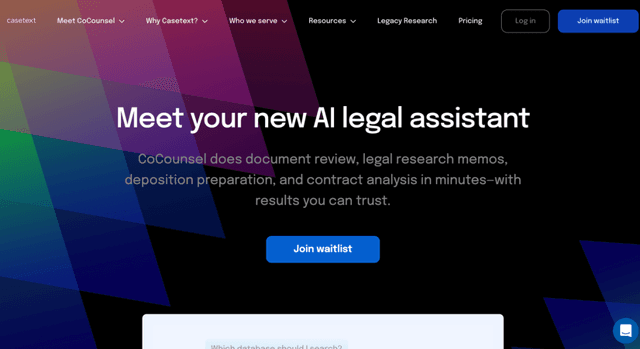
Casetext
Casetext is an AI-powered legal research and technology platform that helps attorneys find relevant cases faster and automate legal tasks.
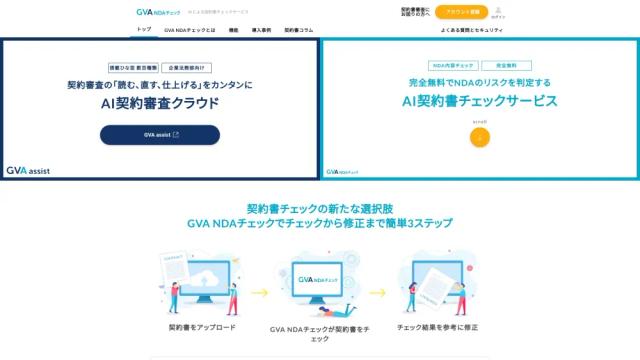
GVA NDAチェック
GVA NDA Check is a contract review support service where AI supervised by lawyers checks NDAs (Non-Disclosure Agreements) for free, and performs risk assessment and proposes revisions.
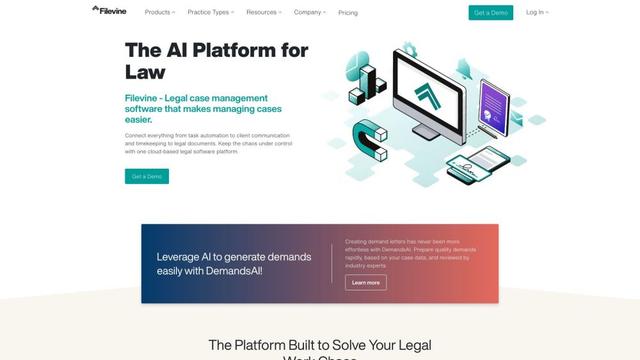
Filevine
Filevine is an AI-powered legal case management software that provides a complete tech stack for law firms, including case management, document management, billing, and client communication tools.
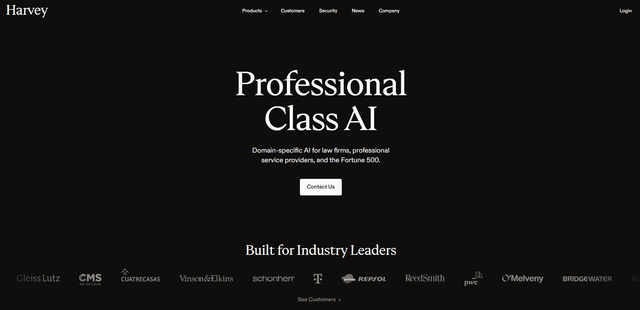
Harvey
Harvey is a professional-class AI platform built specifically for legal professionals and law firms that combines deep industry knowledge with cutting-edge AI technology to help lawyers work more efficiently across all practice areas and workflows.