
Quicklogo
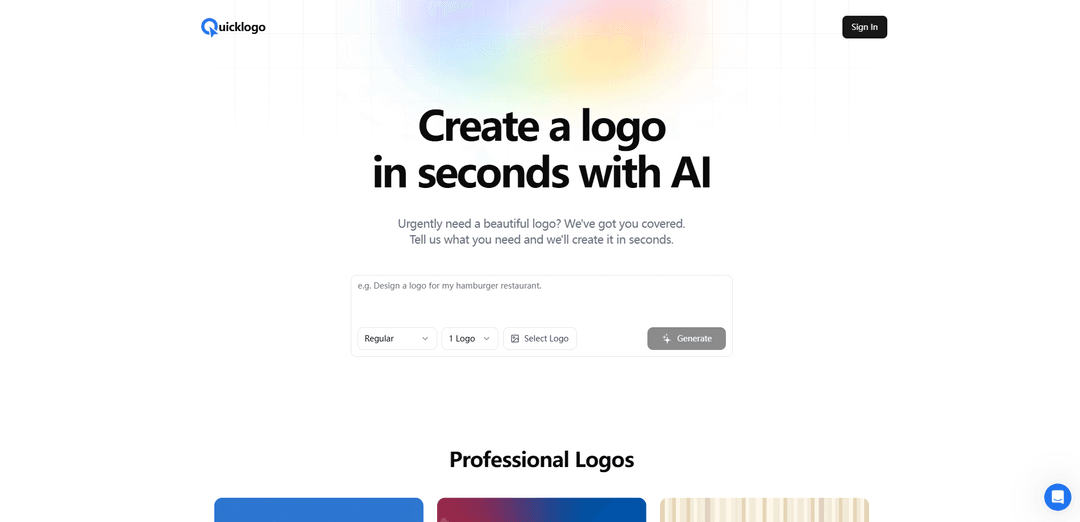
Quicklogo is an AI-powered logo design platform that helps users create professional and customizable logos in seconds without requiring any design skills.
https://quicklogo.design/?ref=producthunt
Product Information
Updated:Dec 8, 2025
What is Quicklogo
Quicklogo is an innovative online logo creation service that leverages artificial intelligence to generate unique and professional logo designs instantly. The platform aims to solve the challenge of getting high-quality logos quickly and affordably by combining AI technology with an extensive library of design elements. It serves businesses, startups, and individuals who need professional branding but may not have the resources for traditional design services.
Key Features of Quicklogo
Quicklogo is an AI-powered logo design platform that allows users to create professional logos within seconds. It combines artificial intelligence with customization capabilities, offering users the ability to generate, edit, and download logos in multiple file formats. The platform features an extensive library of pre-designed templates and provides both AI-generated options and customization tools to help businesses create unique brand identities quickly and efficiently.
AI-Powered Generation: Uses advanced machine learning models trained on thousands of professional logos to generate custom designs based on user requirements
Multiple File Format Support: Provides logos in various formats including TIFF, JPG, GIF, PNG, PDF, BMP, and Vector EPS, with options for transparent backgrounds
Customization Tools: Offers easy-to-use editing tools for adjusting colors, fonts, layouts, and other design elements to perfect the logo
Real-time Preview: Features instant preview functionality allowing users to see changes as they customize their logos
Use Cases of Quicklogo
New Business Branding: Startups and new businesses can quickly create professional logos to establish their brand identity
Digital Marketing Materials: Create logos for use across various digital platforms including websites, social media, and email signatures
Print Materials: Generate high-quality logos for business cards, letterheads, promotional items, and other printed materials
Pros
Quick and efficient logo generation process
Professional-quality results with AI assistance
Multiple file format options for various use cases
Cons
May lack the personal touch of working with a human designer
Limited to AI-generated designs and pre-existing templates
How to Use Quicklogo
Visit the website: Go to quicklogo.design website and access the logo maker tool
Sign in/Create account: Sign in to your account or create a new one to get started
Enter logo requirements: Click 'Generate' and describe what kind of logo you need in the text prompt
Generate logo options: The AI will instantly generate multiple logo design options based on your description
Select and customize: Choose your preferred logo design from the generated options and customize it if needed
Download logo files: Once satisfied with the design, download your logo in the available file formats
Quicklogo FAQs
The AI uses advanced machine learning models trained on thousands of professional logos. Users simply describe what they need, and the AI generates multiple logo options tailored to those requirements in seconds.
Popular Articles

Vosko AI: Localize and Dub Videos for Global Audiences
Oct 15, 2026

Atoms: A Multi-Agent AI Platform That Transforms Ideas into Launch-Ready Products
Oct 13, 2026

Nano Banana SBTI: What It Is, How It Works, and How to Use It in 2026
Apr 15, 2026

Atoms Review — The AI Product Builder Redefining Digital Creation in 2026
Apr 10, 2026
Latest AI Tools Similar to Quicklogo
Generate Icons
Generate Icons is an AI-powered icon generator tool that allows users to create stunning, customized icons for apps, websites, and creative projects within seconds using simple text descriptions.
LogoGeneratorAI
LogoGeneratorAI is an advanced AI-powered logo creation tool that generates unique, professional SVG logos with customizable features like color schemes, image cropping, and background removal.
LogoGen
LogoGen is an AI-powered logo generator that enables users to instantly create unique, professional logos and graphics tailored to their brand without requiring any design skills.
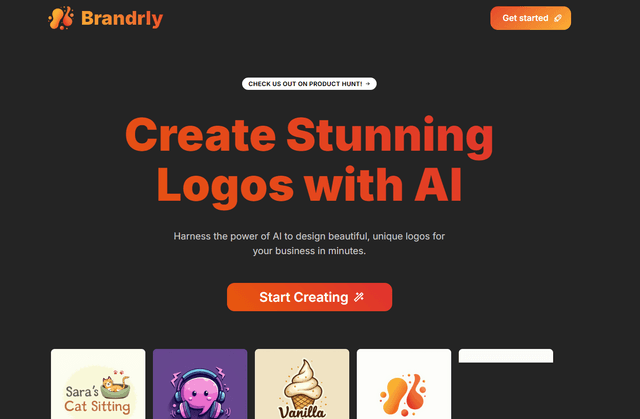
Brandrly
FreemiumIcon & Logo Generator
Brandrly is an AI-powered online platform that allows users to create custom logos and branding materials quickly and easily.
Popular AI Tools Like Quicklogo
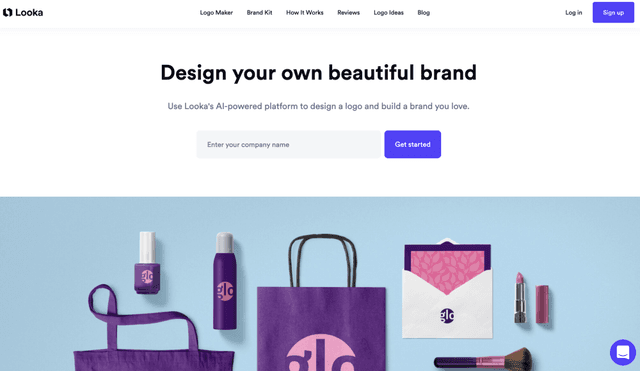
Looka Logo Maker
FreemiumIcon & Logo Generator
Looka is an AI-powered logo maker and brand identity platform that enables users to create professional logos and marketing materials in minutes without design skills.
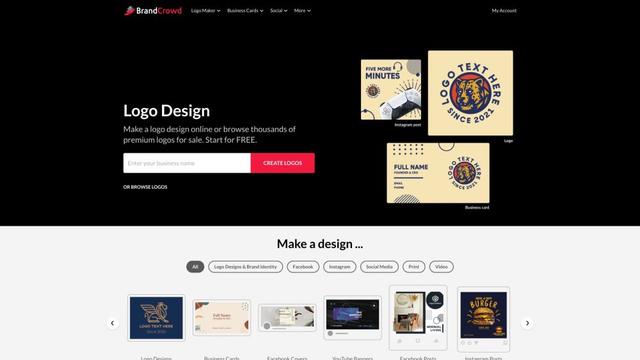
BrandCrowd
BrandCrowd is an online platform that offers a logo maker, business card creator, and design tools for social media and marketing materials.
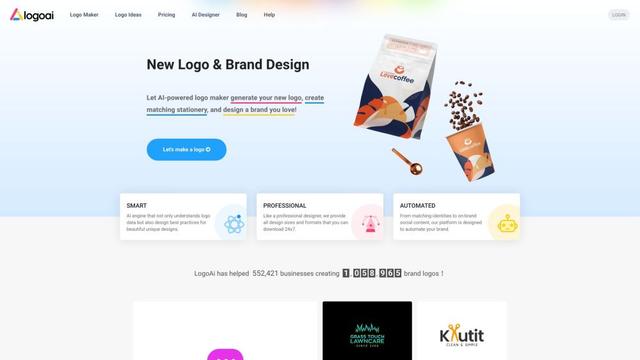
LogoAI
LogoAI is an AI-powered brand building platform that helps create professional logos, design matching identities, and automate brand promotion with on-brand social media content.
Brandmark Logo Maker
Brandmark Logo Maker is an AI-powered online tool that enables businesses to quickly create professional logos and comprehensive brand identities without design expertise.