
PopAir
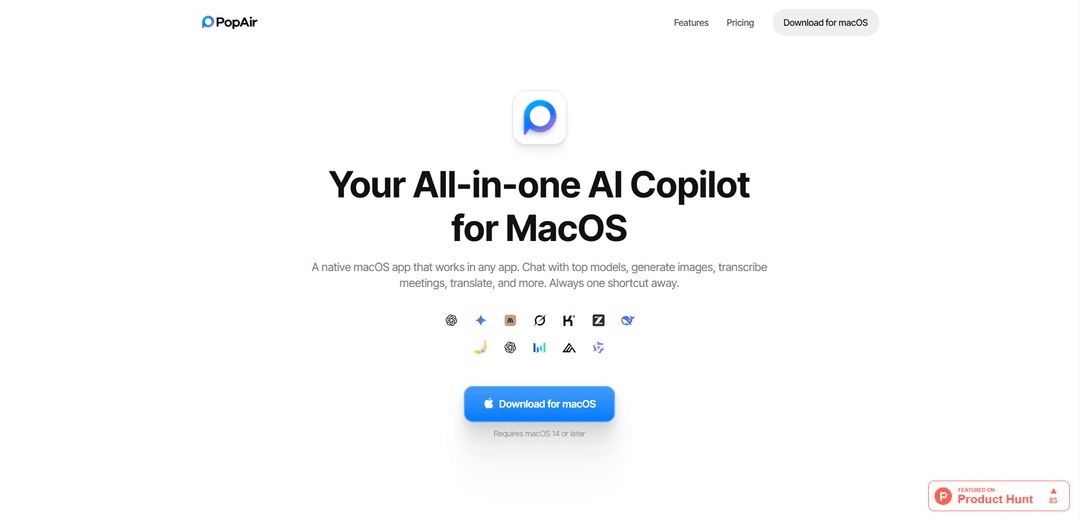
PopAir is a native macOS app that serves as an all-in-one AI copilot, integrating multiple AI models for chat, image generation, meeting transcription, translation, and productivity tools, accessible through a unified interface.
https://popairapp.com/?ref=producthunt
Product Information
Updated:Feb 8, 2026
What is PopAir
PopAir is a comprehensive AI assistant application designed specifically for macOS (requiring version 14 or later) that consolidates access to various AI services and tools in one native app. It brings together leading AI models like ChatGPT, Claude, Gemini, and Grok, along with image generation capabilities, meeting transcription features, and productivity tools, eliminating the need for multiple separate AI subscriptions and applications.
Key Features of PopAir
PopAir is a native macOS application that integrates multiple AI models and productivity tools into a single interface. It offers chat capabilities with various AI models (including GPT, Claude, Gemini), image generation and editing, meeting transcription and summarization, translation services, and OCR functionality. The app works system-wide through a floating bar, sidebar, and keyboard shortcuts, allowing users to access AI features from any application.
All-in-One AI Integration: Access multiple AI models (ChatGPT, Claude, Gemini, Grok, etc.) from a single interface without managing separate subscriptions
Native macOS Integration: System-wide accessibility through floating bar, sidebar, and keyboard shortcuts that work in any application
Image Studio: Generate, edit, upscale images and remove backgrounds using AI models like Flux and Seedream
Meeting Assistant: One-click meeting recording with transcription, AI summaries, and content query capabilities
Use Cases of PopAir
Professional Content Creation: Writers and content creators can quickly edit, rewrite, and translate text using AI assistance across any application
Business Meetings: Automatically record, transcribe, and summarize meetings, allowing participants to focus on discussion rather than note-taking
Design Work: Generate and edit images using AI tools for quick prototyping and visual content creation
Pros
Unified interface for multiple AI services
Native macOS integration with system-wide accessibility
Time-saving automation features through shortcuts
Cons
Only available for macOS 14 or later
Requires separate subscriptions to AI services
Some users report customer service issues
How to Use PopAir
System Requirements: Ensure you have macOS 14 or later installed on your Mac device
Install PopAir: Download and install PopAir from the official website (popairapp.com)
Basic Chat Usage: Access the chat feature to communicate with AI models like ChatGPT, Claude, Gemini, and Grok. You can upload files and compare responses across different models
Using the Floating Bar: Select any text in any application and the PopAir floating bar will appear, allowing you to instantly edit or translate the selected text
Quick Shortcuts: Use double-tap Option (⌥⌥) on selected text to instantly edit with AI. You can also set up custom keyboard shortcuts for different actions
Sidebar Access: Access the AI sidebar to ask questions about windows, take screenshots, translate text, or extract text (OCR) from anywhere on your screen
Image Generation: Use the Image Studio feature to generate images from text, edit photos, upscale images, remove backgrounds, and extend images using AI
Meeting Recording: Click the record button to capture meetings, get automatic transcription, AI summaries, and ask questions about the meeting content
Translation: Select text and use either the floating bar or sidebar to instantly translate content into different languages
Customize User Bio: Set up your user bio so PopAir can tailor responses to your profession and style, improving the AI's understanding of your needs
PopAir FAQs
PopAir is a native macOS app that integrates multiple AI models (including ChatGPT, Claude, Gemini, Grok) into one interface, allowing users to chat with AI, generate images, transcribe meetings, translate text, and more - all accessible through a single application.
PopAir Video
Popular Articles

Atoms: A Multi-Agent AI Platform That Transforms Ideas into Launch-Ready Products
May 22, 2026

Nano Banana SBTI: What It Is, How It Works, and How to Use It in 2026
Apr 15, 2026

Atoms Review — The AI Product Builder Redefining Digital Creation in 2026
Apr 10, 2026

Kilo Claw: How to Deploy and Use a True "Do‑It‑For‑You" AI Agent(2026 Update)
Apr 3, 2026
Latest AI Tools Similar to PopAir

Folderr
Folderr is a comprehensive AI platform that enables users to create custom AI assistants by uploading unlimited files, integrating with multiple language models, and automating workflows through a user-friendly interface.

Peache.ai
Peache.ai is an AI character chat playground that enables users to engage in flirty, witty, and daring conversations with diverse AI personalities through real-time interactions.

TalkPersona
TalkPersona is an AI-powered video chatbot that provides real-time human-like conversation through a virtual talking face with natural voice and lip-sync capabilities.

Thaly AI
Thaly AI is an AI-powered sales assistant that automates customer conversations and lead qualification to help businesses scale their sales operations while saving time.
Popular AI Tools Like PopAir

GPT‑5.5 | ChatGPT Official
GPT‑5.5 in ChatGPT is OpenAI’s latest work-focused model designed to understand complex goals, use tools effectively, check its work, and carry multi-step tasks (coding, research, documents, spreadsheets) through to completion with stronger safeguards.

DuckDuckGo AI Chat
DuckDuckGo AI Chat is a free, anonymous way to access popular AI chatbots like GPT-3.5, Claude, and others while preserving user privacy.

Arch
Arch is an intelligent Layer 7 gateway built on Envoy Proxy that provides secure handling, robust observability, and seamless integration of prompts with APIs for building fast, robust, and personalized AI agents.

Off-grid LLM over Radio
A platform that integrates Large Language Models (LLMs) with Meshtastic mesh communication networks to enable off-grid AI interactions and automated task execution through radio communication.