
Plansera AI
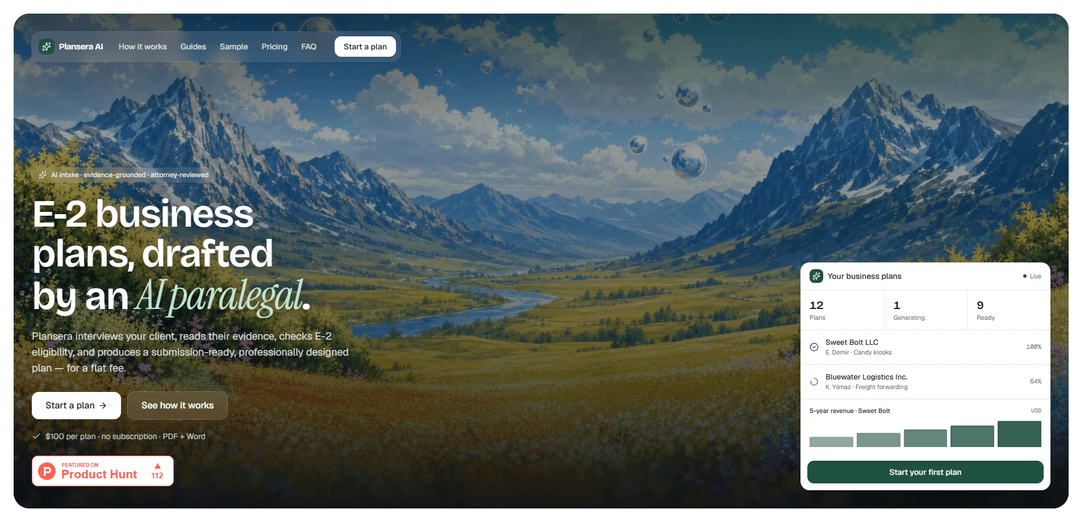
Plansera AI drafts E-2 treaty-investor business plans end-to-end with conversational intake that reads documents, built-in eligibility checks, deterministic 5-year financials, and submission-ready PDF + editable Word output for a flat $100 per plan.
https://plansera.ai/?ref=producthunt
Product Information
Updated:Jul 8, 2026
What is Plansera AI
Plansera AI is an AI-powered drafting tool for U.S. immigration attorneys and paralegals preparing E-2 business plan packages. Instead of starting from a generic template, it’s designed around core E-2 adjudication standards and helps teams move from client intake to a filing-ready plan in one pass. The platform produces a professionally designed PDF plus an editable Word document, and uses structured intake and document extraction to populate key case details like source-of-funds, use-of-funds, and financial assumptions.
Key Features of Plansera AI
Plansera AI is an AI-paralegal workflow for drafting E-2 treaty-investor business plans end-to-end, built around adjudication standards rather than generic templates. It conducts a conversational client intake, reads uploaded documents (e.g., bank statements, leases, invoices), extracts and organizes source-and-use-of-funds details, runs built-in E-2 eligibility checks, and generates deterministic 5-year financial projections with tables and charts. The output is delivered as a submission-ready designed PDF plus an editable Word document, sold with flat, per-plan pricing.
Conversational intake with document reading: An AI paralegal interviews clients in plain language and ingests supporting documents to automatically extract key figures and populate the case file—avoiding long, rigid forms.
E-2 eligibility checks built in: Validates core E-2 criteria (e.g., substantial investment, capital at risk, traceable source of funds, non-marginal enterprise, directing role) before generating the plan.
Automated source-of-funds and use-of-funds extraction: Pulls relevant financial details from documents and organizes them into clear source-and-use-of-funds components for the plan.
Deterministic 5-year financials and visuals: Produces 5-year projections, cash flow, and break-even analysis as clean tables and graphs for inclusion in the filing package.
Client-approved investment breakdown: Generates a categorized use-of-funds breakdown that the client reviews and confirms prior to final plan generation.
Submission-ready outputs (PDF + Word): Delivers a professionally designed PDF plus an editable Word document intended to be ready for consular submission.
Use Cases of Plansera AI
E-2 business plan drafting for immigration law firms: Helps attorneys and paralegals generate defensible E-2 plans faster by automating intake, eligibility checks, and financial exhibits.
Paralegal workflow acceleration and standardization: Reduces manual data entry and improves consistency across filings by using a guided intake and standardized adjudication-aligned structure.
Document-heavy client onboarding for E-2 cases: Streamlines collection and interpretation of bank statements, invoices, and leases by extracting and organizing relevant financial inputs automatically.
Rapid iteration on financial projections for filings: Enables quick creation of 5-year projections, break-even, and cash-flow outputs when case assumptions change or additional evidence is provided.
Client review and approval of investment plans: Creates a clear categorized use-of-funds summary that clients can validate before finalizing the business plan package.
Pros
Adjudication-standards-driven drafting (not just a generic template).
Conversational intake plus document reading reduces manual data entry and back-and-forth.
Produces both designed PDF and editable Word output with financial tables/charts.
Simple flat pricing ($100 per plan) with no subscription or seat licensing.
Cons
Primarily focused on E-2 treaty-investor business plans (limited scope for other visa types or broader legal drafting).
Output quality and correctness depend on the completeness/clarity of uploaded documents and client-provided information.
May still require attorney review and tailoring for jurisdiction/consulate-specific nuances despite being labeled submission-ready.
How to Use Plansera AI
1) Start a new Plansera AI business plan: Go to https://plansera.ai/sign-up and create/sign into your account. In your dashboard, open the included example plan to understand the expected structure and outputs, then choose the option to start a new plan.
2) Begin the conversational intake (AI paralegal interview): Launch the intake chat. Answer the AI paralegal’s plain-language questions about the business, the investor, and the E-2 case facts. This replaces a long multi-field form and is designed to capture the information needed for E-2 adjudication standards.
3) Upload supporting documents for document reading: During intake, upload relevant documents (e.g., bank statements, leases, invoices). Plansera AI ingests these documents and extracts key figures and details to populate the case file, including source-of-funds and use-of-funds information.
4) Review extracted figures and funding details: Check the automatically extracted numbers and categorizations (e.g., amounts, dates, vendors/recipients, and how funds were sourced and spent). Correct anything that looks off before moving forward.
5) Run built-in E-2 eligibility checks: Proceed to the eligibility section and confirm Plansera AI’s checks against core E-2 standards, including: substantial investment, capital at risk, traceable source of funds, non-marginal enterprise, and directing role. Address any flagged gaps before generating final outputs.
6) Confirm and approve the categorized use-of-funds breakdown: Review the investment/use-of-funds breakdown that Plansera AI prepared from your inputs and documents. Have the client confirm/approve the categories and amounts so the plan reflects a consistent, defensible spending narrative.
7) Generate the 5-year financials and visuals: Generate the deterministic 5-year projections. Review the produced tables and charts (including cash flow and break-even) for reasonableness and consistency with the business model and the documented investment plan.
8) Produce the submission-ready plan outputs: Generate the final deliverables: a professionally designed PDF and an editable Word document. These are intended to be submission-ready for the consulate and aligned to E-2 adjudication standards.
9) Edit and finalize in Word (if needed): Download the editable Word version to make any attorney-specific edits (tone, formatting preferences, jurisdiction/consulate nuances, or additional supporting narrative), while keeping the financial tables/charts and use-of-funds consistent.
10) Pay per plan when you start: Plansera AI uses flat pricing: $100 per business plan, charged when you start a plan (no subscription, no seats). Payment is processed securely via Stripe.
Plansera AI FAQs
Plansera AI is a tool for U.S. immigration attorneys and paralegals that drafts E-2 treaty-investor business plans using an AI paralegal-style workflow.
Popular Articles

Vosko AI: Localize and Dub Videos for Global Audiences
Oct 15, 2026

Atoms: A Multi-Agent AI Platform That Transforms Ideas into Launch-Ready Products
Oct 13, 2026

Nano Banana SBTI: What It Is, How It Works, and How to Use It in 2026
Apr 15, 2026

Atoms Review — The AI Product Builder Redefining Digital Creation in 2026
Apr 10, 2026
Latest AI Tools Similar to Plansera AI
Sweet Justice AI
Sweet Justice AI is an AI-powered legal assistance platform that helps individuals fight against landlords, corporations, and unfair practices through automated demand letters, small claims court filings, and step-by-step legal guidance at an affordable price.
Appeal Parking Ticket
AppealParkingTicket is a specialized online service that helps drivers efficiently contest unfair parking tickets by providing expert guidance and automated appeal letter generation.
LegalTechUp
LegalTechUp is an AI-powered online legal advisor platform from Turkey that provides accessible consumer law consultation services through advanced technologies.
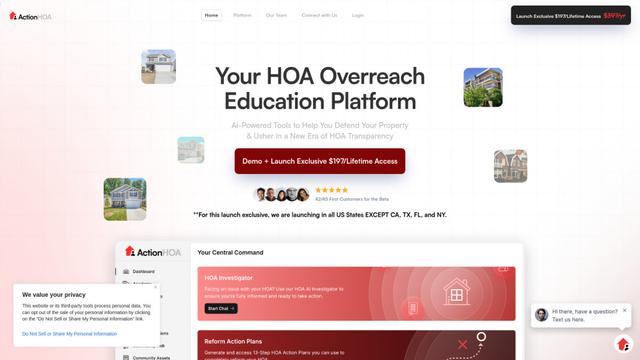
ActionHOA
ActionHOA is an AI-powered platform that provides property owners with tools, education, and expert guidance to defend against HOA overreach and promote transparency in community governance.
Popular AI Tools Like Plansera AI
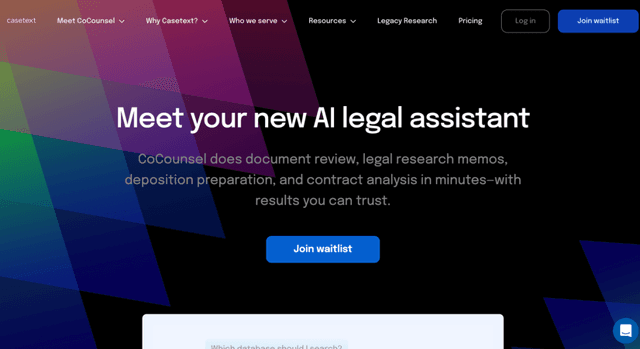
Casetext
Casetext is an AI-powered legal research and technology platform that helps attorneys find relevant cases faster and automate legal tasks.
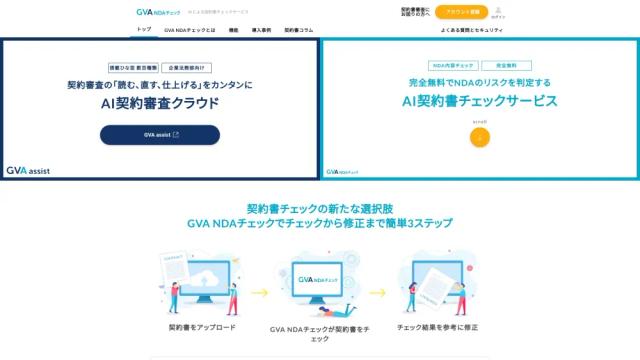
GVA NDAチェック
GVA NDA Check is a contract review support service where AI supervised by lawyers checks NDAs (Non-Disclosure Agreements) for free, and performs risk assessment and proposes revisions.
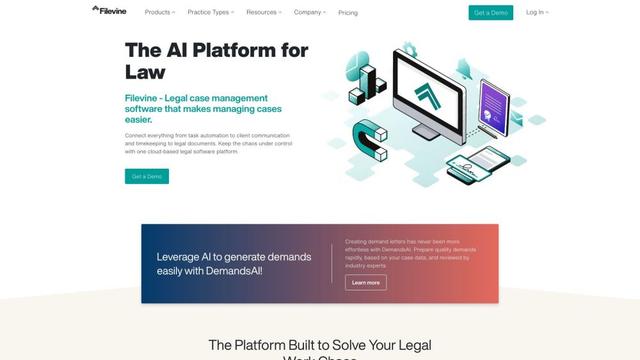
Filevine
Filevine is an AI-powered legal case management software that provides a complete tech stack for law firms, including case management, document management, billing, and client communication tools.
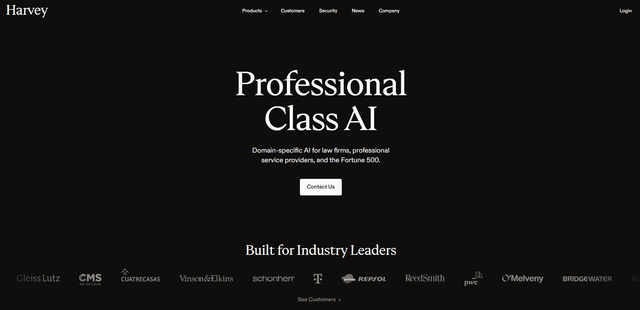
Harvey
Harvey is a professional-class AI platform built specifically for legal professionals and law firms that combines deep industry knowledge with cutting-edge AI technology to help lawyers work more efficiently across all practice areas and workflows.