
PitchHighway
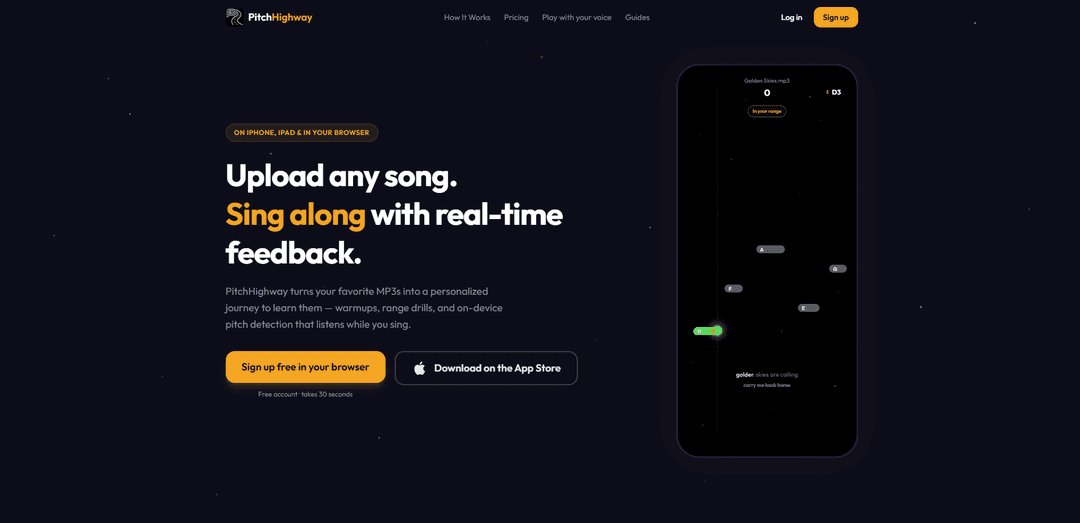
PitchHighway is a vocal training app that turns any MP3 into a step-by-step singing journey with warmups, targeted drills, auto range-fitting, and real-time on-device pitch feedback as you sing.
https://pitchhighway.com/?ref=producthunt
Product Information
Updated:Jul 15, 2026
What is PitchHighway
PitchHighway is a singing practice platform for iPhone, iPad, and the web that helps you learn songs you actually like by converting your own audio uploads into structured lessons. Instead of generic exercises, it builds a personalized “journey” around each track—combining warmups in the song’s key, phrase-by-phrase practice, and a full sing-along mode where you can see your pitch accuracy in real time. It’s designed for beginners through more confident singers who want practical, measurable improvement for karaoke, performances, or everyday practice.
Key Features of PitchHighway
PitchHighway is a singing practice app (iPhone, iPad, and web) that turns any uploaded MP3 into a structured, personalized learning path. It calibrates your vocal range, analyzes the song’s vocal pitch note-by-note, and then generates warmups in the song’s key, range drills, and phrase-by-phrase practice. While you sing, it provides real-time, on-device pitch feedback with scoring and progress tracking, and can capture a “cover” recording over the instrumental for playback and sharing. It also includes free browser-based voice tools and mini-games for pitch and breathing practice, plus an AI vocal coach that can review attempts and give technique guidance.
Upload-any-song learning journeys: Drop in an MP3 and PitchHighway builds a step-by-step practice path (warmups, drills, phrase practice, and a full-song run) tailored to that specific track.
Real-time, on-device pitch feedback: Tracks your sung pitch live as you sing and shows how close you are (e.g., sharp/flat in cents), helping you correct intonation immediately without guessing.
Vocal range calibration + auto-fit: Quickly maps your vocal range and can auto-transpose songs by whole octaves so the material lands in a singable range.
Practice structure, scoring, and progress: Star ratings, streaks/levels, personal bests, and preserved progress/range data help you stay consistent and measure improvement over time.
Cover capture and note recordings: Full-song runs can capture your voice over the instrumental to create an instant cover; the app can also organize clips from your best note performances by octave.
AI vocal coach + free voice tools: Chat with an AI coach that knows your range and can comment on your runs; includes free browser tools like range test, voice type test, note practice, breathing, warm-ups, and pitch-based mini-games.
Use Cases of PitchHighway
Self-guided singing practice at home: Learners use real-time pitch tracking plus structured warmups and drills to improve intonation and control without a live teacher.
Song preparation for performances and auditions: Singers break a song into phrases, practice difficult notes with targeted drills, and record cover takes to review readiness.
Music education support (students and ensembles): Teachers/students can use range tools, pitch feedback, and practice journeys to reinforce ear training and pitch accuracy between lessons.
Content creation for covers and social sharing: Creators can quickly generate and replay recorded “covers,” track improvements, and share best takes.
Accessible vocal training for beginners: People who feel they “can’t sing” can start with songs they love, get immediate visual feedback, and progress through gamified scoring and levels.
Warm-up and breathing routines for vocal health habits: Guided breathing and key-matched warmups provide a repeatable pre-singing routine for practice sessions or before gigs.
Pros
Personalized, song-specific practice: turns your own music into structured warmups, drills, and phrase training.
Immediate feedback: real-time, on-device pitch detection helps correct notes as you sing.
Motivating progression: scoring, streaks, personal bests, and preserved progress encourage consistency.
Free entry point: first song is free forever and several browser tools/games work without signup.
Cons
Premium limits: ongoing use for multiple songs and full journeys requires a subscription (with fair-use upload caps).
Input constraints: requires an MP3 upload and pitch tracking quality can vary with environment/mic setup.
Copyright restrictions: upload feature is not intended to circumvent copyright protections; usage must align with fair use/terms.
Accessibility details unclear: the developer notes they have not indicated which accessibility features are supported.
How to Use PitchHighway
1) Open PitchHighway (iPhone/iPad or web): Go to PitchHighway on iPhone/iPad or open it in your browser. You can start free (no card needed).
2) Create an account (optional) or try as a guest: Sign up with email or use Sign in with Apple. You can also try as a guest; guest accounts are automatically removed after 30 days of inactivity.
3) Run the voice calibration to discover your range: Use the quick voice calibration/range test so PitchHighway can map your lowest and highest notes and fit exercises to your voice.
4) Upload a song (MP3): Tap “Upload Your Song” and drop/select an MP3. PitchHighway separates the vocals and detects pitch note-by-note to build your practice plan.
5) Let PitchHighway build your personalized journey: Wait while it processes the track and generates a structured journey: warmups, range stretches, and phrase-by-phrase drills tailored to your range.
6) Start with Warmups (in your song’s key): Begin the journey with breathing and warm-up exercises. Warmups are designed to match the key of your uploaded song to prepare your voice.
7) Practice Drills (phrase-by-phrase): Work through the drills that isolate difficult phrases and notes. Use the real-time pitch feedback to see how close you are to the target pitch.
8) Sing the Full Song with real-time pitch tracking: Switch to the full-song run and sing along while PitchHighway listens on-device and shows live pitch accuracy so you can correct in the moment.
9) Review your results (stars, scores, personal bests): After each exercise/run, check your star rating (up to 3 stars), scoring, streaks/levels, and personal bests to track improvement over time.
10) Listen back to your cover recording: Each full-song run captures your voice over the original instrumental, creating a cover you can replay, keep, and share.
11) Use Note Recordings to spot problem areas by octave: Review clips from your best performances organized by octave to hear where your pitch is strongest and where you need more work.
12) Use auto-transpose (octaves) to fit songs to your voice: If a song sits too high/low, PitchHighway can auto-transpose by whole octaves so the track lands in your range and is more singable.
13) Ask the AI Vocal Coach for targeted help: Chat with the in-app AI singing coach (it knows your range). Ask technique questions, request song recommendations that fit your voice, or ask for a note-by-note breakdown of your last run.
14) Try the free browser voice tools (no signup required): Use PitchHighway’s web tools for quick practice: Vocal Range Test, Voice Type Test, Note Practice, guided Breathing, Vocal Warm-Up, and voice games like Sing to Survive, Sing & Snack, and Sing Soccer.
15) Understand free vs premium limits and add more songs: Free includes your first song upload (kept forever) plus basic journey levels and voice tools. Premium adds full journeys for uploads (fair use: up to 5 songs/day, 50/month). If you don’t want a subscription, you can buy one additional song upload for $3.99 (one-time).
16) Manage account and subscriptions (if needed): If you forget your password, use the reset link sent to your email (Apple Sign-In users just sign in again). Refunds for App Store purchases are handled by Apple via reportaproblem.apple.com.
17) Delete your account (optional): In the app, go to profile settings and tap “Delete Account” to permanently remove your data from PitchHighway’s servers.
PitchHighway FAQs
PitchHighway is a singing practice app (on iPhone, iPad, and in a browser) that lets you upload a song and get a personalized learning journey—warmups, range drills, phrase practice, and a full-song sing-along—with real-time, on-device pitch feedback while you sing.
Popular Articles

Vosko AI: Localize and Dub Videos for Global Audiences
Oct 15, 2026

Atoms: A Multi-Agent AI Platform That Transforms Ideas into Launch-Ready Products
Oct 13, 2026

Nano Banana SBTI: What It Is, How It Works, and How to Use It in 2026
Apr 15, 2026

Atoms Review — The AI Product Builder Redefining Digital Creation in 2026
Apr 10, 2026
Latest AI Tools Similar to PitchHighway
Suno AI
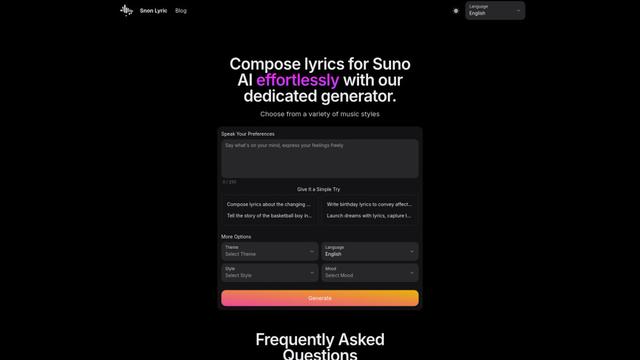
Suno AI is an innovative AI-powered music generation platform that transforms text prompts into complete original songs with vocals and instrumentals in minutes.
AI Cover Generator
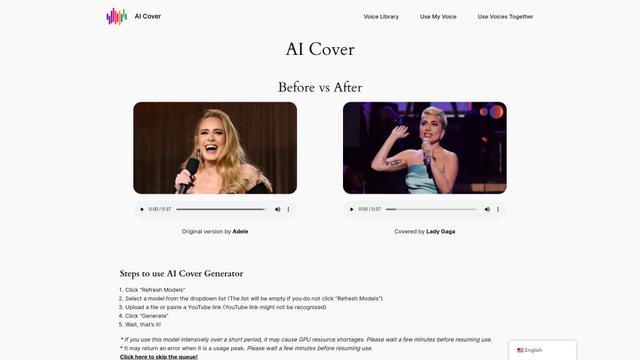
AI Cover Generator is a revolutionary tool that allows users to create high-quality song covers using artificial intelligence, offering a wide range of voice models and easy-to-use features.
Lamucal
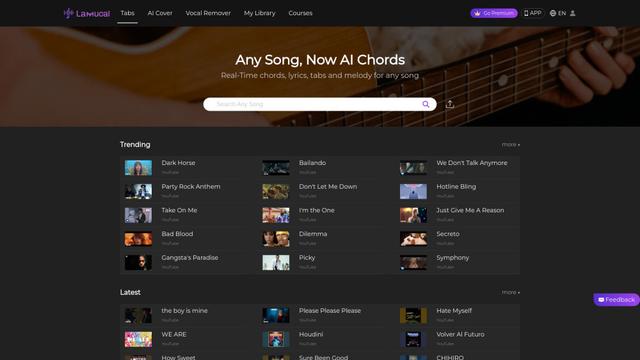
Lamucal is an AI-powered music tool that generates real-time chords, lyrics, tabs, and melodies for any song, along with features like AI covers and vocal removal.
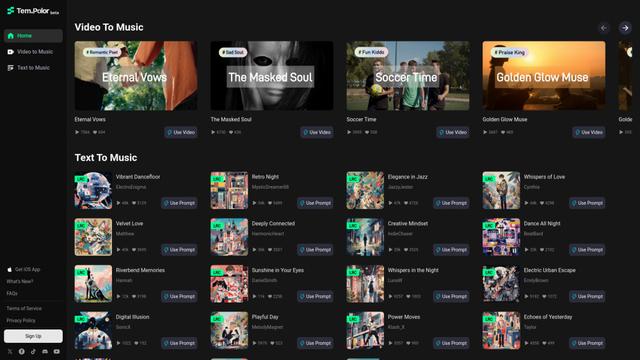
TemPolor
TemPolor is an AI-powered music generator that creates high-quality, copyright-free music from video or text inputs.
Popular AI Tools Like PitchHighway
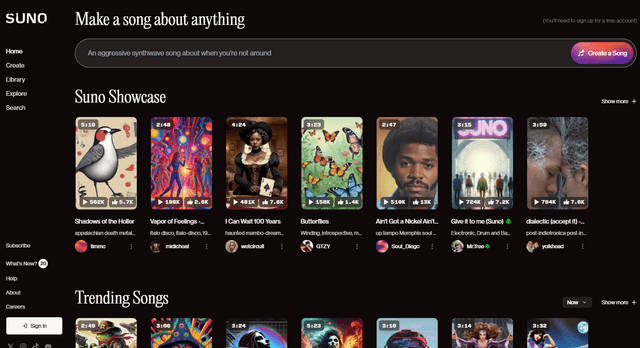
SUNO V4.5
Suno is an AI-powered platform that enables anyone to create high-quality original music and songs using just text prompts, without needing musical skills or instruments.
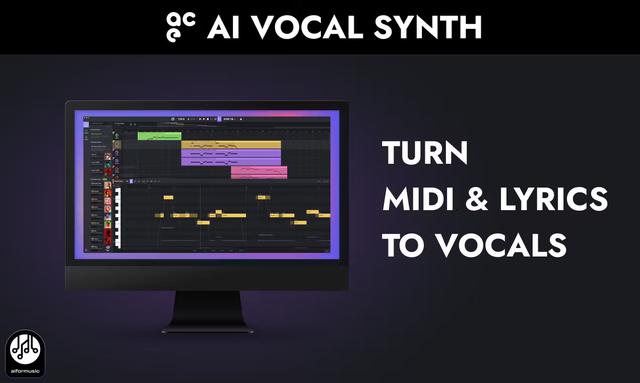
ACE Studio
ACE Studio is an AI vocal synthesis software that generates studio-quality vocals from MIDI and lyrics, offering 80+ royalty-free licensed multilingual AI voices across various musical styles.
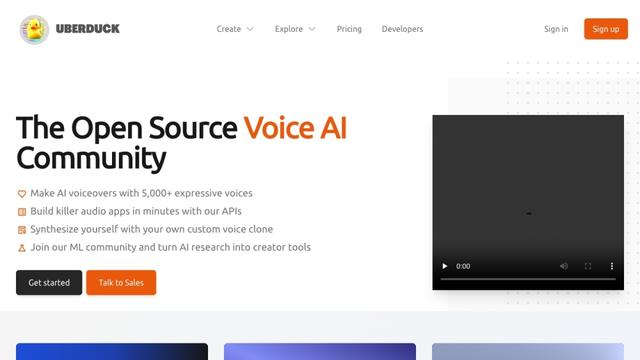
Uberduck
Uberduck is an AI-powered platform offering text-to-speech, voice cloning, and synthetic media creation with over 5,000 expressive voices for content creators, developers, and businesses.
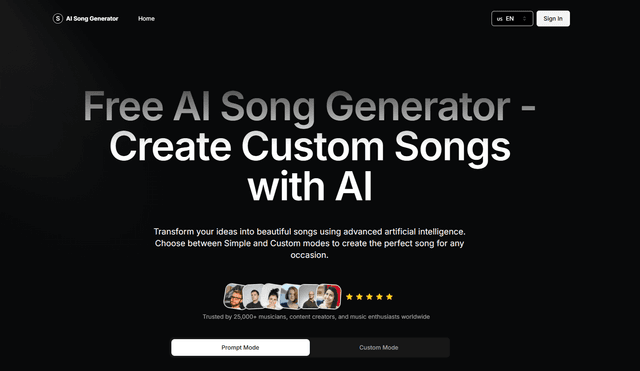
AI Song Generator
AI Song Generator is a cutting-edge artificial intelligence tool that enables users to create professional-quality, royalty-free music across various genres by simply inputting text descriptions or custom specifications.