
PicKey.ai
PicKey.ai is an innovative visual password manager that uses AI to transform personal photos and 3D characters into secure master passwords, eliminating the need to remember traditional text-based passwords.
https://pickey.ai/?ref=producthunt

Product Information
Updated:Jan 15, 2026
PicKey.ai Monthly Traffic Trends
PicKey.ai received 1.7k visits last month, demonstrating a Slight Decline of -5.8%. Based on our analysis, this trend aligns with typical market dynamics in the AI tools sector.
View history trafficWhat is PicKey.ai
PicKey.ai represents a revolutionary approach to password management by combining visual memory with artificial intelligence. Instead of requiring users to remember complex alphanumeric passwords, PicKey allows users to create a Master Key using a combination of a personal photograph (Vision Secret) and a 3D animated character (Keymoji Secret). This password manager is designed to make cybersecurity accessible to everyone, regardless of their technical expertise, while maintaining military-grade security standards including AES 256-bit encryption and end-to-end encryption.
Key Features of PicKey.ai
PicKey.ai is an innovative visual password manager that combines AI technology, visual memory, and 3D characters to create a unique passwordless authentication system. Users can create a Master Key using their favorite photo combined with a 3D collectable character, eliminating the need to remember traditional text passwords. The system features advanced AI recognition that can adapt to changes in the visual environment, end-to-end encryption, and MagicPass technology that generates passwords on-the-fly without storing them.
Visual Master Key Authentication: Uses AI to recognize user-selected images combined with 3D characters (Keymojis) for secure login, adapting to changes in lighting and angles
MagicPass Technology: A patented system that generates passwords in real-time without storing them, using only unique indexes for enhanced security
Multi-Device Password Management: Manages and auto-fills passwords across unlimited devices with browser integration and secure password sharing capabilities
Three-Layer Security: Combines device security, biometric authentication, and visual recognition for comprehensive protection
Use Cases of PicKey.ai
Individual Password Management: Perfect for users who want a simple, memorable way to manage multiple passwords across different accounts without memorizing complex strings
Family Password Sharing: Enables secure password sharing among family members with controlled access and time-limited sharing options
Remote Work Security: Helps remote professionals manage multiple login credentials securely across different platforms and devices
Small Business Team Access: Provides organized password management and secure sharing for small business teams with emergency recovery options
Pros
Eliminates the need to remember complex passwords
Highly secure with multiple authentication layers
User-friendly visual interface with engaging 3D elements
Comprehensive free plan available
Cons
Requires taking photos for authentication
Depends on AI recognition which could be affected by significant environmental changes
May require stable internet connection for AI features
How to Use PicKey.ai
Download PicKey: Download the PicKey mobile app for your device (iOS/Android) and install browser extensions for desktop (Chrome, Safari, Firefox, or Edge)
Sign Up: Enter your email address on the login screen and press 'Continue' to create a new account
Create Master Key - Part 1: Vision Secret: Choose and take a photo of a memorable place, object, or scene that will serve as your Vision Secret. This can be anything from a favorite location to a cherished photo
Create Master Key - Part 2: Keymoji Secret: Select a 3D character (Keymoji) that will serve as your secondary password. This appears in AR or 3D view and may include animations and sound
Verify Master Key: Confirm your Master Key combination by taking another photo of your chosen Vision Secret and selecting your Keymoji to ensure the login process works
Import Existing Passwords: Import your existing passwords from browsers like Chrome, or manually add passwords to PicKey for management
Login Process: To log in later, enter your email, take a photo of your Vision Secret location/object, and select your Keymoji. PicKey's AI will recognize your Vision Secret even with slight variations in lighting or angle
Use Autofill Feature: Once logged in, PicKey will automatically manage and autofill your passwords, addresses, phone numbers, and credit cards across websites and apps
Create Backup Master Key: It's recommended to create at least two Master Keys to enable self-account recovery if needed
PicKey.ai FAQs
PicKey.ai is a visual password manager that replaces traditional master passwords with a visual Master Key. It uses AI vision algorithms to turn anything you see into a unique computer-generated memory, similar to human photographic memory. The Master Key consists of two parts: a Vision Secret (a photo of a place/object) and a Keymoji Secret (3D animated collectable).
PicKey.ai Video
Popular Articles

Vosko AI: Localize and Dub Videos for Global Audiences
Oct 15, 2026

Atoms: A Multi-Agent AI Platform That Transforms Ideas into Launch-Ready Products
Oct 13, 2026

Nano Banana SBTI: What It Is, How It Works, and How to Use It in 2026
Apr 15, 2026

Atoms Review — The AI Product Builder Redefining Digital Creation in 2026
Apr 10, 2026
Analytics of PicKey.ai Website
PicKey.ai Traffic & Rankings
1.7K
Monthly Visits
#7183293
Global Rank
-
Category Rank
Traffic Trends: Jul 2024-Jun 2025
PicKey.ai User Insights
00:00:13
Avg. Visit Duration
1.62
Pages Per Visit
40.27%
User Bounce Rate
Top Regions of PicKey.ai
US: 72.63%
ID: 27.37%
Others: NAN%
Latest AI Tools Similar to PicKey.ai
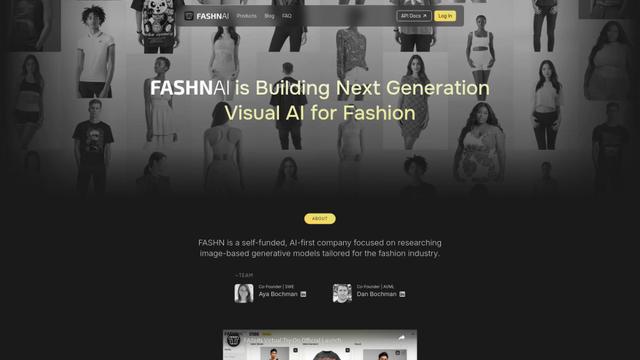
FASHN
FASHN is a self-funded, AI-first company that develops cutting-edge virtual try-on technology and image-based generative models tailored specifically for the fashion industry.
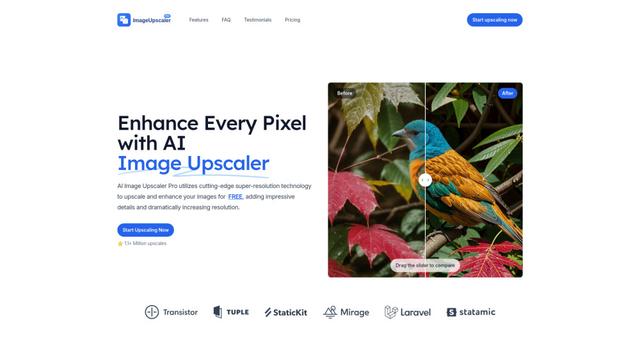
AI Image Upscaler Pro
AI Image Upscaler Pro is a cutting-edge online platform that uses advanced artificial intelligence to enhance and upscale images up to 400% while maintaining quality, supporting multiple formats like PNG, JPG, JPEG, WEBP, and HEIC for free.
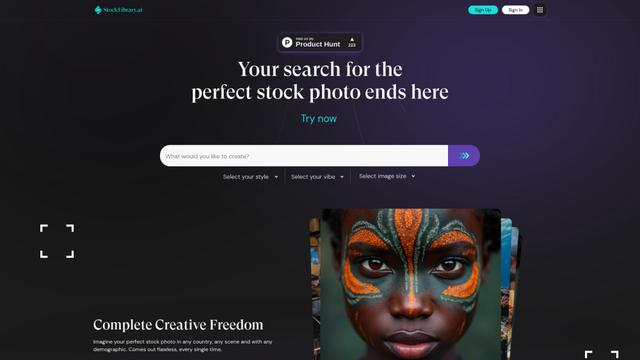
StockLibrary
StockLibrary is an AI-powered stock image platform specializing in generating diverse and culturally authentic Asian photos with full commercial licensing rights.
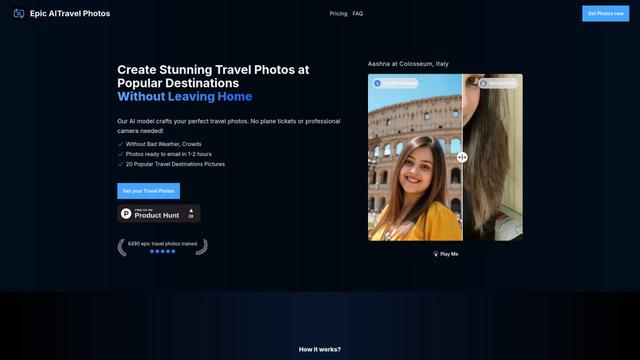
EpicAI Travel Photos
EpicAI Travel Photos is an AI-powered service that generates professional-quality travel photos of you at famous destinations worldwide without actually traveling, dealing with crowds, or bad weather.
Popular AI Tools Like PicKey.ai

VSCO
VSCO is a comprehensive photography platform that combines professional photo/video editing tools, an authentic creative community, and business opportunities for photographers to showcase and monetize their work.
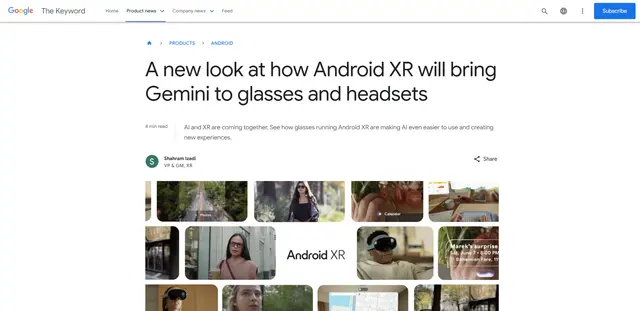
Android XR
Android XR is Google's new extended reality platform that integrates Gemini AI into wearable devices like smart glasses and headsets, enabling hands-free access to apps, real-time translations, navigation, and contextual assistance.
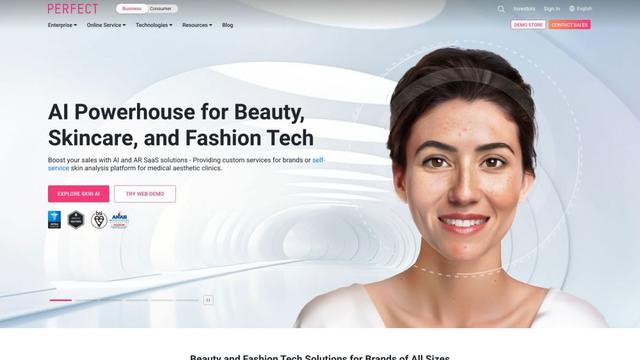
YouCam AI & AR Business Solutions
YouCam AI & AR Business Solutions is a suite of AI and AR-powered beauty tech tools that enable brands and retailers to offer virtual try-on experiences and personalized product recommendations.
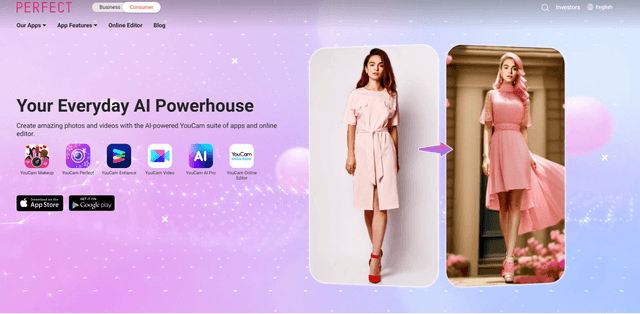
Perfectcorp
Perfect Corp. (NYSE: PERF) is a leading global SaaS company specializing in AI and AR-powered beauty and fashion tech solutions that transforms how consumers, brands, and retailers interact through digital beauty and fashion experiences.