
Pebbles Ai
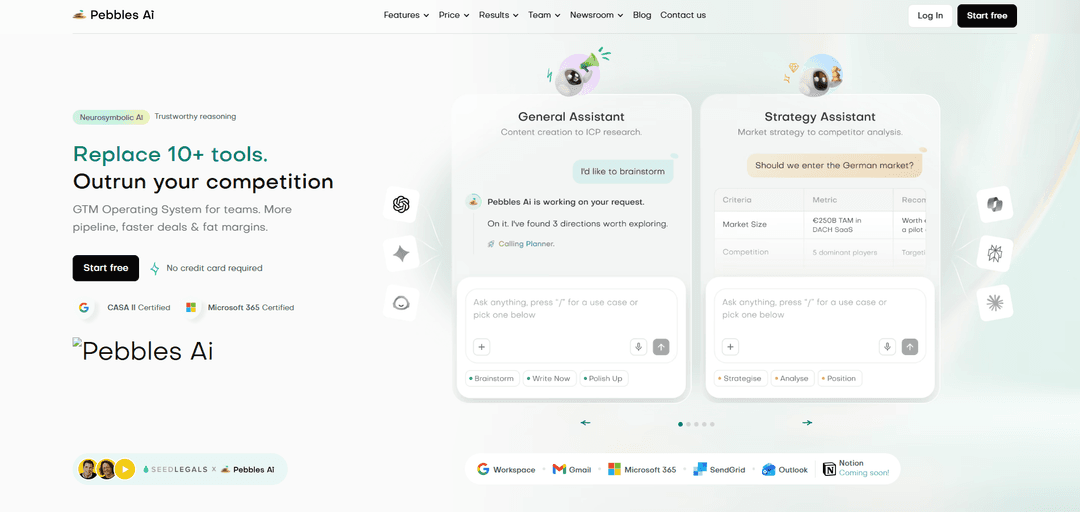
Pebbles Ai is a neurosymbolic, agentic GTM operating system for B2B teams that unifies strategy, lead generation, outreach, inbox automation, shared assets, and productivity analytics in one secure, company-trained platform.
https://www.trypebbles.ai/?ref=producthunt
Product Information
Updated:Jul 8, 2026
What is Pebbles Ai
Pebbles Ai is a B2B SaaS platform designed to help companies take products and services to market more effectively by combining AI agents with science-based go-to-market (GTM) models. Positioned as a “GTM Operating System,” it aims to replace a stack of separate sales and marketing tools by centralising strategic planning, content creation, prospect research, and multi-channel execution in a single workspace. The platform is built on neurosymbolic AI, emphasising trustworthy reasoning and practical GTM execution, and is designed to be trained on each customer’s company context (such as offerings and brand voice) so outputs are tailored rather than generic.
Key Features of Pebbles Ai
Pebbles Ai is a B2B go-to-market (GTM) operating system that consolidates key sales and marketing workflows into one platform, powered by “neurosymbolic” agentic AI trained on your company’s approved assets and brand voice. It combines strategy support (market/ICP research and planning), lead generation and multi-channel outreach, AI-assisted inbox execution (replies and follow-ups), a centralized company library for GTM collateral, collaboration/approvals, and productivity analytics. The platform emphasizes enterprise-style security with tenant isolation and no cross-training between customers, aiming to replace multiple point tools while improving speed, consistency, and GTM execution quality.
Company-trained AI Assistants (Strategy + General): Copilots that help with GTM strategy, ICP research, market intelligence, and day-to-day content/workflow execution, tuned to your company context and brand voice.
Leadgen & Tactical Outreach: Tools to find prospects and run personalized, multi-touch sequences (email/LinkedIn), with scheduling and deep personalization designed to improve conversion.
SmartBox (AI inbox execution): Generates on-brand email replies and automated follow-ups, supports multiple inboxes and delegation, and helps sales teams move faster from conversations to booked calls.
Centralized Company Library (single source of truth): Stores strategies, campaigns, and sales assets in a shared library so teams and AI pull from the same approved content; approved items continuously train your dedicated system.
Collaboration, permissions & approvals: Built-in review, commenting, audit trails, and role-based permissions to align leadership, marketing, and sales and reduce back-and-forth on GTM assets.
Team Productivity Analytics: Dashboards and scoring across speed, quality, and contribution with real-time visibility into execution patterns and individual/team impact.
Use Cases of Pebbles Ai
B2B SaaS outbound acceleration: A SaaS sales team can generate targeted lead lists, launch personalized outbound sequences, and use SmartBox to handle replies/follow-ups—reducing cycle time and increasing meeting volume.
IT services / outsourcing pipeline building: Service firms can standardize messaging and proposals in the library, run account-based outreach to target industries, and track team execution to improve consistency and win rates.
Marketing team campaign production at scale: Marketers can create and iterate campaigns quickly (emails/LinkedIn and collateral), keep brand voice consistent via company-trained copilots, and collaborate on approvals in one workspace.
Enterprise sales enablement & proposal/RFP creation: Sales teams can produce 2-pagers, proposals, and RFP responses using approved assets and on-brand language, shortening turnaround time while maintaining compliance and quality.
Founder-led sales for early-stage startups: Founders can use strategy copilots for positioning and ICP definition, then execute outreach and follow-ups without assembling a large GTM stack or hiring a full team early.
Revenue leadership visibility & performance management: GTM leaders can use productivity analytics to spot execution bottlenecks, compare performance across teams/channels, and make faster resourcing or process decisions.
Pros
All-in-one GTM workflow consolidation (assistants, outreach, inbox, library, collaboration, analytics) designed to replace multiple tools.
Company-trained system and shared library help maintain consistent brand voice and institutional knowledge over time.
Security positioning includes tenant isolation and “no cross-training,” aiming to reduce data leakage risks between customers.
Built-in collaboration/approvals and analytics improve alignment and operational visibility across marketing, sales, and leadership.
Cons
Performance claims (e.g., large conversion and speed improvements) may vary by team maturity, data quality, and implementation; requires validation in your context.
An all-in-one GTM platform can introduce onboarding/change-management overhead versus adopting a single point solution.
Effectiveness depends on maintaining a well-governed asset library (approvals, updates, and content hygiene) to keep outputs accurate and on-brand.
How to Use Pebbles Ai
1) Create your account and start a workspace: Go to https://app.trypebbles.ai/ and click “Start free” (no credit card required). Log in/sign up, then create your first workspace where your GTM projects, assets, and team activity will live.
2) Onboard your company context (train Pebbles on your business): In your workspace, add your general company data, offerings, and brand voice. This becomes the shared “source of truth” that Pebbles’ copilots and workflows use to generate on-brand strategies, outreach, and sales assets.
3) Invite your team and set permissions: Invite leadership, marketing, and sales teammates. Configure roles/permissions so the right people can create, review, approve, and reuse GTM assets while keeping governance and accountability.
4) Use Assistants to build GTM strategy and daily execution plans: Open the Assistants feature group and use the Strategy Assistant for planning moves with market intel (e.g., ICP definition, positioning, market entry criteria). Use the General Assistant for day-to-day execution support (content creation, ICP research, campaign ideas) grounded in your company context.
5) Generate leads with Leadgen & Tactical Outreach: Navigate to “Leadgen & Tactical Outreach” to source fresh leads and build multi-touch outreach. Create personalized email and LinkedIn campaigns/sequences designed to match your ICP and messaging, then schedule and run outreach from within the platform.
6) Close faster using SmartBox (inbox execution): Open SmartBox to generate on-brand email replies in your writing style, create one-click responses, and set up auto follow-ups. Use SmartBox to manage multiple inboxes and keep conversations moving toward booked calls and next steps.
7) Create sales & marketing assets from templates/workflows: Use the Sales & Marketing Assets area to produce campaign-ready materials quickly (e.g., two-pagers, proposals, RFP/Q&A responses, pitch decks). Keep outputs consistent with your brand voice and GTM narrative by pulling from your onboarded company data.
8) Store and reuse winning work in the Company Library: Save approved strategies, campaigns, and sales assets into the centralized Company Library. Reuse these items to avoid duplicating work and to keep messaging consistent across marketing and sales.
9) Collaborate with review, comments, approvals, and audit trail: Use Collaboration & Management to review drafts, leave comments, request edits, and approve final assets in one place. Maintain alignment between leadership, marketing, and sales so nothing slips through handoffs.
10) Track execution with Team Productivity Analytics: Open Team Productivity Analytics to monitor speed, quality, and contribution across individuals and teams. Use dashboards and trends to identify what’s working, where execution is slowing, and which assets/outreach patterns correlate with better outcomes.
11) Iterate: refine ICP, messaging, and sequences based on performance: Use insights from analytics and real outreach results to update your ICP assumptions, messaging angles, and follow-up cadence. Refresh saved assets in the Company Library so future work compounds from the latest best-performing versions.
12) Expand integrations as needed (email/workspace tools): Connect supported tools shown on the site (e.g., Gmail, Microsoft 365/Outlook, SendGrid; Notion listed as “coming soon”) to run outreach and workflows where your team already operates, while keeping Pebbles as the central GTM operating system.
Pebbles Ai FAQs
Pebbles Ai (GTMSAI Ltd, trading as Pebbles Ai) is an AI-powered B2B Go-To-Market (GTM) intelligence and operating system platform designed to help teams take products and services to market—supporting prospect research, personalised outreach, contact management, multi-channel campaigns, and creation of sales/marketing assets such as proposals, RFPs, and two-pagers.
Pebbles Ai Video
Popular Articles

Proferex: A Cloud-Based Ad Tracking and Campaign Optimization Platform
Nov 4, 2026

How to Create Viral Talking Baby Podcast Videos with AI: Step-by-Step Guide
Nov 2, 2026

Vosko AI: Localize and Dub Videos for Global Audiences
Oct 15, 2026

Atoms: A Multi-Agent AI Platform That Transforms Ideas into Launch-Ready Products
Oct 13, 2026
Latest AI Tools Similar to Pebbles Ai
10xBeast
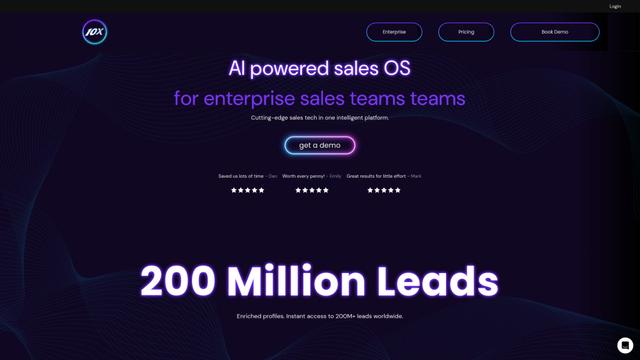
10xBeast is an AI-powered sales platform that helps businesses automate and personalize cold email outreach to convert leads into customers in just a few clicks.
Thaly AI
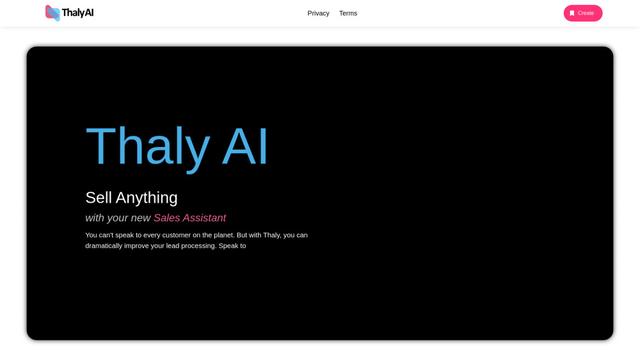
Thaly AI is an AI-powered sales assistant that automates customer conversations and lead qualification to help businesses scale their sales operations while saving time.
Coldreach
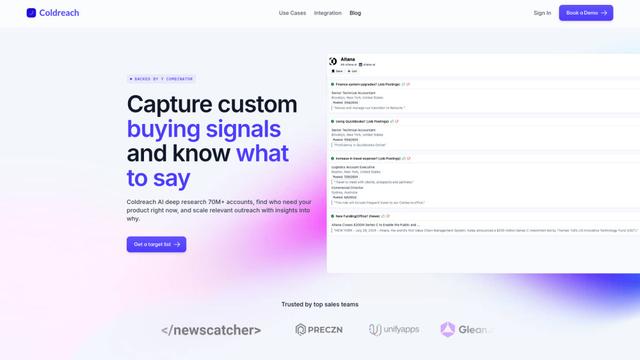
Coldreach is an AI-powered platform that finds ready-to-buy leads by monitoring custom buying signals and generates hyper-personalized outreach messages to boost sales effectiveness.
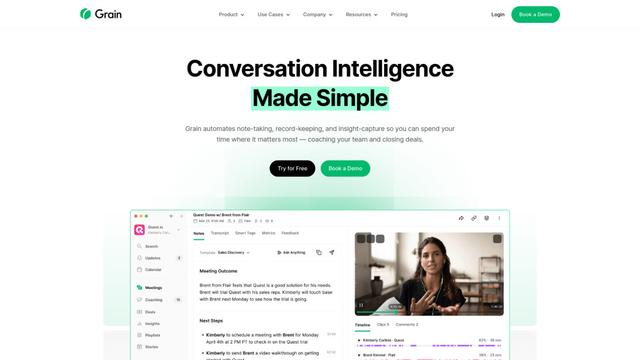
Grain
Grain is an AI-powered conversation intelligence platform that automates note-taking, transcription, and insight capture from video meetings to help teams coach reps and close more deals.
Popular AI Tools Like Pebbles Ai

Amazon Project Amelia
Project Amelia is Amazon's new generative AI-powered personal assistant that helps third-party sellers manage their businesses by providing real-time insights, answering questions, and offering personalized recommendations through natural conversation.

Seismic
Seismic is the #1 global sales enablement platform that empowers customer-facing teams with skills, content, tools, and insights to grow business.
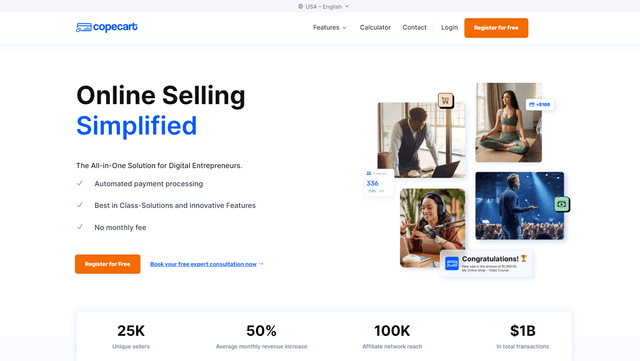
copecart
CopeCart is an all-in-one digital sales platform that provides automated payment processing, optimized checkouts, and comprehensive analytics for online entrepreneurs selling digital and physical products.
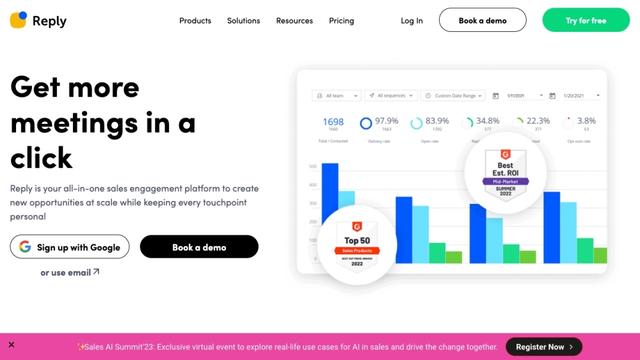
Reply.io
Reply.io is an AI-powered sales engagement platform that helps businesses automate outreach, find qualified leads, and book more meetings across multiple channels.