
Oxus: Family Food Weight Loss
Oxus is a weight-loss and portion-control app that uses a photo or quick input of your family meal to tell you the exact grams to eat and automatically adapts calories based on your progress—without requiring a special diet or separate cooking.
https://oxus.app/?ref=producthunt

Product Information
Updated:Jun 8, 2026
What is Oxus: Family Food Weight Loss
Oxus: Family Food Weight Loss is a mobile app designed to help people lose weight while eating the same meals their family already makes. Instead of focusing on restrictive diet rules, meal plans, or “healthy-only” recipes, Oxus centers on portion control—helping you change how much you eat rather than what you eat. Built for real-life family eating situations, it aims to reduce decision fatigue and make weight loss compatible with shared meals at home.
Key Features of Oxus: Family Food Weight Loss
Oxus is a weight-loss and portion-control app designed for people who want to lose weight while eating the same meals their family already makes. Users can snap a photo of what’s on the table (or type it in), and the app returns specific portion guidance—down to grams for each item (e.g., rice, chicken, sauce). It also adapts over time by automatically adjusting calorie targets based on progress (too fast/slow/stalled), aiming to reduce decision fatigue and avoid complex diet rules, meal plans, or separate cooking.
Photo or text meal input: Log what your family is eating by snapping a picture or typing the foods, minimizing friction compared with manual tracking-heavy apps.
Exact gram-based portion recommendations: Provides precise portion sizes for each component of the meal (e.g., grams of rice, protein, sauce) to support calorie control without changing the foods.
Family-meal compatible weight loss: Built around the premise of eating shared household meals—no separate “diet food,” salads-only approach, or cooking a different meal for yourself.
Automatic calorie adjustment: Adapts calorie targets based on weight-loss pace (too fast, too slow, or plateau), helping users stay on track without manually recalculating goals.
No complex diet framework required: Avoids rigid plans (e.g., keto/paleo/meal plans) and focuses on “how much” rather than “what,” reducing decision-making and food-rule complexity.
Use Cases of Oxus: Family Food Weight Loss
Busy parents eating shared dinners: Supports weight loss for parents who rely on family meals and don’t have time to cook separate portions—use Oxus at dinner to get an exact serving size.
Households with one primary cook: Enables a non-cooking household member to manage intake without changing what the cook prepares, reducing friction and “special requests” at mealtimes.
Work travel and social meals: When eating what’s available (buffets, catered meals, restaurant sharing plates), users can focus on portion guidance rather than finding “diet-compliant” options.
Corporate wellness and employee health programs: Can be positioned as a low-burden behavior tool for weight management that fits real-life eating patterns, useful for wellness initiatives seeking practical adherence.
Coaching support for portion education: Fitness or nutrition coaches can use the app’s gram-based outputs as a teaching aid to help clients learn portion sizing within their normal diet patterns.
Pros
Fits real family eating patterns (no separate meals or restrictive diet rules).
Low decision fatigue: focuses on portion size rather than meal planning and food swaps.
Adaptive calorie targeting can help users respond to plateaus without manual recalculation.
Cons
Effectiveness depends on accurate identification/estimation of foods from photo/text and user compliance with gram-based portions.
May be less suitable for users who want detailed nutrient/macro tracking or evidence-based educational content beyond portion guidance.
Gram-level portioning may require a kitchen scale or measuring habits that some users find inconvenient.
How to Use Oxus: Family Food Weight Loss
1. Install Oxus: Download “Oxus — Weight Loss” from the App Store and open the app.
2. Start with the food you already eat at home: Use Oxus with whatever your family is already making (no special diet, meal plan, or separate cooking required).
3. Tell Oxus what’s on the table: At a meal (e.g., family dinner), either snap a photo of the food in front of you or type in what’s being served.
4. Review the portion guidance: Oxus will return exact portion amounts for each item separately (for example, grams of rice, chicken, sauce).
5. Serve yourself using the recommended amounts: Plate your meal according to the grams provided for each component, focusing on changing how much you eat rather than what you eat.
6. Repeat for each meal you want Oxus to guide: Use the same flow (photo or type → portion grams) whenever you’re eating family food and want portion control support.
7. Let Oxus adapt as your progress changes: If you’re losing too fast, too slow, or you stall, Oxus automatically adjusts your calorie target/portion guidance over time.
Oxus: Family Food Weight Loss FAQs
Oxus is a weight loss and portion-control app that works with the food already in front of you (for example, meals your family makes) and tells you how much to eat to support weight loss.
Popular Articles

Atoms: A Multi-Agent AI Platform That Transforms Ideas into Launch-Ready Products
May 22, 2026

Nano Banana SBTI: What It Is, How It Works, and How to Use It in 2026
Apr 15, 2026

Atoms Review — The AI Product Builder Redefining Digital Creation in 2026
Apr 10, 2026

Kilo Claw: How to Deploy and Use a True "Do‑It‑For‑You" AI Agent(2026 Update)
Apr 3, 2026
Latest AI Tools Similar to Oxus: Family Food Weight Loss
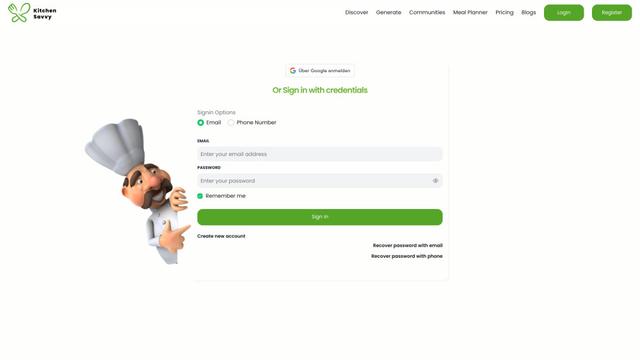
Kitchen Savvy
Free TrialAI Cooking Assistant
Kitchen Savvy is an AI-powered culinary assistant that generates personalized recipes and meal plans based on users' dietary preferences while offering a community hub for food enthusiasts.
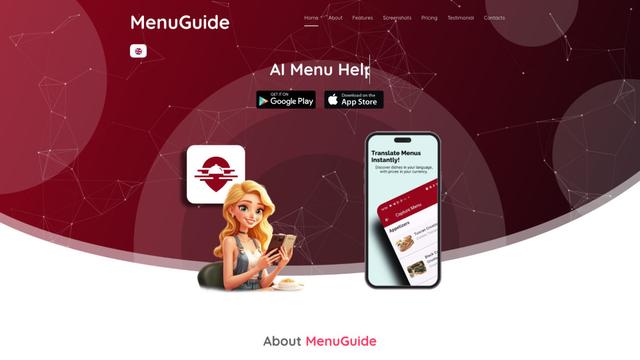
MenuGuide
MenuGuide is a cutting-edge AI-powered app that instantly translates restaurant menus from any language to your preferred language, providing dish details, allergen information, and nutritional facts for seamless global dining experiences.
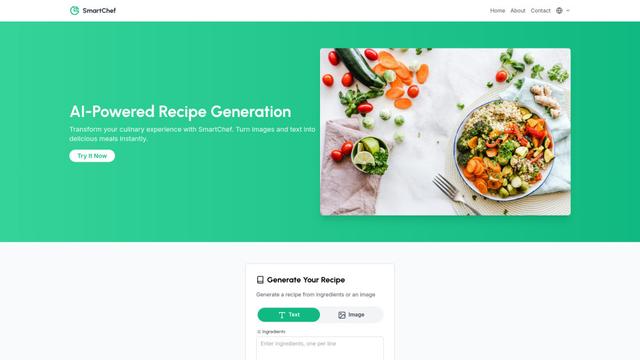
SmartChef
Free TrialAI Cooking Assistant
SmartChef is a comprehensive smart cooking solution that combines AI-powered recipe generation, WiFi-enabled cooking appliances, and a mobile app ecosystem to help users create perfectly cooked meals while monitoring cooking processes remotely.
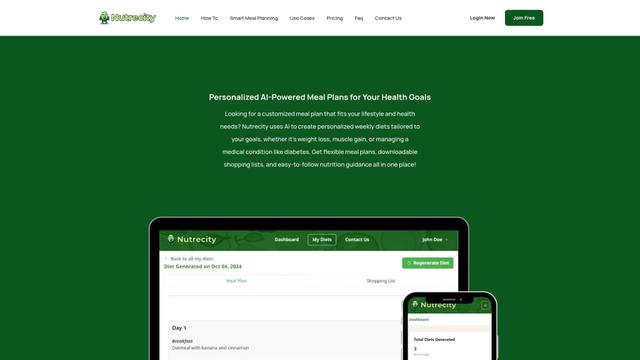
Nutrecity
Nutrecity is an AI-powered meal planning platform that creates personalized nutrition plans tailored to individual health goals, dietary preferences, and restrictions while providing comprehensive nutritional tracking and reporting.
Popular AI Tools Like Oxus: Family Food Weight Loss
Syrnyk
FreemiumAI Cooking Assistant
Syrnyk is an AI-powered recipe generation app that transforms your available ingredients into personalized recipes while providing step-by-step cooking guidance.
RecipeSnap AI
FreemiumAI Cooking Assistant
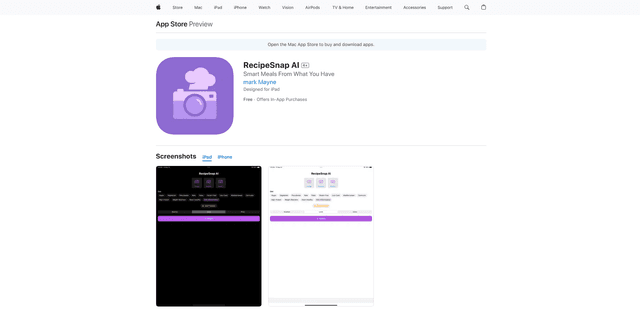
RecipeSnap AI is an AI-powered mobile app that generates recipes from your available ingredients and digitizes handwritten recipes into a personal digital cookbook.
Yummery
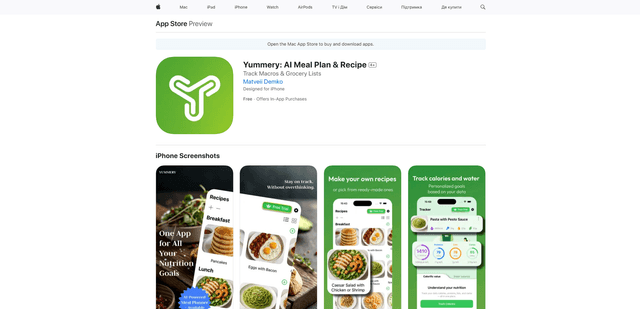
Yummery is an AI-powered meal planning and recipe app that helps users create personalized meal plans, generate recipes, and track nutrition while providing smart grocery lists based on dietary preferences and health goals.

おいしい健康
おいしい健康 is an AI-powered meal planning and nutrition management app with over 10,000 dietitian-supervised recipes designed to help users maintain healthy eating habits while managing various health conditions.