
Open Source AI Chrome Extension
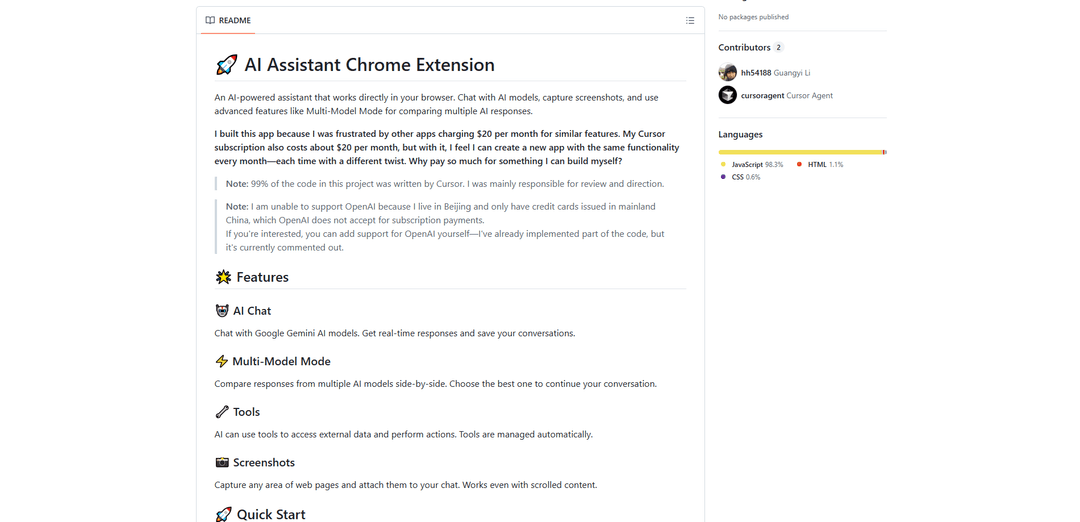
An open-source Chrome extension that integrates AI models like Gemini, GPT, and Claude directly into your browser for tasks like chat assistance, screenshot analysis, and multi-model response comparison.
https://github.com/hh54188/ai-assistant-chrome-extension?ref=producthunt
Product Information
Updated:Nov 15, 2025
What is Open Source AI Chrome Extension
Open Source AI Chrome Extension is a browser-based AI assistant tool that brings the power of large language models directly into your web browsing experience. Built out of frustration with expensive subscription-based alternatives, this open-source project allows users to interact with various AI models like Google Gemini, OpenAI GPT, and Anthropic Claude through a convenient browser extension interface. The extension focuses on providing core AI assistant features while maintaining user privacy and offering flexibility in model selection and customization.
Key Features of Open Source AI Chrome Extension
Open Source AI Chrome Extensions are browser-based tools that integrate various AI capabilities directly into the web browsing experience. These extensions typically combine multiple AI models (like GPT, Gemini, Claude) to provide features such as chat assistance, text summarization, content generation, screenshot analysis, and browser automation - all while maintaining user privacy through local processing and customizable API configurations.
Multi-Model Integration: Ability to interact with multiple AI models (like ChatGPT, Google Gemini, Claude) simultaneously and compare responses side-by-side
Screenshot Analysis & Visual Processing: Capture and analyze any part of web pages, including scrolled content, with AI-powered visual recognition capabilities
Local Processing & Privacy Control: Process data locally in the browser and allow users to configure their own API keys and privacy settings
Browser Automation: Enable AI-powered automation of browser tasks through natural language commands and context-aware interactions
Use Cases of Open Source AI Chrome Extension
Content Research & Summarization: Researchers and students can quickly analyze and summarize web content, academic papers, and online resources
Professional Writing Assistance: Writers and content creators can get real-time grammar checking, style suggestions, and content generation help while browsing
Development & Debugging: Developers can use AI assistance for code analysis, debugging, and documentation directly in their browser
Language Learning & Translation: Language learners can get instant translations, explanations, and practice exercises while browsing foreign language content
Pros
Cost-effective alternative to paid AI services
Greater privacy control through local processing
Customizable and extensible through open source nature
Cons
Requires technical setup and API key configuration
May have limited features compared to paid alternatives
Depends on external API services for core functionality
How to Use Open Source AI Chrome Extension
Install Prerequisites: Ensure you have Node.js (v16 or higher) and Chrome browser installed on your computer
Set Up Backend: Navigate to backend folder, run 'npm install', copy env.example to .env, configure your API keys (especially Gemini API key which is required), then run 'npm run dev' to start backend server
Set Up Chrome Extension: Go to chrome-extension folder, run 'npm install', copy env.example to .env, configure settings, then run 'npm run build' to build the extension
Install Extension in Chrome: Open Chrome, go to chrome://extensions/, enable Developer Mode, click 'Load unpacked' and select the chrome-extension/dist folder
Configure API Keys: Get required API keys from: Google AI Studio (required), OpenAI Platform (optional), Notion Developers (optional), and Firecrawl (optional). Add these to your .env file
Start Using Extension: Click the extension icon in Chrome toolbar to open the AI assistant interface. You can now chat with AI models, capture screenshots, and use multi-model mode
Use Key Features: Access AI chat with Gemini models, use multi-model mode to compare responses, utilize tools for external data access, and capture screenshots of web pages
Troubleshooting: If issues occur, check your API keys are correctly configured, ensure backend server is running, and verify extension is properly loaded in Chrome
Open Source AI Chrome Extension FAQs
It's an open-source Chrome extension that allows users to chat with AI models (like Google Gemini), capture screenshots, and compare responses from multiple AI models directly in the browser. It was created as a free alternative to similar paid services that charge around $20/month.
Open Source AI Chrome Extension Video
Popular Articles

Vosko AI: Localize and Dub Videos for Global Audiences
Oct 15, 2026

Atoms: A Multi-Agent AI Platform That Transforms Ideas into Launch-Ready Products
Oct 13, 2026

Nano Banana SBTI: What It Is, How It Works, and How to Use It in 2026
Apr 15, 2026

Atoms Review — The AI Product Builder Redefining Digital Creation in 2026
Apr 10, 2026
Latest AI Tools Similar to Open Source AI Chrome Extension

Athena AI
Athena AI is a versatile AI-powered platform offering personalized study assistance, business solutions, and life coaching through features like document analysis, quiz generation, flashcards, and interactive chat capabilities.
Aguru AI
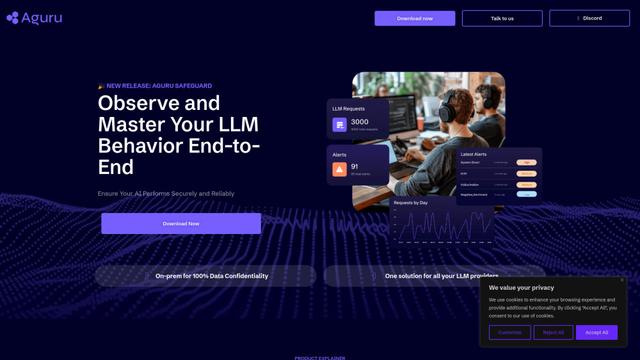
Aguru AI is an on-premises software solution that provides comprehensive monitoring, security, and optimization tools for LLM-based applications with features like behavior tracking, anomaly detection, and performance optimization.
GOAT AI
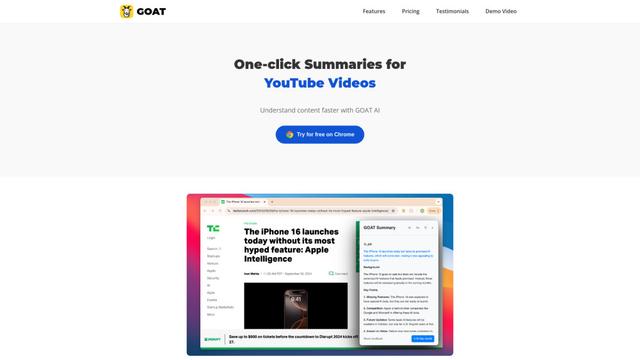
GOAT AI is an AI-powered platform that provides one-click summarization capabilities for various content types including news articles, research papers, and videos, while also offering advanced AI agent orchestration for domain-specific tasks.
GiGOS
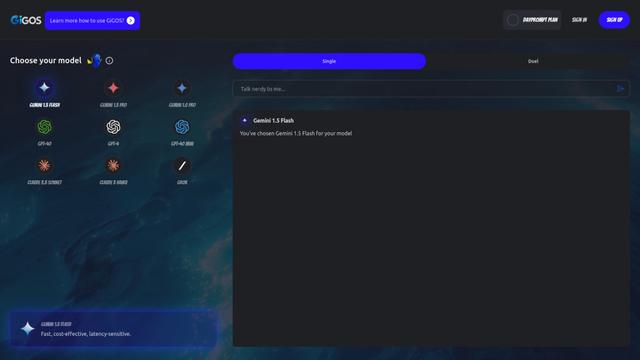
GiGOS is an AI platform that provides access to multiple advanced language models like Gemini, GPT-4, Claude, and Grok with an intuitive interface for users to interact with and compare different AI models.
Popular AI Tools Like Open Source AI Chrome Extension

GPT‑5.5 | ChatGPT Official
GPT‑5.5 in ChatGPT is OpenAI’s latest work-focused model designed to understand complex goals, use tools effectively, check its work, and carry multi-step tasks (coding, research, documents, spreadsheets) through to completion with stronger safeguards.
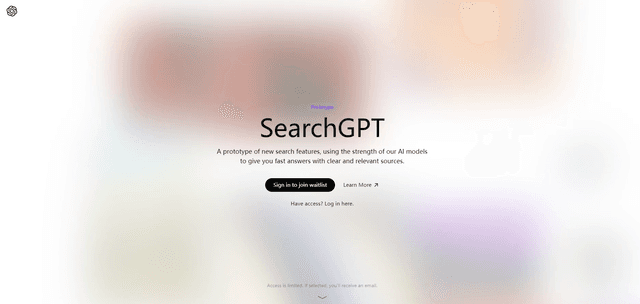
SearchGPT
SearchGPT is an AI-powered search prototype by OpenAI that provides fast, conversational answers with clear sources using GPT models.
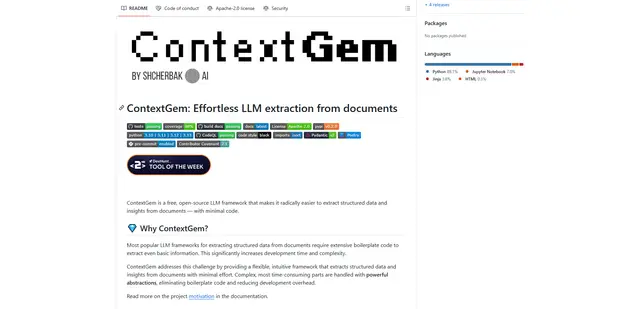
ContextGem
ContextGem is a free, open-source LLM framework that simplifies structured data and insights extraction from documents with minimal code through powerful built-in abstractions and automated features.
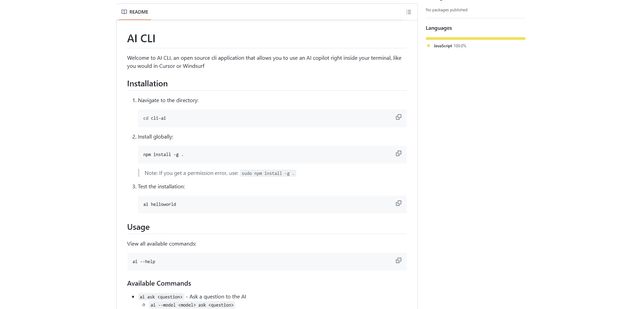
AI CLI
AI CLI is an open-source command-line interface tool that brings AI capabilities directly to your terminal, allowing you to interact with various AI models like OpenAI's GPT and Anthropic's Claude through simple commands.