
Onform.work
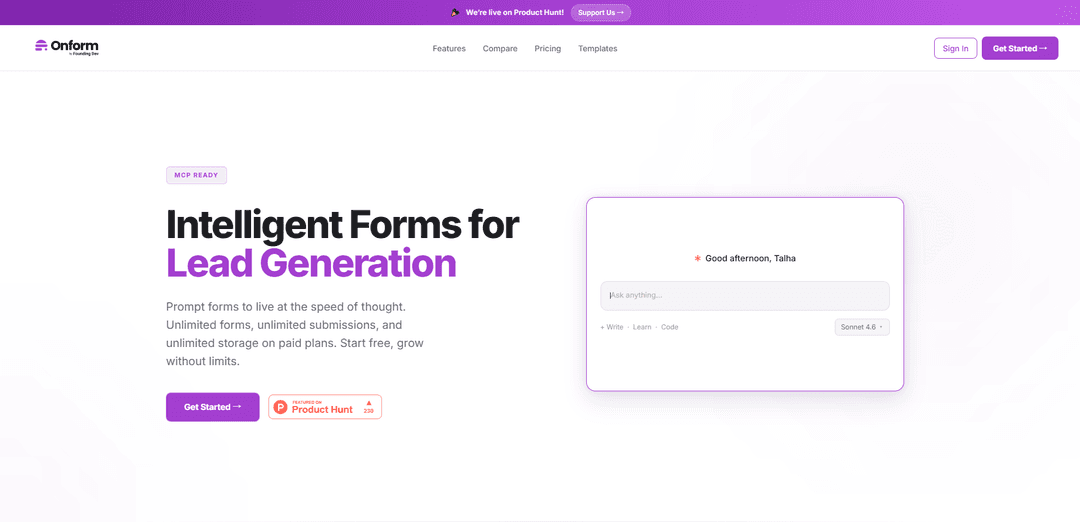
Onform.work is an intelligent form builder platform offering unlimited forms and submissions with AI integration, MCP support, and self-hosting capabilities at a fraction of traditional SaaS costs.
https://onform.work/?ref=producthunt
Product Information
Updated:Apr 15, 2026
What is Onform.work
Onform.work is a modern form building platform designed to help businesses create beautiful, high-converting forms for lead generation and data collection without the typical SaaS pricing constraints. Built by Founding.dev, Onform challenges the traditional software-as-a-service model by offering unlimited forms, unlimited submissions, and unlimited storage on paid plans starting at just $120/year. The platform features 17 question types, 167 ready-made templates, both conversational and classic form modes, and native AI/MCP (Model Context Protocol) integration that allows forms to work seamlessly with tools like Claude and Cursor. Unlike competitors like Typeform and Jotform that charge per response or require enterprise plans for basic features, Onform provides comprehensive functionality at transparent, affordable pricing with the option to self-host for complete data ownership.
Key Features of Onform.work
Onform.work is an intelligent form builder platform designed for lead generation and data collection, featuring AI integration and MCP (Model Context Protocol) capabilities. It offers both conversational and classic form modes with unlimited forms, submissions, and storage on paid plans. The platform emphasizes ownership over rental, allowing self-hosting options and providing freedom from typical SaaS limitations. With 17 question types, 167 ready-made templates, conditional logic, webhooks, analytics, and integrations with tools like Google Sheets and Zapier, Onform.work positions itself as a cost-effective alternative to platforms like Typeform and Jotform while offering unique features like native AI integration and self-hosting capabilities.
AI & MCP Native Integration: Built-in AI capabilities with full Model Context Protocol (MCP) access, allowing seamless integration with Claude, Cursor, and other AI tools through 10 native tools for intelligent form creation and management.
Conversational & Classic Form Modes: Offers both conversational mode for engaging, chat-like form experiences and classic mode for traditional form layouts, with 17 question types and 167 ready-made templates to choose from.
Advanced Conditional Logic: Features show/hide and skip-to conditional logic that adapts form flow based on user responses, creating personalized and efficient form experiences.
Unlimited Webhooks & Integrations: Provides unlimited webhooks for connecting with Zapier, n8n, custom endpoints, plus Google Sheets auto-sync and multiple API keys for seamless workflow automation.
Self-Hosting & White-Label Options: Unique Deploy plan offers full source code access, self-hosting on your own infrastructure with Docker setup, complete white-labeling, and full data ownership for GDPR/CCPA compliance.
Comprehensive Analytics & Collaboration: Includes completion rates, drop-off funnel analytics, average time tracking, team collaboration with editor/viewer roles, and unlimited team members on enterprise plans.
Use Cases of Onform.work
Lead Generation for Marketing Teams: Marketing teams can create engaging conversational forms to capture qualified leads, integrate with CRM systems via webhooks, and analyze completion rates to optimize conversion funnels.
Customer Feedback & Surveys: Businesses can deploy branded surveys with conditional logic to gather targeted customer feedback, automatically sync responses to Google Sheets, and analyze drop-off points to improve response rates.
Enterprise Data Collection with Compliance: Large organizations can self-host Onform on their infrastructure to maintain complete data sovereignty, ensure GDPR/CCPA compliance, and customize the platform to meet specific security requirements.
Event Registration & Scheduling: Event organizers can create password-protected registration forms with scheduled open/close times, collect file uploads, and use webhooks to automatically update attendee management systems.
Product Research & User Testing: Product teams can leverage AI-powered forms to conduct user research, use conditional logic to create dynamic questionnaires, and collaborate with team members through editor/viewer roles.
Agency Client Onboarding: Agencies can create white-labeled forms with custom branding for multiple clients, use email alerts to notify team members of new submissions, and organize responses with search and filter capabilities.
Pros
Significantly more cost-effective than competitors like Typeform, offering unlimited responses starting at $12/month versus $39/month for limited responses
Unique self-hosting option provides complete data ownership, customization freedom, and eliminates vendor lock-in
Native AI and MCP integration enables advanced automation and intelligent form creation capabilities not available in traditional form builders
Generous free tier with 100 responses per month and access to core features including all question types and templates
Cons
Limited to 3 forms on the free plan compared to competitors that may offer more forms
Relatively new platform compared to established competitors like Google Forms, Typeform, and Jotform, potentially meaning fewer third-party integrations
Self-hosting option requires technical expertise and infrastructure management, which may not be suitable for non-technical teams
Email support only on lower tiers with priority support reserved for higher-priced plans
How to Use Onform.work
1. Create an Account: Visit onform.work and click 'Get Started Free' to create your account. You can start with the Free plan which allows up to 3 forms and 100 responses per month.
2. Choose Your Plan: Select a plan based on your needs: Free (3 forms, 100 responses/mo), Starter ($120/year for unlimited forms/responses), Unleash ($290/year for teams and advanced features), or Deploy (custom self-hosted solution).
3. Create Your First Form: Start building a form from scratch or choose from 167 ready-made templates. You can create forms in either conversational mode or classic mode.
4. Add Question Types: Use any of the 17 available question types to build your form. Add questions, customize labels, and configure settings for each field.
5. Set Up Conditional Logic: Configure show/hide conditional logic (available on all plans) or skip-to conditional logic (Starter plan and above) to create dynamic forms that adapt based on user responses.
6. Customize Branding: On Starter plan and above, remove Onform branding and add your own logo and colors. Unleash plan users can also add custom CSS for advanced styling.
7. Configure Form Settings: Set up additional features like password protection, scheduled open/close times (Starter+), file uploads, and spam protection using honeypot and CAPTCHA.
8. Set Up Integrations: Connect your form to external tools: configure webhooks for Zapier or n8n (Starter+), enable Google Sheets auto-sync (Starter+), or set up email alerts to receive notifications when forms are submitted.
9. Use AI/MCP Features: Access all 10 MCP tools through Claude, Cursor, or other compatible AI assistants. Use the AI prompt interface to interact with your forms conversationally.
10. Embed Your Form: Choose from multiple embed options: direct link, iframe embed, JavaScript embed, or popup. Copy the embed code and add it to your website.
11. Collect and Monitor Responses: Track submissions in real-time. Free plan shows response count; Starter+ includes completion rate, views, and average time analytics; Unleash includes drop-off funnel analytics.
12. Manage Submissions: Search and filter submissions, export data to CSV (Free plan) or Excel (Starter+), and review uploaded files within your storage limits (100MB Free, 2GB Starter, 10GB Unleash).
13. Collaborate with Team (Unleash Plan): Invite up to 10 team members and assign collaborator roles (editor/viewer) to work together on forms.
14. Self-Host (Deploy Plan): For the Deploy plan, work with Onform support to set up self-hosting on your infrastructure using Docker, with full source code access and your own database.
Onform.work FAQs
Onform is an intelligent form builder for lead generation that offers unlimited forms, submissions, and storage on paid plans. It's unique because it's built by Founding.dev with a philosophy of helping teams own their software instead of paying endlessly for SaaS tools. It features native AI/MCP integration, self-hosting options, and removes vendor lock-in, allowing you to build once and use forever.
Onform.work Video
Popular Articles

Atoms: A Multi-Agent AI Platform That Transforms Ideas into Launch-Ready Products
May 22, 2026

Nano Banana SBTI: What It Is, How It Works, and How to Use It in 2026
Apr 15, 2026

Atoms Review — The AI Product Builder Redefining Digital Creation in 2026
Apr 10, 2026

Kilo Claw: How to Deploy and Use a True "Do‑It‑For‑You" AI Agent(2026 Update)
Apr 3, 2026
Latest AI Tools Similar to Onform.work
Appeal Parking Ticket
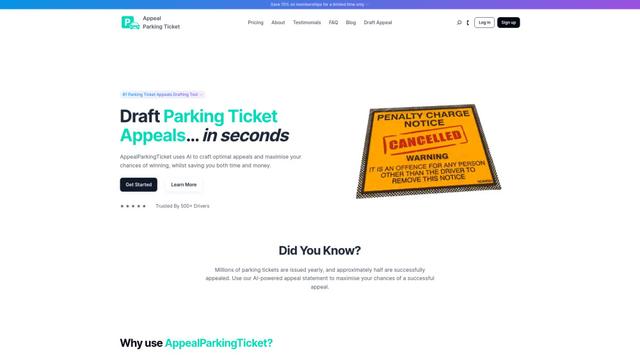
AppealParkingTicket is a specialized online service that helps drivers efficiently contest unfair parking tickets by providing expert guidance and automated appeal letter generation.
Formaloo
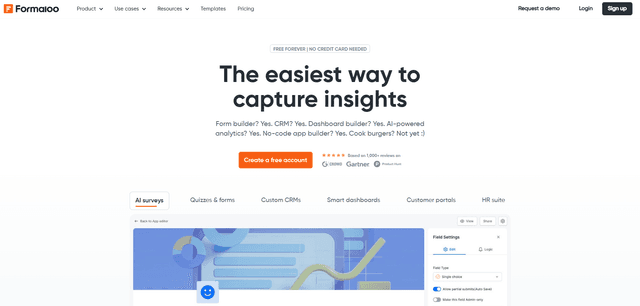
Formaloo is a no-code customer engagement platform that enables businesses to build custom forms, surveys, CRMs, dashboards, client portals, and business applications without writing a single line of code.
MagicLoop
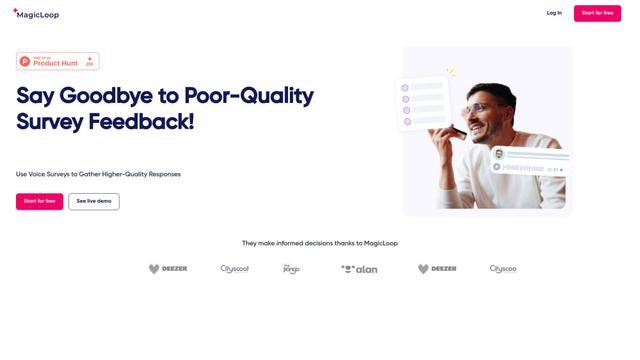
MagicLoop is a voice survey tool that enables companies to gather higher-quality customer feedback through spoken responses.
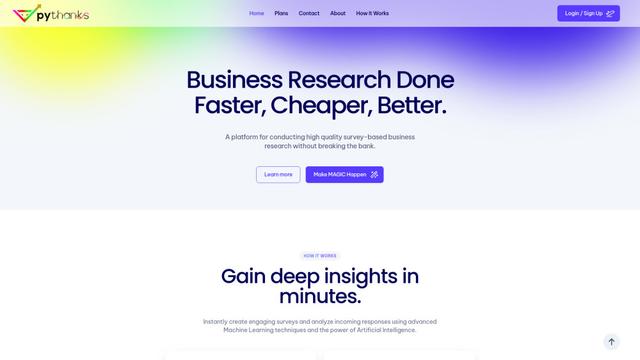
pythanks
Pythanks is an AI-powered platform for creating and analyzing high-quality customer experience surveys quickly and affordably.
Popular AI Tools Like Onform.work
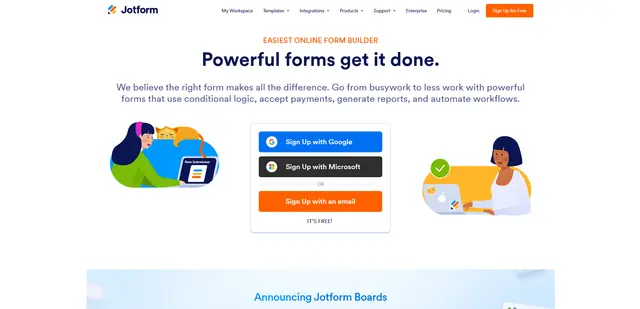
Jotform
Jotform is a powerful online form builder platform that allows users to create customizable forms, surveys, and applications without coding while offering features like payment processing, workflow automation, and integration capabilities.
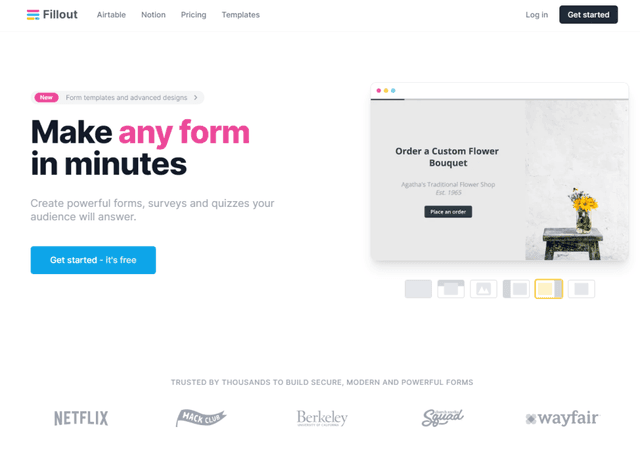
Fillout.com
Fillout is a powerful, no-code form builder that allows users to create customizable forms, surveys, and quizzes with advanced features and integrations.
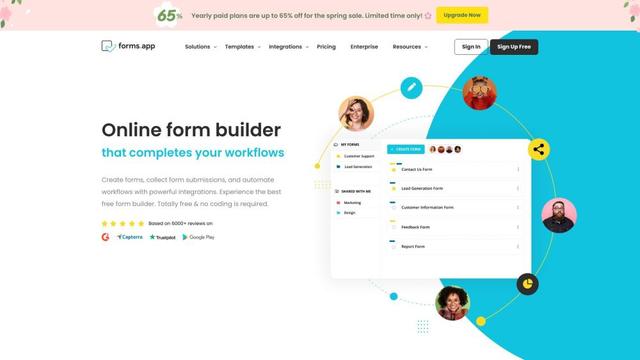
forms app
forms.app is an online form builder that allows users to create beautiful forms, surveys, and quizzes with powerful features like conditional logic, payment integration, and workflow automation.

BlockSurvey
BlockSurvey is a Web3 forms and survey tool offering end-to-end encryption, AI-driven survey creation, and data analysis with a focus on privacy and security.