NovaVoice
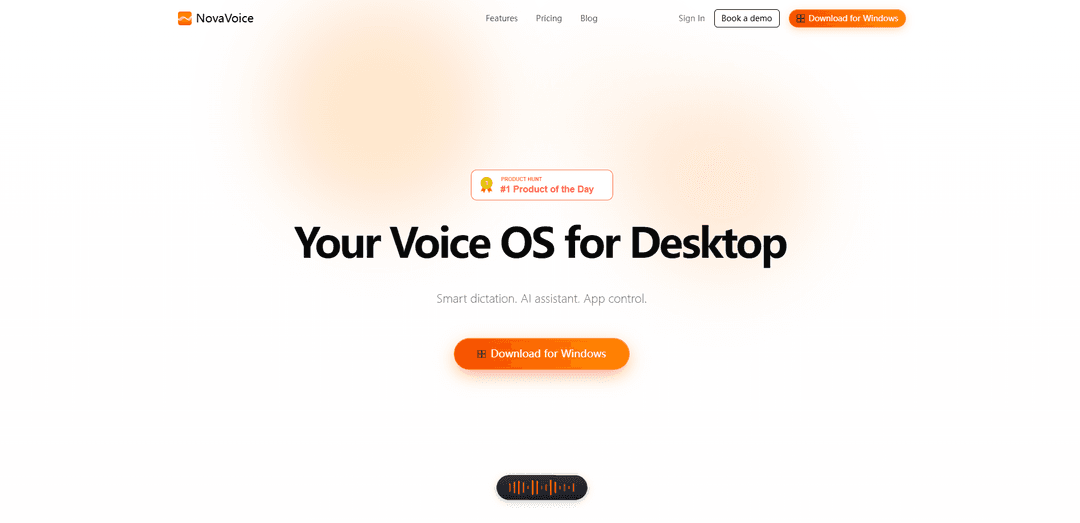
NovaVoice is an AI-powered voice assistant for desktop that enables users to dictate 10x faster than typing with context-aware formatting, execute actions across apps by voice commands, and get instant AI assistance without switching windows.
https://novavoice.app/?ref=producthunt
Product Information
Updated:Apr 10, 2026
What is NovaVoice
NovaVoice is a comprehensive voice-powered productivity platform designed to transform how users interact with their computers. Available for macOS, Windows, and Linux, it serves as a "Voice OS" that replaces broken native dictation tools with intelligent, context-aware speech recognition. The platform combines four core modes: Dictation Mode for fast, accurate transcription; Formatting Mode for instant text styling; Agent Mode for executing real actions across applications; and Assistant Mode for getting instant answers without switching to search engines. With features like custom wake words, 200+ voices with emotional expression, offline functionality for basic commands, and a privacy-focused design, NovaVoice aims to eliminate the need to constantly switch between typing, clicking, and multiple applications. The platform offers flexible pricing starting with a free tier, a $10/month Standard plan (locked for life for the first 5,000 paying users), and a $20/seat/month Team plan with shared resources and centralized management.
Key Features of NovaVoice
NovaVoice is a voice-powered productivity desktop application that serves as an AI assistant and 'Voice OS' for computers. It offers AI-powered dictation that is 10x faster than typing with context-aware formatting, allowing users to control apps through voice commands and execute real actions across multiple applications. The platform features multiple modes including Dictation Mode for smart speech-to-text, Formatting Mode for instant text reformatting, Agent Mode for cross-app voice control, and Assistant Mode for instant answers. It works on macOS, Windows, and Linux, supports offline functionality for basic commands, offers 200+ voices with emotional expression, and integrates with tools like FlowiseAI and n8n while maintaining a privacy-focused design.
AI-Powered Smart Dictation: Context-aware voice dictation that converts speech to perfectly formatted text 10x faster than typing, adapting to any app you use with intelligent formatting that understands context.
Cross-App Voice Control (Agent Mode): Execute real actions across multiple applications by voice in a single window—read Gmail, schedule calendar events, message on Slack, update Trello tasks—without switching tabs or typing, with action approval for full user control.
Instant Text Formatting: Reformat text to any style instantly with one hotkey—no need to switch to LLM or grammar tools. Users can pick saved styles, type custom styles, or verbally describe how they want text formatted.
Built-in AI Assistant Mode: Get instant answers by voice without switching to Google or Perplexity. Ask about what's on screen, get contextual information, and receive immediate responses through a simple hotkey.
Privacy-Focused Offline Capability: Works offline for basic commands with privacy-focused design, custom wake word configuration, and no data collection, ensuring user information stays secure.
Terms Dictionary & Personalization: Customizable dictionary for specialized terminology and industry-specific vocabulary, with team sharing capabilities for consistent formatting styles and preferences across organizations.
Use Cases of NovaVoice
Content Creation & Writing: Writers, bloggers, and content creators can dictate articles, blog posts, and documents 10x faster than typing while maintaining perfect formatting and instantly reformatting text to match different style guides or publication requirements.
Business Documentation & Communication: Professionals can quickly draft emails, reports, and business documents through voice dictation, execute actions across business apps like scheduling meetings and updating project management tools, all without switching between applications.
Accessibility & Assistive Technology: Users with mobility limitations, repetitive strain injuries, or disabilities can navigate their computer, control applications, and create content entirely through voice commands, making computing more accessible.
Team Collaboration & Productivity: Teams can standardize communication with shared formatting styles, team dictionaries, and consistent terminology across the organization, enabling faster collaboration and maintaining brand voice consistency.
Research & Information Gathering: Researchers and students can quickly ask questions about on-screen content, get instant answers without context-switching, and efficiently transcribe notes or research findings with intelligent formatting.
Medical & Legal Transcription: Healthcare providers and legal professionals can use the terms dictionary for specialized vocabulary, dictate case notes, medical records, or legal documents with industry-specific formatting while maintaining privacy with offline capabilities.
Pros
10x faster dictation than typing with context-aware, intelligent formatting that adapts to different applications
Cross-platform support (macOS, Windows, Linux) with offline functionality for basic commands ensuring privacy and continuous productivity
Comprehensive voice control across multiple apps with action approval system maintaining user control and security
Affordable pricing with lifetime rate lock at $10/month for first 5,000 paying users and free tier available for exploration
Cons
Free plan has limited features including restricted AI dictation, formatting, and connector actions
Team plan at $20/seat/month may be expensive for smaller organizations or individual power users who need team features
Requires learning curve to effectively use multiple modes (Dictation, Formatting, Agent, Assistant) and voice commands
Action approval requirement, while secure, may slow down workflow for users who want fully automated voice control
How to Use NovaVoice
1: Sign up at novavoice.app/login by entering your email and confirming through the link sent to you. Registration takes less than a minute.
2: Download and install NovaVoice on your device. It works on macOS (requires macOS 15.2 or later with Apple M1 chip or later), Windows, and Linux.
3: Choose your plan: Start with the Free plan to explore features, upgrade to Standard ($10/month) for unlimited access, or Team ($20/seat/month) for collaborative features.
4: Set up your custom wake word if desired, allowing you to call your AI assistant anything you want instead of generic commands like 'Hey Siri'.
5: Use Dictation Mode: Hit the hotkey and start speaking. NovaVoice will transcribe your speech 10x faster than typing with context-aware formatting that adapts to any app you're using.
6: Use Formatting Mode: Reformat text instantly by picking or typing any style, giving one-off instructions, or saying how you'd like to format it—all accessible with one hotkey.
7: Use Agent Mode: Execute real actions across your apps by voice commands. Control Gmail, Google Calendar, Todoist, HackerNews, Reddit, and other integrated apps. Actions require your approval before execution.
8: Use Assistant Mode: Hit a hotkey and ask questions by voice to get instant answers without switching to Google or Perplexity. You can ask about what's on screen or any general query.
9: Build custom workflows using FlowiseAI and n8n integration to create an assistant that works exactly how you need it.
10: Add terms to your dictionary for better recognition of specialized vocabulary, names, or industry-specific jargon.
11: Request new app integrations as needed. Currently supports Gmail, Google Calendar, Todoist, HackerNews, and Reddit, with 10+ more integrations on the way including X, UberEats, WhatsApp, Slack, and Trello.
12: For Team plan users: Share formatting styles, preferences, and team dictionaries across your organization for consistent productivity.
NovaVoice FAQs
NovaVoice is a voice-powered productivity copilot that works as your Voice OS for desktop. It allows you to dictate 10× faster than typing with context-aware formatting, execute real actions across apps using voice commands, and includes an AI assistant. It works on macOS, Windows, and Linux.
Popular Articles

Atoms: A Multi-Agent AI Platform That Transforms Ideas into Launch-Ready Products
May 22, 2026

Nano Banana SBTI: What It Is, How It Works, and How to Use It in 2026
Apr 15, 2026

Atoms Review — The AI Product Builder Redefining Digital Creation in 2026
Apr 10, 2026

Kilo Claw: How to Deploy and Use a True "Do‑It‑For‑You" AI Agent(2026 Update)
Apr 3, 2026
Latest AI Tools Similar to NovaVoice
Advanced Voice
Advanced Voice is ChatGPT's cutting-edge voice interaction feature that enables real-time, natural voice conversations with custom instructions, multiple voice options, and improved accents for seamless human-AI communication.
Vagent
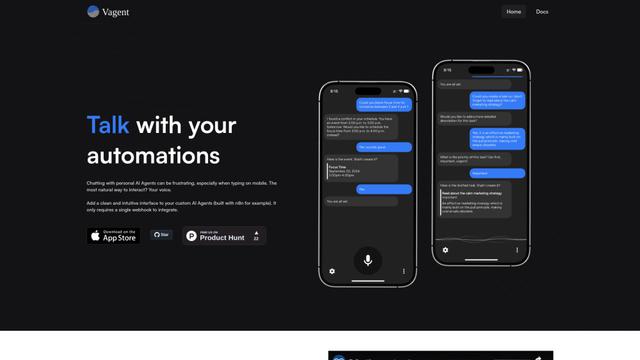
Vagent is a lightweight voice interface that enables users to interact with custom AI agents through voice commands, providing a natural and intuitive way to control automations with support for 60+ languages.
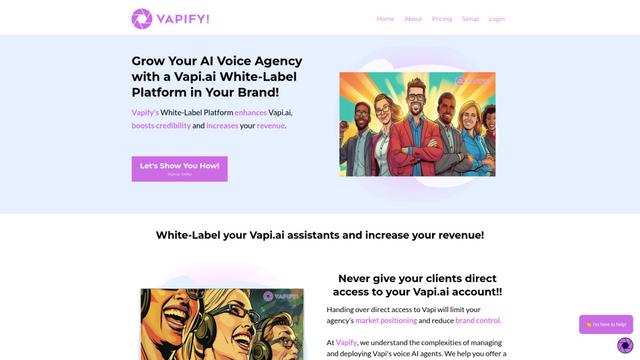
Vapify
Vapify is a white-label platform that enables agencies to offer Vapi.ai's voice AI solutions under their own brand while maintaining control over client relationships and maximizing revenue.
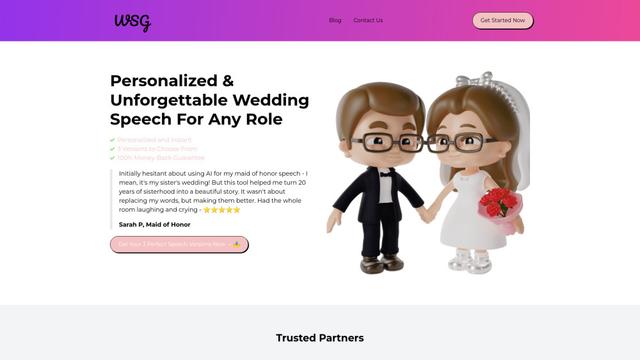
Wedding Speech Genie
Wedding Speech Genie is an AI-powered platform that crafts personalized wedding speeches in minutes by generating 3 custom versions based on your input, helping speakers deliver memorable toasts for any wedding role.
Popular AI Tools Like NovaVoice
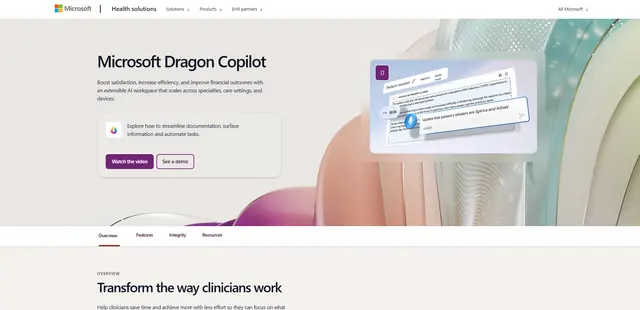
Microsoft Dragon Copilot
Microsoft Dragon Copilot is an AI-powered clinical workflow assistant that combines natural language voice dictation, ambient listening capabilities, and generative AI to streamline documentation, surface information, and automate tasks across healthcare settings.
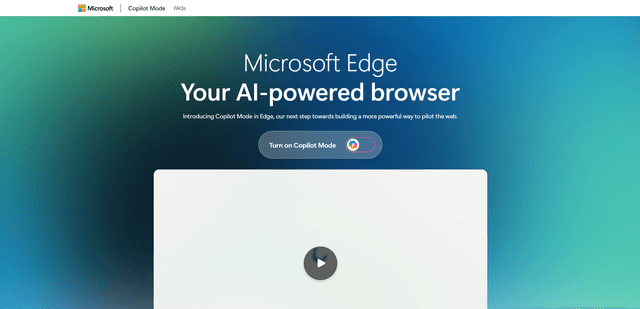
Edge Copilot Mode
Edge Copilot Mode is Microsoft's experimental AI-powered browser feature that combines search, chat, and web navigation into a single interface, enabling users to browse smarter with AI assistance while maintaining privacy and control.
GibberLink
GibberLink is an open-source project that enables two AI agents to efficiently communicate by switching from human language to a sound-level protocol after recognizing each other, powered by ggwave technology.
Llama MacOS Desktop Controller
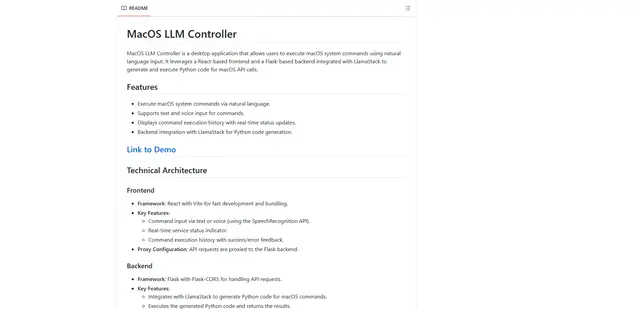
Llama MacOS Desktop Controller is a React and Flask-based application that enables users to control macOS system actions through natural language commands using LLM-generated Python code.