Nova AI
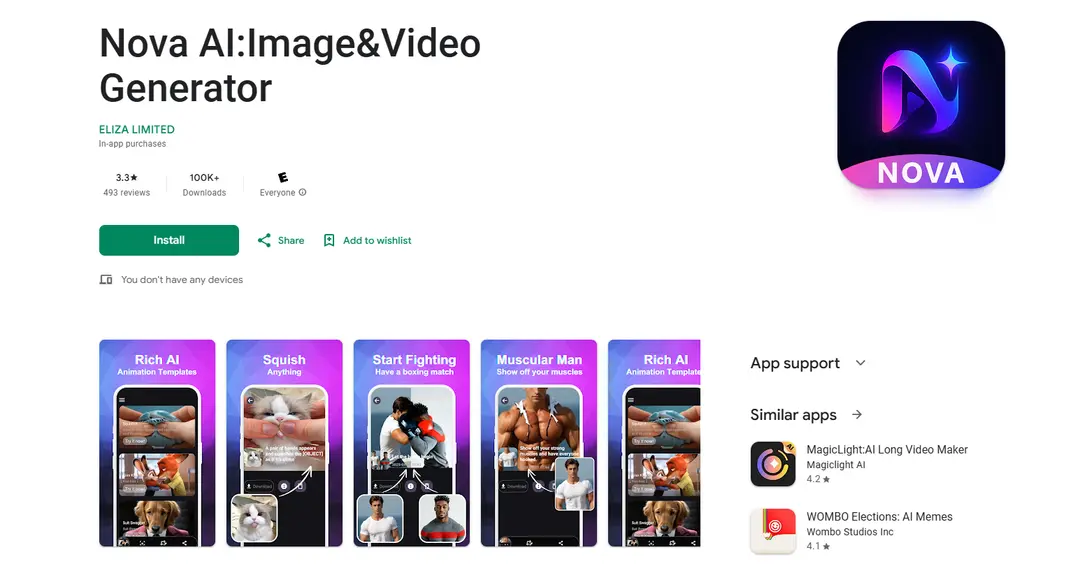
Nova AI는 GPT-4 및 ChatGPT와 같은 고급 AI 모델로 구동되는 이미지/비디오 생성, 챗봇 기능, 음악 제작 및 콘텐츠 작성 지원을 포함한 다양한 도구를 제공하는 다재다능한 AI 기반 플랫폼입니다.
https://play.google.com/store/apps/details?id=com.aivideogenerator.nova&hl=en&utm_source=aipure
제품 정보
업데이트됨:Dec 8, 2025
Nova AI이란?
Nova AI는 여러 AI 기술과 도구를 하나의 통합된 생태계로 결합한 포괄적인 인공 지능 플랫폼입니다. 핵심적으로 GPT-4 및 ChatGPT와 같은 강력한 언어 모델을 활용하여 지능형 챗봇 대화, 콘텐츠 생성, 이미지 및 비디오 생성, 음악 작곡, 생산성 지원 등 다양한 AI 서비스를 제공합니다. 이 플랫폼은 사용자 친화적이며 여러 장치와 플랫폼에서 액세스할 수 있도록 설계되어 일반 사용자와 전문가 모두에게 고급 AI 기능을 제공합니다.
Nova AI의 주요 기능
Nova AI는 이미지 및 비디오 생성 기능과 챗봇 기능을 결합한 포괄적인 AI 기반 플랫폼입니다. GPT-4, Google Gemini, Claude를 포함한 여러 AI 모델을 활용하여 사진-비디오 변환, 텍스트-비디오 생성, 140개 이상의 언어에 대한 다국어 지원, 창의적인 AI 효과와 같은 기능을 제공합니다. 이 플랫폼은 장치 간 호환성을 제공하며 고품질 결과물로 빠른 콘텐츠 생성을 전문으로 합니다.
다중 생성 모드: 사진-비디오 애니메이션과 텍스트-비디오 생성을 모두 지원하여 사용자가 정적 이미지 또는 텍스트 프롬프트를 동적 비디오 콘텐츠로 변환할 수 있습니다.
AI 기반 효과 라이브러리: 매력적인 시각적 콘텐츠를 만드는 데 적용할 수 있는 Jellycat 변환, 근육 폭발 및 댄스 애니메이션과 같은 다양한 AI 효과를 제공합니다.
다국어 지원: AI 기반 번역 및 통신 기능을 통해 140개 이상의 언어를 지원합니다.
특수 AI 어시스턴트: 비즈니스, 교육, 창의적인 작업 및 개인 개발을 위한 20개 이상의 도메인별 AI 어시스턴트가 있습니다.
Nova AI의 사용 사례
콘텐츠 제작: 소셜 미디어 제작자는 정적 이미지 또는 텍스트 설명에서 매력적인 비디오 콘텐츠를 빠르게 생성할 수 있습니다.
비즈니스 마케팅: 기업은 AI 생성 콘텐츠로 전문가 수준의 홍보 비디오 및 마케팅 자료를 만들 수 있습니다.
교육 콘텐츠: 교사와 학생은 교육 자료를 대화형 비디오 콘텐츠로 변환하여 학습 참여도를 높일 수 있습니다.
개인 프로젝트: 개인 사용자는 개인 사진을 애니메이션화하거나 특별한 날과 추억을 위한 맞춤형 비디오를 만들 수 있습니다.
장점
빠른 생성 속도(5초 이내)
전문적인 용도에 적합한 고품질 HD 출력
여러 장치에서 플랫폼 간 호환성
단점
반복 청구되는 구독 기반 모델
사용자 리뷰에 따른 열악한 고객 서비스 응답
여러 사용자가 보고한 크레딧 시스템 및 청구 문제
Nova AI 사용 방법
다운로드 및 설치: Google Play 스토어에서 Nova AI 앱을 다운로드하여 장치에 설치합니다.
생성 모드 선택: 원하는 생성 모드를 선택합니다. 정지 이미지를 애니메이션으로 만들려면 \'사진에서 비디오\'를 선택하고 텍스트를 시각적 콘텐츠로 변환하려면 \'텍스트에서 비디오\'를 선택합니다.
AI 효과 선택: Jellycat, Muscle Burst, Embrace Your Love, Dance It Out 등 사용 가능한 AI 효과를 찾아 선택합니다.
콘텐츠 업로드: 선택한 생성 모드에 따라 사진을 업로드하거나 텍스트를 입력합니다.
설정 사용자 지정: 선택한 효과에 사용할 수 있는 사용자 지정 옵션을 조정합니다.
콘텐츠 생성: 생성/만들기 버튼을 클릭하고 AI가 콘텐츠를 처리할 때까지 기다립니다(약 5초 소요).
미리보기 및 저장: 생성된 비디오를 미리 보고 결과가 만족스러우면 저장합니다.
콘텐츠 공유: AI 생성 비디오를 소셜 미디어 플랫폼에 공유하거나 장치에 저장합니다.
Nova AI 자주 묻는 질문
Nova AI는 사진에서 비디오 애니메이션, 텍스트에서 비디오 변환, Jellycat, Muscle Burst, Dance 효과와 같은 AI 효과를 포함한 다양한 생성 모드를 제공합니다. 초고속 생성(5초만큼 빠름), HD 출력 품질, 고급 AI 모델을 사용한 사실적인 시뮬레이션을 제공합니다.




Nova AI와(과) 유사한 최신 AI 도구

Athena AI
아테나 AI는 문서 분석, 퀴즈 생성, 플래시 카드 및 인터랙티브 채팅 기능을 통해 개인화된 학습 지원, 비즈니스 솔루션 및 라이프 코칭을 제공하는 다재다능한 AI 기반 플랫폼입니다.
Aguru AI
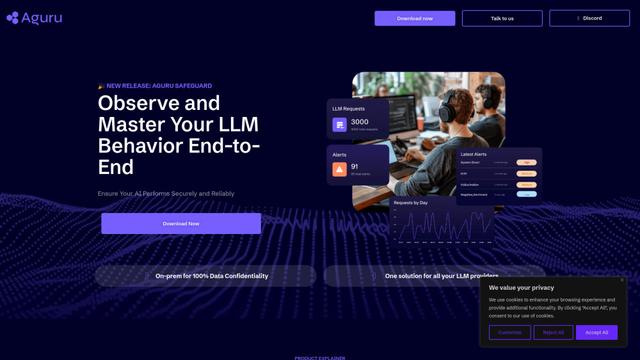
Aguru AI는 행동 추적, 이상 감지 및 성능 최적화와 같은 기능을 갖춘 LLM 기반 애플리케이션을 위한 포괄적인 모니터링, 보안 및 최적화 도구를 제공하는 온프레미스 소프트웨어 솔루션입니다.
GOAT AI
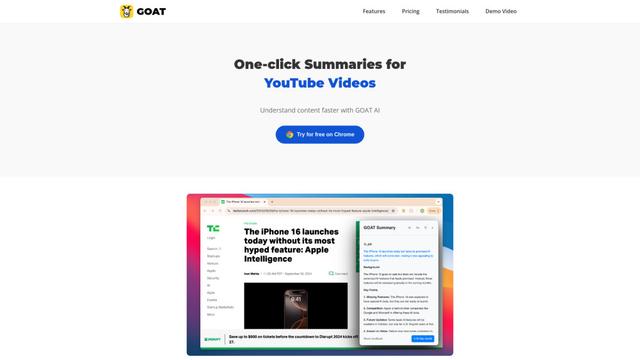
GOAT AI는 뉴스 기사, 연구 논문 및 비디오를 포함한 다양한 콘텐츠 유형에 대한 원클릭 요약 기능을 제공하는 AI 기반 플랫폼이며, 도메인 특정 작업을 위한 고급 AI 에이전트 조정도 제공합니다.
GiGOS
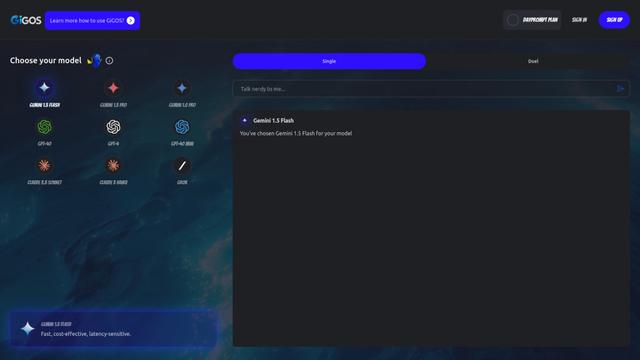
GiGOS는 사용자가 다양한 AI 모델과 상호작용하고 비교할 수 있도록 직관적인 인터페이스를 제공하는 AI 플랫폼으로, Gemini, GPT-4, Claude 및 Grok와 같은 여러 고급 언어 모델에 접근할 수 있습니다.
Nova AI와(과) 유사한 인기 AI 도구

GPT‑5.5 | ChatGPT Official
ChatGPT의 GPT-5.5는 복잡한 목표를 이해하고, 도구를 효과적으로 사용하며, 작업을 확인하고, 다단계 작업(코딩, 연구, 문서, 스프레드시트)을 더 강력한 안전 장치로 완료하도록 설계된 OpenAI의 최신 작업 중심 모델입니다.
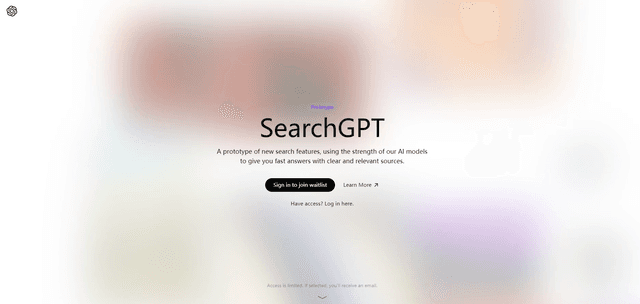
SearchGPT
SearchGPT는 OpenAI의 AI 기반 검색 프로토타입으로, GPT 모델을 사용하여 명확한 출처와 함께 빠르고 대화식의 답변을 제공합니다.
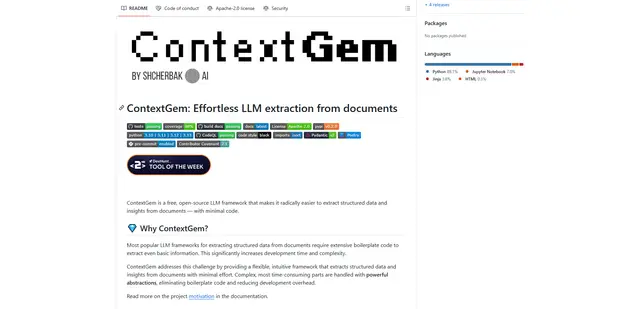
ContextGem
ContextGem은 강력한 내장 추상화 및 자동화된 기능을 통해 최소한의 코드로 문서에서 구조화된 데이터 및 인사이트 추출을 간소화하는 무료 오픈 소스 LLM 프레임워크입니다.
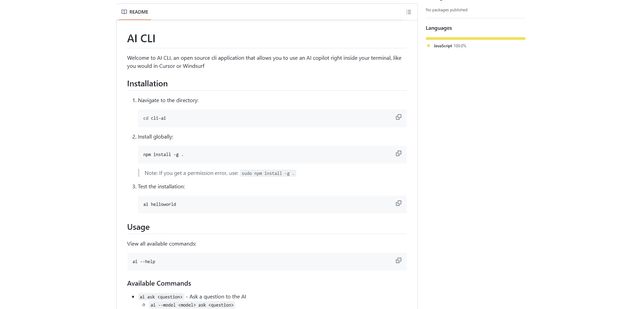
AI CLI
AI CLI는 AI 기능을 터미널에 직접 제공하여 간단한 명령을 통해 OpenAI의 GPT 및 Anthropic의 Claude와 같은 다양한 AI 모델과 상호 작용할 수 있도록 하는 오픈 소스 명령줄 인터페이스 도구입니다.