
NeuralSide
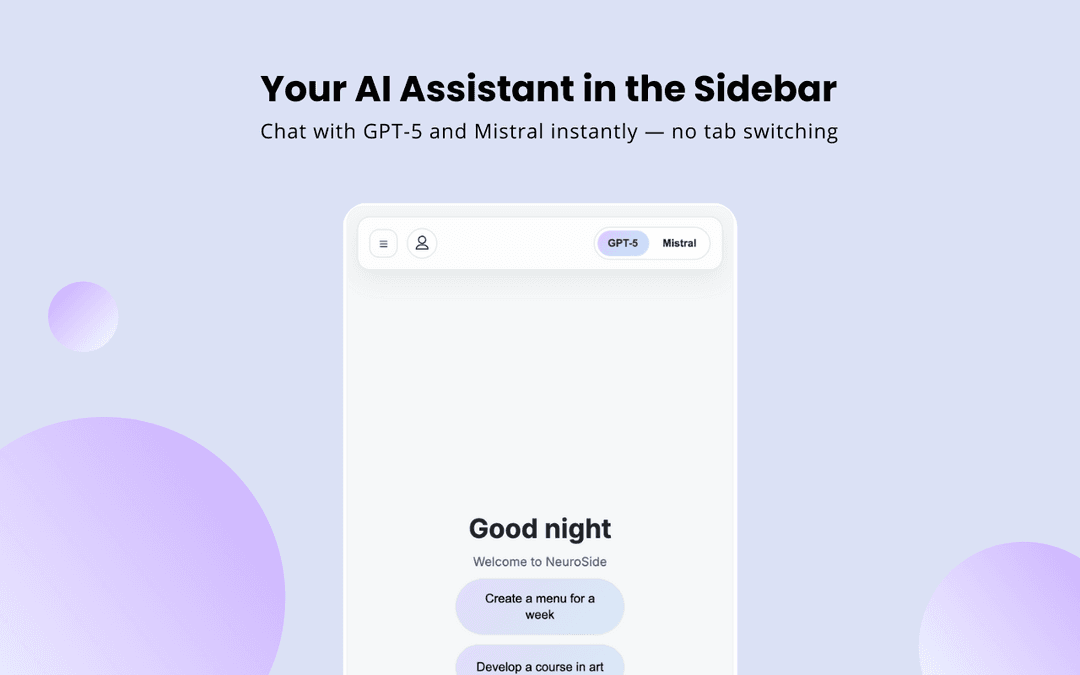
NeuralSide is a Chrome browser extension that provides free access to GPT-5 and Mistral AI through a convenient sidebar interface for seamless chatting, writing, and coding assistance without leaving your current webpage.
https://chromewebstore.google.com/detail/neuralside-ai-sidebar-fre/ljkimgpldpjhkmipbmjhoppkgknbcogg?ref=producthunt
Product Information
Updated:Nov 8, 2025
What is NeuralSide
NeuralSide is a next-generation AI assistant that integrates directly into your Chrome browser's sidebar, offering advanced artificial intelligence capabilities powered by GPT-5 and Mistral AI models. It's designed to be a comprehensive digital assistant that helps users with various tasks while maintaining their natural browsing workflow. The extension provides free access to cutting-edge AI technology without requiring subscriptions, making advanced AI assistance accessible to everyone.
Key Features of NeuralSide
NeuralSide is a Chrome browser extension that integrates advanced AI capabilities (including GPT-5 and Mistral) directly into your browser's sidebar, offering instant access to AI-powered writing, coding, and research assistance without leaving your current webpage. It provides a distraction-free interface with multilingual support and functions as a comprehensive AI assistant for various tasks.
Integrated AI Sidebar: Access AI capabilities directly from Chrome's sidebar without switching between tabs or applications
Multiple AI Model Support: Free access to advanced AI models including GPT-5 and Mistral for diverse capabilities
Multilingual Assistance: Built-in support for multiple languages, making it useful for translation and international communication
Code Assistant: Specialized features for writing, debugging, and explaining code across different programming languages
Use Cases of NeuralSide
Content Creation: Helps writers, bloggers, and marketers create, edit, and improve articles, scripts, and marketing copy
Software Development: Assists developers with code writing, debugging, and understanding complex programming concepts
Academic Research: Supports students and researchers in analyzing information, summarizing content, and generating research ideas
Business Communication: Aids professionals in drafting emails, reports, and business documents with proper tone and content
Pros
Free access to advanced AI models
Seamless integration with browser workflow
Minimal and distraction-free interface
Cons
Requires Chrome browser to function
Potential privacy concerns with data handling
May impact browser performance
How to Use NeuralSide
Install the Extension: Go to Chrome Web Store and click 'Add to Chrome' to install the NeuralSide extension
Open the Sidebar: Click the NeuralSide icon in your Chrome toolbar to open the AI sidebar panel
Choose AI Model: Select between GPT-5 or Mistral AI models available in the sidebar interface
Start Chatting: Type your questions, prompts or requests directly in the sidebar chat interface to interact with the AI
Use Writing Features: Select text on any webpage and use the sidebar tools to rewrite, improve or edit the content using AI
Code Assistance: For coding help, paste or type code snippets and use the code assistant features to debug, explain or improve the code
Translation: Use the multilingual support features to translate content between different languages while browsing
Research & Learning: Highlight text on webpages to get AI explanations, summaries and additional context without leaving the page
NeuralSide FAQs
NeuralSide is a Chrome browser extension that adds an AI assistant to your browser's sidebar, offering features like chat, writing, coding, and translation without leaving your current webpage.
Popular Articles

Vosko AI: Localize and Dub Videos for Global Audiences
Oct 15, 2026

Atoms: A Multi-Agent AI Platform That Transforms Ideas into Launch-Ready Products
Oct 13, 2026

Nano Banana SBTI: What It Is, How It Works, and How to Use It in 2026
Apr 15, 2026

Atoms Review — The AI Product Builder Redefining Digital Creation in 2026
Apr 10, 2026
Latest AI Tools Similar to NeuralSide

MultipleWords
MultipleWords is a comprehensive AI platform offering 16 powerful tools for content creation and manipulation across audio, video, and image editing with cross-platform accessibility.
AiTools.Ge
FreemiumMulti-purpose Tools
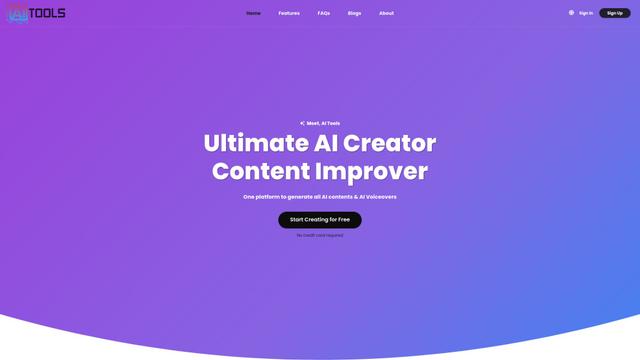
AiTools.Ge is an all-in-one AI content creation platform offering 70+ templates for generating text, images, voiceovers, code and more across multiple languages.
GiGOS
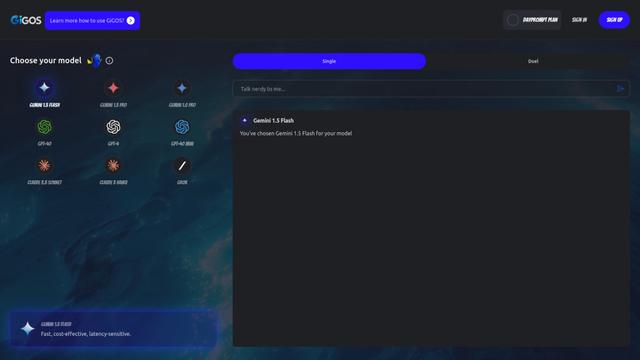
GiGOS is an AI platform that provides access to multiple advanced language models like Gemini, GPT-4, Claude, and Grok with an intuitive interface for users to interact with and compare different AI models.

Lynklet
Lynklet is an all-in-one social tool platform that combines bio link pages, URL shortening, QR code generation, digital business cards, and file hosting capabilities in one comprehensive solution.
Popular AI Tools Like NeuralSide

Off-grid LLM over Radio
A platform that integrates Large Language Models (LLMs) with Meshtastic mesh communication networks to enable off-grid AI interactions and automated task execution through radio communication.
Pixelagent
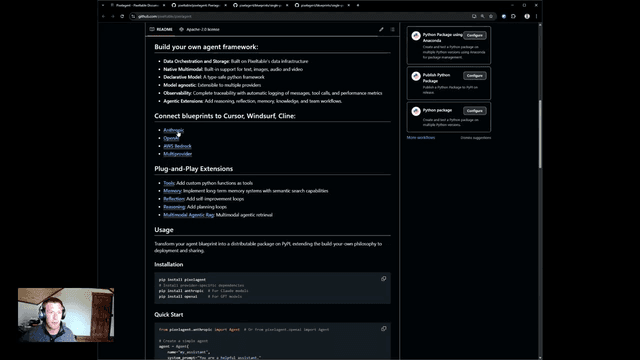
Pixelagent is a declarative Python framework for building custom AI agents that unifies LLM capabilities, storage, and orchestration with build-your-own functionality for memory, tool-calling, and multimodal data handling.

MulmoCast
MulmoCast is an AI-native multi-modal presentation tool that automatically generates videos, podcasts, slides, PDFs, and manga-style content from a single script using various AI technologies.
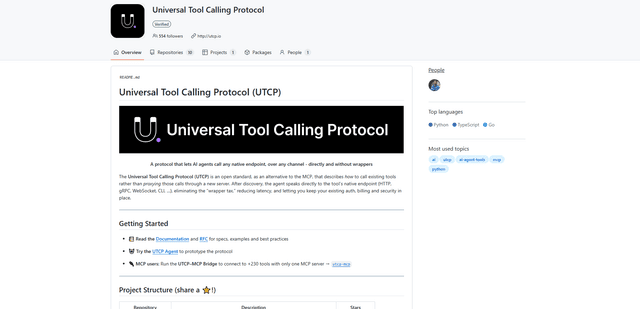
UTCP
UTCP (Universal Tool Calling Protocol) is an open standard protocol that enables AI agents to directly call any native API endpoint across different communication protocols without requiring middleware or wrapper servers.