
Napkin Math
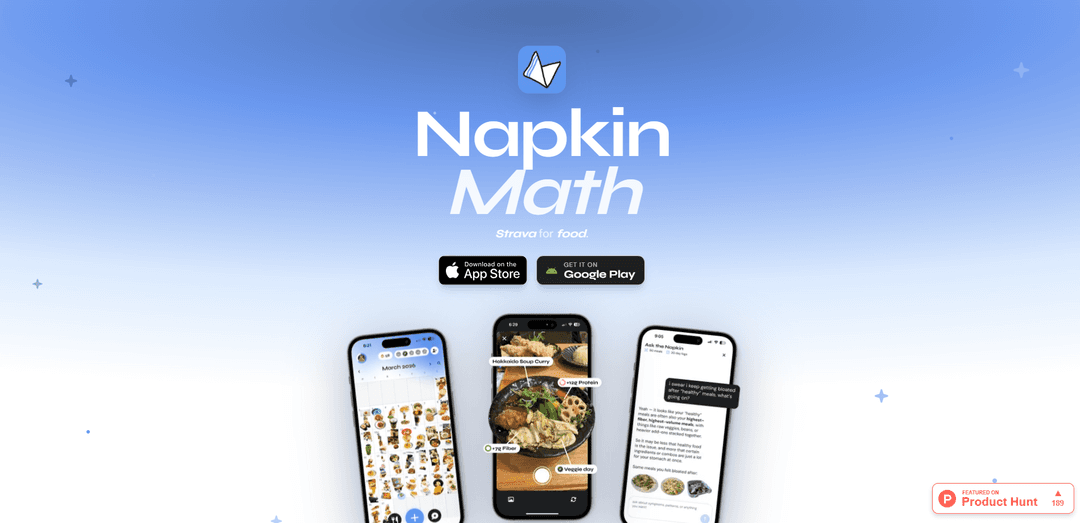
Napkin Math is a Strava-like AI food journal that makes logging meals fun with photos and turns them into personalized insights about your eating habits over time.
https://napkinmath.club/?ref=producthunt
Product Information
Updated:Jun 15, 2026
What is Napkin Math
Napkin Math is a consumer health app focused on helping people understand their food patterns in a way that fits real life, not a one-size-fits-all calorie-deficit template. Positioned as “Strava for food,” it’s designed as a simple, beautiful food diary where you can capture what you eat—often by taking a picture—and build a record you actually want to maintain. The product emphasizes personalization, using your entries to help connect day-to-day eating with your goals (e.g., training, energy, digestion) and the realities of your routine (like catered office lunches or weekly dinners with friends). It’s available on iOS (App Store) and Android (Google Play).
Key Features of Napkin Math
Napkin Math is a personalized AI food journal—positioned as “Strava for food”—that makes logging meals feel as easy and fun as taking photos, then turns those entries into insights about your eating habits over time. Instead of a one-size-fits-all calorie-deficit approach, it aims to tailor guidance to individual goals and real-life context (e.g., training, catered lunches, social dinners), helping users understand patterns and potential triggers (like stomach irritation) while keeping the experience shareable and enjoyable.
Photo-first food journaling: Designed around taking pictures of meals to reduce logging friction and make the habit feel more like sharing than tracking.
Personalized AI insights (not generic calorie counting): Adapts analysis and recommendations to the user’s goals and lifestyle, going beyond a standard “eat less” model.
Habit and pattern understanding over time: Functions as a diary that surfaces longer-term trends (what you eat, when, and under what routines) to improve awareness and decision-making.
Goal-oriented guidance: Supports specific outcomes such as fueling for endurance training while accounting for constraints like office lunches or weekly dinners with friends.
Trigger discovery for symptoms: Helps correlate foods and contexts with issues like stomach irritation, aiming to support elimination-style exploration without disrupting social life.
Cross-platform availability: Distributed via iOS (App Store) and Android (Google Play) for everyday, on-the-go use.
Use Cases of Napkin Math
Endurance training nutrition tracking: Runners/cyclists can log meals and get personalized guidance to meet fueling needs while spotting routine gaps (e.g., low-protein breakfasts).
Office-lifestyle meal awareness: People with catered lunches or frequent work meals can identify how workplace routines influence nutrition and make targeted adjustments.
Digestive trigger identification: Users experiencing stomach irritation can journal meals to detect patterns and likely triggers while maintaining normal social eating.
Foodie-friendly journaling for mindful eating: Instagram-style food sharers can keep a rich personal archive of meals and translate it into health insights without losing the fun of sharing.
Personal health goal planning: Individuals pursuing tailored goals (energy, performance, comfort) can use the diary and AI insights to build a plan aligned with their real schedule.
Pros
Low-friction logging via photos makes it easier to build a consistent habit.
Personalized approach focuses on real user questions (training, routines, symptoms) rather than generic calorie targets.
Longitudinal journaling helps reveal patterns that are hard to notice day-to-day.
Cons
Effectiveness depends on consistent logging; sporadic entries may reduce insight quality.
Personalization and trigger detection may be limited by data quality/coverage and may not replace professional medical guidance.
Users who prefer precise macro/calorie control may find a photo-first workflow less exact than manual nutrition tracking.
How to Use Napkin Math
1. Install Napkin Math: Download the app from the App Store (via the “Download” link on napkinmath.club) or install it from Google Play (via napkinmath.club/android).
2. Open the app and start a new food entry: Launch Napkin Math and begin logging a meal/snack as a new entry in your food diary (the app is positioned as “Strava for food,” i.e., a timeline of entries over time).
3. Capture your food: Take a picture of your food as the primary way to log it (the product emphasizes making “taking a picture of your food fun,” similar to how people share food on Instagram).
4. Save the entry to your diary: Confirm/save the logged meal so it appears in your ongoing diary, building a history of what you eat over time.
5. Keep logging consistently: Repeat the photo-based logging for meals across days and weeks so the diary becomes useful for spotting patterns in your eating habits.
6. Review your eating habits over time: Use your accumulated diary entries to understand your eating habits over time (the app is described as a “simple, beautiful food diary” designed for this purpose).
7. Use insights to support a personal goal: Apply what you notice in your diary to your specific goal (examples mentioned include fueling marathon training, understanding routine catered lunches, or identifying triggers for stomach irritation).
Napkin Math FAQs
Napkin Math is a food diary app described as “Strava for food,” designed to help you understand your eating habits over time.
Napkin Math Video
Popular Articles

Atoms: A Multi-Agent AI Platform That Transforms Ideas into Launch-Ready Products
May 22, 2026

Nano Banana SBTI: What It Is, How It Works, and How to Use It in 2026
Apr 15, 2026

Atoms Review — The AI Product Builder Redefining Digital Creation in 2026
Apr 10, 2026

Kilo Claw: How to Deploy and Use a True "Do‑It‑For‑You" AI Agent(2026 Update)
Apr 3, 2026
Latest AI Tools Similar to Napkin Math
DocAI
DocAI is an AI-powered platform that offers intelligent document processing, medical consultation analysis, and personalized healthcare solutions through advanced machine learning technologies.
Nutrecity
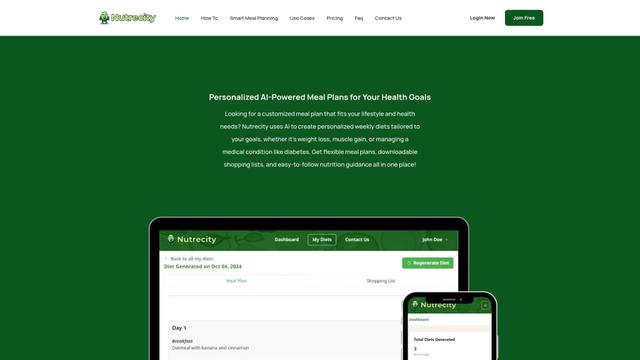
Nutrecity is an AI-powered meal planning platform that creates personalized nutrition plans tailored to individual health goals, dietary preferences, and restrictions while providing comprehensive nutritional tracking and reporting.
Fit Aura
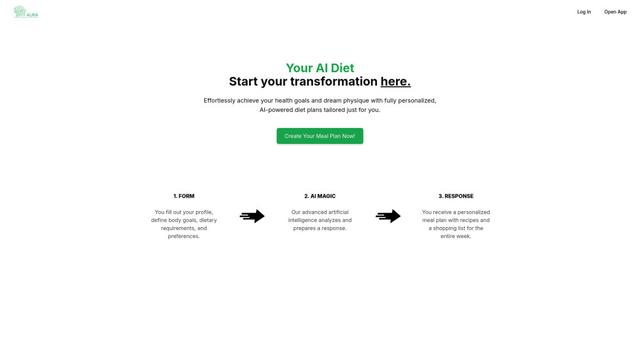
Fit Aura is an AI-powered diet and nutrition platform that creates personalized meal plans, generates recipes, and helps track fitness progress for achieving health goals.
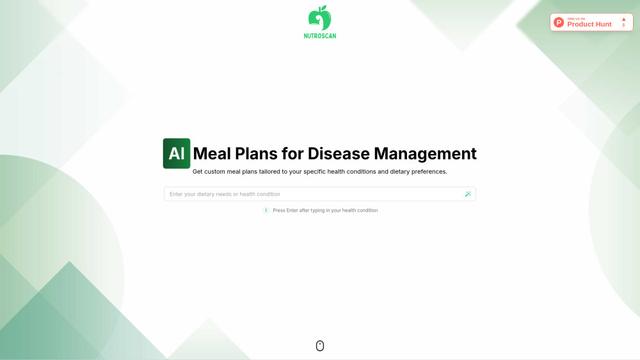
Nutroscan
Nutroscan is an AI-powered meal planning platform that generates personalized nutrition plans based on individual health conditions, dietary preferences, and nutritional needs.
Popular AI Tools Like Napkin Math
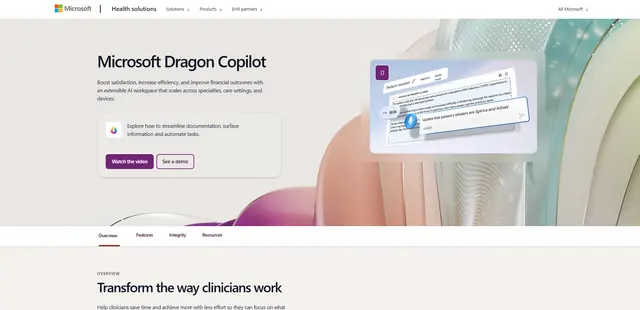
Microsoft Dragon Copilot
Microsoft Dragon Copilot is an AI-powered clinical workflow assistant that combines natural language voice dictation, ambient listening capabilities, and generative AI to streamline documentation, surface information, and automate tasks across healthcare settings.
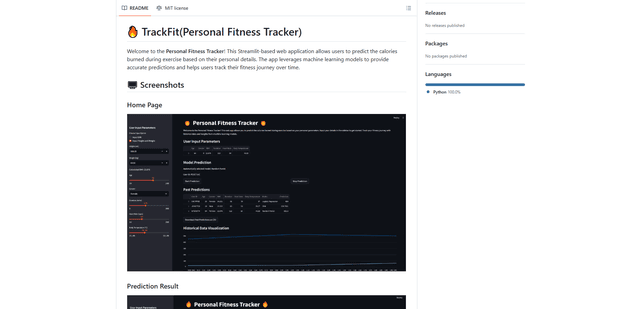
TrackFit
TrackFit is a comprehensive AI-powered fitness tracking system that combines smartwatch sensor data, machine learning models, and personalized analytics to help users monitor workouts, track progress, and improve exercise form in real-time.
HealthyAI - Nutrition Scanner
FreemiumHealthcare
HealthyAI is an AI-powered nutrition scanner app that helps users make healthier food choices by providing instant ingredient analysis, nutritional breakdowns, and personalized recommendations through barcode scanning and photo recognition technology.
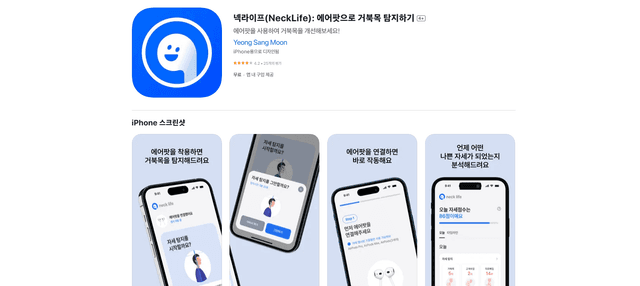
Neck-Life
FreemiumHealthcare
Neck-Life is an innovative app that uses AirPods sensors to monitor neck posture in real-time and helps prevent 'tech neck' through timely alerts and personalized settings.