Nano Banana
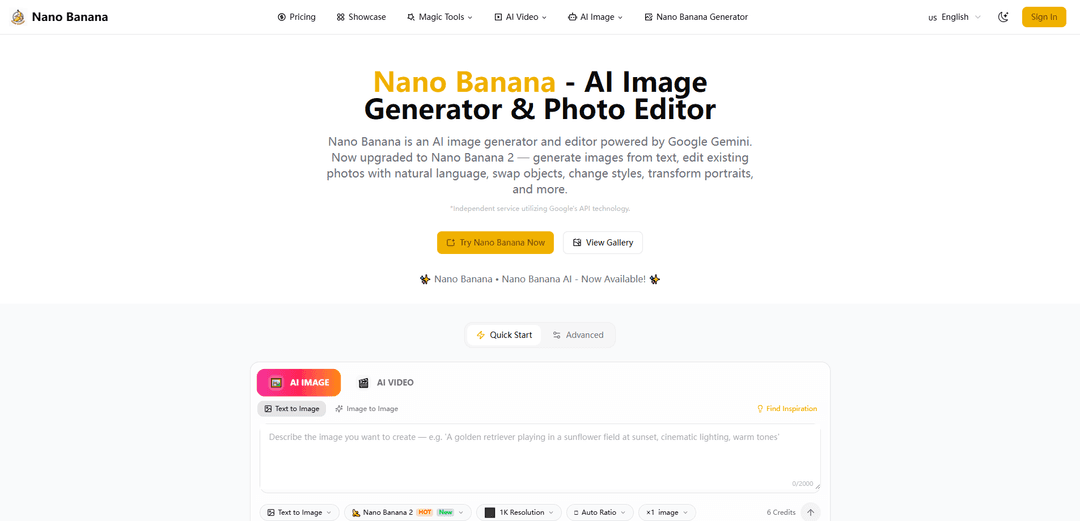
Nano Banana is an advanced AI image generation and editing platform powered by Google's Gemini technology that offers fast, high-quality image creation and editing through natural language prompts with exceptional character consistency and scene preservation.
https://www.nano-banana.ai/?utm_source=aipure
Product Information
Updated:Mar 18, 2026
What is Nano Banana
Nano Banana is an AI-powered image generator and editor that leverages Google's Gemini technology, with its latest version Nano Banana 2 running on Gemini 3.1 Flash Image. The platform offers both a standard version based on Gemini 2.5 Flash Image and a Pro version powered by Gemini 3 Pro Image. It allows users to create, edit, and transform images through simple text prompts, making professional-grade image editing accessible to both beginners and professionals. Originally appearing as a codename during testing on Arena in 2025, it has since become integrated into various Google products and services.
Key Features of Nano Banana
Nano Banana is an AI-powered image generation and editing platform that utilizes Google's Gemini technology. It offers advanced features like natural language editing, multi-image fusion, character consistency preservation, and scene-aware processing. The platform comes in different versions (Basic, Pro, and Nano Banana 2) with varying capabilities, from basic image generation to professional-grade editing with 4K resolution output and studio-quality control.
Natural Language Image Editing: Edit images using simple text prompts with advanced natural language understanding, allowing users to describe desired changes without technical expertise
Character Consistency Preservation: Maintains perfect facial identity and stylistic consistency across multiple edits, ensuring subjects remain recognizable throughout transformations
Multi-Image Fusion: Seamlessly blend multiple images with advanced context understanding for complex compositions while preserving scene coherence
Real-Time Processing: Delivers fast generation speeds with instant results, optimized for professional workflows and rapid iterations
Use Cases of Nano Banana
E-commerce Product Photography: Transform and enhance product photos with consistent styling and professional quality for online stores and catalogs
Social Media Content Creation: Generate and edit branded content series with consistent character features for marketing campaigns and social media presence
Professional Advertising: Create high-quality marketing materials and advertising visuals with studio-grade control and precise editing capabilities
Real Estate Marketing: Enhance property photos and create compelling visual content for real estate listings and development marketing
Pros
User-friendly interface with natural language understanding
High-quality output suitable for professional use
Fast processing speed with real-time results
Strong character consistency across multiple edits
Cons
Credit-based pricing system may be limiting for some users
Higher resolution outputs require more credits
Pro features require subscription or additional payment
How to Use Nano Banana
Access Nano Banana: Open the Gemini app or press and hold the power button on supported Android devices to access Gemini. Select '🍌Create images' from the tools menu.
Choose Model Type: Select from available models: 'Fast' for quick edits, 'Thinking' for balanced results, or 'Pro' for highest quality output
Upload Image: Upload an image you want to edit (supports JPEG, PNG, or WebP formats up to 5MB) or start with a text prompt to generate a new image
Write Your Prompt: Type a natural language prompt describing how you want to transform your image. Be as specific as possible about the changes you want
Configure Settings: Adjust settings like resolution (up to 4K with Pro version) and style preferences if available
Generate Image: Click 'Apply' or 'Generate' to create your edited image. Processing takes 1-2 seconds typically
Fine-tune Results: If needed, you can regenerate the image with modified prompts or try the Pro version for better results by selecting the three-dot menu and choosing 'Redo with Pro'
Download Result: Once satisfied with the result, download your edited image in your preferred format (JPG/PNG/WebP depending on your plan)
Nano Banana FAQs
Nano Banana 2 is the latest version of an advanced AI image generation and editing platform that utilizes Google's Gemini API. It provides cutting-edge AI image technology through an easy-to-use interface for generating images from text, editing existing photos, swapping objects, changing styles, and transforming portraits.
Popular Articles

Vosko AI: Localize and Dub Videos for Global Audiences
Oct 15, 2026

Atoms: A Multi-Agent AI Platform That Transforms Ideas into Launch-Ready Products
Oct 13, 2026

Nano Banana SBTI: What It Is, How It Works, and How to Use It in 2026
Apr 15, 2026

Atoms Review — The AI Product Builder Redefining Digital Creation in 2026
Apr 10, 2026
Latest AI Tools Similar to Nano Banana
IMG Processing
IMG Processing is a powerful API service that enables fast and reliable image processing capabilities including uploading, transforming, and watermarking through simple integration.

Wink Mody
Wink Mody is a modified version of the Wink video editing app that offers premium features like AI-powered retouching, 4K exports, and watermark-free editing completely free of charge.
Erase BG
Erase BG is a free, AI-powered online tool that automatically removes backgrounds from images with support for up to 4K resolution, requiring no account or special skills.
PicTrix AI
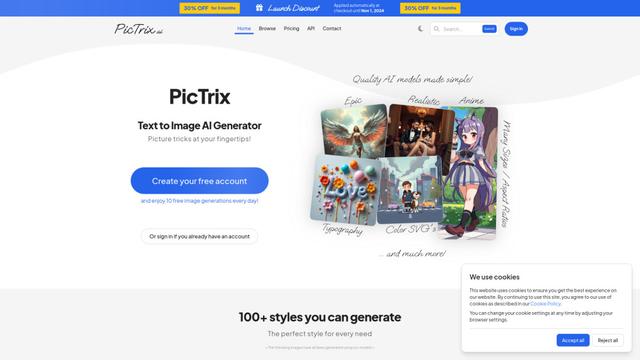
PicTrix AI is an advanced AI-powered platform that transforms text prompts and images into high-quality visuals across multiple styles, formats and sizes while offering features like image restoration, enhancement and SVG generation.
Popular AI Tools Like Nano Banana
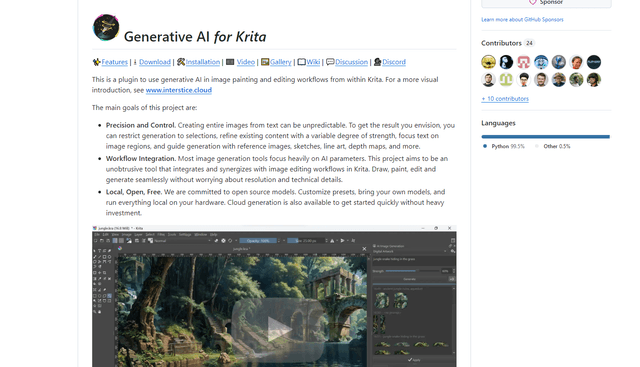
Krita
Krita is a free and open-source digital painting and illustration software that offers a wide range of professional-grade tools for artists and designers.
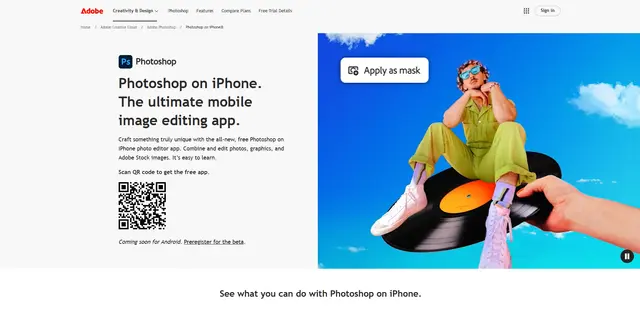
Adobe Photoshop App
Adobe Photoshop App is a free, powerful mobile photo editor that allows users to combine and edit photos, graphics, and Adobe Stock images with professional-grade tools and AI features optimized for touch devices.
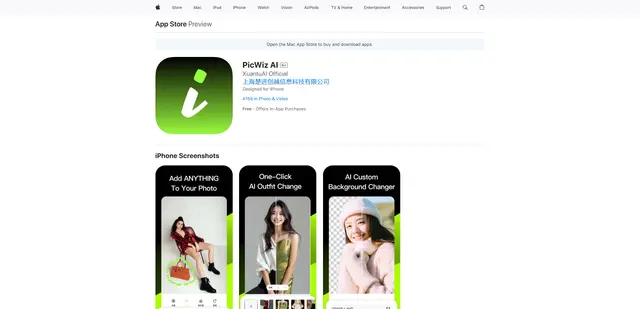
PicWiz AI
PicWiz AI is a comprehensive AI-powered photo editing and image generation tool that offers over 100 photo styles and multiple AI processing capabilities including object addition, removal, background manipulation, and image enhancement.

Remove Image Background
Remove.bg is an AI-powered online tool that automatically removes image backgrounds in seconds with just one click.