MusicMV AI
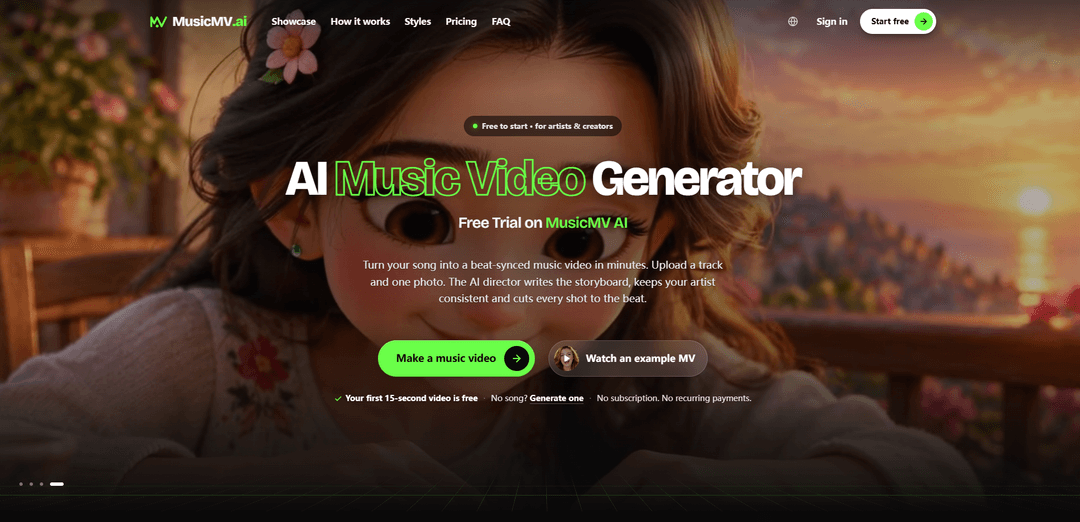
MusicMV AI is an AI music video generator that turns a song and one or two artist photos into beat-synced, storyboard-driven music videos with consistent characters, optional lip-sync, lyric captions, and export up to 1080p.
https://musicmv.ai/?utm_source=aipure
Product Information
Updated:Oct 30, 2026
What is MusicMV AI
MusicMV AI is a song-to-video creation platform for independent musicians, singers, rappers, labels, and social-media creators who want to produce polished music videos without a conventional film shoot or complex editing workflow. Users can upload an MP3, WAV, or M4A track from 5 seconds to 6 minutes long, add a clear front-facing photo of the artist, select a visual style, and create a finished MP4 video. It supports cinematic, 3D cartoon, love-story, hip-hop, and other looks, with output formats including vertical 9:16, widescreen 16:9, square 1:1, 4:3, and 3:4. MusicMV AI is free to start with introductory credits and uses a credit-based, no-subscription pricing model for longer or higher-resolution renders.
Key Features of MusicMV AI
MusicMV AI is a song-to-video generator that creates beat-synced music videos from an uploaded audio track and one or two artist photos. It analyzes a song’s beat, sections, mood and vocal passages to build a shot-by-shot storyboard, generate consistent artist visuals, animate scenes, add optional lip-synced performance shots and lyric captions, and export an MP4 in several social and widescreen formats up to 1080p. Users can review, rewrite, redraw, and regenerate individual shots before or after rendering rather than recreating an entire project.
Audio-driven storyboard generation: Analyzes the uploaded song’s beat, structure, lyrics and mood to produce a storyboard frame and visual direction for each shot.
Beat-synced video assembly: Animates generated scenes and edits them so shot changes align with the music, including different visual intensity for verses, choruses and drops.
Artist consistency from photos: Uses one clear front-facing photo to maintain a recognizable lead character throughout the video, with support for a second character in duets or narrative scenes.
Lip-sync performance shots: Turns vocal sections into AI-generated singing shots in which the selected artist character appears to perform the uploaded song.
Shot-level review and regeneration: Lets users inspect storyboard frames before video rendering, rewrite scene prompts, redraw frames, or regenerate individual clips through Reframe and Reclip tools.
Multi-format export and lyric captions: Exports MP4 videos up to 1080p in 9:16, 16:9, 1:1, 4:3, or 3:4 formats, with optional word-timed karaoke, clean, or bold lyric captions.
Use Cases of MusicMV AI
Independent music releases: Independent artists can produce a visual companion for singles, demos, or full releases without hiring a film crew or managing a conventional video-production workflow.
Rapper and singer performance videos: Vocal artists can turn a portrait and track into lip-synced performance footage for verses, choruses, promotional clips, or fan-facing content.
TikTok, Reels and Shorts promotion: Creators can use only a chorus or other high-impact section to make vertical, beat-matched promotional videos designed for short-form social platforms.
Label catalog marketing: Labels and artist managers can generate consistent visual assets for multiple releases, helping provide each track with an on-brand video treatment.
Lyric-video publishing: Musicians and publishers can add timed lyric captions to create accessible lyric videos for YouTube, social media, and streaming-related promotion.
Duet and narrative music concepts: Artists can add a second character and use editable shot prompts to develop relationship stories, duet performances, or stylized narrative concepts around a song.
Pros
End-to-end workflow combines song analysis, storyboarding, visual generation, animation, beat syncing, and export in one product.
Storyboard-first review gives users control over individual scenes before paying to render a complete video.
Supports artist-image consistency, lip-sync performance shots, captions, and multiple aspect ratios for common music and social-media workflows.
Free starter credits and one-time credit packs offer an alternative to a recurring subscription model.
Cons
Generation is credit-based: longer songs and 1080p output can become costly, such as 180 credits for a three-minute video at 768p.
Input audio is limited to MP3, WAV, or M4A files between 5 seconds and 6 minutes.
Video editing access is time-limited, with projects editable for 13 days after completion.
Commercial use requires purchasing a credit pack, and users are responsible for having rights to uploaded music and photos.
How to Use MusicMV AI
Create an account and open MusicMV AI: Go to MusicMV AI and start a new music-video project. New accounts receive 20 free credits, which can cover a short approximately 15-second video with a small watermark.
Prepare your source files: Have a music file in MP3, WAV, or M4A format ready. MusicMV accepts tracks from 5 seconds to 6 minutes. Also prepare one clear, front-facing photo of the lead artist; you may add a second photo/character for a duet or story.
Upload the song: Upload your track, then choose whether to use the full song or only a selected section such as the chorus. Selecting a shorter segment reduces the required credits and is useful for TikTok, Reels, and Shorts.
Upload the artist photo: Add the artist’s photo. MusicMV uses it to keep the lead character visually consistent across generated shots and to create lip-synced singing scenes for vocal sections.
Choose the visual style: Select a look that suits the track, such as cinematic, 3D cartoon, love story, or hip-hop. You can further tailor the creative direction through the storyboard and per-shot descriptions.
Select the output format and resolution: Choose the aspect ratio before generation so shots are framed for the intended platform: 9:16 for TikTok, Reels, and Shorts; 16:9 for YouTube; or 1:1, 4:3, and 3:4 for other uses. Select up to 1080p output. Pricing is listed as 1 credit per second at 768p or 2 credits per second at 1080p.
Generate and review the storyboard: Let MusicMV analyze the song’s beat, sections, lyrics, and mood. It creates a shot-by-shot storyboard with a frame for every scene, typically in about 3–5 minutes. Review the planned visual sequence before rendering video.
Edit or redraw storyboard frames: Click any shot that does not match your vision and rewrite what should happen, then redraw its frame. You can adjust scene descriptions, motion, and camera settings. Review all frames carefully because video rendering begins only after the storyboard is approved.
Approve the storyboard and render: Approve the visual plan to animate the shots. MusicMV generates the clips, lip-syncs vocal performance shots where applicable, and cuts the finished sequence to the song’s beat. A full-song video generally takes about 10 minutes, with longer tracks taking more time.
Optionally add lyric captions: Enable lyric captions on the completed video if desired. Choose karaoke, clean, or bold caption styling. Captions are timed word by word; for uploaded songs, MusicMV transcribes lyrics when captions are first enabled.
Preview and refine the finished project: Open a shot in the project to make targeted revisions rather than rebuilding the entire video. Use Reframe to regenerate its image or Reclip to regenerate its video clip, then choose the preferred version. Projects can be edited for 13 days after completion.
Download and publish the MP4: Download the finished MP4 in your selected format and resolution. After buying any credit pack, downloads are watermark-free and may be used commercially—including on YouTube, TikTok, and streaming platforms—provided you own or have rights to the uploaded music and photos.
MusicMV AI FAQs
MusicMV is an AI music video generator that turns a song and one or two artist photos into a finished, beat-synced MP4 music video. It analyzes the track's beat, sections, lyrics, and mood, then creates a shot-by-shot storyboard, generates visuals, and assembles the clips.
Popular Articles

Proferex: A Cloud-Based Ad Tracking and Campaign Optimization Platform
Nov 4, 2026

How to Create Viral Talking Baby Podcast Videos with AI: Step-by-Step Guide
Nov 2, 2026

Vosko AI: Localize and Dub Videos for Global Audiences
Oct 15, 2026

Atoms: A Multi-Agent AI Platform That Transforms Ideas into Launch-Ready Products
Oct 13, 2026
Latest AI Tools Similar to MusicMV AI

Loud Fame
Loud Fame is an AI-powered video transformation tool that allows users to convert regular videos into anime-style animations and create AI-generated celebrity talking videos.
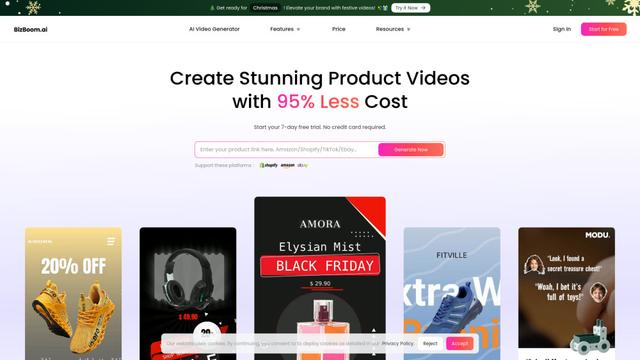
BizBoom.ai
BizBoom.ai is an AI-powered platform that automatically generates professional product videos from product links and images with 95% less cost.
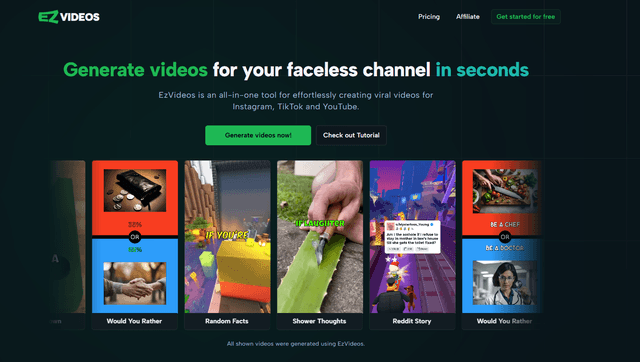
EzVideos
EzVideos is an all-in-one video creation tool that helps users generate viral videos for social media platforms like Instagram, TikTok, and YouTube with automated editing features and built-in resources.
Illuminix
Illuminix is an AI-powered platform that empowers businesses with autonomous hyper-experts and specialized tools for automated business processes, data management, and video content creation.
Popular AI Tools Like MusicMV AI
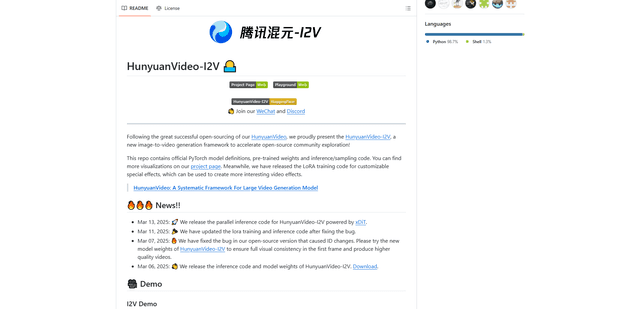
HunyuanVideo-I2V
HunyuanVideo-I2V is an open-source AI framework developed by Tencent that transforms static images into high-quality, dynamic videos with customizable motion effects and exceptional visual consistency.
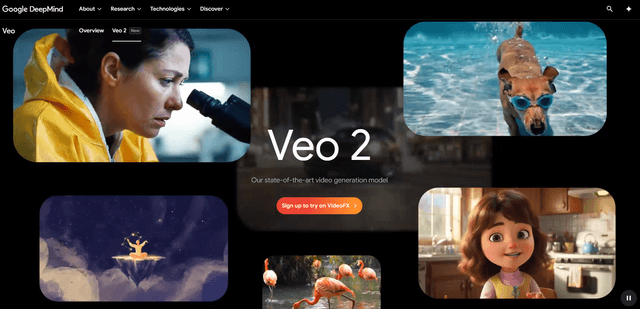
Google Veo 2
Veo 2 is Google DeepMind's state-of-the-art AI video generation model that can create high-quality videos up to 4K resolution with realistic motion, extensive camera controls, and improved physics simulation from text prompts.
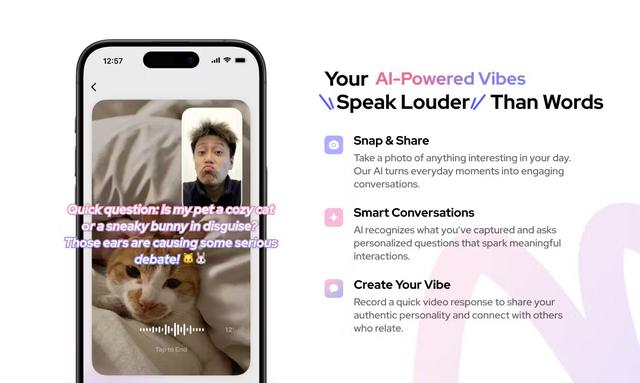
Vibing
Vibing is an AI-powered dating app that helps users share authentic moments through video stories and make genuine connections based on personality matching and interactive features.
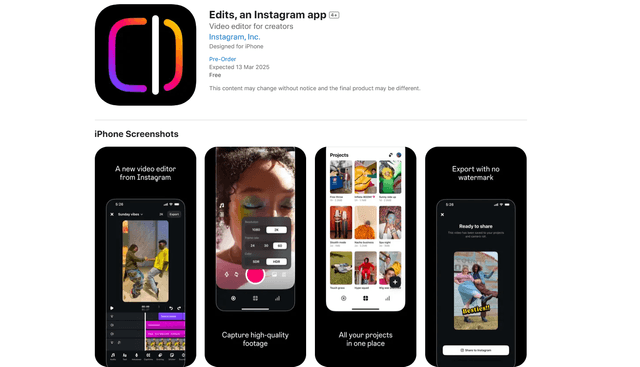
Edits, an Instagram app
Edits is Instagram's free video creation app that provides creators with professional editing tools, AI features, and analytics capabilities to create high-quality videos directly from their phones.