
Moodloom
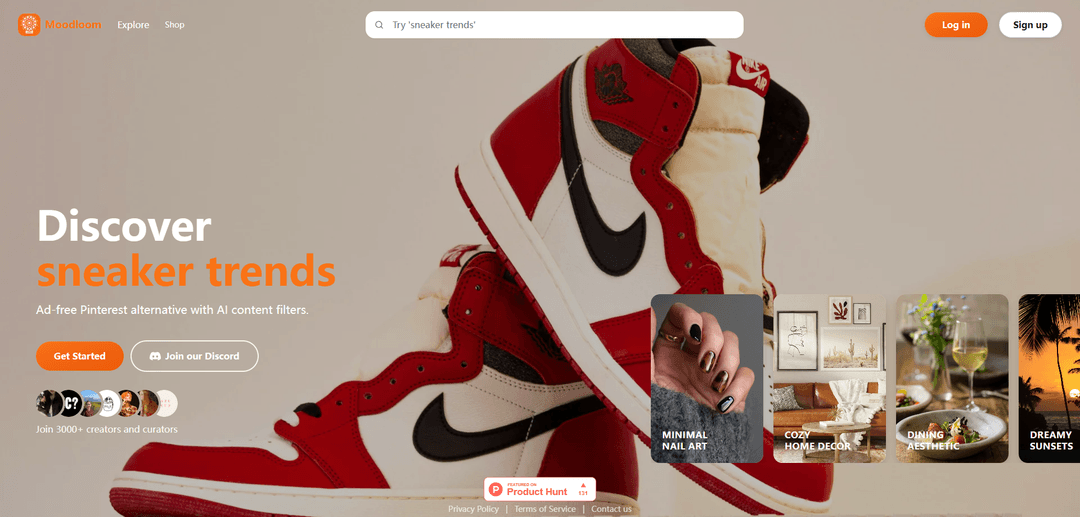
Moodloom is an ad-free Pinterest alternative for discovering and saving decor and fashion inspiration, featuring AI-generated content filters, Loomboards for curation, and in-app shopping.
https://moodloom.xyz/?ref=producthunt
Product Information
Updated:Jun 8, 2026
What is Moodloom
Moodloom is a visual inspiration platform built for people who want a cleaner, more controlled alternative to Pinterest. It lets you explore topics like outfits, home decor, and aesthetics without ads, then save what you like into organized collections called Loomboards. Alongside discovery and saving, Moodloom also supports shopping in-app, making it easier to go from inspiration to purchase when you find something you love.
Key Features of Moodloom
Moodloom is an ad-free, Pinterest-style platform for discovering, saving, and sharing visual inspiration (e.g., decor, fashion, lifestyle) with built-in AI content filtering—especially useful for hiding AI-generated imagery when you want authenticity. It supports creating “Loomboards” to organize inspiration, offers privacy controls (private/public boards and blocking), includes in-app shopping, and provides a Chrome extension to quickly save images from sites like Pinterest and Cosmos into your Moodloom boards, with plans to support direct Pinterest board imports.
Ad-free visual discovery: Browse and search visual inspiration (outfits, decor, trends, aesthetics) without ads, designed as a Pinterest alternative.
AI content filtering: Filter out AI-generated content (“looms”) to prioritize authentic imagery when desired.
Loomboards for organization: Save and categorize images into Loomboards to build mood boards and keep inspiration structured for projects or personal style.
Privacy and access controls: Keep Loomboards private or share publicly, and block specific accounts from viewing your content.
In-app shopping: Shop inspiration directly in the product experience, bridging discovery and purchase.
Chrome extension: Save to Moodloom: Save images from Pinterest and Cosmos into Loomboards; supports bulk collection via “Save All” (with auto-scroll) or “Save Selected,” using a one-time account connection.
Use Cases of Moodloom
Fashion styling and wardrobe planning: Collect outfit references, seasonal trends, and accessory ideas into Loomboards, filtering out AI images when you need realistic inspiration.
Interior design and home decor ideation: Build room-by-room mood boards (e.g., cozy decor, dining aesthetic) and share boards with housemates or clients while controlling visibility.
Creative direction for brands and marketing: Curate campaign references, product photography styles, and visual themes; use privacy controls to keep concepts internal until launch.
E-commerce merchandising and product discovery: Move from inspiration to purchase using in-app shopping, enabling quicker evaluation of styles and items aligned with a board’s aesthetic.
Cross-platform inspiration capture: Import inspiration while browsing Pinterest/Cosmos via the extension, consolidating scattered saves into a single organized library.
Pros
Ad-free browsing experience compared to typical inspiration platforms
AI filtering helps reduce unwanted AI-generated imagery and improves content authenticity control
Strong organization and privacy controls (private/public boards, blocking)
Chrome extension supports fast saving and bulk capture from other platforms
Cons
Pinterest direct board import is stated as a goal/coming feature, not guaranteed as available now
Extension requires account connection (email + access code), adding setup friction
Some roadmap elements appear community-gated (e.g., development tied to Discord activity), which may slow feature delivery
How to Use Moodloom
1) Open Moodloom: Go to https://moodloom.xyz/ (or the Explore page) to start browsing visual inspiration.
2) Explore curated inspiration: Click “Explore” to discover ad-free, AI-filtered visuals across categories like decor and fashion.
3) Search for a specific theme: Use search (e.g., try queries like “outfits”, “sneaker trends”, “minimal nail art”, “cozy home decor”) to find relevant visuals.
4) Filter out AI-generated content (when you want authenticity): Use Moodloom’s AI content filtering option to hide AI-generated images and focus on non-AI visuals.
5) Save inspiration into Loomboards: Create a Loomboard (mood board) and save visuals you like into it to organize your inspiration.
6) Install the “Save to Moodloom” Chrome extension (optional): Install the extension from the Chrome Web Store to save images while browsing supported sites.
7) Connect the extension to your Moodloom account: In the extension, connect once using your Moodloom account email + the access code found in Moodloom Settings.
8) Save images from supported sites into Moodloom: While browsing Pinterest or Cosmos.so, use the extension to save images directly to an existing Loomboard or create a new Loomboard.
9) Bulk import with “Save All” (optional): Use “Save All” to collect many images at once (auto-scroll can be used), or choose “Save Selected” to pick specific images.
10) Manage privacy and sharing: Keep Loomboards private or share them publicly, and block specific accounts from viewing your content.
11) Shop in-app (optional): Open the “Shop” section to browse and shop items within Moodloom.
12) Get help or updates: Join the community via the Discord link on the site for support and announcements.
Moodloom FAQs
Moodloom is an ad-free Pinterest alternative for discovering visual inspiration (e.g., decor and fashion) with AI content filters, and it also supports shopping in-app.
Moodloom Video
Popular Articles

Vosko AI: Localize and Dub Videos for Global Audiences
Oct 15, 2026

Atoms: A Multi-Agent AI Platform That Transforms Ideas into Launch-Ready Products
Oct 13, 2026

Nano Banana SBTI: What It Is, How It Works, and How to Use It in 2026
Apr 15, 2026

Atoms Review — The AI Product Builder Redefining Digital Creation in 2026
Apr 10, 2026
Latest AI Tools Similar to Moodloom
AI Image Upscaler Pro
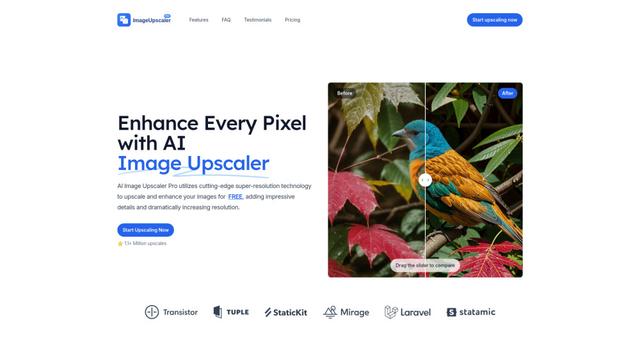
AI Image Upscaler Pro is a cutting-edge online platform that uses advanced artificial intelligence to enhance and upscale images up to 400% while maintaining quality, supporting multiple formats like PNG, JPG, JPEG, WEBP, and HEIC for free.
DescribeImage.online
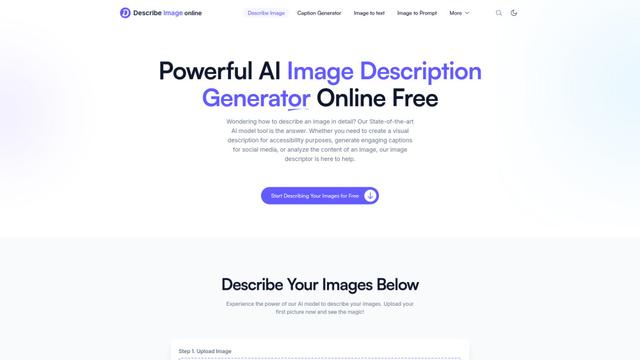
DescribeImage.online is a powerful AI-powered tool that analyzes images and generates detailed, accurate descriptions for various purposes including accessibility, content creation, and SEO optimization.
Bichos ID
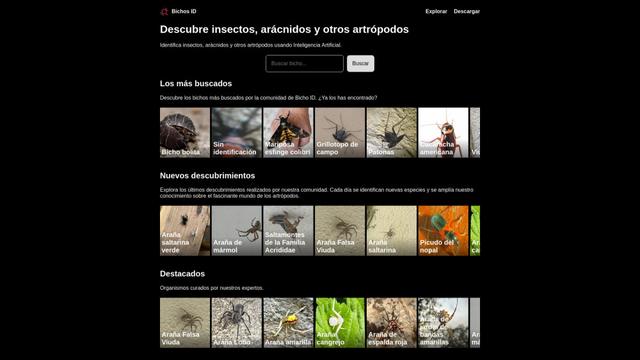
Bichos ID is an AI-powered mobile app that allows users to identify insects, arachnids, and other arthropods using image recognition technology.
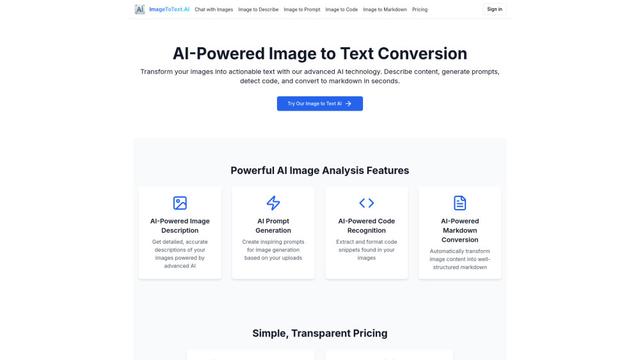
ImageToText.AI
ImageToText.AI is an advanced AI-powered tool that accurately extracts and converts text from images, offering features like content description, prompt generation, code detection, and markdown conversion.
Popular AI Tools Like Moodloom

Receipt Snapper And Scanner
Receipt Snapper And Scanner is a mobile app that allows users to instantly capture, categorize, and organize receipts through photo scanning with automatic data extraction and smart organization features.
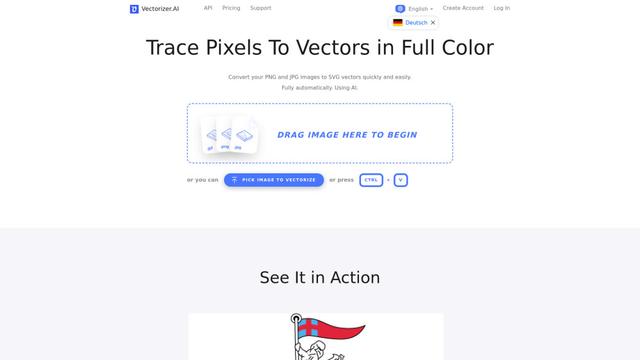
Vectorizer AI
Vectorizer.AI is an AI-powered online tool that automatically converts raster images like JPG and PNG to high-quality vector graphics in SVG, PDF, and other formats.
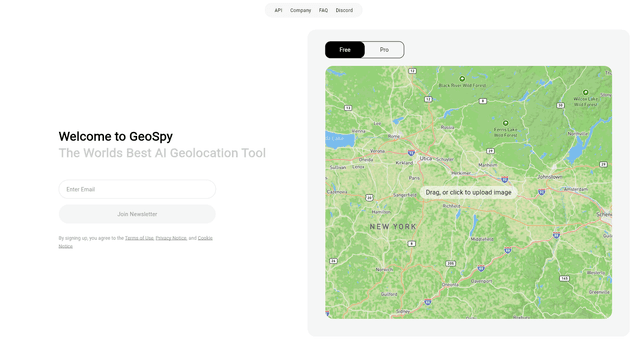
GeoSpy
GeoSpy AI is an advanced AI-powered geolocation tool that analyzes images to determine where they were likely taken, providing precise location estimates and intelligence insights.
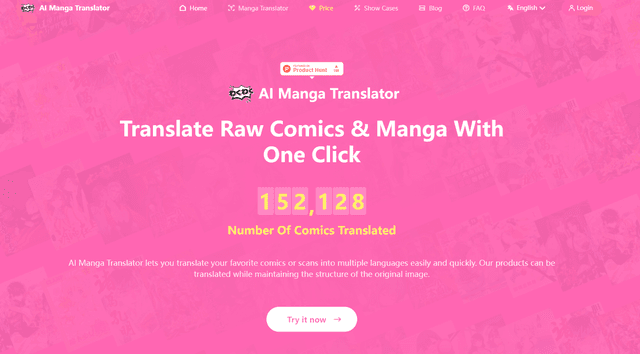
AI Manga Translator
AI Manga Translator is an advanced online tool that uses AI to quickly and accurately translate manga and comics into multiple languages while preserving the original artwork.