MixVio AI
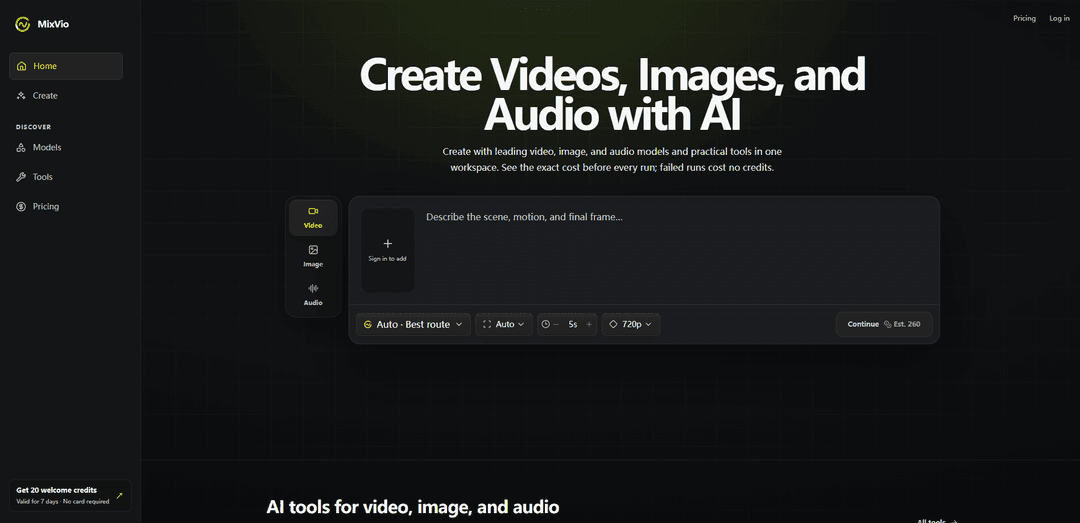
MixVio AI is a multimodal creative workspace that lets you generate and edit videos, images, and audio using leading AI models with transparent, upfront credit costs and no-credit charges for failed runs.
https://mixvio.ai/?utm_source=aipure
Product Information
Updated:Aug 28, 2026
What is MixVio AI
MixVio AI is an AI-powered, all-in-one creation platform for producing short videos, product-ready images, and audio such as voiceovers and original music in a single streamlined workflow. It brings together a curated catalog of popular generation models (including options like Seedance, Kling, Veo, GPT Image, and Seed Audio) alongside practical tools for generating, editing, enhancing, and iterating on content without jumping between multiple apps. MixVio is credit-based, shows the exact cost before you submit a task, and provides a free trial via welcome credits so new users can test the platform without a credit card.
Key Features of MixVio AI
MixVio AI is a multimodal AI creative workspace for generating and editing videos, images, and audio using a curated set of leading models (e.g., Seedance, Kling, Veo, GPT Image, Seed Audio) plus practical creative tools in one place. It emphasizes transparent, per-run credit pricing with the exact cost shown before you submit, and a “pay on success” approach where failed runs release reserved credits automatically. MixVio supports text-to-video, image-to-video with reference uploads, product-ready image generation and edits, multilingual voiceovers, and original music creation, with private-by-default workspaces and commercial-use rights available on paid plans (subject to Terms and rights requirements).
All-in-one multimodal workspace: Create and iterate across video, image, voice, and music in a single workflow, reducing tool switching and keeping projects in one place.
Access to leading creator models: Uses a growing catalog of popular generation models and routes (including Seedance, Kling, Veo, GPT Image, and Seed Audio) with current availability shown in the product.
Upfront, transparent credit quotes: Every model/tool shows an integer credit cost before you run it, so you can control spend and compare routes.
Failed-run credit protection: Tasks reserve credits and only settle on success; if a generation fails, reserved credits are automatically released so you can retry or switch tools.
Reference uploads for guided creation: Supports uploading your own images/video/audio on routes that accept references (e.g., image-to-video and edits), with formats/limits shown before submission.
Private-by-default creations and exports: Uploads and generated results remain in a private workspace (not publicly listed); download links are short-lived and scoped to the account.
Use Cases of MixVio AI
Social media short-form video production: Creators and marketers can generate short videos from text or reference images, then continue the same concept into voiceovers and music for complete posts.
E-commerce product visuals and ads: Brands can produce product-ready images, variations, and edits, and pair them with short promo videos and voiceover for storefronts and paid ads.
Localization for global audiences: Teams can create multilingual voiceovers to adapt video creatives and marketing assets for different regions without re-recording sessions.
Concepting for agencies and studios: Creative teams can rapidly prototype multiple directions (video, image, audio) with known per-run costs, making iteration and client review faster.
Educational and training content drafts: Educators can draft short explainer videos, supporting visuals, and narration quickly, then refine outputs with editing/enhancement tools.
Indie music and audio ideation: Musicians can generate original music ideas and voiceovers in one workspace, useful for demos, intros, and content packaging.
Pros
Transparent pricing per run with exact credit quotes shown upfront.
Failed runs don’t consume credits (reserved credits are released automatically).
Multimodal creation (video, image, voice, music) in one streamlined workspace.
Paid plans include commercial use of outputs (subject to Terms and rights requirements).
Cons
Free plan exports add a visible watermark on images and an audible disclosure on voiceovers.
Free-plan outputs are for evaluation and not for commercial publishing.
Commercial use requires you to have rights to all submitted references (faces, voices, brands, prompts).
Subscription credits expire at the end of each billing period and do not roll over (unused credits are forfeited when entitlement ends).
How to Use MixVio AI
1) Create an account and start a workspace: Go to https://mixvio.ai/ and sign up. New accounts receive 20 welcome credits valid for 7 days (no credit card required). Your uploads and generated results stay in your private workspace and are not listed publicly.
2) Decide what you want to make (video, image, or audio): From the MixVio workspace, choose the type of creation you want: short videos (text-to-video or image-to-video), images (generation or edits), voiceovers, or music. MixVio is designed to let you continue the same idea across video, image, voice, and music in one place.
3) Open the right tool for the job: Navigate to the Tools area (https://mixvio.ai/tools) and select a tool that matches your goal (for example, Image to Video, image edits, or voiceover). Each route/tool shows what it accepts and any limits before you submit.
4) Choose a model (or use Auto): You do not have to pick a model manually. MixVio can use Auto to recommend a compatible live model for your task. If you prefer, open the model menu and select a model yourself. You can browse available models at https://mixvio.ai/models.
5) Add your prompt and (optionally) reference media: Enter a text prompt describing what you want. If the route accepts references, upload your own image, video, or audio as a source file (for example, for Image to Video or edit tools). Ensure you have rights to any reference, face, voice, brand, and prompt you submit.
6) Review the exact credit quote before running: Before you submit, MixVio shows an integer credit cost for the selected model/tool. Every run uses credits, and the platform reserves the quoted amount when you start the task.
7) Run the generation (pay on success): Submit the job. MixVio settles the reserved credits only if the run succeeds. If a generation fails, the task remains visible with a safe error message and the reserved credits are automatically released so you can retry or switch routes.
8) Download your result and understand watermark rules: Download the output from your workspace. Free Plan image outputs include a visible MixVio watermark, and Free voiceovers include an audible MixVio disclosure. Paid plan exports do not add a MixVio plan watermark. Download links are short-lived and scoped to your account.
9) Iterate using other tools in the same workspace: Refine your work by generating variations, switching models, or moving to another modality (e.g., generate an image, turn it into a short video, then add a voiceover or music) using MixVio’s video, image, and audio tools.
10) Manage credits and upgrades: When welcome credits run out, upgrade to continue. Subscription credits (Starter/Pro/Ultra) expire at the end of each billing period and do not roll over; remaining subscription credits are forfeited when paid entitlement ends. Purchased credit packs remain usable until their own expiry. MixVio shows costs upfront before each run.
11) Know what happens if you cancel: If you cancel a paid plan, paid creations stay accessible long-term while your account remains active, subject to storage limits, user deletion, and legal or safety requirements.
12) Use outputs commercially (paid plans only): Paid plans include commercial use of outputs you create on MixVio, subject to the Terms of Service. Free-plan outputs are for evaluation and are not for commercial publishing.
MixVio AI FAQs
You can create short videos from text or a reference image, generate and edit product-ready images, produce voiceovers in multiple languages, and create original music. Available live routes include Seedance, Kling, Veo, GPT Image, and Seed Audio (availability and credit costs can vary).
Popular Articles

Vosko AI: Localize and Dub Videos for Global Audiences
Oct 15, 2026

Atoms: A Multi-Agent AI Platform That Transforms Ideas into Launch-Ready Products
Oct 13, 2026

Nano Banana SBTI: What It Is, How It Works, and How to Use It in 2026
Apr 15, 2026

Atoms Review — The AI Product Builder Redefining Digital Creation in 2026
Apr 10, 2026
Latest AI Tools Similar to MixVio AI

Loud Fame
Loud Fame is an AI-powered video transformation tool that allows users to convert regular videos into anime-style animations and create AI-generated celebrity talking videos.
BizBoom.ai
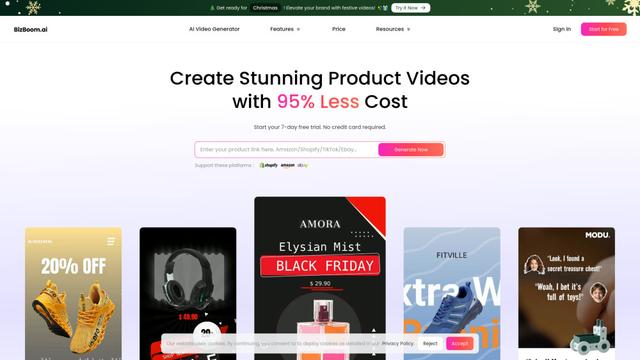
BizBoom.ai is an AI-powered platform that automatically generates professional product videos from product links and images with 95% less cost.

EzVideos
EzVideos is an all-in-one video creation tool that helps users generate viral videos for social media platforms like Instagram, TikTok, and YouTube with automated editing features and built-in resources.
Illuminix
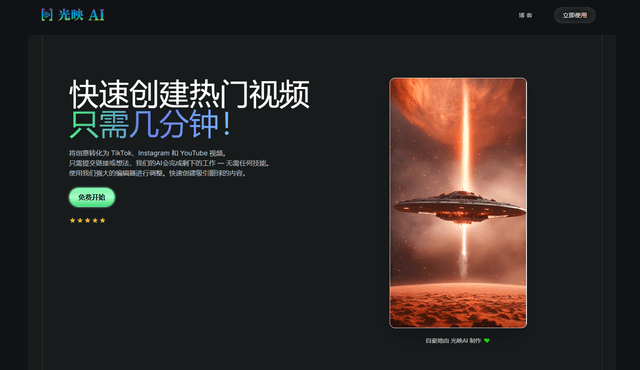
Illuminix is an AI-powered platform that empowers businesses with autonomous hyper-experts and specialized tools for automated business processes, data management, and video content creation.
Popular AI Tools Like MixVio AI
HunyuanVideo-I2V
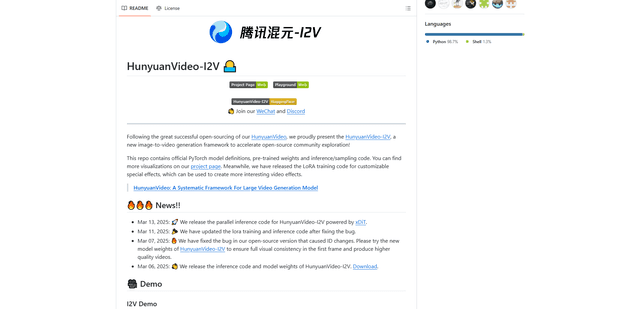
HunyuanVideo-I2V is an open-source AI framework developed by Tencent that transforms static images into high-quality, dynamic videos with customizable motion effects and exceptional visual consistency.
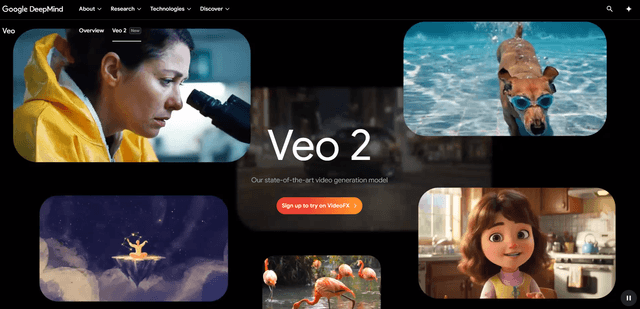
Google Veo 2
Veo 2 is Google DeepMind's state-of-the-art AI video generation model that can create high-quality videos up to 4K resolution with realistic motion, extensive camera controls, and improved physics simulation from text prompts.

Vibing
Vibing is an AI-powered dating app that helps users share authentic moments through video stories and make genuine connections based on personality matching and interactive features.
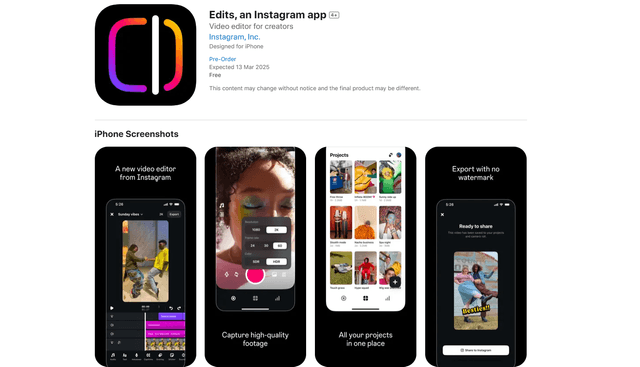
Edits, an Instagram app
Edits is Instagram's free video creation app that provides creators with professional editing tools, AI features, and analytics capabilities to create high-quality videos directly from their phones.