MePic
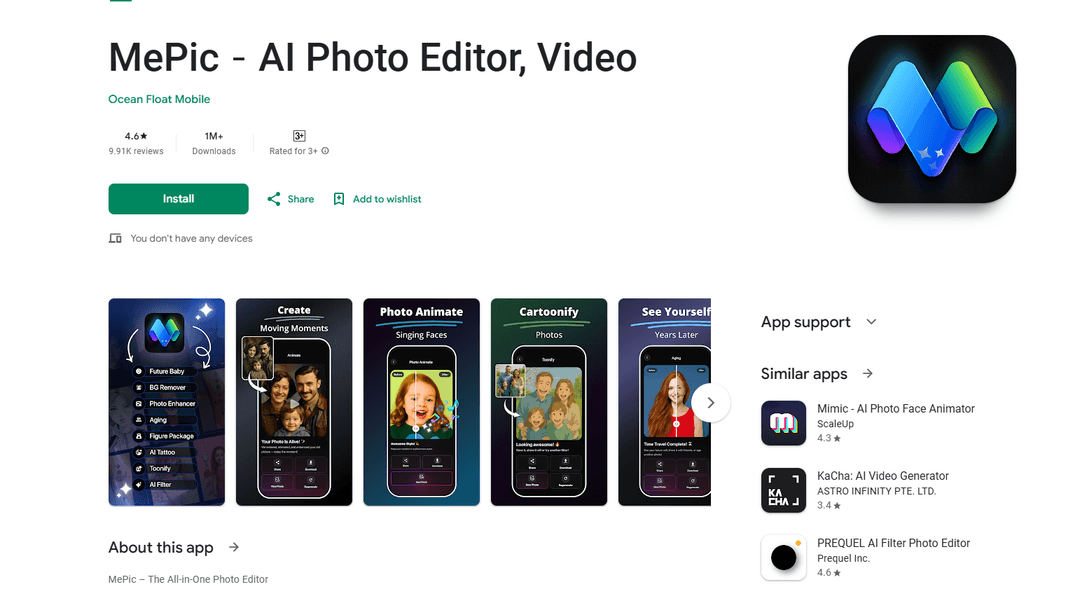
MePic is an all-in-one AI-powered photo editor that enables users to transform selfies into digital art through advanced features like text-to-image generation, portrait enhancement, avatar creation, and photo animation.
https://play.google.com/store/apps/details?id=com.aieditor.artgen&hl=en
Product Information
Updated:Jan 19, 2026
What is MePic
MePic is a comprehensive AI photo editing application that combines cutting-edge artificial intelligence with creative tools to help users enhance and transform their photos. As a versatile photo editor, it offers a wide range of features from basic photo enhancement to advanced AI-powered transformations like generating images from text descriptions, predicting baby appearances, creating customized avatars, and animating still photos. The app is designed to make professional-grade photo editing accessible to everyone, whether they want to touch up portraits, create artistic visuals, or experiment with creative photo effects.
Key Features of MePic
MePic is an AI-powered all-in-one photo editing application that offers a comprehensive suite of features for image manipulation and creation. It combines advanced AI technology with user-friendly tools to enable users to transform selfies, generate images from text descriptions, create avatars, edit portraits, animate photos, and enhance image quality. The app includes capabilities for background removal, object editing, style transfers, and specialized features like future baby generation.
AI-Powered Text to Image Generation: Convert text descriptions into unique, high-quality images using advanced AI technology, allowing users to bring their creative ideas to life instantly
Comprehensive Photo Enhancement Tools: Suite of professional editing tools including skin smoothing, color adjustment, object removal, and AI filters for various artistic styles from cartoon to digital painting
Advanced Portrait Customization: Sophisticated tools for modifying portraits including hair and beard styling, avatar creation, and facial feature adjustments with multiple style options
Photo Animation Capabilities: Transform static images into dynamic content by adding motion effects and creating eye-catching animated loops
Use Cases of MePic
Social Media Content Creation: Influencers and content creators can enhance their social media presence by creating unique, eye-catching visuals and animated content
Professional Photography Enhancement: Photographers can quickly edit and enhance their portraits with professional-grade tools and AI-powered improvements
Personal Entertainment: Users can have fun with features like future baby generation and avatar creation for personal amusement and sharing with friends
Digital Art Creation: Artists and designers can utilize the AI tools to generate unique artwork and experiment with different artistic styles
Pros
Comprehensive suite of AI-powered editing tools
User-friendly interface with multiple creative options
Regular updates and improvements to features
Cons
Expensive subscription cost with additional charges for coins
Server capacity issues leading to frequent 'busy server' messages
Difficult subscription cancellation process
How to Use MePic
Download and Install: Download MePic from the Google Play Store and install it on your Android device
Launch the App: Open MePic and explore the main interface with different editing tools and features
Text to Image Generation: Select the 'Text to Image' feature, enter a text description of the image you want to create, and let the AI generate it
Photo Editing: Upload a photo you want to edit, then use the AI photo editor tools to enhance skin, adjust colors, or apply artistic filters
Avatar Creation: Use the Avatar Creator to design a personalized avatar by customizing hairstyles, makeup, beards and other facial features
Background Editing: Select the background removal tool to easily remove or replace photo backgrounds and edit objects within the image
Photo Enhancement: Use the enhancement tools to improve image quality by adjusting sharpness, lighting and facial clarity
Photo Animation: Choose a photo to animate, apply motion effects to bring static images to life with dynamic movements
Future Baby Generation: Upload photos to the Future Baby Generator to see AI-generated predictions of what your baby might look like
Hair/Beard Styling: Use the Hair & Beard Changer to virtually try different hairstyles and facial hair options
MePic FAQs
MePic offers several key features: Text to Image generation, Future Baby Generator, AI Photo Editor & Filters, Avatar Creator & Styles, Hair & Beard Changer, Background Remover & Object Editing, Photo Enhancer Tools, and Photo Animate feature that brings pictures to life with motion effects.
Popular Articles

Vosko AI: Localize and Dub Videos for Global Audiences
Oct 15, 2026

Atoms: A Multi-Agent AI Platform That Transforms Ideas into Launch-Ready Products
Oct 13, 2026

Nano Banana SBTI: What It Is, How It Works, and How to Use It in 2026
Apr 15, 2026

Atoms Review — The AI Product Builder Redefining Digital Creation in 2026
Apr 10, 2026
Latest AI Tools Similar to MePic
IMG Processing
IMG Processing is a powerful API service that enables fast and reliable image processing capabilities including uploading, transforming, and watermarking through simple integration.

Wink Mody
Wink Mody is a modified version of the Wink video editing app that offers premium features like AI-powered retouching, 4K exports, and watermark-free editing completely free of charge.
Erase BG
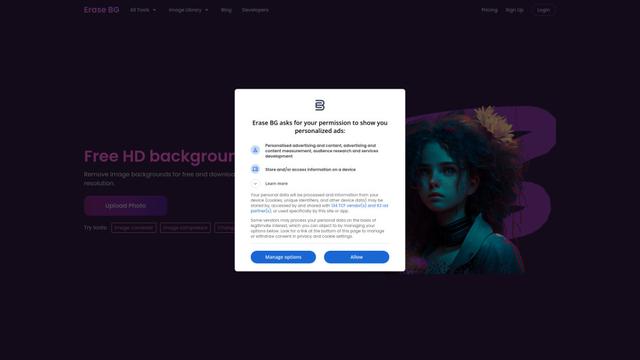
Erase BG is a free, AI-powered online tool that automatically removes backgrounds from images with support for up to 4K resolution, requiring no account or special skills.
PicTrix AI
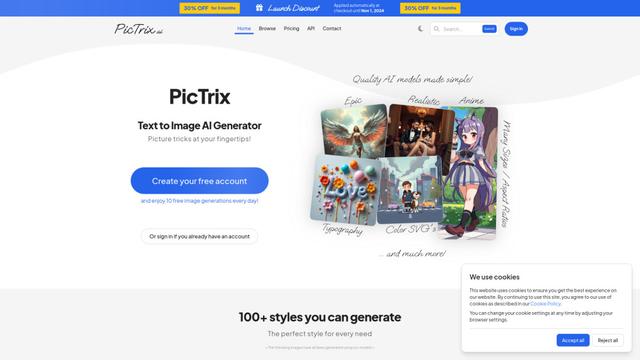
PicTrix AI is an advanced AI-powered platform that transforms text prompts and images into high-quality visuals across multiple styles, formats and sizes while offering features like image restoration, enhancement and SVG generation.
Popular AI Tools Like MePic
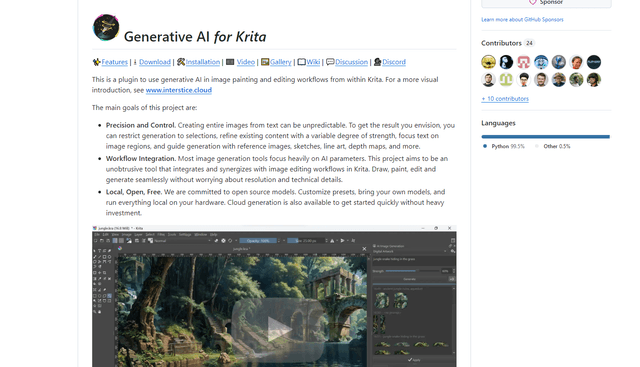
Krita
Krita is a free and open-source digital painting and illustration software that offers a wide range of professional-grade tools for artists and designers.
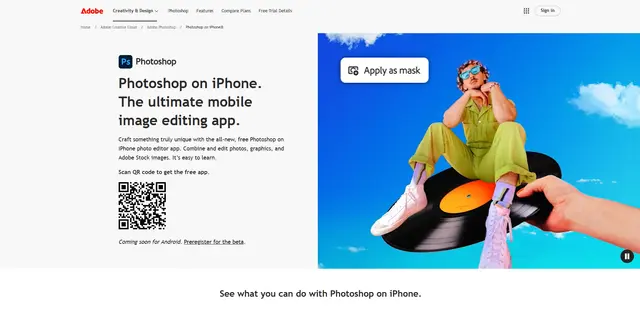
Adobe Photoshop App
Adobe Photoshop App is a free, powerful mobile photo editor that allows users to combine and edit photos, graphics, and Adobe Stock images with professional-grade tools and AI features optimized for touch devices.
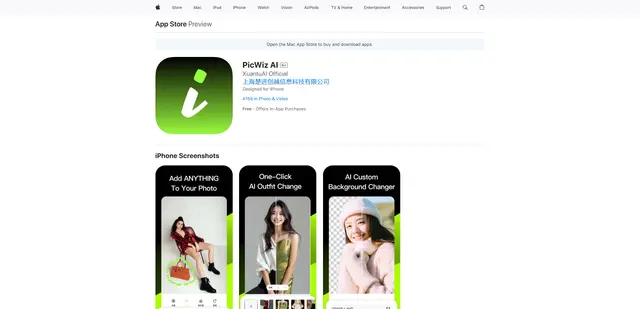
PicWiz AI
PicWiz AI is a comprehensive AI-powered photo editing and image generation tool that offers over 100 photo styles and multiple AI processing capabilities including object addition, removal, background manipulation, and image enhancement.

Remove Image Background
Remove.bg is an AI-powered online tool that automatically removes image backgrounds in seconds with just one click.