
MascotVibe
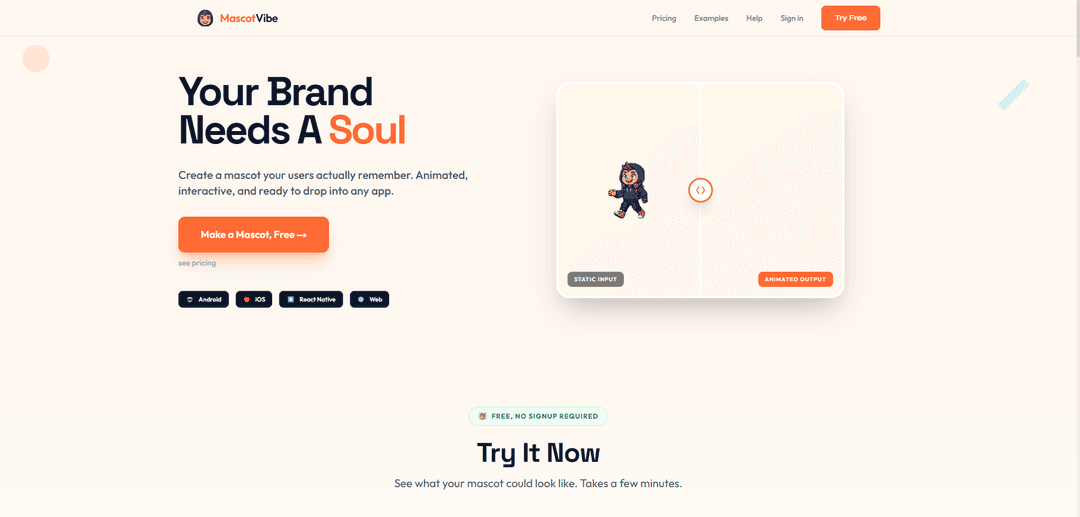
MascotVibe is an AI-powered platform that generates custom animated mascots for apps, games, and brands from any image or text description in minutes, offering multiple export formats for every platform.
https://www.mascotvibe.com/?ref=producthunt
Product Information
Updated:Mar 16, 2026
What is MascotVibe
MascotVibe is an innovative mascot generator that revolutionizes the traditional approach to creating brand mascots. Unlike conventional methods that require expensive designers and weeks of work, MascotVibe uses AI technology to create professional, animated mascots quickly and affordably. The platform is designed to help businesses, app developers, and brands create memorable mascot characters that can represent their brand identity across various platforms, from iOS and Android apps to websites and marketing materials.
Key Features of MascotVibe
MascotVibe is an AI-powered mascot generator that allows users to create and animate custom brand mascots quickly and affordably. It offers multiple animation styles, supports various export formats (WebM, APNG, MOV, MP4, spritesheets), and can generate mascots from text descriptions or website URLs in under 7 minutes. The platform includes preset animations, customization options, and is designed to work across multiple platforms including Android, iOS, React Native, and Web.
AI-Powered Generation: Create mascot concepts from text descriptions or website URLs, with options for different styles including kawaii, cartoon, 3D, and pixel art
One-Click Animation: 12 preset animations including wave, dance, celebrate, and think, plus custom animation prompts for unique movements
Multi-Format Export: Export mascots in various formats including WebM with alpha, APNG for iOS, MP4, MOV ProRes, and spritesheets to ensure compatibility across all platforms
Use Cases of MascotVibe
App Development: Create engaging mascots for mobile applications to enhance user experience and brand recognition
Brand Marketing: Develop memorable brand characters for marketing campaigns and social media content
Game Development: Generate animated characters and sprites for games with easy export to compatible formats
Website Design: Create interactive mascots to improve website engagement and user interface
Pros
Fast turnaround time (under 7 minutes vs weeks with traditional designers)
Cost-effective ($0-39.99/month vs $500-$2000+ for traditional design)
Multiple export formats supporting various platforms
Cons
Limited to preset animation styles unless using custom prompts
May lack the unique artistic touch of human designers
How to Use MascotVibe
Step 1: Upload or Generate Mascot: Either upload an existing mascot image or describe your brand to let AI generate mascot concepts. You'll get 4 different style options to choose from - including kawaii, cartoon, 3D, and pixel art styles.
Step 2: Select Animation Style: Choose from 12 preset animation options like wave, dance, celebrate, think etc. You can also write custom animation prompts to get exactly the motion you want.
Step 3: Refine and Customize: Make adjustments to perfect your mascot's look and movement. First refinement is free. You can iterate until you're happy with the result.
Step 4: Choose Export Formats: Select which formats you need from: WebM with alpha (for Android), APNG (for iOS), MP4 (for social media), MOV ProRes (for professional use), or spritesheets (for games).
Step 5: Download and Implement: Download your animated mascot in all selected formats. The files are ready to be implemented directly into your app, website, or other marketing materials.
Step 6: Manage Credits: Start with 30 free credits. Upgrade to Pro (200 credits/month) or Studio (800 credits/month) plan if you need to create more mascots or animations.
MascotVibe FAQs
MascotVibe is a tool that generates custom animated mascots from either a website URL, text description, or uploaded image. It can create mascots in various styles (Kawaii, cartoon, 3D, pixel art) and add animations to them in under 7 minutes.
MascotVibe Video
Popular Articles

Atoms: A Multi-Agent AI Platform That Transforms Ideas into Launch-Ready Products
May 22, 2026

Nano Banana SBTI: What It Is, How It Works, and How to Use It in 2026
Apr 15, 2026

Atoms Review — The AI Product Builder Redefining Digital Creation in 2026
Apr 10, 2026

Kilo Claw: How to Deploy and Use a True "Do‑It‑For‑You" AI Agent(2026 Update)
Apr 3, 2026
Latest AI Tools Similar to MascotVibe

Peache.ai
Peache.ai is an AI character chat playground that enables users to engage in flirty, witty, and daring conversations with diverse AI personalities through real-time interactions.
Simba
Simba is an iconic animated lion character and protagonist of Disney's The Lion King, who grows from a carefree cub to the rightful king of Pride Rock after overcoming challenges and embracing his responsibilities.
NSFWChatAI
NSFWChatAI is an uncensored AI chat platform that enables users to engage in immersive, unrestricted conversations with diverse NSFW characters.
Rubii
Rubii is an AI-powered platform for creating and interacting with virtual characters, generating content, and exploring fan-made stories and artwork.
Popular AI Tools Like MascotVibe
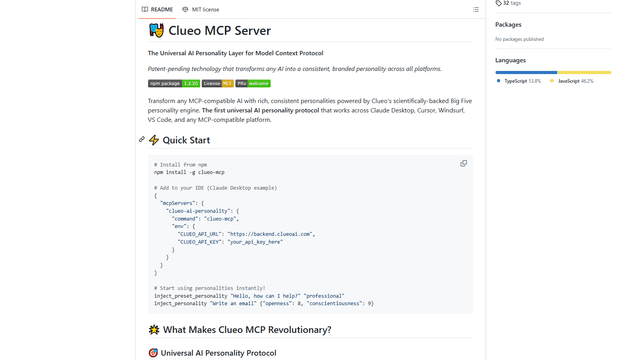
ClueoMCP
ClueoMCP is a universal AI personality layer that transforms any AI into a consistent, branded personality across all platforms using patent-pending technology and scientifically-backed Big Five personality traits.
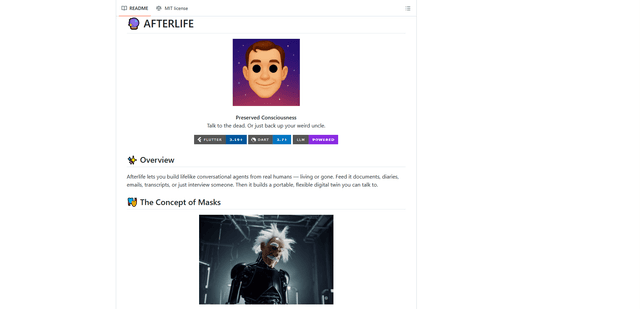
Afterlife AI
Afterlife is an open-source platform that creates personalized AI avatars through an interview process, allowing users to chat with digital twins of historical figures or preserve the communication patterns of loved ones through an ethical and transparent approach.
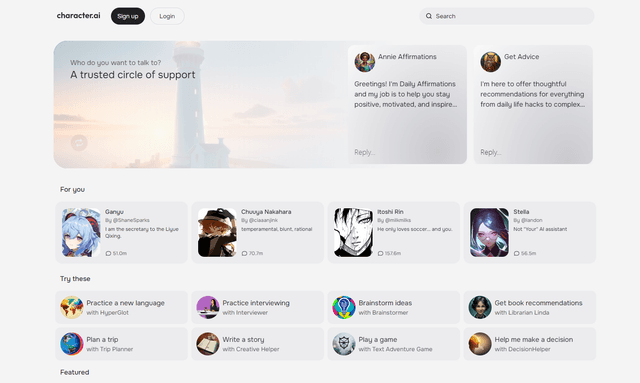
Character.ai
Character.ai is an innovative AI chatbot platform that allows users to create, customize, and interact with a wide variety of AI characters for entertainment, learning, and creative purposes.
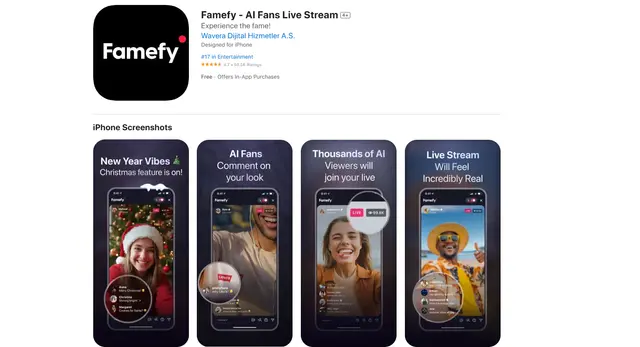
Famefy
Famefy is an AI-powered live streaming platform that lets users experience virtual stardom by interacting with AI-generated fans who provide real-time engagement and feedback.