Makiverse
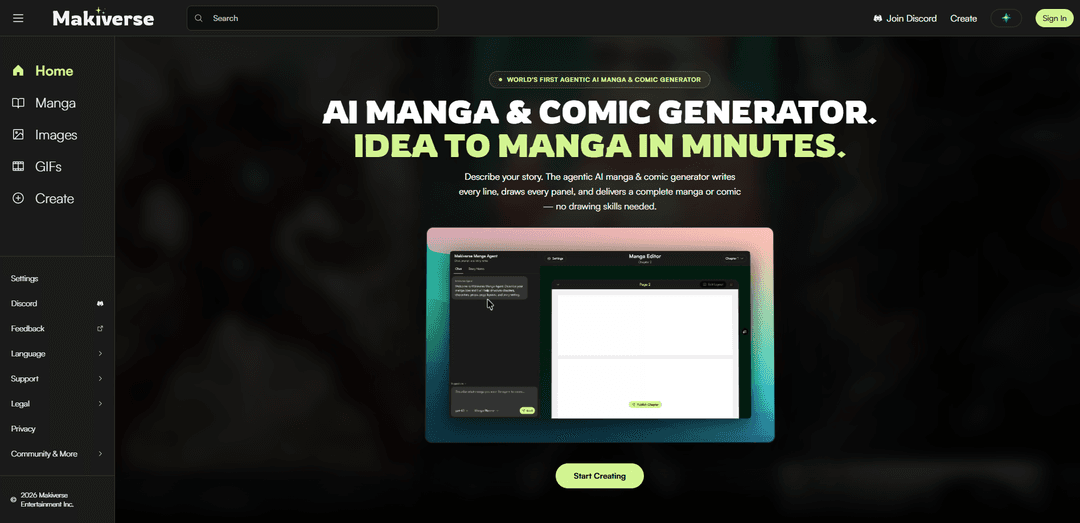
Makiverse is an agentic AI manga and comic generator that turns a single text prompt into publish-ready pages with AI-written dialogue, AI-drawn panels, consistent characters/items, multiple art styles, and support for images, comic pages, and GIFs.
https://makiverse.com/?utm_source=aipure
Product Information
Updated:Aug 6, 2026
What is Makiverse
Makiverse is an AI-powered Manga, Comic, and Movie creation platform that helps creators turn ideas into finished artwork, animated content, and full manga chapters. Create images, GIFs, videos, and complete stories with AI-assisted writing, panel generation, dialogue, and editing tools. Build reusable Characters and Props for consistent visuals across scenes, use Tags for faster creation, and refine results with tools like Inpainting, Outpainting, and Upscale.
Key Features of Makiverse
Makiverse is an AI-powered manga and comic creation platform that turns text prompts into finished visual stories. It combines an “agentic” workflow that can plan a story, generate dialogue, and draw panel-by-panel pages with tools for maintaining character/item consistency across scenes. Creators can generate multiple output formats—including single images, full manga chapters/comic pages, and animated GIFs—then publish directly to Makiverse for others to read and discover via its community feed.
Agentic text-to-manga generation: From a single paragraph prompt, the AI can write the lines and generate the artwork for every panel, producing a complete manga/comic in minutes.
Character & item consistency system: Lets you build characters and key items once and reuse them across chapters so faces, outfits, and props remain consistent scene-to-scene.
Multi-format creation (images, pages, GIFs): Supports generating standalone AI images, full manga/comic pages/chapters, and animated GIFs—useful for both static comics and motion experiments.
AI dialogue generation integrated with panels: Helps produce natural-sounding conversations and integrates them into the comic workflow to reduce scriptwriting time.
Style selection across manga/comic/anime looks: Offers multiple visual styles (e.g., manga, noir, cyberpunk, fantasy) while keeping your established world/characters intact.
Publish + community discovery: Enables one-click publishing to Makiverse, where works appear in a public feed for reading, sharing, and discovery.
Use Cases of Makiverse
Indie manga/comic production: Solo creators and small teams can rapidly prototype and produce chapters without needing full-time illustrators for every panel.
Storyboarding & previsualization: Writers, directors, and creative teams can convert scripts or story ideas into panel-based sequences to explore pacing, framing, and dialogue.
Marketing content & social media creatives: Brands and creators can generate stylized comics, character-based visuals, and short animated GIFs for campaigns and posts.
Education and training materials: Teachers and instructional designers can create comic-based explainers and scenario-driven lessons (e.g., safety training, language practice).
Game/fiction IP concept development: Studios can develop consistent characters/items and quickly generate narrative scenes for pitch decks, lore content, or promotional shorts.
Pros
End-to-end workflow (story → dialogue → panels → publish) reduces production time and complexity.
Character/item consistency supports longer-form storytelling across chapters.
Multiple output formats (images, manga pages, GIFs) fit different creative goals and platforms.
Accessible to non-artists—no drawing skills required to produce illustrated stories.
Cons
Creative control may be limited compared with fully manual illustration/editing, depending on how the agent interprets prompts.
Output quality and consistency can vary by prompt complexity, style choice, and scene demands.
Publishing to a platform feed may not match every creator’s distribution or rights/preferences without reviewing terms.
How to Use Makiverse
1) Open Makiverse: Go to https://makiverse.com/ to access the AI manga & comic generator.
2) Sign in: Click “Sign In” from the top navigation to log into your account so you can create and publish.
3) Start a new creation: Click “Create” (or “Start Creating”) to open the creation workflow.
4) Prompt the agent with your story: In the prompt box, describe your characters, world, and story (the site notes one paragraph is enough). Submit the prompt to the agent.
5) Let the agent generate the manga/comic: Makiverse’s agentic workflow generates the script and visuals: it writes dialogue/lines and draws panels, producing a finished manga/comic from your text.
6) Create and save consistent characters and key items: Use the “Characters & Items” feature to build characters and important props once, then reuse them across scenes so they stay consistent chapter after chapter.
7) Choose an art style for your project: Select an art style that matches your story (examples shown include Manga, Epic Fantasy, Cyberpunk, and Noirpulse). The style changes the look while keeping your world/characters consistent.
8) Use the Agent Manga Creator for full-panel/page output: Use the “Agent Manga Creator” to generate a complete manga from one prompt, with consistent characters, styled panels, and publish-ready pages.
9) Publish your manga: When satisfied, publish with one click so your manga goes live on Makiverse for others to read.
10) Explore and share your published work: Browse the public feed via “Manga” (Explore Feed) to view other creations and open your own published manga page to share its link.
11) Create other formats (Images and GIFs): From the top navigation, switch to “Images” or “GIFs” to generate and view content in those formats (in addition to manga/comic pages).
12) Adjust account settings and get support: Use “Settings” for account preferences, join the community via “Discord,” and submit suggestions via “Feedback.”
Makiverse FAQs
Makiverse is an online AI manga and comic generator that turns a text prompt into a finished manga or comic, generating the script (lines) and drawing the panels.
Popular Articles

Vosko AI: Localize and Dub Videos for Global Audiences
Oct 15, 2026

Atoms: A Multi-Agent AI Platform That Transforms Ideas into Launch-Ready Products
Oct 13, 2026

Nano Banana SBTI: What It Is, How It Works, and How to Use It in 2026
Apr 15, 2026

Atoms Review — The AI Product Builder Redefining Digital Creation in 2026
Apr 10, 2026
Latest AI Tools Similar to Makiverse
AI Comic Factory
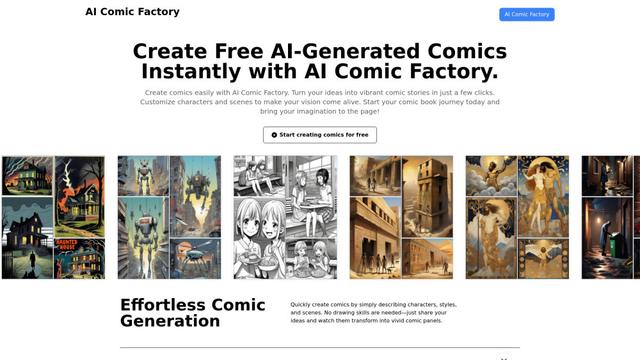
AI Comic Factory is an innovative online platform that allows users to effortlessly create personalized comics using AI-powered tools for generating artwork, characters, and storylines.
Anifusion
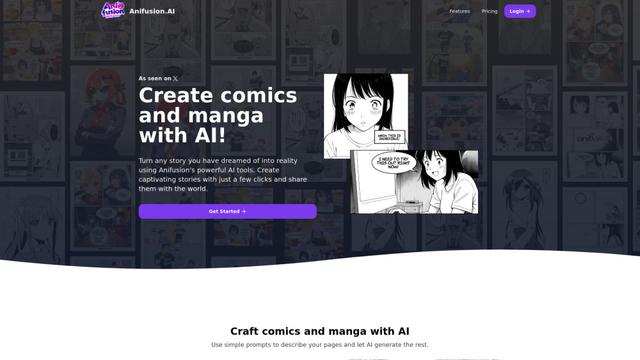
Anifusion is an AI-powered online tool that allows anyone to easily create professional-quality comics and manga using simple text prompts.
AniGenie
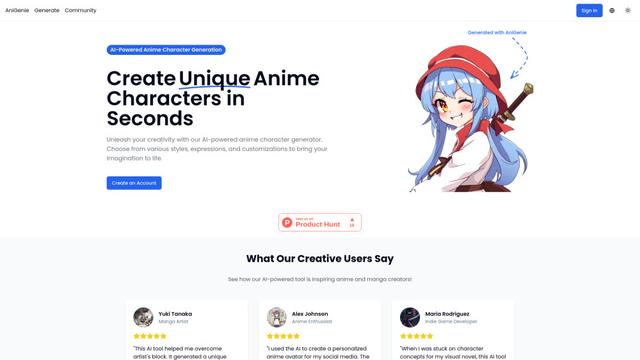
AniGenie is an AI-powered anime character generator that allows users to create unique anime characters in seconds by choosing from various styles, expressions, and customizations.
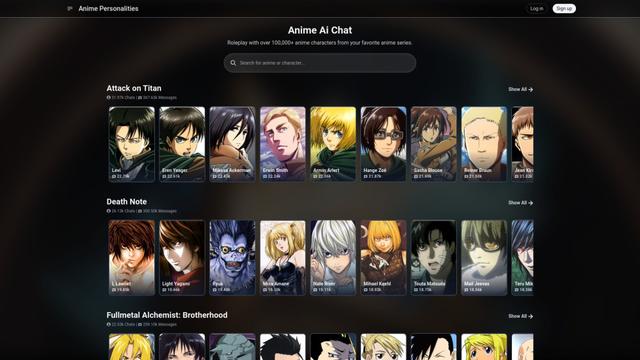
Anime Ai Chat
Anime Ai Chat is an AI-powered platform that allows users to roleplay and chat with over 100,000 anime characters from popular series using advanced language models.
Popular AI Tools Like Makiverse
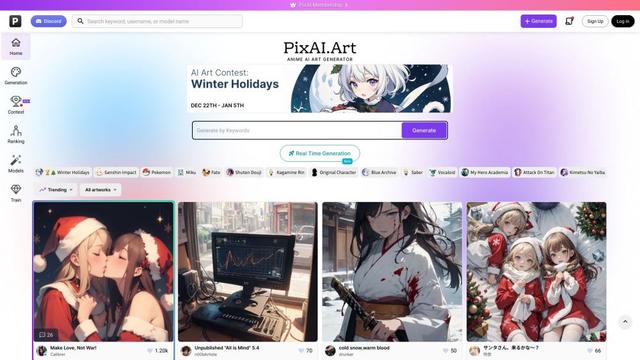
PixAI - AI Art Generator
PixAI is a powerful AI-powered platform that allows users to effortlessly generate high-quality anime and realistic art using advanced AI models and editing tools.
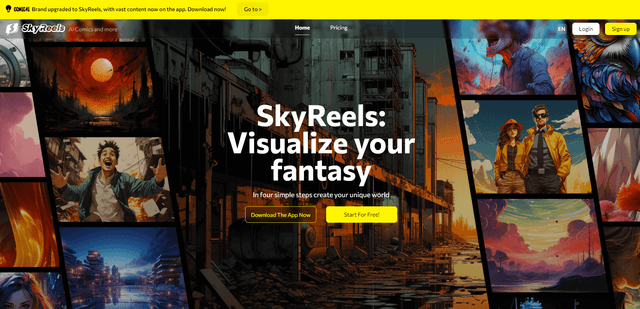
SkyReels
SkyReels is an AI-powered comic creation tool that enables anyone to generate high-quality comics and manga without drawing skills, offering features like character design, scene setting, and one-click comic generation.
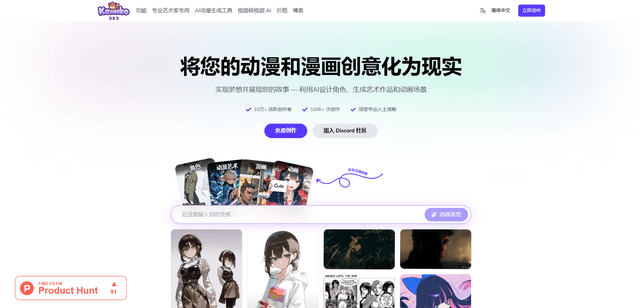
Komiko
Komiko is an all-in-one AI-powered platform that enables users to create comics, manga, manhwa, and animations through consistent character design, text-to-image generation, and advanced pose control features.
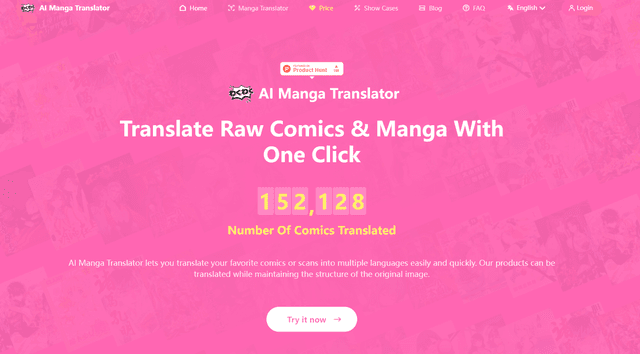
AI Manga Translator
AI Manga Translator is an advanced online tool that uses AI to quickly and accurately translate manga and comics into multiple languages while preserving the original artwork.