
MakersClaw
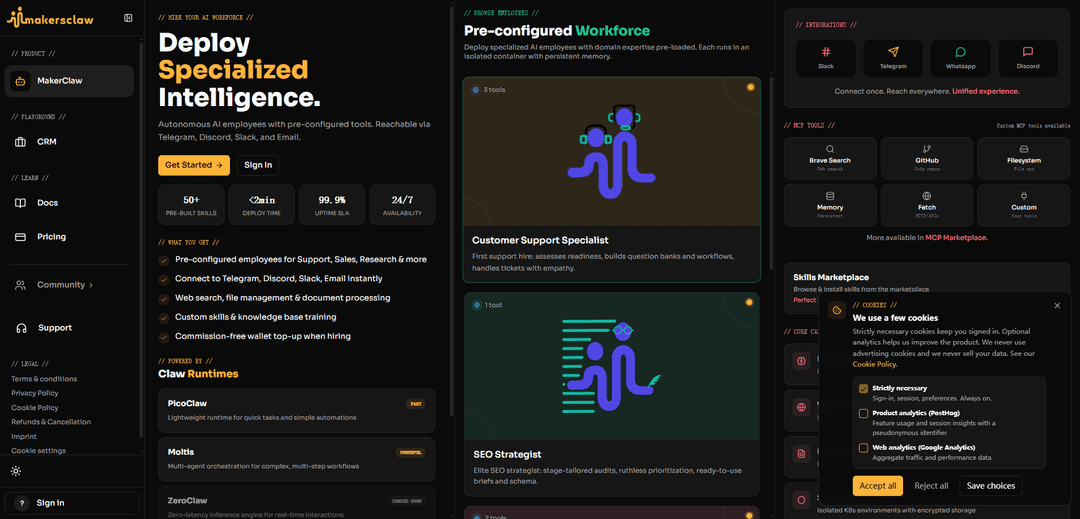
MakersClaw lets you deploy autonomous, pre-configured AI “employees” that run 24/7 in secure isolated containers, integrate with Slack/Telegram/Discord/WhatsApp/Email, and use built-in tools like web research, document processing, and persistent memory.
https://www.makersclaw.com/?ref=producthunt
Product Information
Updated:Jul 8, 2026
What is MakersClaw
MakersClaw is a platform for hiring and deploying AI-powered agents (“AI employees”) to handle business functions like customer support, sales, SEO, research, and personal assistance. Each agent comes with domain expertise, pre-configured skills, and a toolset you can extend via MCP (Model Context Protocol) integrations. The service emphasizes fast setup (under two minutes), always-on availability, and operational reliability, positioning these agents as a scalable workforce you can reach through common messaging channels.
Key Features of MakersClaw
MakersClaw is a platform for deploying pre-configured “AI employees” that run 24/7 in isolated, Kubernetes-native containers with persistent memory. It lets teams spin up specialized agents (e.g., support, sales, SEO, personal assistant) in under two minutes, connect them to common communication channels (Slack, Telegram, Discord, Email, and WhatsApp), and extend capabilities via built-in and custom MCP tools (web search, GitHub, filesystem, HTTP/APIs, document processing, and memory). The system emphasizes secure, dedicated runtimes, scalable operations, and a skills marketplace for quick customization.
Pre-configured AI workforce: Deploy specialized agents (Customer Support Specialist, SEO Strategist, Personal Assistant, Sales Advisor, and more) with domain workflows and tooling pre-loaded to reduce setup time.
Fast deployment with always-on availability: Launch an AI employee in under ~2 minutes, designed for 24/7 operation with a stated 99.9% uptime SLA.
Multi-channel integrations: Connect once and operate across Slack, Telegram, Discord, Email, and WhatsApp for unified agent communication and responsiveness.
Secure, isolated containers (Kubernetes-native): Each employee runs in an isolated K8s environment with dedicated resources and encrypted persistent storage to separate workloads and improve operational security.
Persistent memory + knowledge workflows: Agents retain context across sessions via persistent memory and can be trained/customized with knowledge bases to better match company processes and FAQs.
MCP tools and Skills Marketplace: Extend what agents can do using MCP tools (e.g., Brave Search, GitHub, filesystem, fetch/HTTP, memory) plus custom tools and installable skills from a marketplace.
Use Cases of MakersClaw
Customer support automation for SaaS and e-commerce: Handle inbound questions, build question banks, triage tickets, and provide empathetic first-line support across chat channels and email.
Sales enablement and outbound for B2B teams: Define ICP, improve discovery, set up CRM/outbound workflows, and support pipeline management with a dedicated Sales Advisor agent.
SEO and content operations for marketing teams: Run stage-tailored SEO audits, prioritize fixes, generate ready-to-use briefs and schema, and maintain ongoing optimization workflows.
Founder/exec operations personal assistant: Support GTM planning, fundraising prep, hiring processes, and execution tracking with a growth-oriented assistant that remembers context.
Research and document processing for analysts: Perform web research, extract and synthesize information, and process PDFs/spreadsheets/images using built-in document handling and web tooling.
Pros
Quick time-to-value via pre-configured agents and <2-minute deployment
Strong extensibility through MCP tools, custom tools, and a skills marketplace
Operational focus: 24/7 agents with persistent memory and multi-channel messaging
Security-oriented architecture with isolated containers and encrypted persistent storage
Cons
Capabilities and performance may vary depending on chosen runtime/model/tooling configuration
Customization beyond the pre-configured roles may require MCP/tool setup and ongoing maintenance
Cost predictability may depend on usage patterns (e.g., heavy workloads, tool calls, integrations)
How to Use MakersClaw
1) Open MakersClaw: Go to https://www.makersclaw.com/ to access the MakersClaw dashboard/landing page where you can deploy AI employees.
2) Choose a pre-configured AI employee (or start custom): From “Pre-configured Workforce,” pick a role like Customer Support Specialist, SEO Strategist, Personal Assistant, or Sales Advisor. If you need something different, choose the custom option to define your own runtime, skills, and personality.
3) Select a runtime: Pick the runtime that matches your workload: PicoClaw (fast, lightweight tasks), Moltis (powerful, multi-agent orchestration for complex workflows), or ZeroClaw (coming soon).
4) Attach tools (MCP tools): Enable the tools your employee will use, such as Brave Search (web search), GitHub (code repos), Filesystem (file operations), Memory (persistent memory), Fetch (HTTP/APIs), and any Custom MCP tools you provide. You can also use the MCP Marketplace for more tools.
5) Install skills from the Skills Marketplace: Browse and install skills to extend capabilities (the site highlights “50+ pre-built skills”). Use skills to customize how the employee performs tasks for support, sales, research, and operations.
6) Configure knowledge and behavior: Set up custom skills and knowledge base training so the employee can follow your workflows and use your documents/context. MakersClaw emphasizes persistent memory to retain context across conversations and sessions.
7) Connect communication channels: Connect the employee to your preferred channels so it’s reachable where you work: Slack, Telegram, WhatsApp, Discord, and Email (the site highlights these integrations and a “connect once, reach everywhere” unified experience).
8) Deploy the employee: Launch the AI employee. MakersClaw advertises <2 minute deploy time, 24/7 availability, and a 99.9% uptime SLA. Each employee runs in an isolated, Kubernetes-native secure container with encrypted persistent storage.
9) Start using it for real tasks via your connected channel: Message the employee in Slack/Telegram/WhatsApp/Discord or email it. Use it for web research, document processing (PDFs/spreadsheets/images/structured data), file management, and role-specific workflows (support tickets, SEO audits/briefs, sales pipeline, founder ops).
10) Iterate: add/remove tools and skills as needs change: As you discover gaps, return to the tool/skills setup to attach additional MCP tools from the marketplace, add custom tools, and refine skills/personality to better match your processes.
MakersClaw FAQs
MakersClaw is a platform for deploying autonomous AI “employees” that run 24/7 with pre-configured tools, designed for roles like customer support, sales, research, and more.
Popular Articles

Vosko AI: Localize and Dub Videos for Global Audiences
Oct 15, 2026

Atoms: A Multi-Agent AI Platform That Transforms Ideas into Launch-Ready Products
Oct 13, 2026

Nano Banana SBTI: What It Is, How It Works, and How to Use It in 2026
Apr 15, 2026

Atoms Review — The AI Product Builder Redefining Digital Creation in 2026
Apr 10, 2026
Latest AI Tools Similar to MakersClaw
Growth-Leads.co
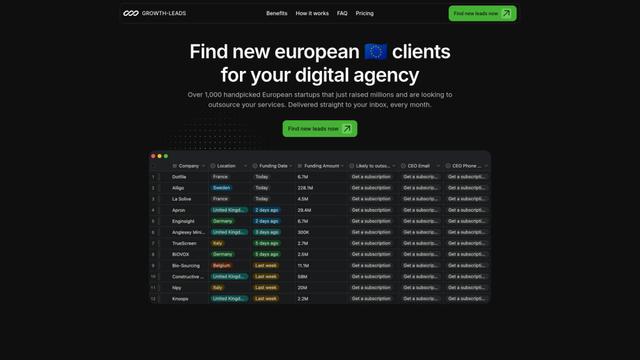
Growth-Leads.co is a lead generation service that provides handpicked lists of newly funded European startups looking to outsource digital services, delivered monthly with verified contact information to help agencies expand into the European market.
Leadsmrt
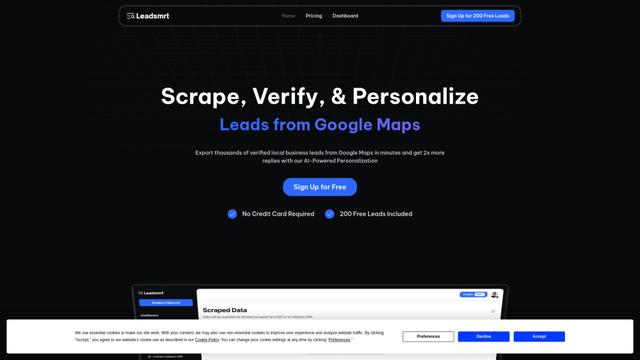
Leadsmrt is a lead generation tool that helps businesses scrape, verify and personalize targeted business leads from Google Maps with AI-powered personalization capabilities.
Beyond AIO
Beyond AIO is an all-in-one AI-powered marketing platform that delivers smart, data-driven insights and solutions through predictive analytics, cross-channel integration, and real-time optimization capabilities.
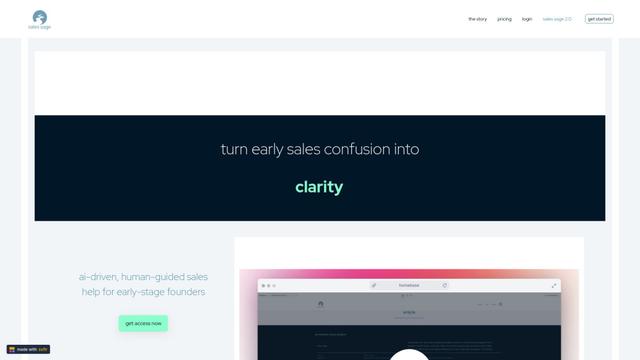
Sales Sage
Sales Sage is an AI-driven CRM and sales management platform that helps businesses optimize their sales processes, track performance, and make data-driven decisions through integrated tools for managing customer relationships, sales pipelines, and business intelligence.
Popular AI Tools Like MakersClaw
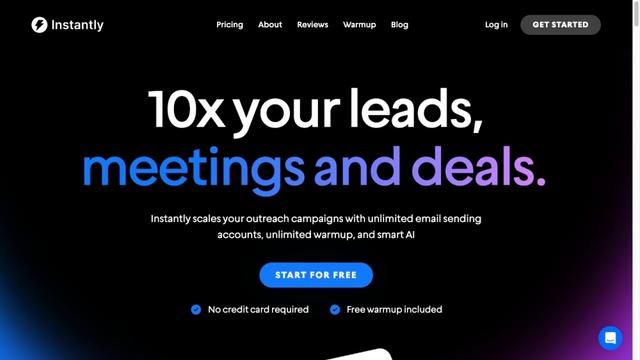
Instantly.ai
Instantly.ai is a comprehensive sales engagement and lead intelligence platform that offers unlimited email accounts, automated outreach, deliverability optimization, and AI-powered features to scale cold email campaigns.
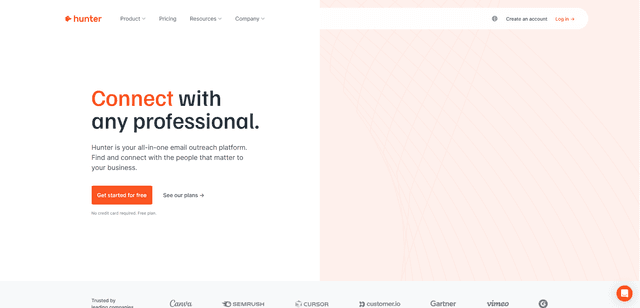
Hunter
Hunter is an all-in-one email outreach platform that helps businesses find verified email addresses, identify relevant prospects, and run cold email campaigns at scale.
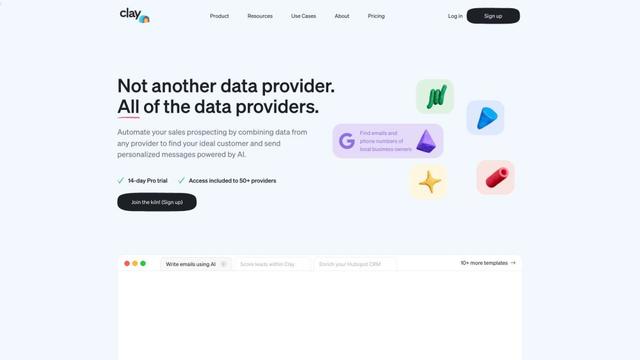
Clay
Clay is a data enrichment and personalized outreach platform that helps go-to-market teams scale their campaigns with AI-powered research and messaging.
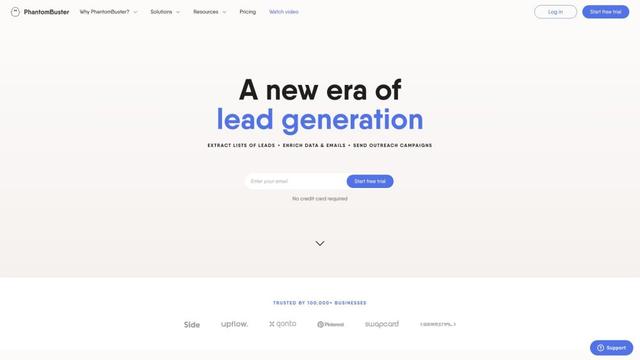
PhantomBuster
PhantomBuster is a powerful cloud-based automation platform that provides over 100 ready-made tools to extract data, enrich leads, and automate outreach campaigns across multiple online platforms.