MakeResume
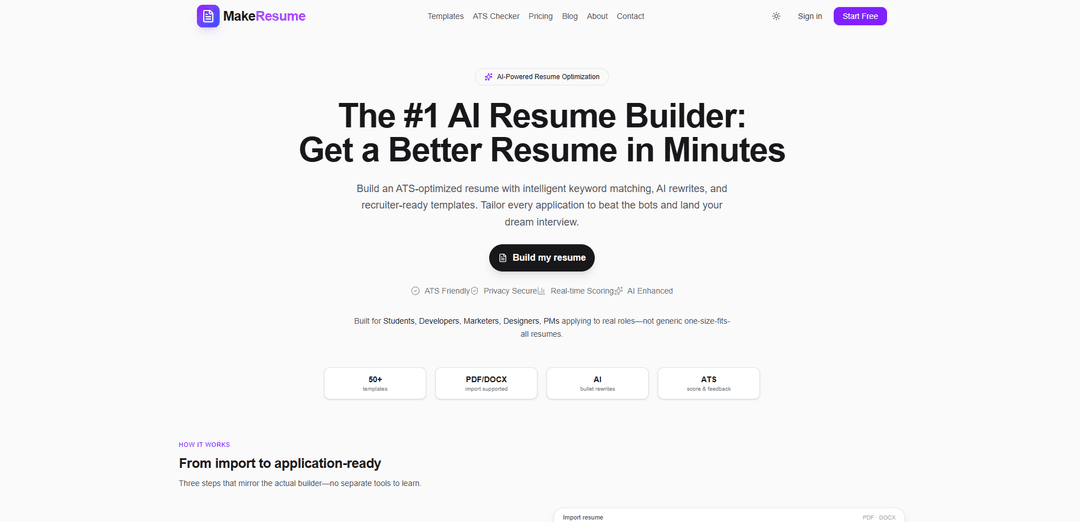
MakeResume is a free AI-powered resume builder with ATS scoring, job keyword matching, PDF/DOCX import, AI bullet rewrites, and recruiter-ready templates designed to produce ATS-friendly resumes quickly.
https://www.makeresume.pro/?utm_source=aipure
Product Information
Updated:May 28, 2026
What is MakeResume
MakeResume (makeresume.pro) is an AI resume builder and ATS checker designed to help job seekers create clean, professional, ATS-optimized resumes that recruiters can easily scan. It supports multiple ATS-friendly templates, lets users start from scratch or import an existing PDF/DOCX, and provides real-time feedback to improve clarity, structure, and relevance. The product positions itself as privacy-focused and workflow-oriented—built for people actively applying (students and early-career candidates through experienced professionals) who want a fast way to tailor resumes to real job postings.
Key Features of MakeResume
MakeResume is an AI-powered, ATS-focused resume builder and standalone ATS checker designed to help job seekers quickly create, tailor, and improve resumes for real job postings. It supports importing existing PDF/DOCX resumes into editable sections, matches your resume against a pasted job description with keyword-gap feedback and real-time scoring, and provides inline AI rewrites for bullets and summaries. The platform offers 50+ ATS-friendly templates and a streamlined workflow from import to application-ready, with PDF export and premium templates available via Pro.
AI bullet rewriting: Inline AI suggestions to rewrite experience bullets and summaries with stronger verbs, clearer impact, and more measurable outcomes based on your existing content.
Job description keyword matching: Paste a job posting to extract keywords, see a match score, and identify missing terms/skills to better tailor each application.
Standalone ATS checker + AI feedback: Upload a resume (PDF/DOCX) to receive an ATS-oriented score and concrete fixes (e.g., keyword gaps, structure issues, bullet clarity improvements).
PDF/DOCX resume import to editable sections: Parse an existing resume into structured sections (Experience, Skills, Education, etc.) so you can edit without reformatting or retyping.
ATS-friendly template library (50+): A large set of recruiter-ready layouts designed for parseability with common ATS platforms and standard headings.
Export workflow (Pro): Create and refine resumes for free, then export a print-ready PDF (and unlock premium templates) when upgrading to Pro.
Use Cases of MakeResume
Software/IT applications tailored per role: Engineers can paste a job description to surface missing keywords (e.g., TypeScript, CI/CD, system design) and use AI rewrites to turn generic bullets into metric-driven achievements.
Student and new-grad resume building: Students can start from templates, import an existing document, and use ATS feedback to fix structure, headings, and bullet clarity for internships and entry-level roles.
Marketing and product role optimization: Marketers/PMs can align resumes to postings by matching keywords, improving summaries, and tightening impact statements to increase recruiter relevance.
Design and creative roles with ATS-safe formatting: Designers can use ATS-friendly templates that remain readable to screening software while still presenting a clean, modern layout.
Healthcare and regulated-industry resumes: Candidates can select role-appropriate templates (e.g., clinical/healthcare styles) and ensure standard headings and keyword completeness for ATS parsing.
Fast modernization of older resumes: Professionals can import a legacy PDF/DOCX, convert it into editable sections, run an ATS check, and quickly update language and structure without manual formatting.
Pros
End-to-end workflow in one place: import, keyword matching, AI rewrites, ATS checking, and templates.
ATS-first approach with standard headings, parseable layouts, and keyword-gap feedback tailored to job descriptions.
Low-friction start: core builder, import, ATS checker, and AI rewrites are available free (no credit card required to start).
Large template library (50+), covering multiple roles and industries.
Cons
PDF export is gated behind Pro, which may be a blocker for users who need final downloadable files without paying.
AI scoring/feedback can be illustrative and may not perfectly mirror every employer’s ATS configuration or recruiter preferences.
Heavily optimized for ATS conventions, which may limit highly customized or design-forward formatting options some users want.
How to Use MakeResume
1) Open MakeResume and start free: Go to https://www.makeresume.pro/ and click “Start Free” (or “Build my resume”) to enter the resume builder.
2) Choose how you want to begin (import or start fresh): On the builder flow, either upload an existing resume (PDF/DOCX) to auto-parse it into editable sections, or pick a template and start from scratch.
3) Import your resume (optional): If importing, drop/upload your PDF or DOCX. MakeResume will parse it into standard sections (e.g., Contact, Experience, Skills, Education) so you can edit without retyping.
4) Pick an ATS-friendly template: Browse templates (50+ available). Select a clean, ATS-friendly layout (single-column, standard headings) appropriate for your industry and role.
5) Fill and edit each resume section: Edit section-by-section (Contact, Summary, Experience, Projects, Skills, Education, etc.). Keep headings standard (e.g., “Experience”, “Skills”, “Education”) for better parsing.
6) Paste the job description to tailor your resume: Paste the target job posting into the builder. MakeResume extracts keywords, shows a match score, and highlights gaps to help you tailor content to the role.
7) Use AI rewrites to strengthen bullets and summary: Use inline AI suggestions to rewrite experience bullets and summaries with stronger verbs, clearer impact, and metrics based on your real work (without inventing roles/employers).
8) Review keyword match and add missing terms naturally: Check the keyword match feedback and incorporate missing relevant skills/terms into your Summary, Skills, and Experience bullets where truthful and applicable.
9) Run the ATS Checker on your resume (builder or standalone): Use the ATS checker to upload a resume (PDF/DOCX) for an AI review and ATS-oriented score. Follow the concrete fix list (keyword gaps, structure, bullet clarity).
10) Iterate until the resume is recruiter-ready: Apply the checker’s suggestions, re-run scoring if needed, and ensure formatting stays simple and readable (clear hierarchy, standard headings, consistent dates/titles).
11) Export your resume: When ready, export/download your resume. The site indicates PDF export is available with Pro; other parts of the workflow (builder, import, ATS checker, AI rewrites) start free.
12) Repeat for each application: For each new role, paste the new job description, adjust keywords and bullets with AI rewrites, re-check ATS score, and export the tailored version.
MakeResume FAQs
MakeResume is an AI-powered resume builder with ATS optimization features, including keyword matching, AI bullet rewrites, ATS scoring/feedback, and recruiter-ready templates.
Popular Articles

Vosko AI: Localize and Dub Videos for Global Audiences
Oct 15, 2026

Atoms: A Multi-Agent AI Platform That Transforms Ideas into Launch-Ready Products
Oct 13, 2026

Nano Banana SBTI: What It Is, How It Works, and How to Use It in 2026
Apr 15, 2026

Atoms Review — The AI Product Builder Redefining Digital Creation in 2026
Apr 10, 2026
Latest AI Tools Similar to MakeResume
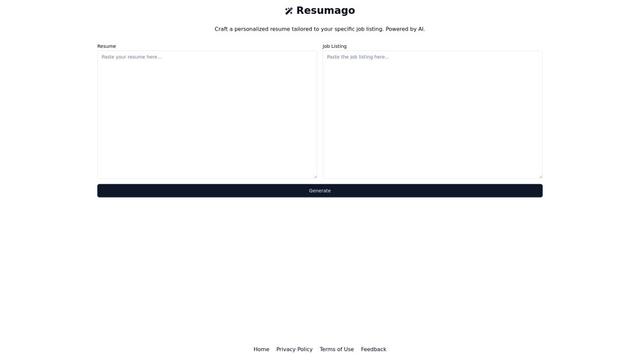
Resumago
Resumago is an AI-powered resume creation platform that helps users craft personalized resumes tailored specifically to job listings.
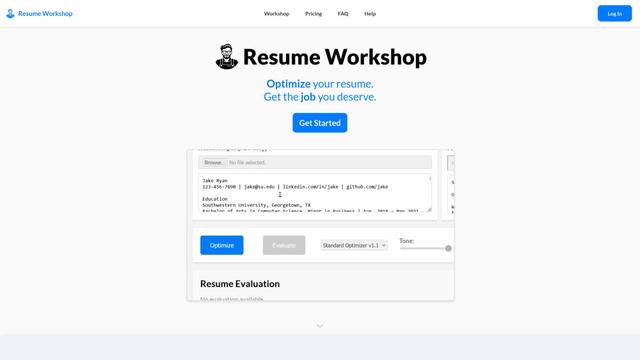
Resume Workshop
Resume Workshop is an AI-powered resume optimization platform that helps job seekers tailor their resumes with relevant keywords and phrases to match specific job postings.
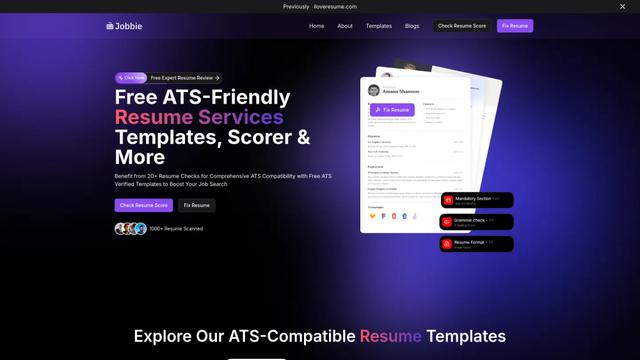
Jobbie
Jobbie is a comprehensive online platform offering free ATS-friendly resume services including resume checking, scoring, templates, and AI-powered optimization tools to help job seekers create professional resumes that pass through Applicant Tracking Systems.
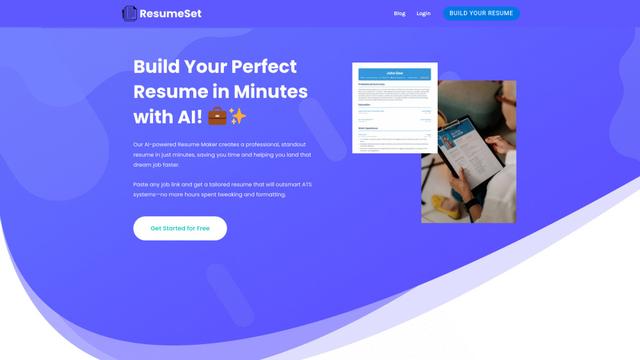
ResumeSet
ResumeSet is a free AI-powered resume builder that creates tailored, ATS-optimized resumes in minutes by transforming any job listing into a professionally formatted resume with no credit card required.
Popular AI Tools Like MakeResume
Resume Worded
Resume Worded is an AI-powered platform that provides instant feedback and optimization for resumes and LinkedIn profiles to help users land more job interviews and opportunities.
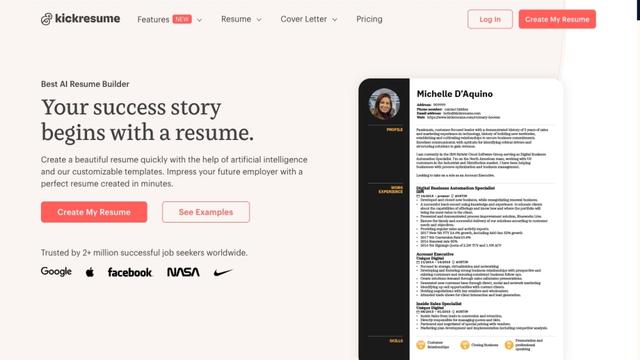
Kickresume
FreemiumResume & Cover Letter
Kickresume is an AI-powered online resume and cover letter builder used by over 5 million job seekers worldwide to create professional, ATS-friendly career documents.
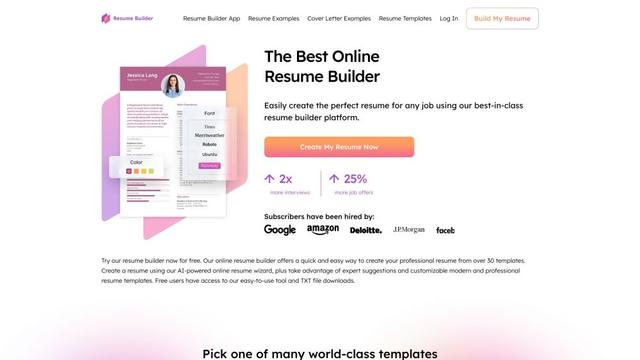
ResumeBuilder.com
ResumeBuilder.com is a free online resume builder with AI-powered tools, professional templates, and expert guidance to help job seekers create winning resumes and cover letters.
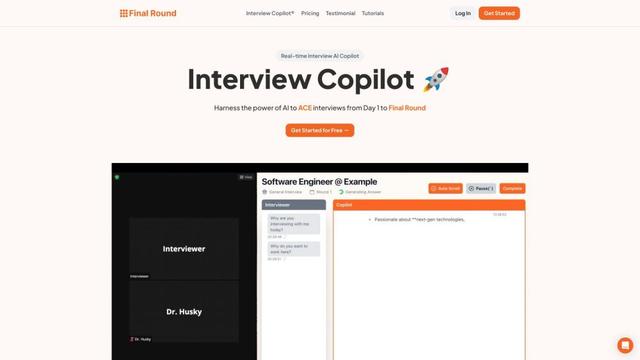
Final Round AI
Final Round AI is an AI-powered interview copilot that provides real-time guidance, transcription, and personalized assistance to help job seekers excel in interviews from initial stages to final rounds.