
LongCat
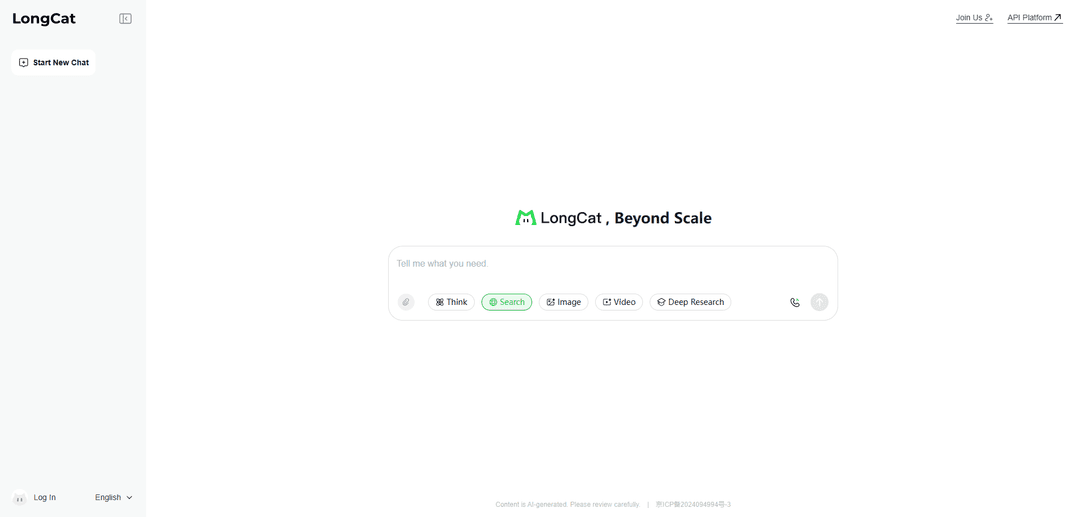
LongCat is Meituan’s open foundation model family built for long-context reasoning and agentic coding, delivered via an OpenAI/Anthropic-compatible API and spanning fast chat, deep-thinking, and multimodal variants.
https://longcat.chat/?ref=producthunt
Product Information
Updated:Jul 9, 2026
What is LongCat
LongCat is a large language model (LLM) family developed by Meituan, positioned around long-context understanding, tool-using agent workflows, and strong coding/repository-level capabilities. It includes flagship large-scale Mixture-of-Experts (MoE) models such as LongCat-2.0 (1.6T total parameters with ~48B activated per token) and efficiency-oriented models such as LongCat-Flash (560B total parameters with ~18.6B–31.3B activated, ~27B average). LongCat is accessible through the LongCat web experience (longcat.ai / longcat.chat) and an API platform that is compatible with mainstream formats, enabling developers to integrate it into existing stacks with minimal changes.
Key Features of LongCat
LongCat is a family of large-scale AI models and an API platform from Meituan designed for high-throughput chat, agentic workflows, and long-context coding. It includes variants such as LongCat-Flash-Chat (fast, non-thinking conversational model), LongCat-Flash-Thinking (deep-thinking reasoning model), LongCat-Flash-Omni (full-modality perception), and LongCat-2.0 (trillion-parameter MoE optimized for agentic coding with native ultra-long context). Across the lineup, LongCat emphasizes efficiency via Mixture-of-Experts dynamic activation, strong tool/agent behavior, and flexible deployment through an OpenAI-compatible API plus support for common serving frameworks.
Mixture-of-Experts efficiency: Uses MoE routing to activate only a subset of parameters per token (e.g., LongCat-Flash activates ~18.6B–31.3B out of 560B; LongCat-2.0 activates ~33B–56B out of 1.6T), improving cost/performance for production workloads.
Model lineup for different interaction modes: Provides multiple variants: Flash-Chat for fast direct responses, Flash-Thinking for deeper reasoning, Flash-Omni for end-to-end multimodal interaction, and LongCat-2.0 for agentic coding and large-context tasks.
Ultra-long context (up to 1M tokens in LongCat-2.0): Native long-context support aimed at large codebases and multi-document workflows, enabled by sparse-attention techniques (e.g., LongCat Sparse Attention) to reduce scaling bottlenecks.
OpenAI- and Anthropic-compatible API: LongCat API Platform supports OpenAI-style chat completions (/v1/chat/completions) and Anthropic-style messages (/v1/messages), easing integration into existing apps and tooling.
Deployment support in common serving stacks: Includes adaptations and guidance for deploying models with SGLang and vLLM, supporting practical self-hosting and scalable inference setups.
Agentic task strength: Positioned for instruction-following and tool-augmented workflows (long multi-turn sessions, coding agents), with LongCat-2.0 specifically marketed for agentic coding performance.
Use Cases of LongCat
Agentic coding for large repositories: Use LongCat-2.0’s long context to refactor, implement features, and run multi-step debugging across large codebases while maintaining coherence over extensive project history.
High-volume customer support chat: Deploy LongCat-Flash-Chat for low-latency, cost-sensitive conversational support where fast responses and strong instruction-following matter.
Tool-augmented enterprise assistants: Build internal copilots that orchestrate tools (search, ticketing, documentation QA) over long multi-turn sessions, benefiting from large context windows and agentic behavior.
Deep reasoning and proof-like workflows: Use Flash-Thinking (and related proving-oriented directions referenced in the ecosystem) for tasks requiring more deliberation, such as complex analysis, step planning, or formal-style reasoning.
Multimodal applications (image/audio/video understanding): Use LongCat-Flash-Omni and related modality projects to power assistants that can perceive and respond across modalities for review, triage, or content understanding pipelines.
Pros
Efficient MoE design enables competitive performance with lower active compute per token than dense models of similar scale.
Multiple specialized variants (chat, thinking, omni, coding) make it easier to select a model aligned to latency vs. reasoning needs.
API compatibility with OpenAI/Anthropic formats reduces integration friction and migration cost.
Strong long-context positioning (up to 1M tokens in LongCat-2.0) supports large-document and large-repo workflows.
Cons
Large-scale deployment can still be infrastructure-heavy despite MoE efficiency (serving and routing complexity, memory/parallelism requirements).
Feature claims and benchmark comparisons may vary by evaluation harness/mode (e.g., “non-thinking” vs. “thinking”), requiring careful validation for specific workloads.
Ecosystem complexity (multiple models, templates, deployment knobs) can increase setup and operational overhead for teams new to MoE serving.
How to Use LongCat
1) Create a LongCat account: Go to the official site (https://longcat.ai or https://longcat.chat) and register/login. This is required to access the API Platform.
2) Generate an API key: In the API Platform, open the API Keys page and click “Create API Key”. Copy and store the key securely (it is only shown once). If you lose it, you must create a new one.
3) Choose an API style (OpenAI-compatible or Anthropic-compatible): LongCat provides a unified endpoint (https://api.longcat.chat) and supports two request formats: OpenAI-compatible (POST /openai/v1/chat/completions) and Anthropic-compatible (POST /anthropic/v1/messages). Pick the one that matches your existing SDK/tooling.
4) Call LongCat using the OpenAI-compatible REST API (quick test): Send a POST request to https://api.longcat.chat/openai/v1/chat/completions with header Authorization: Bearer YOUR_API_KEY and JSON body containing model (e.g., "LongCat-2.0"), messages (system/user/assistant roles), and max_tokens. Optionally set temperature and stream.
5) Call LongCat using the OpenAI Python SDK (OpenAI-compatible base_url): Use the OpenAI SDK with base_url="https://api.longcat.chat/openai" and api_key="YOUR_APP_KEY". Then call client.chat.completions.create(model="LongCat-2.0", messages=[...], max_tokens=...).
6) Call LongCat using the Anthropic SDK (Anthropic-compatible base_url): Use the Anthropic SDK with base_url="https://api.longcat.chat/anthropic/" and set Authorization: Bearer YOUR_API_KEY. Then call client.messages.create(model="LongCat-2.0", max_tokens=..., messages=[...]).
7) Enable or disable “thinking” (if supported by the model/endpoint): Some LongCat API examples indicate a thinking switch: {"type":"enabled"} to turn thinking on and {"type":"disabled"} to turn it off. Include it in your request parameters where supported.
8) Turn on streaming (SSE) for real-time output: Set "stream": true in the request body to receive Server-Sent Events (SSE) streaming responses.
9) Handle rate limits and reliability: If you receive 429 errors (requests too fast), implement exponential backoff retries and/or reduce request rate. Also ensure your input (messages + max_tokens) does not exceed the model’s maximum context window.
10) List available models (optional discovery): Use GET https://api.longcat.chat/v1/models to list models, and GET https://api.longcat.chat/v1/models/{model} to retrieve model details.
11) Use LongCat in OpenCode (optional integration): Configure OpenCode with an OpenAI-compatible provider pointing to baseURL "https://api.longcat.chat/openai" and your apiKey. Add the LongCat model name (e.g., "LongCat-2.0-Preview") in the models section, then start opencode and switch models via /models.
12) Deploy LongCat-Flash-Chat locally (optional self-hosting): Install dependencies (CUDA/NVIDIA setup, build tools), install SGLang (e.g., "sglang[all]>=0.5.2.rc0"), then launch a server such as: python3 -m sglang.launch_server --model meituan-longcat/LongCat-Flash-Chat-FP8 --trust-remote-code --attention-backend flashinfer --enable-ep-moe --tp 8. For multi-node, use BF16 with tensor/expert parallelism as recommended in the deployment guide.
13) Get help if login verification fails: If you do not receive a verification code, contact [email protected]. Mainland China users may also call 1010-7888 per the platform FAQ.
LongCat FAQs
The LongCat API Open Platform provides AI model proxy services specifically for the LongCat series models.
LongCat Video
Popular Articles

Vosko AI: Localize and Dub Videos for Global Audiences
Oct 15, 2026

Atoms: A Multi-Agent AI Platform That Transforms Ideas into Launch-Ready Products
Oct 13, 2026

Nano Banana SBTI: What It Is, How It Works, and How to Use It in 2026
Apr 15, 2026

Atoms Review — The AI Product Builder Redefining Digital Creation in 2026
Apr 10, 2026
Latest AI Tools Similar to LongCat
Athena AI
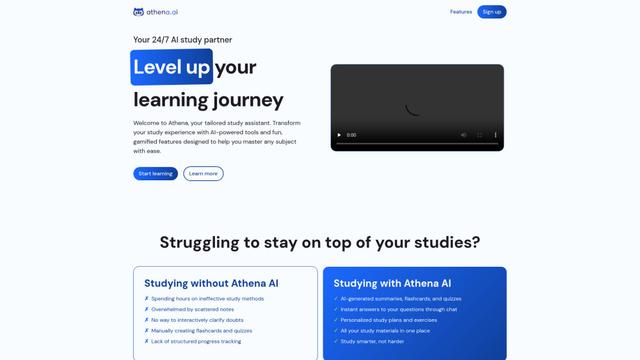
Athena AI is a versatile AI-powered platform offering personalized study assistance, business solutions, and life coaching through features like document analysis, quiz generation, flashcards, and interactive chat capabilities.
Aguru AI
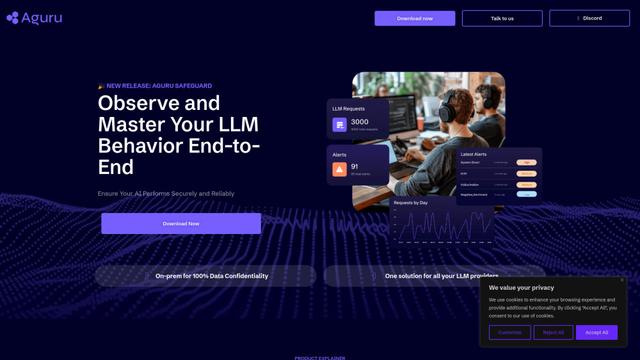
Aguru AI is an on-premises software solution that provides comprehensive monitoring, security, and optimization tools for LLM-based applications with features like behavior tracking, anomaly detection, and performance optimization.
GOAT AI
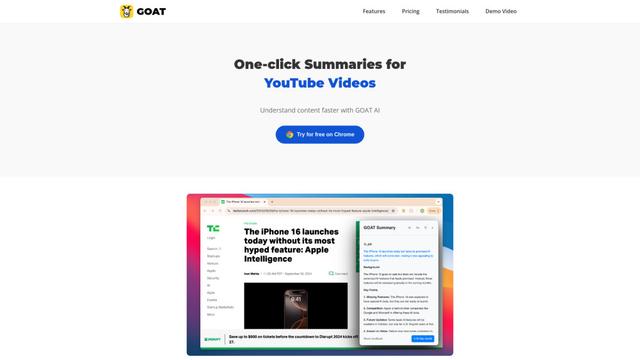
GOAT AI is an AI-powered platform that provides one-click summarization capabilities for various content types including news articles, research papers, and videos, while also offering advanced AI agent orchestration for domain-specific tasks.
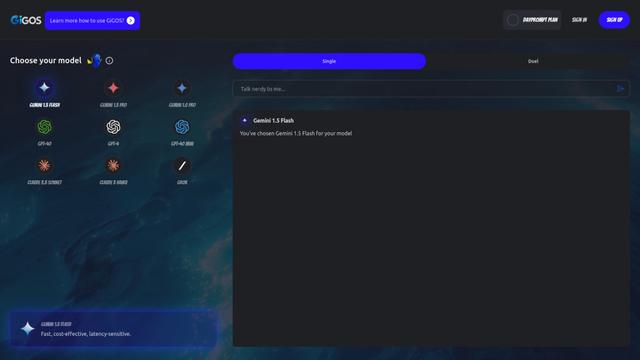
GiGOS
GiGOS is an AI platform that provides access to multiple advanced language models like Gemini, GPT-4, Claude, and Grok with an intuitive interface for users to interact with and compare different AI models.
Popular AI Tools Like LongCat

GPT‑5.5 | ChatGPT Official
GPT‑5.5 in ChatGPT is OpenAI’s latest work-focused model designed to understand complex goals, use tools effectively, check its work, and carry multi-step tasks (coding, research, documents, spreadsheets) through to completion with stronger safeguards.
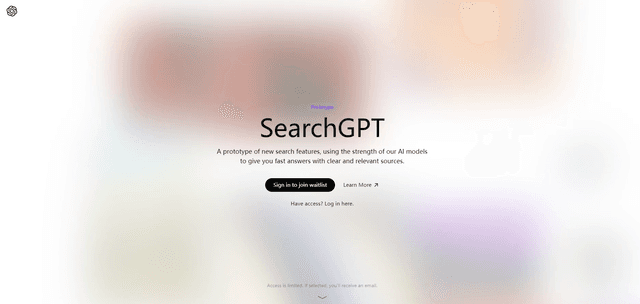
SearchGPT
SearchGPT is an AI-powered search prototype by OpenAI that provides fast, conversational answers with clear sources using GPT models.
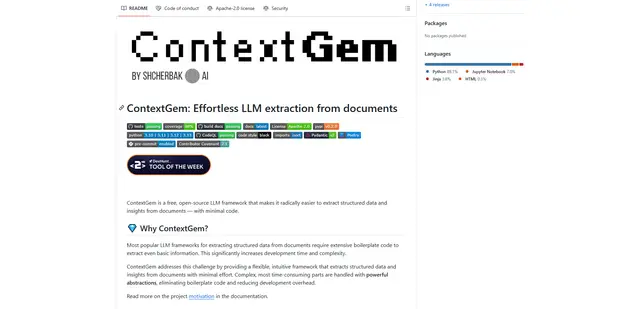
ContextGem
ContextGem is a free, open-source LLM framework that simplifies structured data and insights extraction from documents with minimal code through powerful built-in abstractions and automated features.
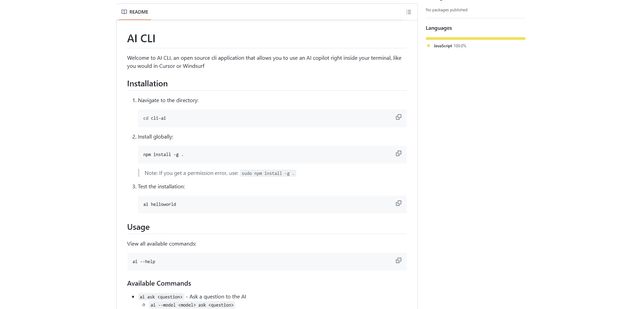
AI CLI
AI CLI is an open-source command-line interface tool that brings AI capabilities directly to your terminal, allowing you to interact with various AI models like OpenAI's GPT and Anthropic's Claude through simple commands.