
LocaleX
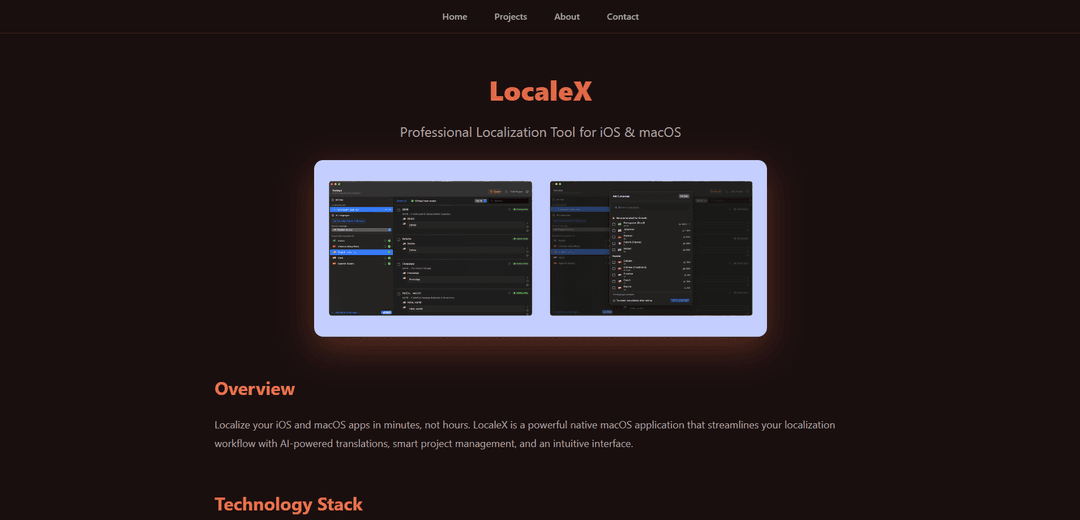
LocaleX is a native macOS app that streamlines iOS and macOS app localization through AI-powered translations, direct Xcode integration, and smart project management features.
https://karakusapp.github.io/apps/project-template.html?id=localex&ref=producthunt
Product Information
Updated:Jan 8, 2026
What is LocaleX
LocaleX is a professional localization tool developed by Erdi Karakuş to address the common challenges developers face when localizing iOS and macOS applications. Born from a developer's frustration with manual translation processes, LocaleX transforms the traditionally tedious localization workflow into an efficient, automated system. The tool supports over 130 languages and integrates seamlessly with Xcode projects, making it an ideal solution for developers looking to expand their apps to global markets.
Key Features of LocaleX
LocaleX is a native macOS application designed to streamline the localization process for iOS and macOS apps. It offers AI-powered translation capabilities supporting 130+ languages, seamless Xcode integration, and smart project management features. The tool combines automated translation with context preservation, translation memory, and quality assurance to make app localization faster and more efficient while maintaining translation quality.
AI-Powered Translation: Utilizes Claude, ChatGPT, or Gemini to provide context-aware translations while maintaining consistency across all strings
Native Xcode Integration: Direct synchronization with Xcode projects through .xcstrings and .strings files, eliminating the need for manual import/export
Smart Translation Memory: Learns from previous translations to maintain consistency and prevent duplicate translation work across projects
Privacy-Focused Design: Allows users to use their own API keys for translation services, ensuring content privacy and security
Use Cases of LocaleX
Solo Developer App Localization: Individual developers can quickly translate their apps into multiple languages without hiring translation teams
Enterprise App Development: Development teams can manage multiple localized projects efficiently with consistent terminology across all apps
Global Market Expansion: Companies can easily prepare their apps for international markets by leveraging quick and accurate translations
Pros
Streamlines the entire localization workflow
Preserves context during translation
Offers direct Xcode integration
Cons
Requires subscription payment
Limited to macOS platform only
How to Use LocaleX
Install LocaleX: Download and install LocaleX, a native macOS app for iOS/macOS app localization
Open Xcode Project: Launch LocaleX and open your Xcode project that needs localization
Configure AI Provider: Set up your own API key for the AI translation service (OpenAI, Anthropic, or Google)
Select Target Languages: Add target languages from the supported 130+ languages list that you want to translate your app into
Set Up Project Context: Configure project-specific settings and custom glossary terms to ensure consistent translations
Initiate Translation: Click 'Translate All' to automatically translate all your strings while preserving context
Review Translations: Review the AI-generated translations and make any necessary refinements
Quality Check: Use the built-in proofreading tools to check for context issues and translation errors
Sync with Xcode: Export the completed translations back to your Xcode project - changes will sync automatically
Maintain Translations: Use the translation memory feature to maintain consistency for future updates and changes
LocaleX FAQs
LocaleX is a native macOS app designed for iOS and macOS app localization. It's a professional tool that uses AI to auto-translate strings while maintaining context and syncs directly with Xcode projects.
LocaleX Video
Popular Articles

Vosko AI: Localize and Dub Videos for Global Audiences
Oct 15, 2026

Atoms: A Multi-Agent AI Platform That Transforms Ideas into Launch-Ready Products
Oct 13, 2026

Nano Banana SBTI: What It Is, How It Works, and How to Use It in 2026
Apr 15, 2026

Atoms Review — The AI Product Builder Redefining Digital Creation in 2026
Apr 10, 2026
Latest AI Tools Similar to LocaleX
draft1.ai
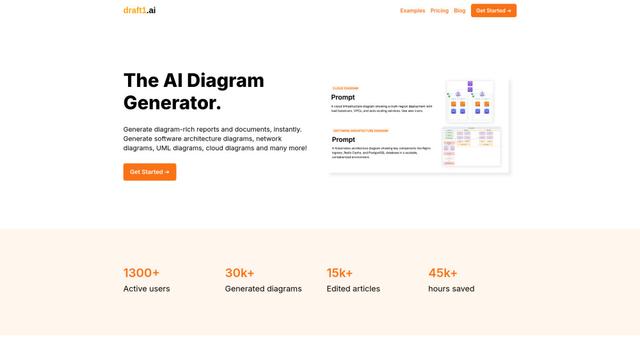
Draft1.ai is an AI-powered diagram generator that transforms text inputs into professional visual diagrams and documentation for various technical architectures, infrastructures, and systems.
Ellogy
Ellogy is an AI-driven business analyst platform that automates software documentation creation in under 30 minutes by leveraging AI to gather requirements, generate designs, and create test cases.
Django Helper
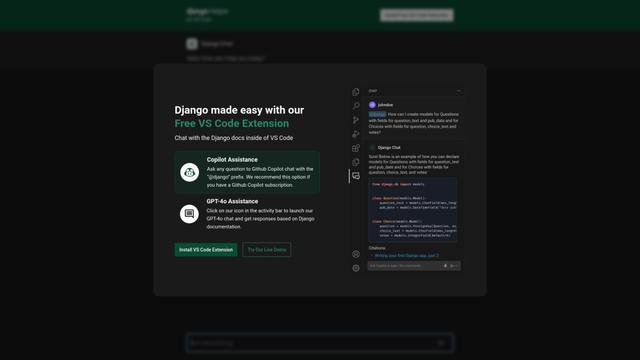
Django Helper is a development tool that provides helper functions, middleware, and utilities to make Django application development easier and more efficient.
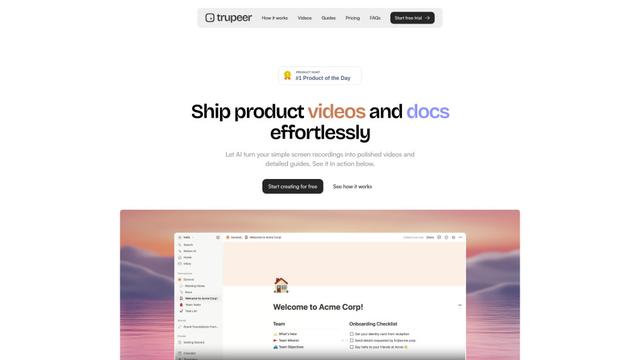
Trupeer
Trupeer is an AI-powered platform that transforms simple screen recordings into polished product videos and detailed documentation in minutes.
Popular AI Tools Like LocaleX
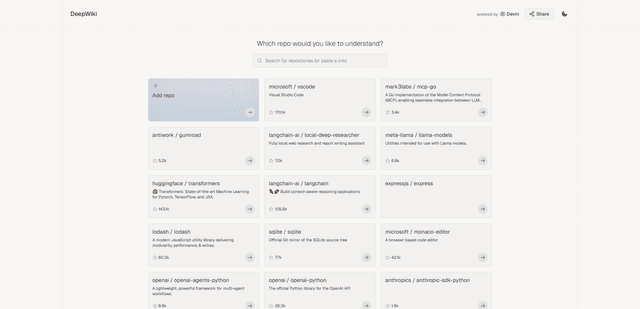
DeepWiki by Congnition
DeepWiki is an AI-powered documentation platform by Cognition that automatically generates interactive, wiki-style documentation with deep code Q&A capabilities for any public GitHub repository.
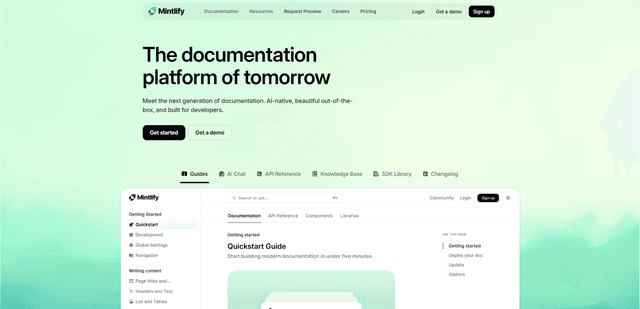
Mintlify
Mintlify is a modern, AI-powered documentation platform that helps companies create beautiful, interactive, and user-centric documentation effortlessly.
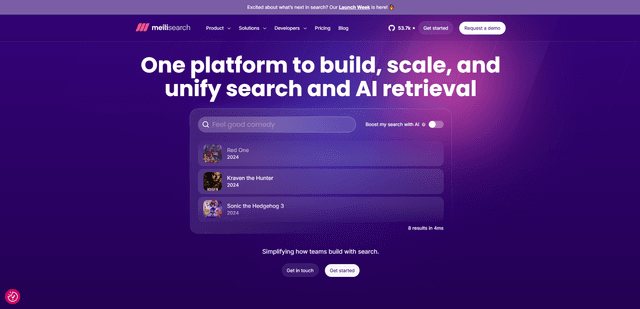
Meilisearch
Meilisearch is a lightning-fast, open-source search engine API that offers AI-powered hybrid search capabilities with features like typo tolerance, comprehensive language support, and intuitive search-as-you-type functionality.
Trupeer
Trupeer is an AI-powered platform that transforms simple screen recordings into polished product videos and detailed documentation in minutes.