
Lexie
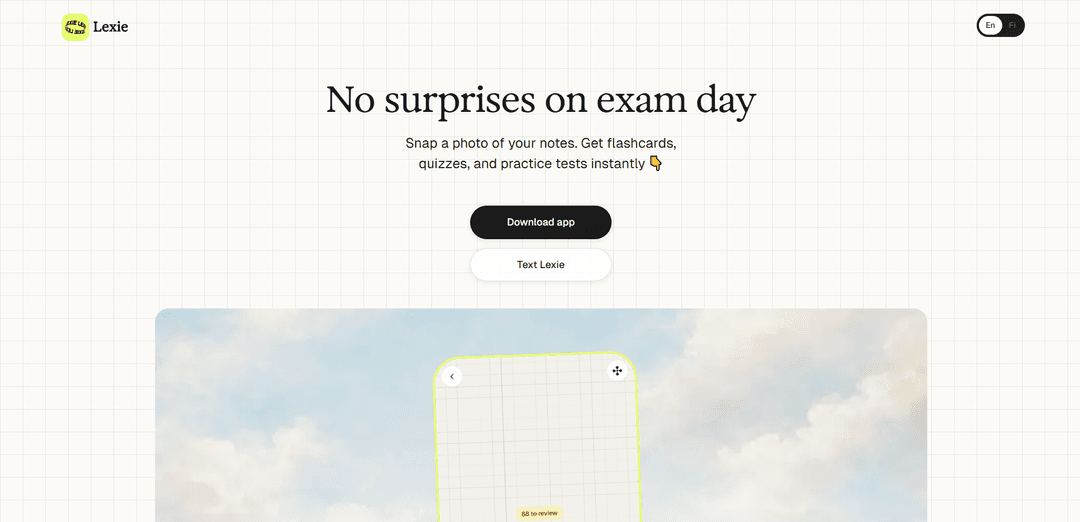
Lexie is an AI-powered study app that instantly transforms photos of notes, textbooks, and study materials into personalized flashcards, quizzes, and practice tests to help students prepare effectively for exams.
https://www.lexielearn.com/?ref=producthunt
Product Information
Updated:Apr 16, 2026
What is Lexie
Lexie is a comprehensive learning platform designed to revolutionize how students study and retain information. Built by Elina, who recognized that traditional study methods like highlighting and re-reading are ineffective, Lexie eliminates distractions and focuses purely on evidence-based learning. Students simply take a photo of any study material—handwritten notes, textbook pages, slides, or screenshots—and Lexie's AI technology instantly processes the content to create customized practice materials. Available both as a mobile app and through WhatsApp (Text Lexie), the platform serves thousands of students who want to move beyond passive studying to active learning that builds genuine understanding and long-term retention.
Key Features of Lexie
Lexie is an AI-powered study app that transforms learning materials into interactive practice tools through photo capture. Built by Interlinear from Helsinki, Finland, it converts notes, textbooks, and study materials into flashcards, quizzes, and practice exams using evidence-based learning methods including FSRS spaced repetition and active recall. The app offers multiple study modes including concept cards, flashcards, quizzes, conversational practice, audio playback, and image occlusion for diagrams. Available as both a mobile app and through WhatsApp (Text Lexie), it provides 5 free study sets before requiring a subscription starting at €4.99/month annually or €9.99/month.
Photo-to-Practice Conversion: Instantly converts photos of any study material (handwritten notes, textbook pages, slides, worksheets) into structured flashcards, quizzes, and practice tests with AI-powered content recognition and analysis.
FSRS Spaced Repetition System: Uses evidence-based spaced repetition algorithms to optimize long-term memory retention by scheduling reviews at scientifically-determined intervals based on your performance.
Multiple Study Modes: Offers diverse learning formats including concept cards for understanding, flashcards for memorization, quizzes for testing, conversational mode for deeper comprehension, and audio playback for on-the-go learning.
Image Occlusion for Diagrams: Specialized feature that hides parts of anatomical diagrams, biology charts, or other visual materials, allowing students to test their knowledge of labeled components and spatial relationships.
Text Lexie WhatsApp Integration: Allows users to access Lexie's study tools directly through WhatsApp without downloading an app, with the AI remembering wrong answers and providing follow-up quizzes and study reminders.
Privacy-First Design: Doesn't store original images after processing, keeps study materials private without sharing with third parties, and doesn't use user content to train AI models.
Use Cases of Lexie
Medical and Anatomy Students: Medical students use the image occlusion feature to study anatomical diagrams, organ systems, and biological processes by hiding labels and testing their knowledge of complex visual information.
Language Learning: Language learners photograph vocabulary lists, grammar rules, and textbook pages to create flashcards that help memorize new words, with multiple choice questions exposing them to additional vocabulary simultaneously.
High School Exam Preparation: Students preparing for history, biology, or literature exams snap photos of class notes and textbook chapters to generate practice tests that identify knowledge gaps and focus review efforts.
University Lecture Review: College students convert presentation slides and handwritten lecture notes into audio format for review during commutes or before bed, maximizing study time throughout the day.
Professional Certification Study: Professionals studying for certifications or licensing exams use Lexie to transform study guides and reference materials into targeted practice questions that simulate exam conditions.
Elementary Education Support: Teachers and parents use Lexie to create engaging practice materials from worksheets and textbooks, making studying more interactive and motivating for children with or without learning challenges.
Pros
Extremely simple to use with no setup required - just take a photo and start practicing immediately
Built on evidence-based learning science including active recall, spaced repetition, and multimodal learning
Affordable pricing (€4.99/month annually) compared to competitors like Quizlet Plus ($35.99/year) with more features included
Privacy-focused approach that doesn't store original images or use study materials to train AI models
Cons
Limited free tier with only 5 study sets before requiring paid subscription
Advanced mathematics with complex equations and formulas is not well supported
Image occlusion feature is still in testing phase and must be manually enabled in settings
Requires clear, well-lit photos with focused text for best results, which may not always be practical in classroom settings
How to Use Lexie
1. Download and install the Lexie app: Download LexieLearn from the App Store or Google Play Store on your device. Alternatively, you can use Text Lexie through WhatsApp without downloading an app by texting Lexie's WhatsApp number.
2. Grant camera permissions: Allow the app to access your camera so it can capture learning materials. Lexie only needs camera access for taking photos of study materials and won't access other photos on your device.
3. Take a photo of your study material: Snap a clear photo of any text-based learning material you want to study - handwritten notes, textbook pages, worksheets, presentation slides, or screenshots. Make sure the photo is well-lit, in focus, and includes complete sentences and context for best results.
4. Wait for Lexie to process the content: Lexie will automatically read the text, analyze the content structure, identify the type of learning material, and break it down into key concepts. This processing takes only a few seconds.
5. Review the generated concept cards: Lexie creates bite-sized concept cards that help you understand the key ideas from your material before you start practicing.
6. Practice with flashcards: Use the flashcards to repeat and reinforce what you've learned. Lexie uses spaced repetition (FSRS algorithm) to show you cards at optimal intervals, surfacing the ones you're most likely to forget.
7. Test yourself with quizzes: Take quizzes to review and test your knowledge. You'll instantly see what you know well and what needs more practice. Quizzes include multiple choice, open-ended questions (Think mode), and match-the-pair exercises.
8. Apply knowledge through conversation mode: Use conversation mode to explain concepts in your own words. This helps you verify if you truly understand the material or just have superficial knowledge.
9. Listen to audio reviews: Use the audio playback feature to listen and review your study material anytime, anywhere - while commuting, before bed, or during other activities.
10. Track your progress and continue practicing: Monitor what you've mastered and what needs more work. Lexie's smart feedback guides you with hints and encouragement. Continue reviewing based on the spaced repetition schedule to ensure long-term retention.
Lexie FAQs
ChatGPT can do a lot of things. Lexie does one thing really well.
With ChatGPT you still need to know what to ask for, how to set it up, which mode to use. It's a powerful tool if you already know what you're doing.
Lexie just works. Take a photo of your notes, start practicing. No setup, no prompts, no figuring out how to use it. Built for studying, nothing else.
Lexie has thousands of hours of learning science baked in. The questions aren't random, they're designed to make you actually remember stuff. The order matters. The difficulty matters. When you get something wrong, how it responds matters.
ChatGPT is a generator. Lexie is practice.
Lexie Video
Popular Articles

Vosko AI: Localize and Dub Videos for Global Audiences
Oct 14, 2026

Atoms: A Multi-Agent AI Platform That Transforms Ideas into Launch-Ready Products
Oct 13, 2026

Nano Banana SBTI: What It Is, How It Works, and How to Use It in 2026
Apr 15, 2026

Atoms Review — The AI Product Builder Redefining Digital Creation in 2026
Apr 10, 2026
Latest AI Tools Similar to Lexie
Lingogo
Lingogo is an AI-powered English learning app designed specifically for working professionals that offers real-world workplace scenario practice through conversational AI tutoring.
Quizzr.AI
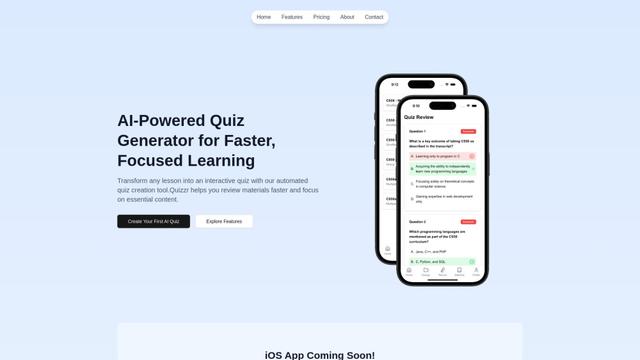
Quizzr.AI is a next-generation AI-powered quiz generation platform that transforms any learning content into interactive quizzes with verified questions, answers, and engaging features for enhanced learning efficiency.
Sai
Sai is a specialized AI platform designed by and for professors and students that provides controlled, transparent, and educational AI capabilities for academic courses.
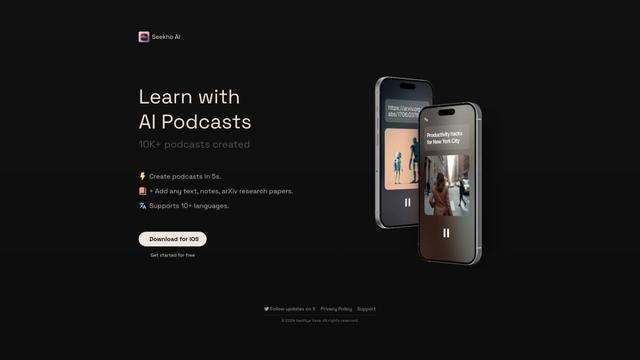
SeekhoAI
SeekhoAI is an AI-driven upskilling and learning platform that transforms text content into podcasts in multiple languages while personalizing the learning experience.
Popular AI Tools Like Lexie

NextGenAI by OpenAI
NextGenAI is a first-of-its-kind consortium launched by OpenAI that unites 15 leading research institutions with $50M in funding and tools to advance AI research and education.
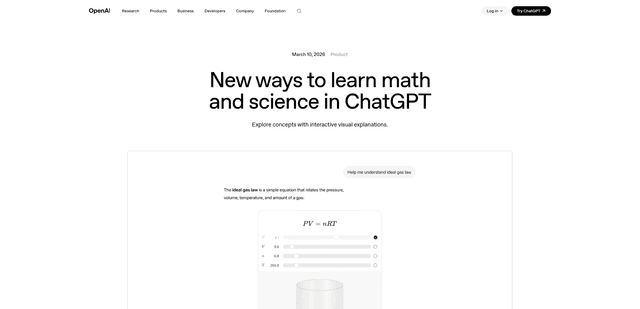
ChatGPT Interactive Learning
ChatGPT Interactive Learning is a new feature that provides dynamic visual explanations and interactive modules for over 70 math and science concepts, allowing users to manipulate variables and see real-time changes to better understand complex topics.
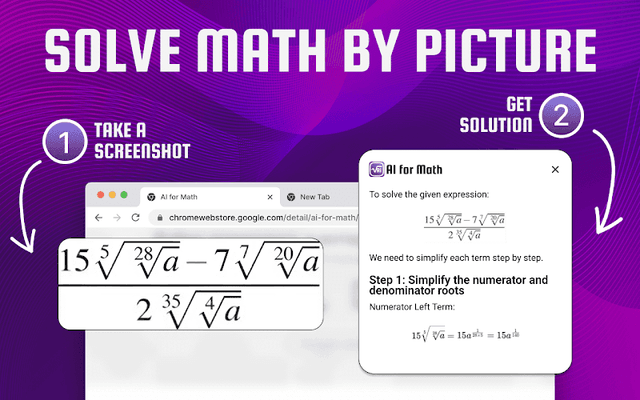
AI for Math
AI for Math is a Chrome extension that provides instant, step-by-step math solutions through AI-powered technology, allowing users to solve problems by typing equations or uploading pictures.
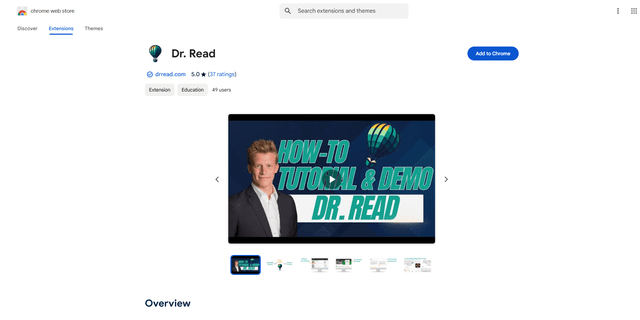
Dr. Read - Ai Reading Tutor
FreemiumAI Education Assistant
Dr. Read is an AI-powered Chrome extension that serves as a personalized reading assistant, offering features like pronunciation evaluation, context explanations, and text-to-speech to help improve reading skills.