
Lemon
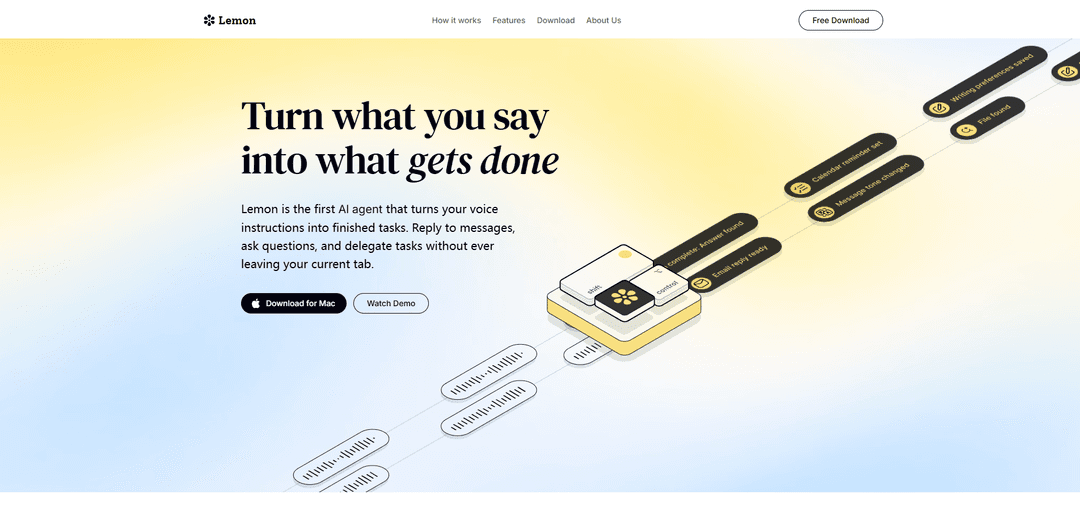
Lemon is an AI-powered Mac application that converts voice commands into completed tasks across various applications without requiring tab switching or manual input.
https://heylemon.ai/?ref=producthunt
Product Information
Updated:Mar 16, 2026
What is Lemon
Lemon is the first AI voice agent designed specifically for Mac users that transforms voice instructions into finished tasks. It serves as a productivity tool that integrates seamlessly with your workflow, allowing users to perform various tasks like replying to emails, creating documents, searching, and more - all through voice commands. The application runs locally on your Mac and represents a significant step forward in making AI accessible through natural voice interaction.
Key Features of Lemon
Lemon is a Mac-based AI voice agent that converts spoken commands into completed tasks without requiring users to switch between tabs or applications. It integrates voice control with AI capabilities to handle various tasks like email responses, document creation, and searches, making it a powerful productivity tool for knowledge workers who need to manage multiple applications and tasks simultaneously.
Voice-Activated Control: Press the fn key and speak commands to execute tasks across different applications without manual navigation
Cross-Application Integration: Works seamlessly across various apps and platforms, allowing users to maintain workflow without switching contexts
AI-Powered Task Completion: Uses advanced AI to understand and execute complex tasks like writing emails, creating documents, and performing research
Local Processing: Runs entirely on your local machine, ensuring data privacy and security
Use Cases of Lemon
Email Management: Quickly compose and reply to emails through voice commands, increasing response efficiency by up to 12x
Content Creation: Generate documents, reports, and other content by simply speaking, turning thoughts into polished drafts instantly
Research and Information Gathering: Conduct instant searches and compile information without manually switching between different sources
Pros
Significantly reduces time spent on typing and tab switching
Increases productivity through hands-free operation
Seamless integration with existing workflows
Cons
Currently only available for Mac users
Free version may be temporary (likely to become paid in the future)
Requires stable voice input environment for optimal performance
How to Use Lemon
Download and Install: Download Lemon AI for Mac from heylemon.ai (Note: Currently only available for Mac users)
Launch the App: Open the installed Lemon AI application on your Mac
Basic Usage: Press and hold the 'fn' (function) key on your Mac keyboard to activate Lemon
Voice Command: While holding the fn key, speak your instruction or command clearly for what you want to accomplish
Task Execution: Release the fn key and watch as Lemon automatically executes your requested task without requiring you to switch between apps or tabs
Use Across Apps: You can use Lemon in any Mac application - whether it's email, documents, browsers, or other programs
Common Tasks: Use voice commands for tasks like replying to emails, creating documents, searching information, or modifying text without manual typing or switching contexts
Personalization: The more you use Lemon, the smarter it becomes as it creates personal memory for conversations and learns from your interactions
Lemon FAQs
Lemon is the first AI agent that turns voice instructions into finished tasks, allowing users to reply to messages, ask questions, and delegate tasks without leaving their current tab.
Popular Articles

Atoms: A Multi-Agent AI Platform That Transforms Ideas into Launch-Ready Products
May 22, 2026

Nano Banana SBTI: What It Is, How It Works, and How to Use It in 2026
Apr 15, 2026

Atoms Review — The AI Product Builder Redefining Digital Creation in 2026
Apr 10, 2026

Kilo Claw: How to Deploy and Use a True "Do‑It‑For‑You" AI Agent(2026 Update)
Apr 3, 2026
Latest AI Tools Similar to Lemon

Advanced Voice
Advanced Voice is ChatGPT's cutting-edge voice interaction feature that enables real-time, natural voice conversations with custom instructions, multiple voice options, and improved accents for seamless human-AI communication.
Vagent
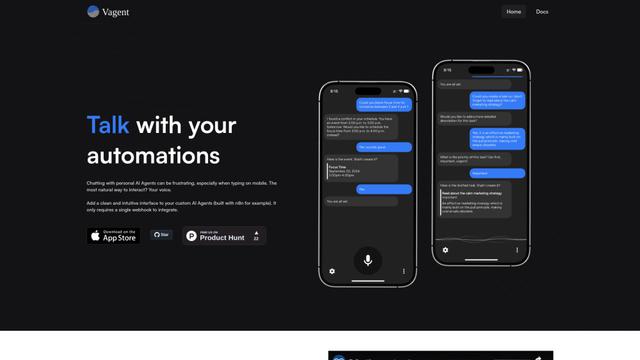
Vagent is a lightweight voice interface that enables users to interact with custom AI agents through voice commands, providing a natural and intuitive way to control automations with support for 60+ languages.

Vapify
Vapify is a white-label platform that enables agencies to offer Vapi.ai's voice AI solutions under their own brand while maintaining control over client relationships and maximizing revenue.

Wedding Speech Genie
Wedding Speech Genie is an AI-powered platform that crafts personalized wedding speeches in minutes by generating 3 custom versions based on your input, helping speakers deliver memorable toasts for any wedding role.
Popular AI Tools Like Lemon
Microsoft Dragon Copilot
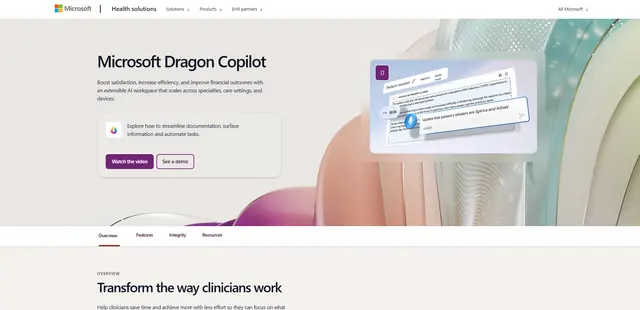
Microsoft Dragon Copilot is an AI-powered clinical workflow assistant that combines natural language voice dictation, ambient listening capabilities, and generative AI to streamline documentation, surface information, and automate tasks across healthcare settings.

Edge Copilot Mode
Edge Copilot Mode is Microsoft's experimental AI-powered browser feature that combines search, chat, and web navigation into a single interface, enabling users to browse smarter with AI assistance while maintaining privacy and control.

GibberLink
GibberLink is an open-source project that enables two AI agents to efficiently communicate by switching from human language to a sound-level protocol after recognizing each other, powered by ggwave technology.
Llama MacOS Desktop Controller
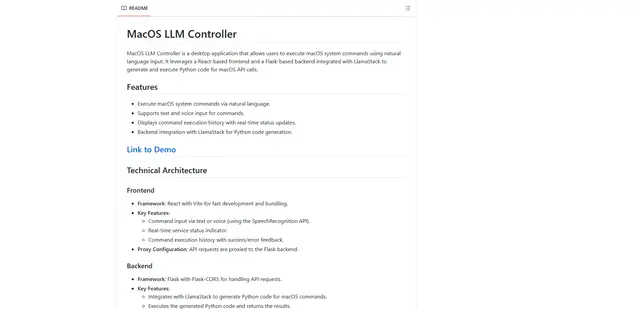
Llama MacOS Desktop Controller is a React and Flask-based application that enables users to control macOS system actions through natural language commands using LLM-generated Python code.