
LabelCrop.io
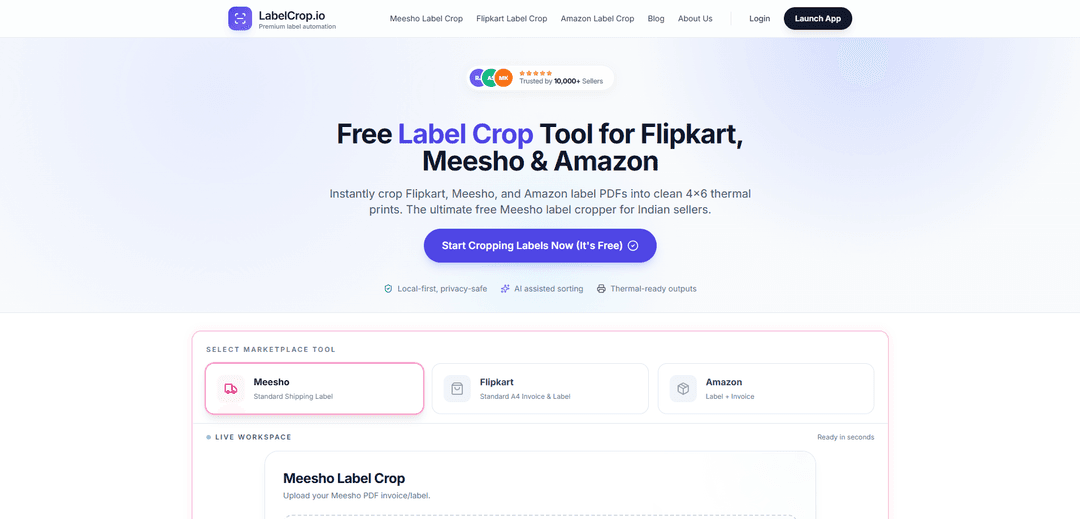
LabelCrop.io is a free, AI-powered shipping label processing tool that automatically crops, sorts, and optimizes labels for Amazon, Flipkart, and Meesho e-commerce platforms in seconds.
https://labelcrop.io/?ref=producthunt
Product Information
Updated:Jan 15, 2026
What is LabelCrop.io
LabelCrop.io, also known as E SmartCrop, is a comprehensive online solution designed specifically for e-commerce sellers who manage orders across multiple platforms like Amazon, Flipkart, and Meesho. It's a local-first, privacy-safe tool that helps sellers automate their shipping label workflow without requiring any sign-up or payment. The platform serves as an essential tool for Indian sellers, processing shipping labels efficiently while maintaining data security by keeping all operations browser-based.
Key Features of LabelCrop.io
LabelCrop.io is a free AI-powered shipping label processing tool that helps e-commerce sellers automatically crop, sort, and optimize shipping labels for platforms like Amazon, Flipkart, and Meesho. It offers features like instant PDF processing, auto SKU imprint, courier-wise sorting, pick list generation, and local-first secure processing, all designed to save hours of manual work for sellers handling bulk orders.
AI-Powered Label Processing: Automatically detects, crops, and optimizes shipping labels from PDFs to the correct size (4x6 or A6) for thermal printing
Smart Sorting System: Organizes labels by courier partner, SKU, and pickup schedules, with automatic generation of order summaries and pick lists
Local-First Security: All processing happens in-browser without uploading files to external servers, ensuring complete privacy and security of shipping data
Multi-Platform Support: Specialized handling for different marketplace formats including Amazon, Flipkart, Meesho, and other e-commerce platforms
Use Cases of LabelCrop.io
Bulk Order Processing: E-commerce sellers handling large volumes of daily orders can automatically process multiple shipping labels simultaneously
Thermal Printing Optimization: Businesses using thermal printers can get perfectly formatted 4x6 labels without manual resizing
Multi-Platform E-commerce Operations: Sellers operating across multiple platforms can streamline their shipping label workflow with a single tool
Inventory Management: Businesses can better manage their inventory with automated SKU sorting and pick list generation features
Pros
Completely free to use with no sign-up required
Local processing ensures data privacy and security
Saves significant time (1-2 hours per 50 orders)
Supports multiple e-commerce platforms
Cons
Limited to browser-based operations
Requires internet connection for initial access
May not support some lesser-known e-commerce platforms
How to Use LabelCrop.io
Visit LabelCrop.io: Go to labelcrop.io website using any web browser - no signup or installation required
Upload PDF Labels: Upload your shipping label PDF files from Amazon, Flipkart, or Meesho by either clicking the upload button or dragging and dropping files into the upload area
Click Process Button: Click on 'Prepare Shipping Labels' or 'Process PDF' button to start the automatic cropping process
Wait for Processing: The AI will automatically detect, crop, sort and organize your shipping labels, adding SKU imprints where needed
Review Results: Check the preview of cropped labels to ensure all information is visible and properly formatted for 4x6 or A6 thermal printing
Download Processed Files: Download your cropped shipping labels along with an automatically generated pick list that includes quantities and checkboxes
Print Labels: Print the thermal-ready formatted labels directly to your printer - they will be properly sized and sorted by SKU/courier
LabelCrop.io FAQs
Upload your consolidated PDF; the AI-powered tool automatically detects, crops, and separates labels. The outputs are optimized for thermal printers with SKU/date imprint. It's a simple 3-step process: upload, process, and print.
LabelCrop.io Video
Popular Articles

Vosko AI: Localize and Dub Videos for Global Audiences
Oct 15, 2026

Atoms: A Multi-Agent AI Platform That Transforms Ideas into Launch-Ready Products
Oct 13, 2026

Nano Banana SBTI: What It Is, How It Works, and How to Use It in 2026
Apr 15, 2026

Atoms Review — The AI Product Builder Redefining Digital Creation in 2026
Apr 10, 2026
Latest AI Tools Similar to LabelCrop.io

BizBoom.ai
BizBoom.ai is an AI-powered platform that automatically generates professional product videos from product links and images with 95% less cost.
Vuepak
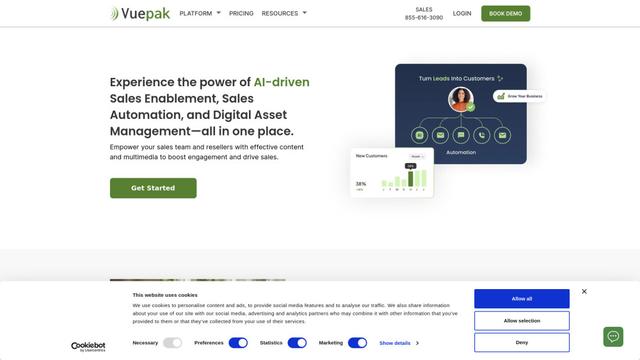
Vuepak is an AI-powered sales and marketing platform that combines sales enablement, automation, and digital asset management to help teams organize media assets into dynamic presentations for enhanced customer engagement.
SnapGenie
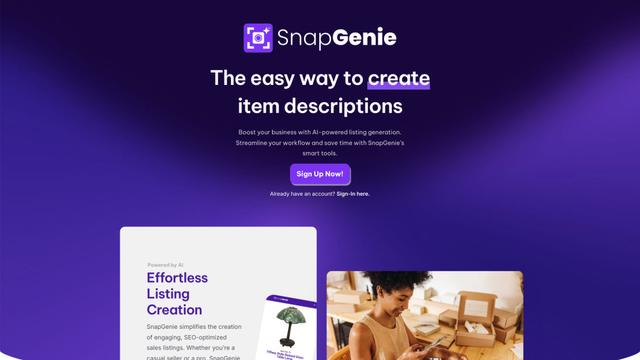
SnapGenie is an AI-powered web application that transforms product photos into professional sales listings with optimized descriptions, value estimates, and SEO-friendly content.
Glimsy
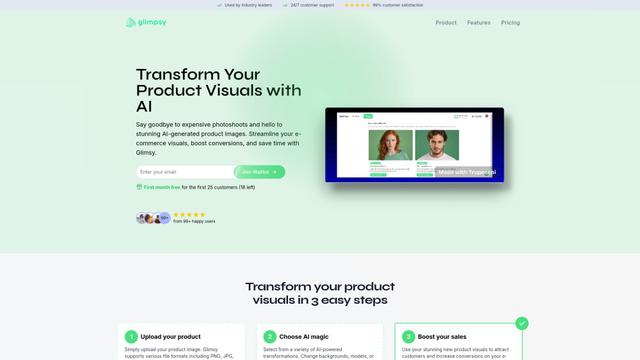
Glimsy is an AI-powered product visualization platform that transforms e-commerce product images through automated photoshoots and background transformations without requiring design skills.
Popular AI Tools Like LabelCrop.io
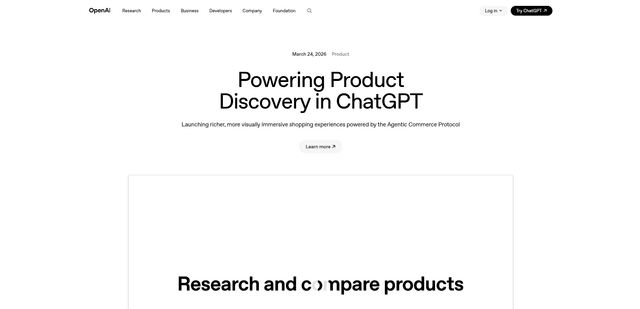
ChatGPT Shopping
ChatGPT Shopping is an AI-powered product discovery and comparison platform that enables users to browse, research, and compare products visually through conversational interactions, powered by the Agentic Commerce Protocol and a specialized GPT-5 mini model.
Shopify
Free TrialAI E-commerce Tools
Shopify is a leading all-in-one commerce platform that helps businesses of all sizes create and manage online stores, process payments, handle shipping, and sell products across multiple channels with no coding required.
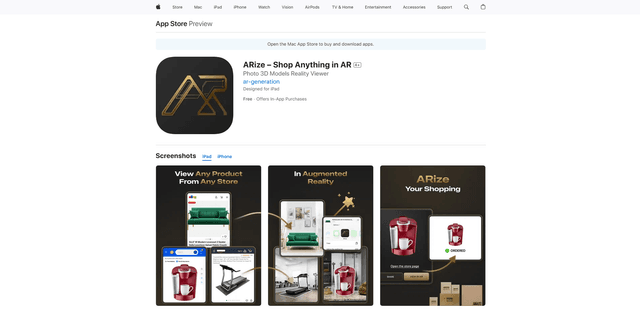
ARize – Shop Anything in AR
FreemiumAI E-commerce Tools
ARize is an innovative augmented reality shopping app that allows users to instantly generate 3D models from any product image and visualize items in their real space before making a purchase.
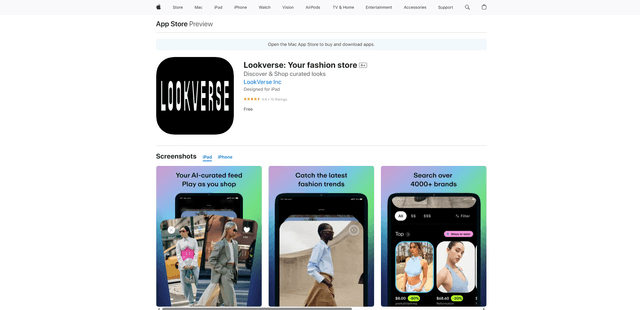
Lookverse.ai
Lookverse.ai is an AI-powered fashion matchmaker that personalizes your shopping experience by curating outfits from over 2,500 global brands based on your style preferences, body shape, colors, events, and budget.