
Korgi
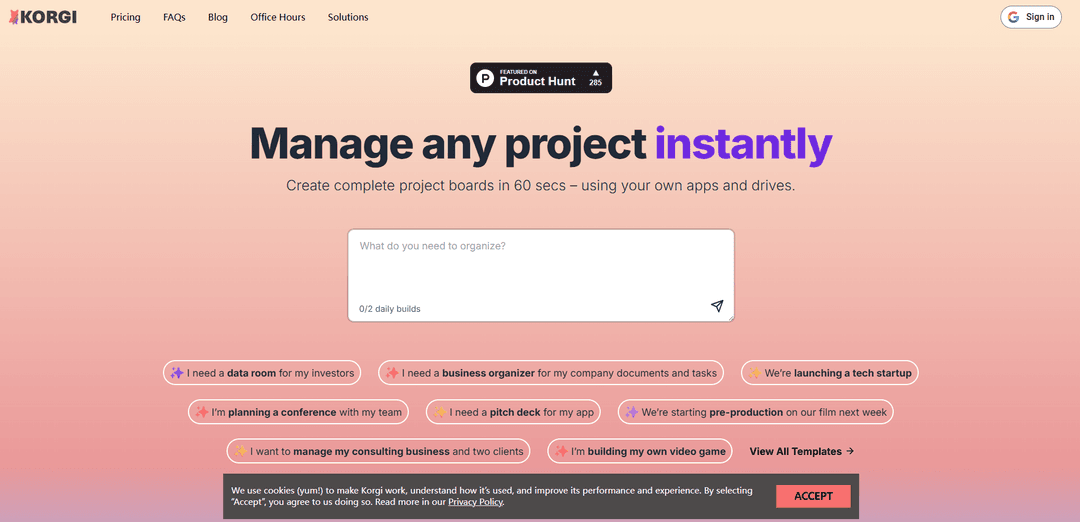
Korgi is an AI-powered project management platform that unifies your productivity stack by connecting Google Workspace, Microsoft 365, and other tools in one collaborative board interface.
https://korgiboard.com/?ref=producthunt
Product Information
Updated:Dec 15, 2025
What is Korgi
Korgi is a productivity and collaboration super-app designed to streamline project management by consolidating content, tasks, tools, and communication into a single platform. It works with users' existing productivity tools and cloud storage solutions, primarily integrating with Google Workspace and Microsoft 365. The platform offers AI-built project boards that can be created in 60 seconds, allowing teams to organize and manage their work efficiently without switching between multiple applications and tabs.
Key Features of Korgi
Korgi is a productivity and collaboration super-app that unifies project management, content organization, and team communication in one platform. It integrates with Google Workspace and Microsoft 365, allowing users to create AI-powered project boards, manage documents, schedule events, and collaborate in real-time while storing everything in their own cloud drives. The platform features AI-assisted board creation, one-click file management, and integrated chat functionality.
AI-Powered Board Creation: Creates complete project boards in 60 seconds with content, steps, and resources based on user needs or through pre-built templates
Cross-Platform Integration: Seamlessly connects with Google Workspace and Microsoft 365, allowing users to create, share, and manage content across different platforms
One-Click Document Management: Enables users to create, launch, and share documents, events, and contacts directly from the board with automatic saving to cloud drives
Built-in Communication Tools: Features integrated chat, AI chat, and video conferencing capabilities (Zoom & Meet) for seamless team collaboration
Use Cases of Korgi
Business Organization: Helps entrepreneurs and businesses organize company documents, tasks, and team collaboration in one centralized location
Creative Production: Supports creative teams in managing projects from idea inception through character development and production phases
Education Management: Assists students and educators in organizing college applications, course materials, and academic planning
Event Planning: Facilitates conference and event organization by centralizing all planning documents, schedules, and team communications
Pros
Significant time savings (users report 5-6 hours saved per week)
Data security with CASA Tier 3 verification from Google
Intuitive interface that reduces tab-switching and context switching
Cons
Requires Google Workspace or Microsoft 365 integration
Some features only available in Pro plan
Browser cookie dependent for optimal functionality
How to Use Korgi
Create Account: Go to korgiboard.com and select 'Create Account' in the upper right. Sign in with your Google account and accept the privacy policy and terms of service.
Set Up Initial Board: Either tell Korgi what you need to get done for an AI-built board, select a pre-built template, or create your own board from scratch. Name your board when prompted.
Install Extensions (Optional): Install the Korgi Clipper browser extension and/or Korgi Add-on for Google Workspace to enhance functionality and easily add content from other sites/apps.
Create and Organize Cards: Add cards to your board to represent tasks, notes, or resources. Drag and drop cards to organize them, color code them, and add subtasks as needed.
Connect Your Apps: Link your Google Workspace and/or Microsoft 365 accounts to create, share and launch files directly from your board. You can also connect Zoom, Meet, and other supported apps.
Collaborate with Team: Share your board with team members to collaborate in real-time. Assign tasks, add comments, and use the integrated chat features.
Use AI Features: Leverage Korgi's AI capabilities to research topics, generate content, and get suggestions right from your board.
Export Work: Export your organized cards into formatted documents when needed. All data is stored securely in your own Google Drive.
Korgi FAQs
Korgi is a web-based project management tool that creates AI-powered project boards, integrating with Google Workspace and Microsoft 365. It allows users to organize and manage projects, documents, tasks, and collaborations in one centralized place.
Korgi Video
Popular Articles

Vosko AI: Localize and Dub Videos for Global Audiences
Oct 15, 2026

Atoms: A Multi-Agent AI Platform That Transforms Ideas into Launch-Ready Products
Oct 13, 2026

Nano Banana SBTI: What It Is, How It Works, and How to Use It in 2026
Apr 15, 2026

Atoms Review — The AI Product Builder Redefining Digital Creation in 2026
Apr 10, 2026
Latest AI Tools Similar to Korgi
Plani.ai
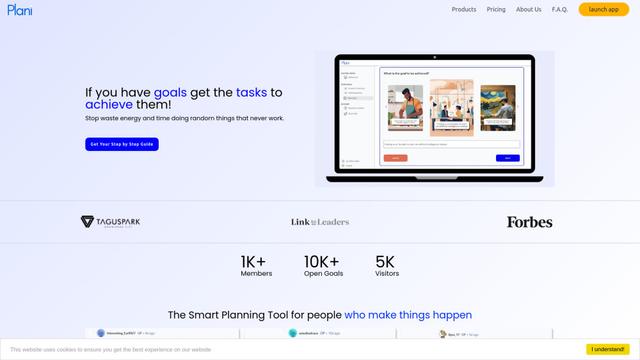
Plani.ai is an AI-powered business planning tool that generates customized strategies, tasks, and actionable plans to help entrepreneurs, startups, and small businesses achieve their business goals.
Tendery.ai
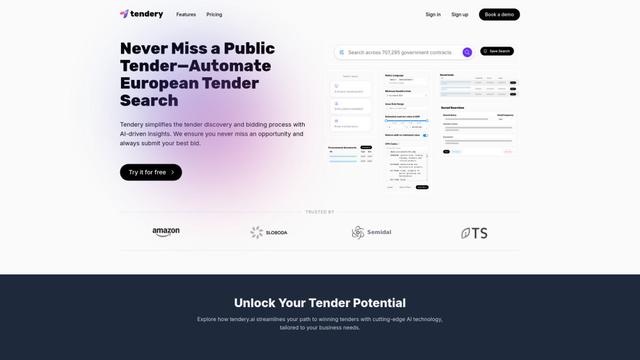
Tendery.ai is an AI-powered platform that transforms EU public procurement by providing automated tender discovery, intelligent matching, and enhanced proposal creation capabilities.

Devozy.ai
Devozy.ai is an AI-powered developer self-service platform that combines Agile project management, DevSecOps, multi-cloud infrastructure management, and IT service management into a unified solution for accelerating software delivery.
MDLR
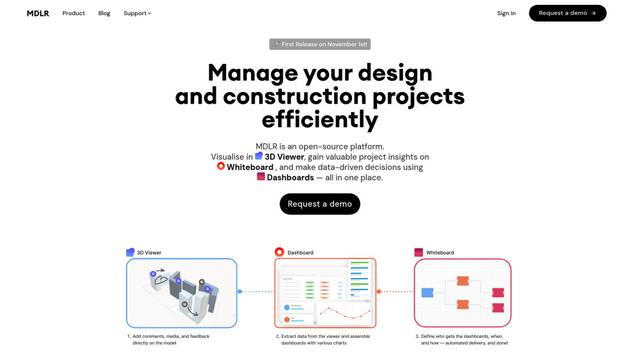
MDLR is an open-source AI-powered platform that streamlines design and construction project management through integrated 3D viewing, real-time dashboards, and interactive whiteboards.
Popular AI Tools Like Korgi
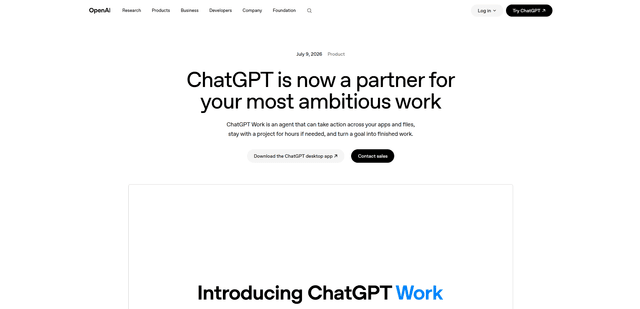
ChatGPT Work
ChatGPT Work is an agent mode inside ChatGPT that can run multi-step projects for hours, pull context from your connected apps and files, and produce finished outputs like docs, slides, sheets, and interactive Sites—while keeping you in control with approvals and enterprise governance.
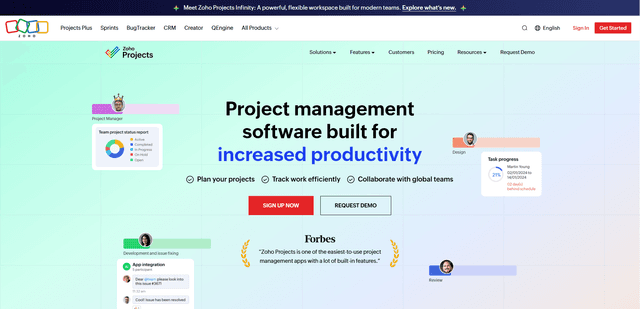
Zoho Projects
Zoho Projects is a cloud-based project management software that helps teams plan, track, and collaborate on projects with features like Gantt charts, task automation, time tracking, and comprehensive reporting tools.
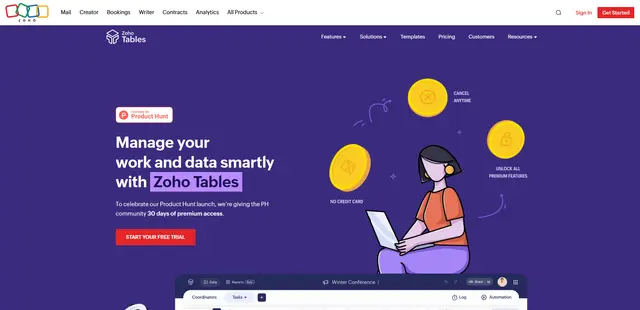
Zoho Tables
Zoho Tables is a modern spreadsheet-database hybrid that helps teams organize data with relational links, build views and dashboards, collaborate in real time, and automate workflows with no-code and AI assistance.
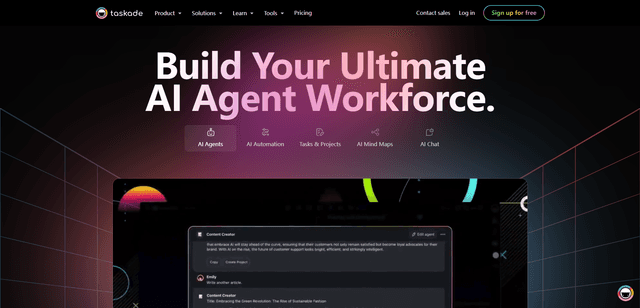
Taskade
Taskade is an AI-powered productivity platform that combines task management, real-time collaboration, and AI automation in one unified workspace for teams and individuals.