
Klutter AI
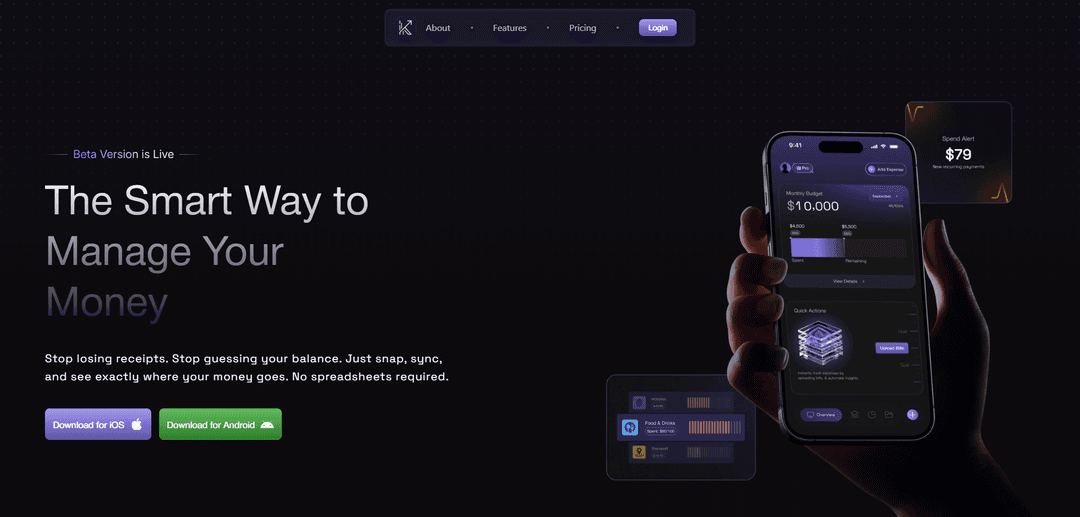
Klutter AI is an AI-powered expense management app that scans receipts and bills, auto-categorizes spending, syncs expenses from email/SMS, and provides budgeting insights and financial forecasting.
https://klutter.ai/?ref=producthunt
Product Information
Updated:Aug 8, 2026
What is Klutter AI
Klutter AI (Klutter) is a personal finance and expense-tracking tool designed to help users manage spending without spreadsheets or manual data entry. Positioned as “the smart way to manage your money,” it focuses on effortless expense capture through receipt/bill scanning and automated organization of transactions. Beyond simple tracking, Klutter analyzes spending habits, highlights patterns, and supports budgeting, goal tracking, and exports—giving users a clearer, real-time view of where their money goes.
Key Features of Klutter AI
Klutter AI is an AI-powered personal expense management tool that helps users capture spending automatically by scanning receipts or bills, digitizing and categorizing transactions, and consolidating expenses into a single view. It supports budgeting with alerts, visual spending insights, subscription detection for recurring charges, and forecasting to help plan future purchases. It also provides reporting and export capabilities (e.g., CSV) for record-keeping and taxes, plus features like unusual-spend alerts and bill splitting to reduce manual tracking work.
AI receipt & bill scanning: Snap a photo or upload a bill/receipt and Klutter extracts key fields (merchant, amount, date, category) and logs the expense automatically.
Smart categorization & custom categories: Automatically categorizes expenses and supports creating custom categories/sub-categories (plan-dependent) to match your budgeting style.
Budgets with spending alerts: Create budgets by category and get notified when spending patterns approach or exceed limits to stay on track.
Subscription & recurring payment management: Auto-detects recurring payments/subscriptions to help you monitor ongoing costs and avoid surprise charges.
Financial forecasting & AI tips: Forecasts future spending based on habits and provides guidance to identify savings opportunities and plan major purchases (advanced tiers).
Reports, exports, and smart splits: Generates spend reports and supports exports (e.g., CSV in higher tiers) plus bill splitting for shared expenses like groceries or outings.
Use Cases of Klutter AI
Personal finance & household budgeting: Individuals and families can track day-to-day spending, set category budgets, and use alerts/insights to reduce overspending.
Freelancers & self-employed expense tracking: Capture receipts on the go, categorize business vs. personal purchases, and export reports for bookkeeping and tax preparation.
Subscription cost control: Users can identify recurring subscriptions, monitor monthly burn, and decide which services to cancel or downgrade.
Travel and reimbursement organization: Travelers can scan receipts during trips, keep a clean expense log by category/date, and generate exports for reimbursements or records.
Shared living and group spending: Roommates or groups can split bills for shared purchases (e.g., groceries, dining) without manual calculations.
Pros
Reduces manual data entry with AI receipt/bill extraction and smart categorization
Budgeting and alerts help users stay aware of spending patterns in near real time
Forecasting, recurring-payment detection, and exports provide a more complete expense toolkit (tier-dependent)
Cons
Many advanced features (AI scans, email connect, forecasting, exports) are gated behind paid tiers with monthly limits
Receipt scanning accuracy may vary depending on receipt quality and formatting (implied by reliance on OCR/AI extraction)
How to Use Klutter AI
1) Create an account and open Klutter AI: Go to https://klutter.ai/ and select “Get Started” to create your account and access the app/dashboard.
2) Choose a plan that matches your usage: Pick Basic (Free), Plus ($6.99), or Pro ($12.99). Basic supports manual expense creation up to 30/month. Plus adds AI bill scans (up to 250/month) and email connect. Pro increases AI bill scans (up to 1000/month) and adds AI forecast & tips, custom export, and advanced insights.
3) Add expenses manually (quick start): Use Manual Expense Creation to log spending. On Basic, you can add up to 30 expenses per month; Plus/Pro are unlimited.
4) Scan a receipt or bill with AI (receipt capture): Use the receipt/bill upload or camera scan feature to snap a photo of a receipt. Klutter AI extracts key fields (merchant, amount, category, date) and digitizes the expense automatically (available on Plus/Pro via AI Bill Scans).
5) Review and confirm extracted receipt details: After scanning, verify the merchant, amount, date, and category. Correct anything that looks off before saving the expense.
6) Enable Smart Categorization (reduce manual work): Turn on Smart Categorization so Klutter AI automatically assigns categories to expenses. This is available on Plus/Pro.
7) Create custom categories and sub-categories (optional): If your spending needs don’t fit default categories, create Custom Categories and Custom Sub-Categories (Plus/Pro) to better organize reports and budgets.
8) Set up budgets and spending alerts: Create budgets per expense category and enable alerts so you can track limits and get notified as you approach or exceed them (available across plans).
9) Connect email and SMS for a unified expense view: Securely link your email and SMS so Klutter can bring expenses into one real-time view (Email Connect is available on Plus/Pro).
10) Monitor spending patterns and statistics: Use the Statistics section to understand your habits. Basic provides a basic overview; Plus provides advanced graphs; Pro provides advanced graphs plus AI tips.
11) Use Subscription Management to track recurring payments: Let Klutter AI detect recurring payments/subscriptions so you can stay organized and avoid surprise charges.
12) Turn on Intelligent Alerts for unusual spending: Enable notifications for unusual spends or newly detected recurring bills so you can catch anomalies early.
13) Split bills with Smart Splits (shared expenses): Use Smart Splits to group and split bills (e.g., groceries or outings) automatically without manual math (Plus/Pro).
14) Track financial goals: Create goals (e.g., trip, car, savings), monitor progress, and follow the app’s guidance to reach goals faster.
15) Use Financial Forecast & AI Tips (Pro): On Pro, use Financial Forecast to predict future spending based on your habits and receive AI-driven tips to plan major purchases with more confidence.
16) Export reports to CSV for taxes or records (Pro): Generate detailed spend reports and use Custom Reports & Exports to export data to CSV (Custom Export is available on Pro).
17) Keep your workflow consistent: Make receipt scanning and review a habit: snap receipts as you spend, confirm details, categorize consistently, and check budgets/statistics regularly to maintain an accurate 360-degree view of your finances.
Klutter AI FAQs
Klutter AI is an AI-powered money management and expense tracking tool that helps you track spending, scan receipts/bills, and forecast finances so you can see where your money goes without using spreadsheets.
Klutter AI Video
Popular Articles

Atoms: A Multi-Agent AI Platform That Transforms Ideas into Launch-Ready Products
May 22, 2026

Nano Banana SBTI: What It Is, How It Works, and How to Use It in 2026
Apr 15, 2026

Atoms Review — The AI Product Builder Redefining Digital Creation in 2026
Apr 10, 2026

Kilo Claw: How to Deploy and Use a True "Do‑It‑For‑You" AI Agent(2026 Update)
Apr 3, 2026
Latest AI Tools Similar to Klutter AI
TurboDoc
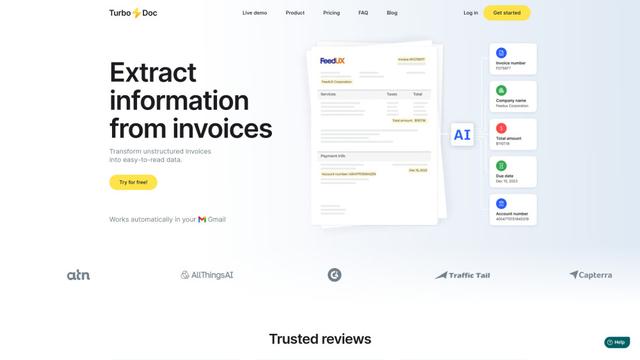
TurboDoc is an AI-powered invoice processing software that automatically extracts and transforms unstructured invoice data into organized, easy-to-read structured data through Gmail integration and intelligent document processing.
Smart Invoices
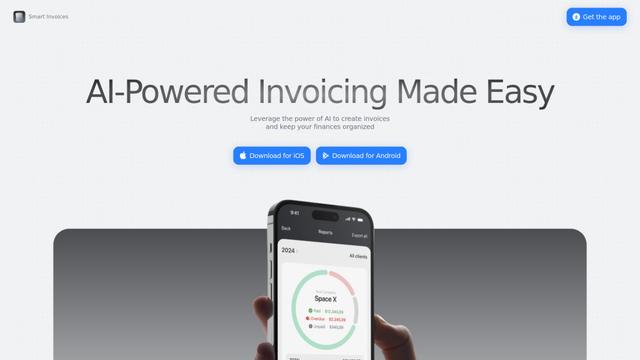
Smart Invoices is an AI-powered invoicing application that enables businesses to create, manage, and track professional invoices quickly while offering features like automated calculations, client integration, and cloud synchronization.
Spendtally
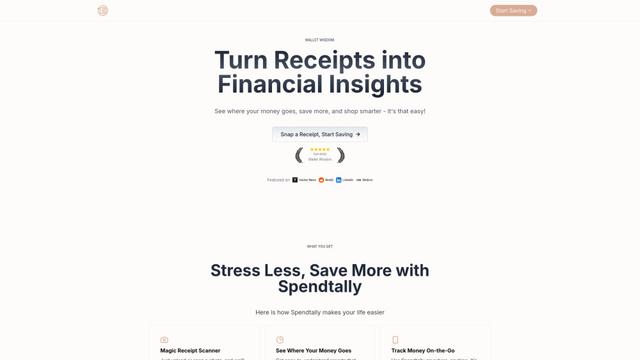
Spendtally is a smart expense tracking app that helps users manage their finances by scanning receipts, providing spending insights, and offering personalized recommendations for better deals and healthier shopping choices.

Simplify Money App
FreemiumAI Accounting Tools
Simplify Money is an AI-powered personal finance app that helps users track spending, set budgets, manage debt, and achieve financial goals through personalized insights and guidance.
Popular AI Tools Like Klutter AI
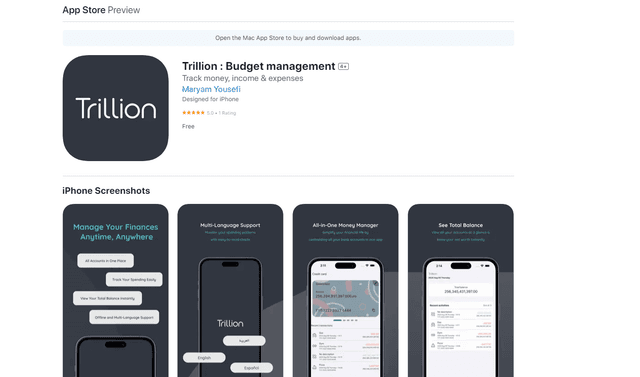
Trillion
Trillion is an all-in-one personal finance app that helps users track expenses, set budgets, and manage finances across multiple currencies and accounts with an ad-free, multilingual interface.
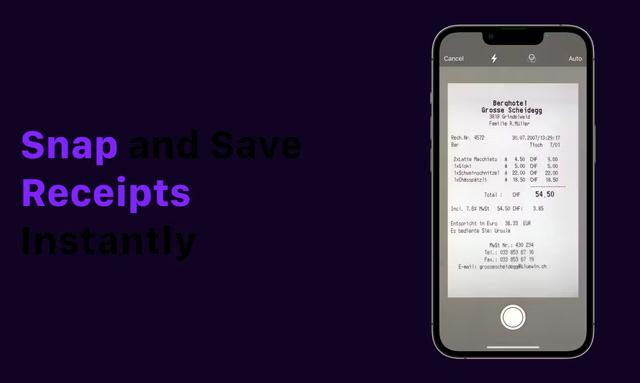
Receipt Snapper And Scanner
Receipt Snapper And Scanner is a mobile app that allows users to instantly capture, categorize, and organize receipts through photo scanning with automatic data extraction and smart organization features.

Intuit
FreemiumAI Accounting Tools
Intuit is a global financial technology platform that provides financial management and compliance software and services for consumers, small businesses, and accounting professionals.
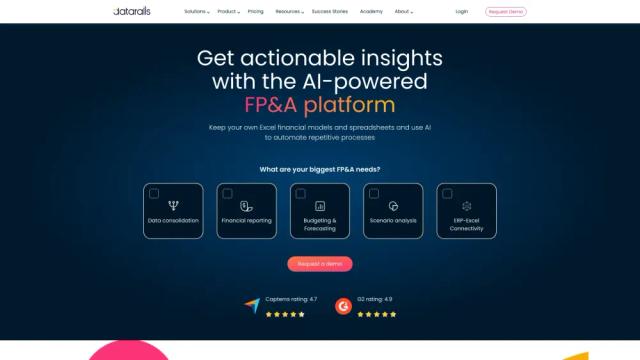
Datarails
Datarails is an AI-powered financial planning and analysis (FP&A) platform that automates financial reporting and planning while allowing finance teams to continue using familiar Excel spreadsheets.