
Kinovi
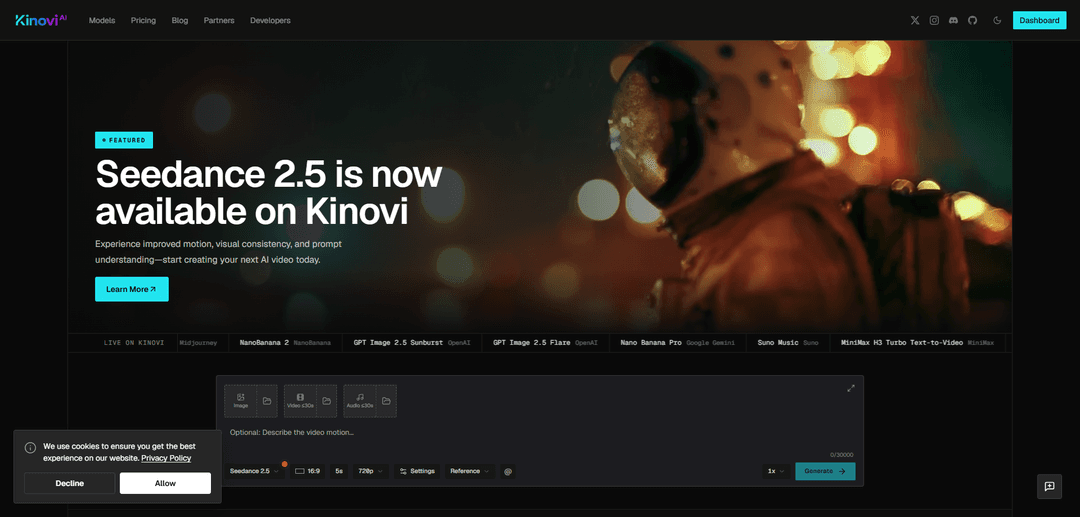
Kinovi is a unified AI video-and-image creation Studio plus public REST API that lets you generate, edit, and extend cinematic clips using multimodal references (text, images, video, audio) across a live catalog of top models with transparent pay-as-you-go rates.
https://kinovi.ai/?utm_source=aipure
Product Information
Updated:Sep 28, 2026
What is Kinovi
Kinovi is a next-generation AI Video Studio built for creators and developers who want more control than a simple text-to-video prompt box. It combines a browser-based Studio for hands-on creation with a public REST API for programmatic generation, so the same workflows can be used for experimentation, production, and automation. Kinovi aggregates multiple leading video and image models (e.g., Seedance routes and other featured providers) into one platform, exposing current model IDs, supported inputs, variants, and unit pricing in a live catalog, while using a single shared credit balance across Studio and API.
Key Features of Kinovi
Kinovi is a multimodal AI creation platform that combines a browser-based Studio with a public REST API to generate and edit videos, images, and audio using a single shared, pay-as-you-go credit balance. It acts as a hub for multiple top-tier model routes (e.g., Seedance 2.x and other providers) and emphasizes “director-style” control: users can mix text prompts with image/video/audio references, use shot instructions (including @-tag style direction), and apply workflows like first/last frame control, video editing, and video extending to maintain motion quality and visual consistency across clips. The same task flow is used in both Studio and API—submit a model + model-specific inputs via createTask, then poll recordInfo—making it easy to prototype in the UI and scale via automation.
One Studio + one REST API for multiple models: Create in the web Studio or integrate via the public API using the same model catalog, model IDs, and shared credit balance—reducing integration overhead and avoiding separate subscriptions across tools.
Multimodal, reference-driven generation: Direct outputs by combining text with reference images, video clips, and audio tracks; assign roles to references to guide style, motion, rhythm, and continuity for more controllable results than prompt-only generation.
Director-style shot control (natural language camera direction): Use natural language to specify camera moves (pan/tilt/zoom/tracking), composition, lighting, and shot intent; supports workflows like First & Last Frame control to reduce drift and improve temporal consistency.
Video editing & extending workflows: Beyond text-to-video and image-to-video, Kinovi supports video edit and video extend routes (e.g., Seedance 2.5 Edit/Extend) to iterate on existing clips or chain segments into longer sequences.
Live model catalog with variant rates: Browse current model routes, supported inputs, and pay-as-you-go unit pricing by variant (e.g., resolution tiers and reference-video options), helping teams choose the right quality/cost tradeoff per job.
Watermark-free, commercial-friendly positioning: Positioned for serious creators and agencies with watermark-free outputs and strong commercial-use messaging, plus a hard ban on NSFW content.
Use Cases of Kinovi
Marketing & advertising creative production: Generate short-form ads, product promos, and branded social clips quickly by guiding scenes with brand reference images/video and iterating via fast/mini routes before rendering higher-resolution finals.
Indie filmmaking & previsualization: Storytellers can prototype cinematic shots from scripts/prompts, control camera language, and maintain continuity across scenes by chaining and extending clips with consistent references.
E-commerce and product demo assets: Create repeatable product videos (spins, lifestyle scenes, feature callouts) using reference-driven workflows; batch draft with lower-cost variants and refine hero shots at higher resolutions.
Developer integration for content pipelines: Product teams can use the REST API as a headless generation backend—submit createTask jobs, poll recordInfo, and programmatically generate variants for A/B testing, localization, or automated asset generation.
Creator workflows for consistent characters/series: Use reference stacks (and character reuse features noted as beta in reviews) to keep recurring characters and visual style stable across episodes, memes, or serialized shorts.
Pros
Unified hub: Studio + API access to many model routes with one shared balance and consistent task flow.
Strong control: multimodal references and director-style shot instructions help reduce randomness and improve consistency.
Transparent selection: live catalog of model IDs, supported inputs, and variant pricing helps optimize quality vs. cost.
Practical iteration: supports not only generation but also video edit/extend workflows for iterative production.
Cons
Pricing and model availability can change; users must rely on the live catalog for the most current rates/variants.
Clip-based generation constraints remain (short segments that often need chaining/extension for longer narratives).
Hard NSFW restrictions may limit certain creative or adult-content use cases.
Model-specific inputs vary by route, so integrations must handle per-model parameter differences.
How to Use Kinovi
1) Create a Kinovi account and get free credits: Go to https://kinovi.ai/ and sign up/log in. New users can start with free credits (e.g., 200 credits mentioned in Kinovi materials) to test Studio and API generation.
2) Explore the model catalog and pick a model + use case: Open the live catalog at https://kinovi.ai/models to compare model IDs, supported inputs, variants (e.g., 480p/720p/1080p, with/without reference video), and pay-as-you-go rates. Choose the model that matches your goal (text-to-video, image-to-video, reference-to-video, text-to-image, image editing, etc.).
3) Use Kinovi Studio (no-code) to generate your first output: In Kinovi Studio, select a model route (e.g., Seedance 2.0/2.5 for video, Midjourney/NanoBanana/GPT Image for images). Enter a prompt describing the scene, lighting, and camera movement. If supported, set duration (commonly 4–15s for many workflows; some routes support longer, e.g., up to ~30s for Seedance 2.5 Preview) and choose output resolution (e.g., 480p/720p/1080p depending on the model/variant). Submit the generation and download the result when finished.
4) Add references (images/video/audio) for more control (Omni-Reference workflow): Upload reference assets (images, video clips, audio). Assign roles by tagging them in your prompt using @-style references (as described in Kinovi’s Omni-Reference concept). Use references to guide character/product consistency, style, motion, or timing. If available in the chosen workflow, use First Frame / Last Frame controls to dictate exactly how the shot begins and ends.
5) Iterate: extend or edit a clip with new instructions: If you need refinements, run another generation using an edit/extend route (e.g., Seedance 2.5 Video Edit or Seedance 2.5 Video Extend) and provide the prior output as a reference plus updated instructions. This lets you tailor motion, continuity, and shot direction across iterations.
6) Export and assemble multi-shot projects externally: Kinovi focuses on generation of short clips; for multi-shot sequences, download your clips and stitch them together in a timeline editor (external NLE). Maintain continuity by reusing the same references and consistent prompting across shots.
7) Get an API key for automation: Open the API keys page in the Kinovi dashboard (linked from Kinovi’s site) and create an API key. Store it as an environment variable (e.g., KINOVI_API_KEY=...).
8) Submit a generation task via the unified REST API (createTask): All models use one endpoint. Send POST https://kinovi.ai/api/v1/jobs/createTask with headers Authorization: Bearer <KINOVI_API_KEY> and Content-Type: application/json. In the JSON body, pass the model ID and the model-specific inputs (prompt, duration, outputResolution, and any reference fields supported by that model). A 200 response means the task was created and credits are reserved; it does not mean the output is ready.
9) Poll for completion (recordInfo) or use a webhook: Poll GET https://kinovi.ai/api/v1/jobs/recordInfo?taskId=<TASK_ID> until status changes from waiting/generating to success/fail. Optionally include a top-level callBackUrl in createTask to receive a webhook instead of polling.
10) Retrieve outputs and handle failures: When the task succeeds, read task.output to get the generated video/image/audio result URLs or payload. If status is fail, inspect task.error.message (if present) and retry with adjusted inputs (prompt, references, duration, resolution, or a different model route).
11) Use official examples to speed up integration: Clone Kinovi’s examples repo (as referenced in Kinovi materials): git clone https://github.com/kinovi-ai/kinovi-models.git. Navigate to the model folder you want (one folder per model, one script per use case) and run the provided Python/TypeScript/cURL scripts. These examples submit a task, poll until completion, and save the result.
12) Manage costs with model variants and shared credits: Kinovi uses pay-as-you-go credits shared across Studio and API. Control spend by choosing lower-cost variants (e.g., 480p vs 720p/1080p, with/without reference video) and by minimizing trial-and-error through stronger prompts and consistent references.
Kinovi FAQs
Kinovi is an AI video and image generation Studio with a public REST API, letting creators generate content in the browser or integrate model routes into their own apps.
Official Posts
Loading...Popular Articles

Vosko AI: Localize and Dub Videos for Global Audiences
Oct 15, 2026

Atoms: A Multi-Agent AI Platform That Transforms Ideas into Launch-Ready Products
Oct 13, 2026

Nano Banana SBTI: What It Is, How It Works, and How to Use It in 2026
Apr 15, 2026

Atoms Review — The AI Product Builder Redefining Digital Creation in 2026
Apr 10, 2026
Latest AI Tools Similar to Kinovi

Loud Fame
Loud Fame is an AI-powered video transformation tool that allows users to convert regular videos into anime-style animations and create AI-generated celebrity talking videos.

BizBoom.ai
BizBoom.ai is an AI-powered platform that automatically generates professional product videos from product links and images with 95% less cost.

EzVideos
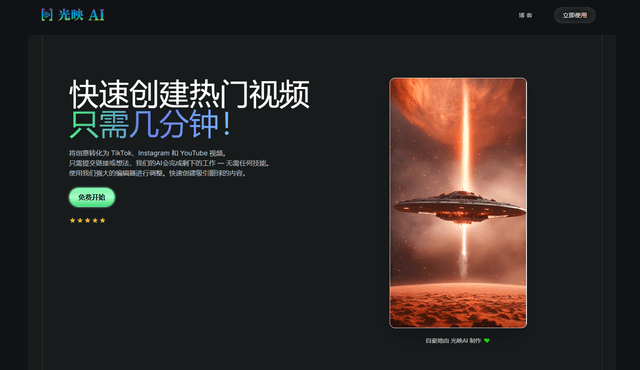
EzVideos is an all-in-one video creation tool that helps users generate viral videos for social media platforms like Instagram, TikTok, and YouTube with automated editing features and built-in resources.
Illuminix
Illuminix is an AI-powered platform that empowers businesses with autonomous hyper-experts and specialized tools for automated business processes, data management, and video content creation.
Popular AI Tools Like Kinovi
HunyuanVideo-I2V
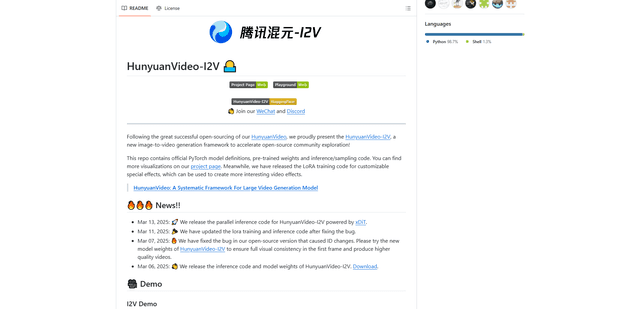
HunyuanVideo-I2V is an open-source AI framework developed by Tencent that transforms static images into high-quality, dynamic videos with customizable motion effects and exceptional visual consistency.
Google Veo 2
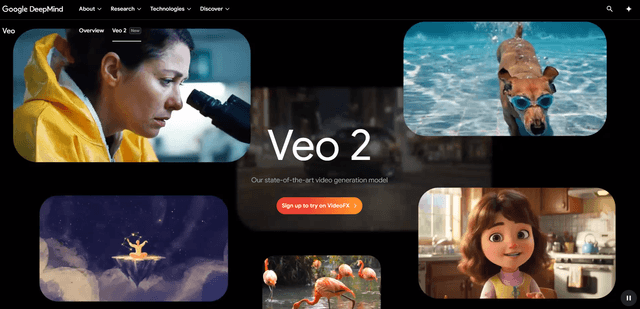
Veo 2 is Google DeepMind's state-of-the-art AI video generation model that can create high-quality videos up to 4K resolution with realistic motion, extensive camera controls, and improved physics simulation from text prompts.

Vibing
Vibing is an AI-powered dating app that helps users share authentic moments through video stories and make genuine connections based on personality matching and interactive features.
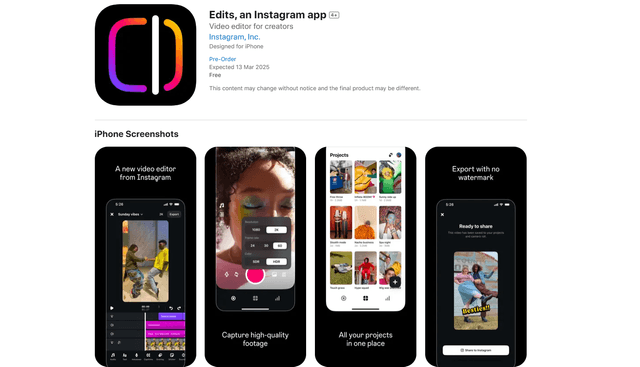
Edits, an Instagram app
Edits is Instagram's free video creation app that provides creators with professional editing tools, AI features, and analytics capabilities to create high-quality videos directly from their phones.