
Kim Personal Health Assistant
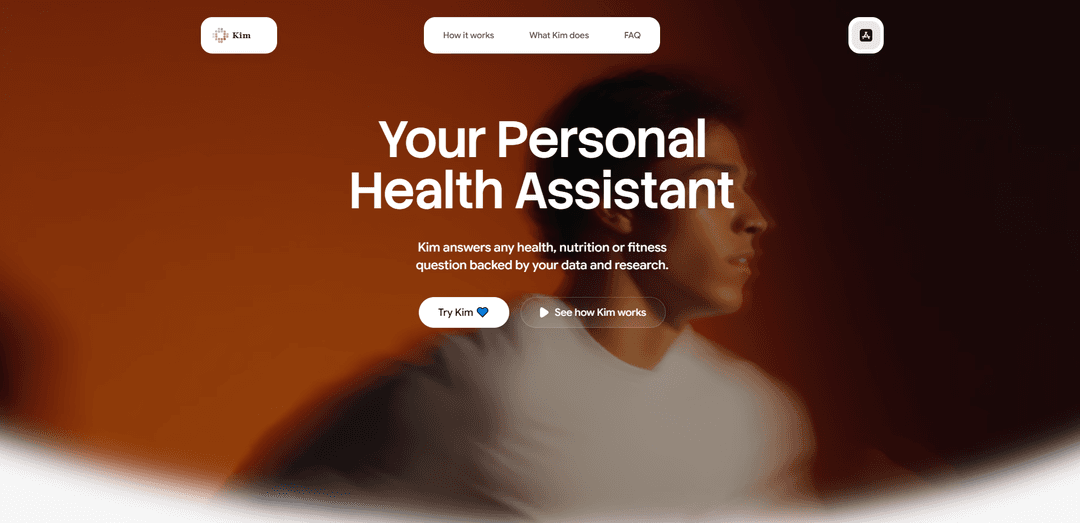
Kimパーソナルヘルスアシスタントは、ウェアラブル、血液検査、食品、サプリメントのデータを接続し、研究に基づいたパーソナライズされた洞察、最適化ガイダンス、週次進捗レポートを提供するAIヘルス、栄養、フィットネスアシスタントです。
https://www.oculimedical.com/?ref=producthunt&utm_source=aipure
製品情報
更新日:2026年06月08日
Kim Personal Health Assistantとは
Kimパーソナルヘルスアシスタントは、主要な健康入力(ウェアラブル指標、血液検査結果、栄養ログ、サプリメントスタック)を1つのインターフェースに集約することで、体内で何が起こっているかを理解するのに役立つように設計されたパーソナルAIヘルスアプリです。Kimは、生データだけを表示するのではなく、独自のデータと引用された研究を使用して平易な言葉で健康に関する質問に答え、「正常」な検査範囲を、年齢、性別、目標にとってより最適なものに変換するのに役立ちます。健康データを視覚化し、質問し、実用的な次のステップを得るための単一の場所を求める人々のために構築されています。
Kim Personal Health Assistantの主な機能
Kim Personal Health Assistantは、データ駆動型の健康、栄養、フィットネスアシスタントです。ウェアラブルデバイスや検査/血液検査データに接続し、それらを1つのインターフェースで視覚化し、ユーザーのデータと引用された研究の両方を使用して、パーソナライズされた質問に答えます。年齢、性別、目標に基づいて結果を解釈することで「通常の」検査範囲を超え、サプリメントスタックの最適化(相互作用、タイミング、不足)、週次身体レポート、行動(例:サプリメント、睡眠習慣、栄養)と結果(例:深い睡眠、回復)を関連付けるパターン検出などの機能を通じて、行動を促します。
ウェアラブル + 血液検査データ統合: ウェアラブル信号と検査/血液データを接続し、体内で何が起こっているかを単一のインターフェースで表示および解釈できます。
データと研究に裏打ちされたパーソナライズされたQ&A: 追跡された自身のデータを使用して健康、栄養、フィットネスに関する質問に答え、引用されたウェブソースによって裏付けられた回答を提供します。
最適範囲の解釈(「正常」だけではない): 標準的な参照範囲にのみ依存するのではなく、検査値が年齢、性別、目標にとって本当に最適であるかどうかを説明します。
サプリメントスタックオプティマイザー: 潜在的な相互作用、タイミングの間違い、不足しているギャップについてサプリメントの「スタック」をレビューし、検査とウェアラブルの傾向と照合して推奨事項を提示します。
週次身体レポート: 睡眠、回復、カロリーなどの分野で、何が改善され、何が改善されなかったか、そして来週何を改善すべきかについての明確なガイダンスを週次で要約して提供します。
パターン検出と洞察: ログ内の相関関係(例:マグネシウム摂取夜と深い睡眠時間)を明らかにし、それらを実用的な洞察とプロンプトに変換します。
Kim Personal Health Assistantのユースケース
個人のウェルネス最適化: 個人はKimを使用してウェアラブルと検査を接続し、睡眠/回復の変化の要因を特定し、習慣、食事、サプリメントに関する具体的な週ごとの調整を得ることができます。
サプリメントと栄養計画: 複雑なサプリメントルーチンを管理している人々は、Kimを使用してタイミング、相互作用、不足を確認し、血液検査と追跡された結果に合わせて選択肢を調整できます。
フィットネスとトレーニングのサポート: アクティブなユーザーは、活動データとともに回復と睡眠を追跡し、何がパフォーマンスを助けたり妨げたりしているのか、次に何を修正すべきかをKimに尋ねることができます。
定期健診間の予防的健康モニタリング: ユーザーは、Kimの「最適対正常」という枠組みを使用して、時間の経過とともに検査やウェアラブル指標の傾向を解釈し、臨床医との情報に基づいた議論を導くことができます。
コーチングとクライアント報告ワークフロー: 健康、栄養、またはフィットネスのコーチは、Kimの統合されたデータビューと週次レポートを使用して、チェックインを効率化し、証拠に基づいた推奨事項を提供できます。
メリット
高度にパーソナライズされている:推奨事項と回答は、ユーザー自身のウェアラブル、栄養、サプリメント、血液検査データに基づいています。
行動指向の出力:週次レポートとパターン洞察は、データを具体的な次のステップに変換します。
研究に裏打ちされた回答:純粋に一般的なアドバイスではなく、情報源に裏打ちされた回答が含まれています。
デメリット
データ品質と完全性への依存:ウェアラブル/検査/ログデータが一貫していないか欠落している場合、洞察が限定的または誤解を招く可能性があります。
医療の代替品ではない:「最適」範囲の解釈やサプリメントの相互作用には、安全性のため臨床医の監督が必要な場合があります。
潜在的なプライバシーの機密性:血液検査とウェアラブルデータを1つのアプリに集約することで、強力なデータ保護慣行の重要性が高まります。
Kim Personal Health Assistantの使い方
1) Kimアプリを入手する: 利用可能なモバイルアプリからKim(パーソナルヘルスアシスタント)をインストールして開き、オンボーディングを開始して、Kimがあなたの年齢、性別、目標に合わせて洞察を調整できるようにします。
2) ウェアラブルデータを接続する: ウェアラブルをリンクして、Kimがあなたのアクティビティ、回復、睡眠(深い睡眠追跡を含む)を1つのインターフェースで読み取り、視覚化できるようにします。
3) 血液/検査データを追加する: 血液検査結果をアップロードまたは入力して、Kimが「正常」な検査範囲を超えて結果を解釈し、値があなたの年齢、性別、目標に最適かどうかを評価できるようにします。
4) 栄養を追跡する: 栄養追跡を有効にし、食べたものを記録して、Kimが食事パターンと睡眠、回復、週ごとの進捗などの結果を関連付けられるようにします。
5) サプリメントスタックを入力する: 摂取しているすべてのサプリメント(フルスタック)をリストアップして、Kimがあなたの血液検査とウェアラブル信号を使用して相互作用、タイミングの問題、およびギャップを確認できるようにします。
6) 健康、栄養、またはフィットネスに関する質問をする: アプリ内チャットを使用して質問します。Kimは接続されたデータと研究を使用して回答し、情報源に基づいた回答を提供します。
7) 「何が機能しているか/何が機能していないか」を確認する: Kimの洞察を確認して、どの行動がより良い結果と相関しているか(例:マグネシウムを記録した夜の睡眠の変化)と、次に何を調整すべきかを確認します。
8) パターン検出の洞察を使用する: Kimの「洞察」通知を開いて検出されたパターンを探索し、詳細をタップします(例:サプリメントを摂取した日と摂取しなかった日の深い睡眠の平均を比較する)。
9) サプリメントのタイミングと安全性を最適化する: サプリメントスタックオプティマイザーを使用して、タイミングエラー、潜在的な相互作用、および不足している要素を特定します。検査結果と相互参照された推奨事項を確認します。
10) 週次身体レポートを読む: 毎週、改善された点、改善されなかった点、および睡眠、回復、カロリーなどの分野でKimが次週に推奨する具体的な変更の要約を確認します。
11) 目標に基づいて反復する: 記録、同期、質問を続けることで、Kimがあなたのライフスタイルに適応し、時間の経過とともにデータが変化するにつれて推奨事項を洗練できるようにします。
12) 製品成分スキャンを使用する(アプリで利用可能な場合): 製品の成分リストをスキャンして、全体的なウェルネスプランとサプリメントスタック内で評価するのに役立てます。
Kim Personal Health Assistantのよくある質問
Kimは、接続されたデータと研究に基づいた(情報源に基づいた)情報を使用して、健康、栄養、フィットネスに関する質問に答えるパーソナルヘルスアシスタントアプリです。




Kim Personal Health Assistantに類似した最新のAIツール
DocAI
DocAIは、先進的な機械学習技術を通じて、インテリジェントな文書処理、医療相談分析、および個別の医療ソリューションを提供するAI駆動のプラットフォームです
Nutrecity
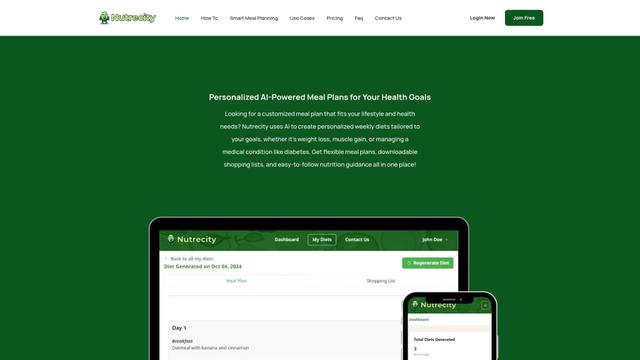
Nutrecityは、個々の健康目標、食事の好み、制限に合わせたパーソナライズされた栄養プランを作成し、包括的な栄養追跡とレポートを提供するAI駆動の食事計画プラットフォームです
Fit Aura
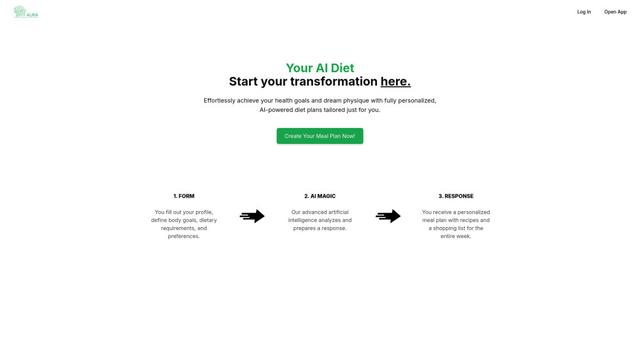
Fit Auraは、パーソナライズされた食事プランを作成し、レシピを生成し、健康目標を達成するためのフィットネスの進捗を追跡するAI駆動のダイエットおよび栄養プラットフォームです
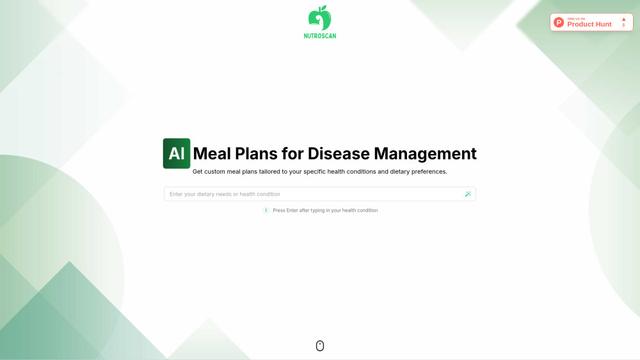
Nutroscan
Nutroscanは、個々の健康状態、食事の好み、栄養ニーズに基づいてパーソナライズされた栄養プランを生成するAI駆動の食事計画プラットフォームです。
Kim Personal Health Assistantに似た人気のAIツール
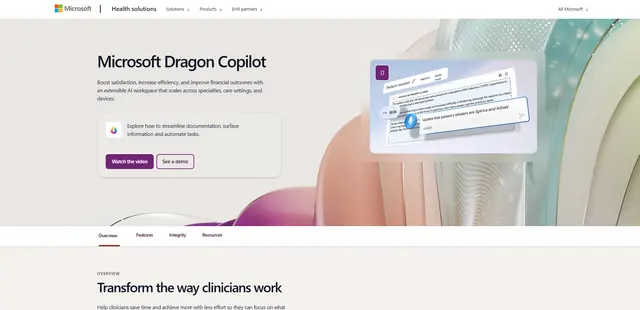
Microsoft Dragon Copilot
Microsoft Dragon Copilotは、自然言語音声ディクテーション、アンビエントリスニング機能、および生成AIを組み合わせて、文書作成を合理化し、情報を表面化し、医療現場全体でタスクを自動化するAI搭載の臨床ワークフローアシスタントです。
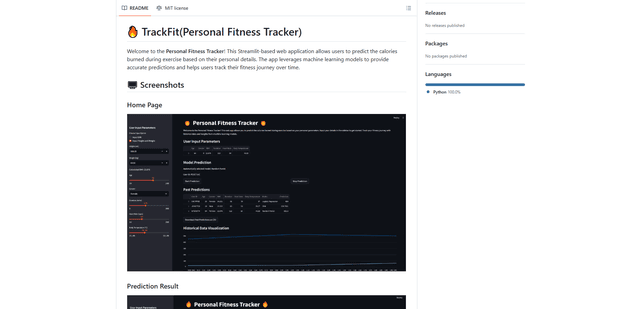
TrackFit
TrackFitは、スマートウォッチセンサーデータ、機械学習モデル、およびパーソナライズされた分析を組み合わせて、ユーザーがワークアウトを監視し、進捗状況を追跡し、リアルタイムで運動フォームを改善するのに役立つ包括的なAI搭載フィットネストラッキングシステムです。
HealthyAI - Nutrition Scanner
FreemiumHealthcare
HealthyAIは、バーコードスキャンと写真認識技術を通じて、即時の成分分析、栄養の内訳、およびパーソナライズされた推奨事項を提供することにより、ユーザーがより健康的な食品の選択をするのに役立つAI搭載の栄養スキャナーアプリです。
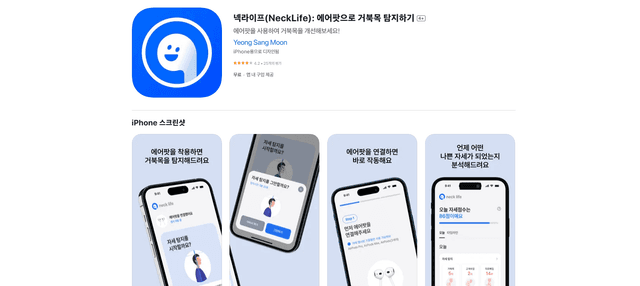
Neck-Life
FreemiumHealthcare
Neck-Lifeは、AirPodsセンサーを使用してリアルタイムで首の姿勢を監視し、タイムリーなアラートとパーソナライズされた設定を通じて'テックネック'を防ぐのに役立つ革新的なアプリです